How Support Agreement Helps
Concrete scenarios where the support agreement pays for itself in a single incident.
Why an active agreement matters
Software is only as useful as your ability to keep it running. An active Support Agreement is the difference between a 20-minute remote-desktop fix and a half-day of guesswork. Below are concrete scenarios where the agreement pays for itself in a single incident.
Real-world scenarios
Year-end GST filing
You discover a tax-structure mismatch the day before filing. With agreement: a support engineer connects via remote desktop, identifies the affected items, runs the corrected GST — S2b in under 30 minutes. Without: you wait in the queue.
Server hardware swap
Your server dies on a Friday evening. With agreement: we walk you through restoring the latest backup onto the new machine, re-activating the licence, and getting users back online by Monday morning. Without: you reinstall blind and risk losing recent transactions.
New staff onboarding
You hire two counter staff and need them productive on day one. With agreement: support walks them through invoice / batch / day-closure on a free remote training session. Without: they learn by trial and error, and your inventory pays the price.
Anti-virus blocking after a Windows update
Windows pushes a Defender update that quarantines xn.exe. With agreement: 5-minute remote session adds the exclusion and restores the file. Without: you are reading forum posts.
Quiet benefits you may not think of
- Auto-applied bug fixes — you benefit from every problem any other customer reports.
- Version upgrades arrive with release notes so you know what changed.
- A documented history of your installation, so the next engineer is not starting from zero.
How to reach support from inside ZN ERP
Three in-app screens drive every contact with the support team — book a remote-session call, post a written query, or look up your earlier interactions.
Book a Call
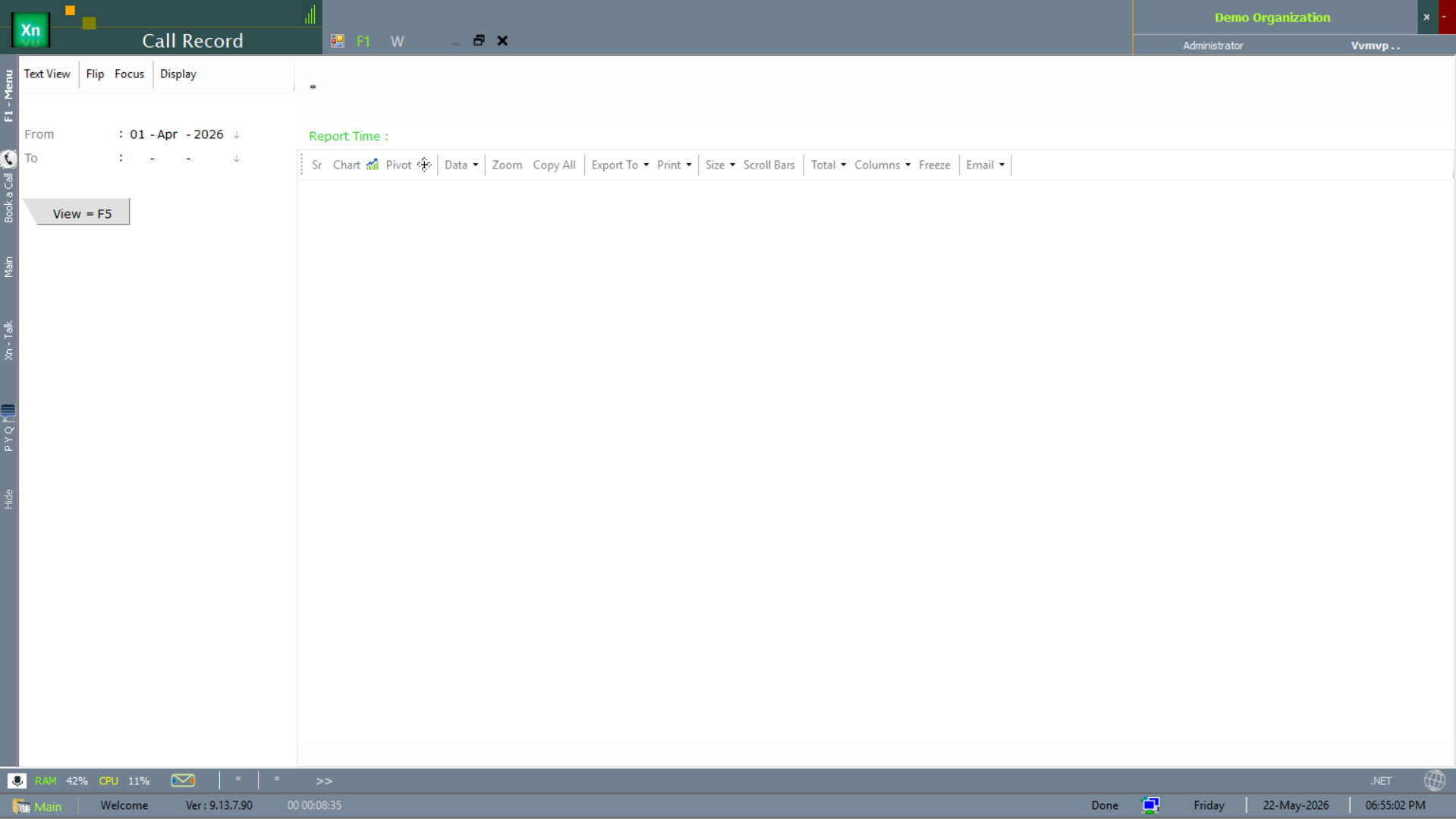
The Book a Call wizard schedules a remote-desktop session with the support engineer. Pick the call type (Quick / Standard / Critical) via the radio strip, choose a time slot, then save — the support team gets the booking in real time.
Post your Query
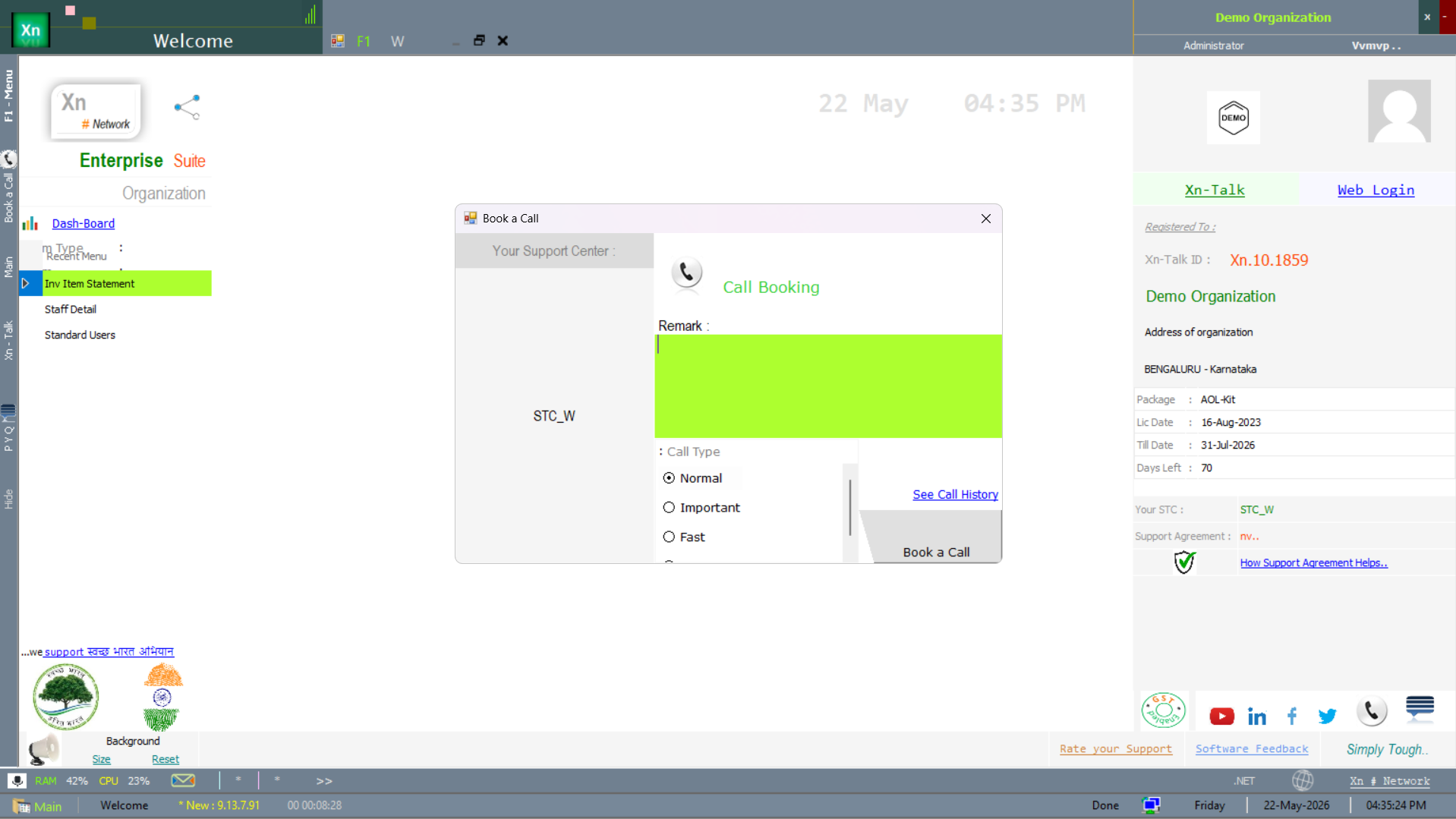
The Post your Query dialog is the written-ticket alternative to a call — useful for non-urgent questions where a remote session is overkill. Attach screenshots if relevant; the support team replies in Xn-Talk.
Call Record (history)
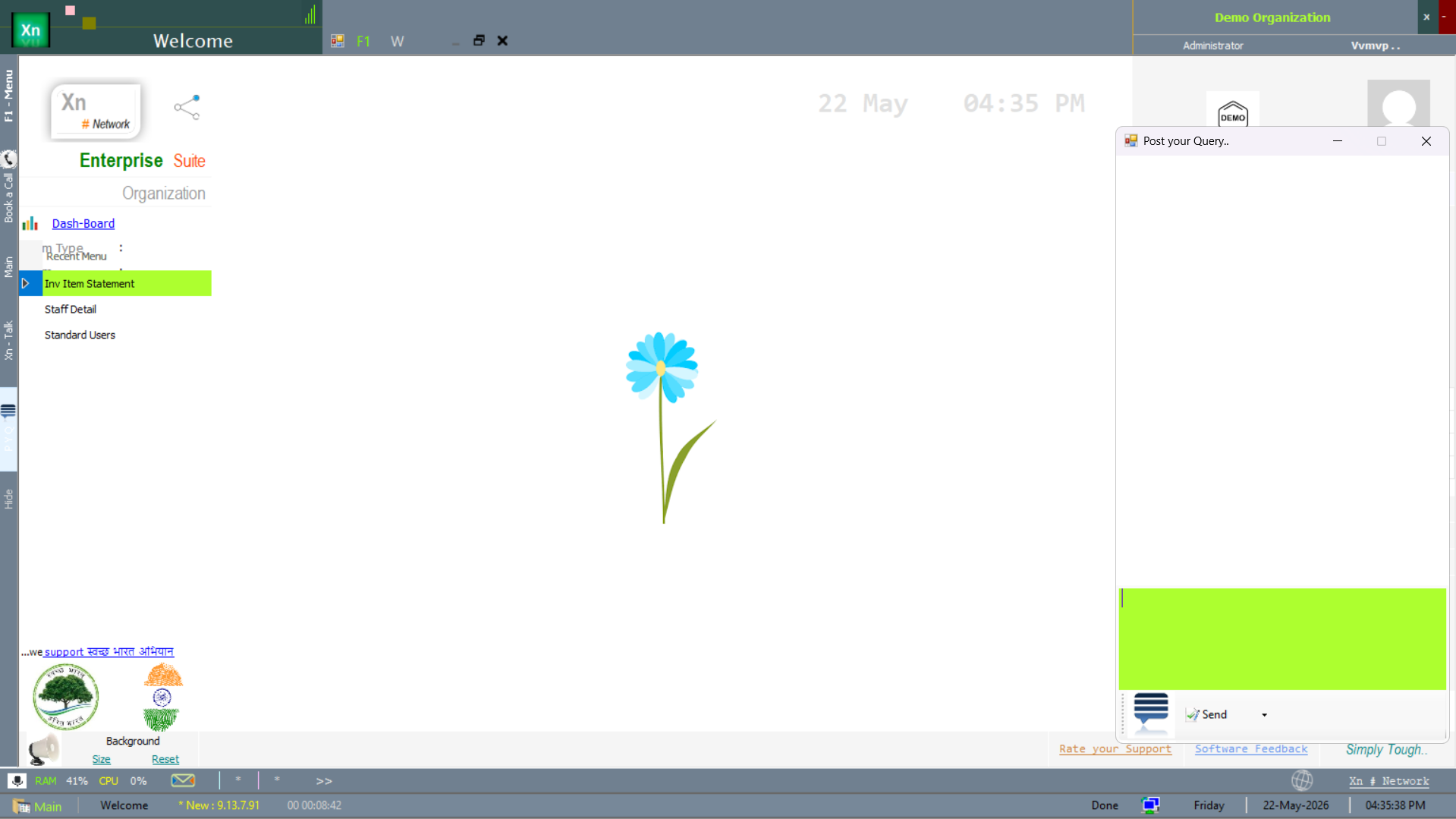
The Call Record screen surfaces the historical log of every booked call, queries posted and engineer-issued resolutions — a date-ranged audit of every support interaction on your installation.