Purchase Orders
Raise, amend, track and close Purchase Orders.
Overview
The Purchase Orders area is the supplier-facing side of procurement. Once raised, a PO can be amended, partially received via GRN, and finally closed when fully received or short-closed with a reason. The PO Tracker is the at-a-glance status board your buyer should keep open all day.
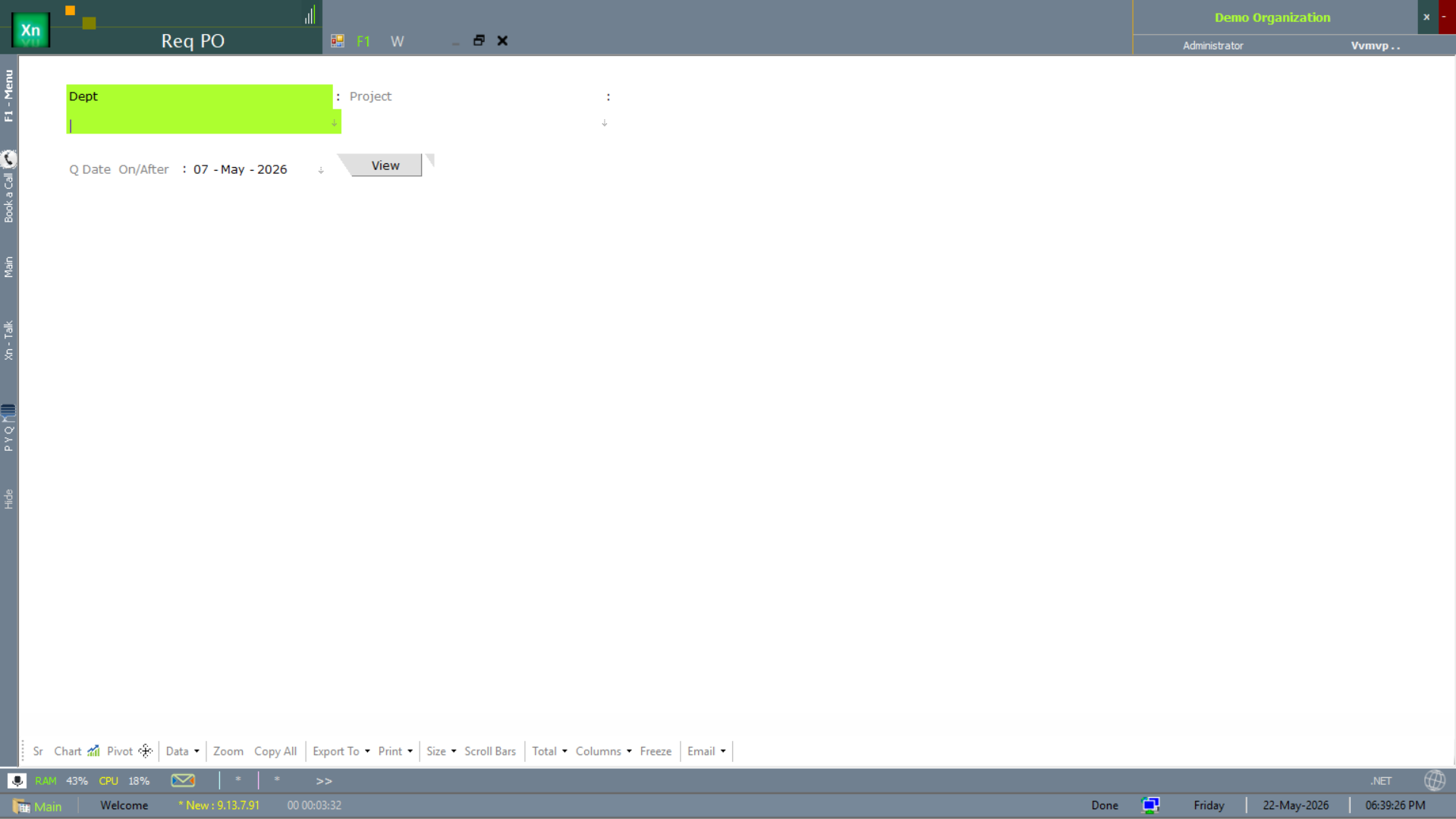
Purchase Requisition (Req PO)
The Req PO screen captures an internal request for purchase — department, project, and the items needed. Approved requisitions feed the buyer's workbench so the new PO references back to a specific cost centre and an originator. Most installations route requisitions through the same approval matrix used for the eventual PO.
New PO
Creates a fresh Purchase Order. Supports manual line entry, item-list import, and one-click pull from MRP planned orders or from approved requisitions. The header captures supplier, location, expected date and payment terms; the lines carry rate, tax and any per-line delivery date. Approval workflow can be enabled per PO value-band.
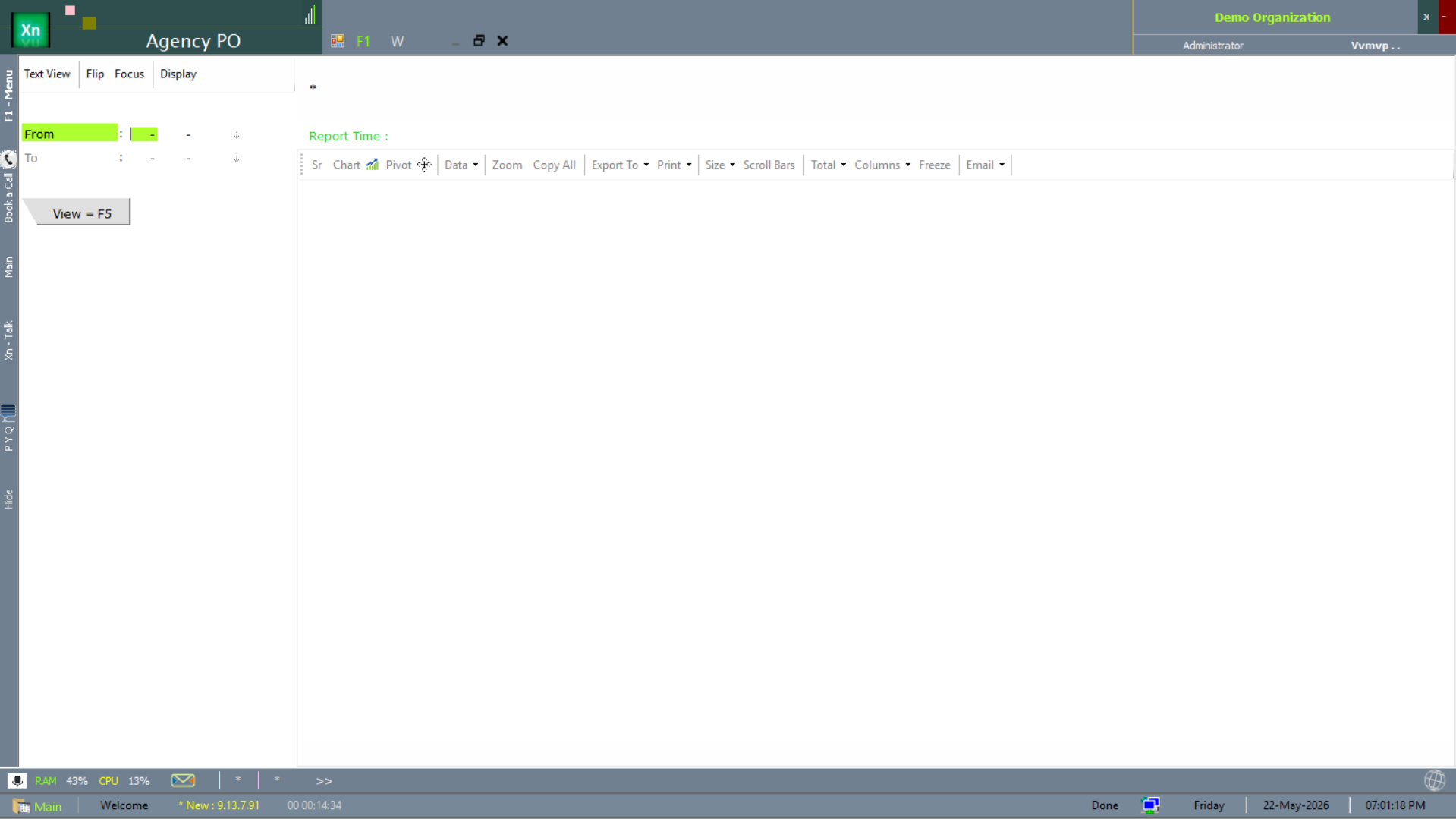
Agency PO
Agency PO is the variant used when buying through a sourcing agency rather than direct from the supplier. The agency rides on the PO as an additional party so commission, payment terms and shipping liability are recorded at the source — useful for imports and for distributor / agent procurement.
Amend PO
Modifies an open PO — quantity, rate, delivery date, line additions and deletions. Every amendment is version-tracked, so the original PO and each revision can be reprinted from the audit tab. Amendments above a configurable value threshold can require re-approval.
Close PO
Closes a PO without expecting any more receipts (short-close), with a mandatory reason. The remaining open quantity is removed from on-order so MRP stops counting it as future supply. Closed POs can be reopened by an admin with a reason; the action is logged.
PO Tracker
Live list of all POs with status (Open / Partial / Closed / Cancelled), ageing in days, expected date and receipt percent. Filter chips and saved views (Open older than 30 days, etc.) make daily review fast. Click any row to drill into the PO with its GRN history.
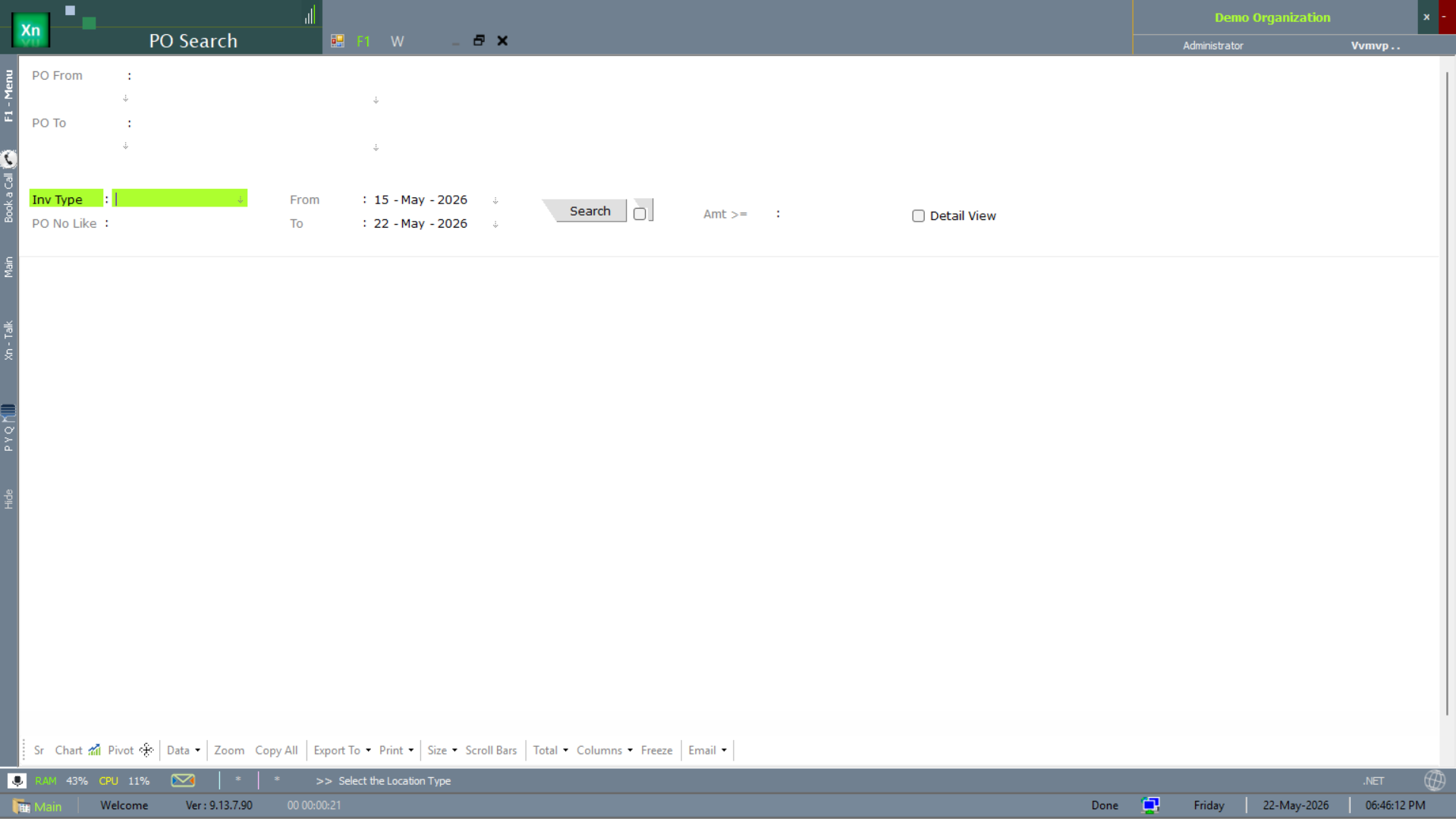
PO Search
The PO Search screen is the quick look-up for a single PO — by number, by supplier, by item or by date. Lighter than the full tracker; the fastest path when you already know the PO you want.
PO Flow
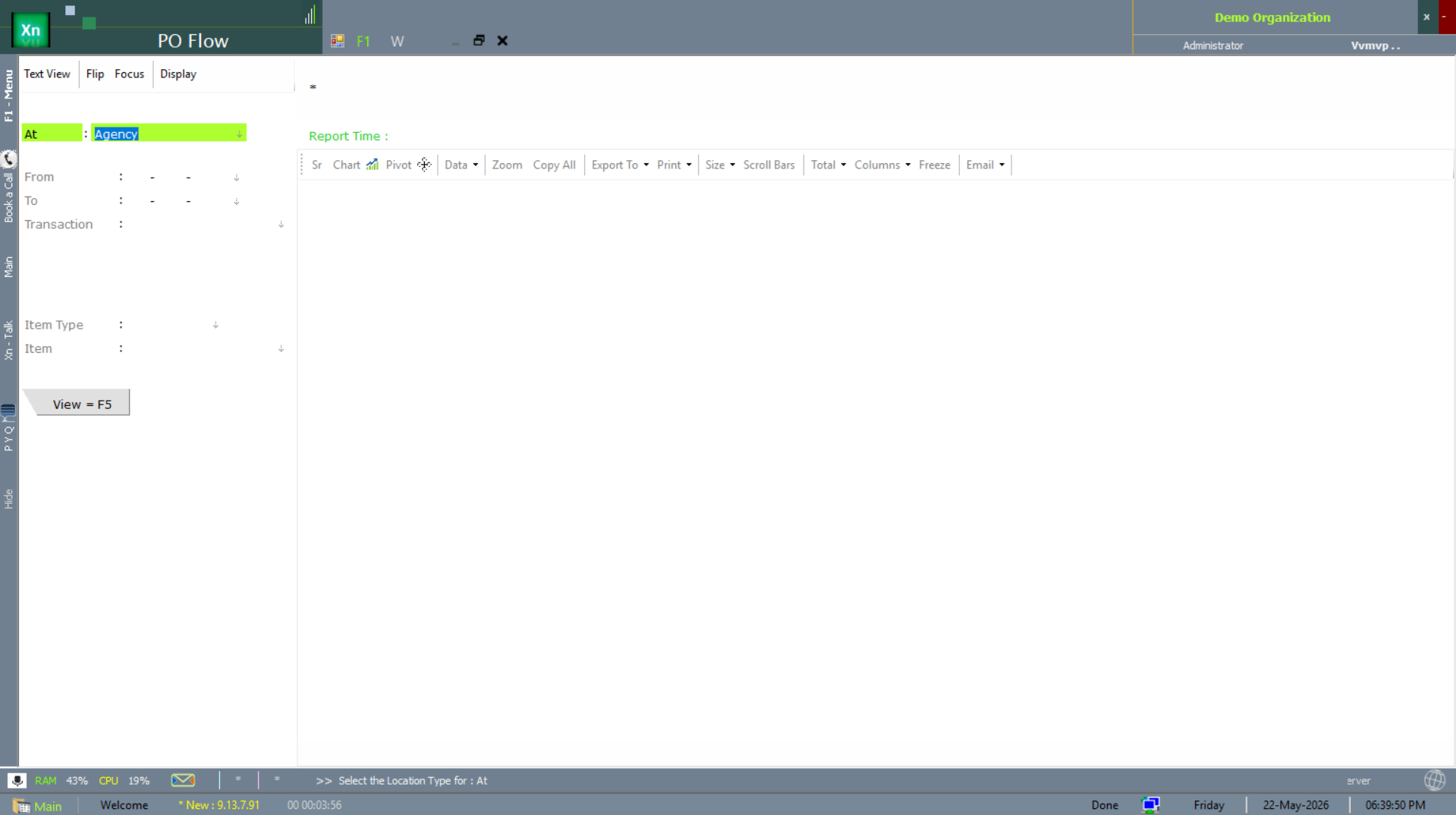
The PO Flow screen shows the lifecycle of POs over a date range — raised, partially received, fully received, closed — with agency and transaction filters so a buyer can scope to their own POs.
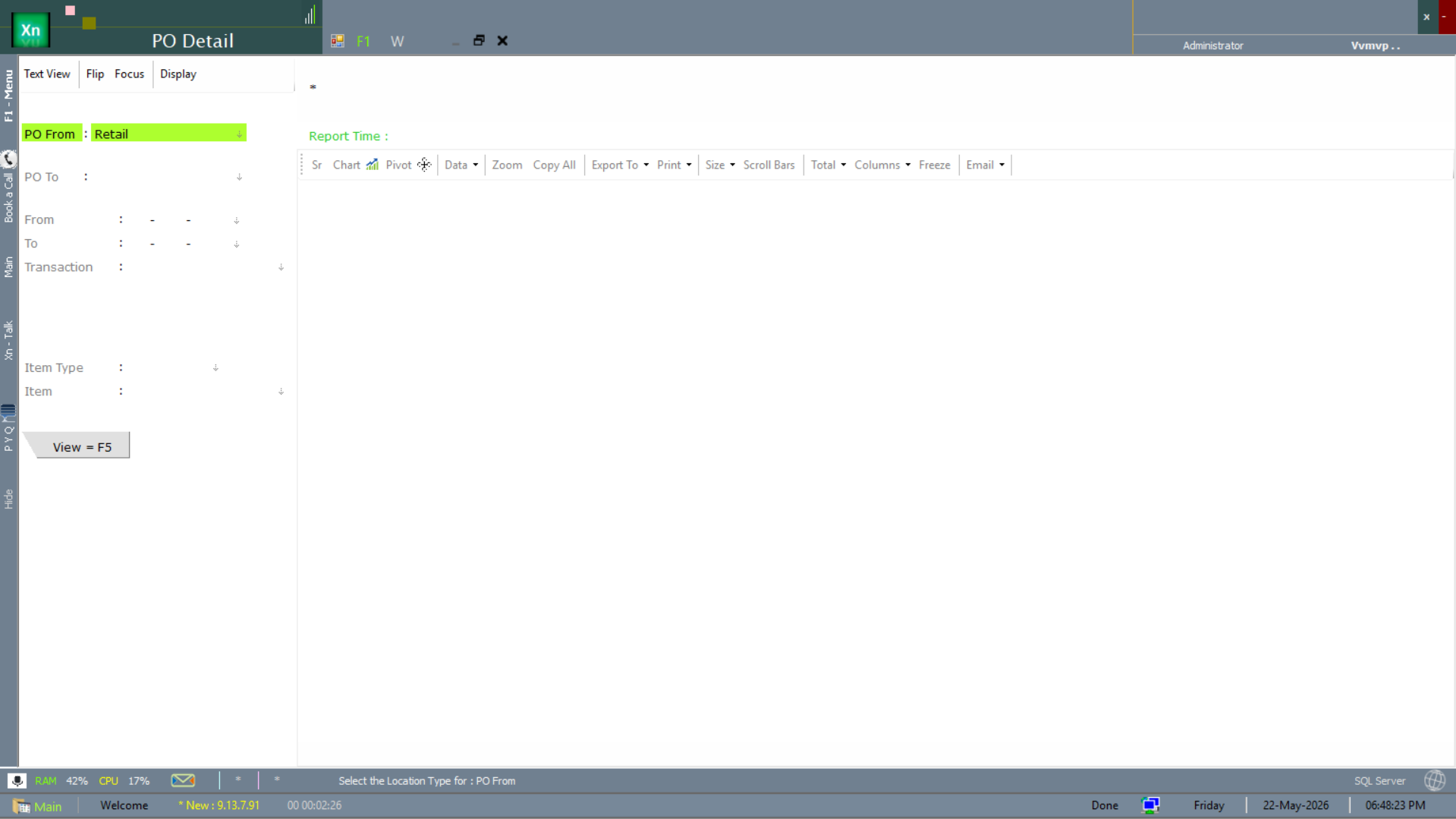
PO Detail
The PO Detail screen is the line-level view of a single PO — what was ordered, what has been received, what is open. Use it during supplier follow-up calls; the open quantity column drives the conversation.