Harvest
Plantation / agri harvest capture, grading and grower pay-out.
Overview
The Harvest area is built for plantation businesses. The daily flow is: enter weights at the collection centre, run grading at the processing yard, and at the end of the period generate pay-outs to growers using grade-wise rates. Pre-requisite masters — growers, crops, grades and collection centres — live in Agri Setup.
Harvest Entry
Daily capture from collection centres — grower, vehicle, gross weight, tare, net weight. Each entry stamps the collection centre, date and time, and the operator. A single grower can have multiple entries per day; the system sums them for pay-out.
Grading & Grading Loss
Records the grading run on accumulated net weight — how much went to each grade and how much was rejected. Grading Loss is the difference between net incoming weight and graded outgoing weight; the system computes it automatically and posts it to a loss account.
Grower Pay-out
Calculates pay-out per grower for a period using grade-wise rates from the Rate Standard. Supports deductions (advance recovery, transport, packaging) per grower with reason codes. Output is the payment register and a printable / emailable pay-out statement per grower.
Harvest Report
Period totals by collection centre, grade, grower and crop. Useful for season-on-season comparison and for procurement planning the next year. Drill-through opens the underlying daily entries.
Harvest menu
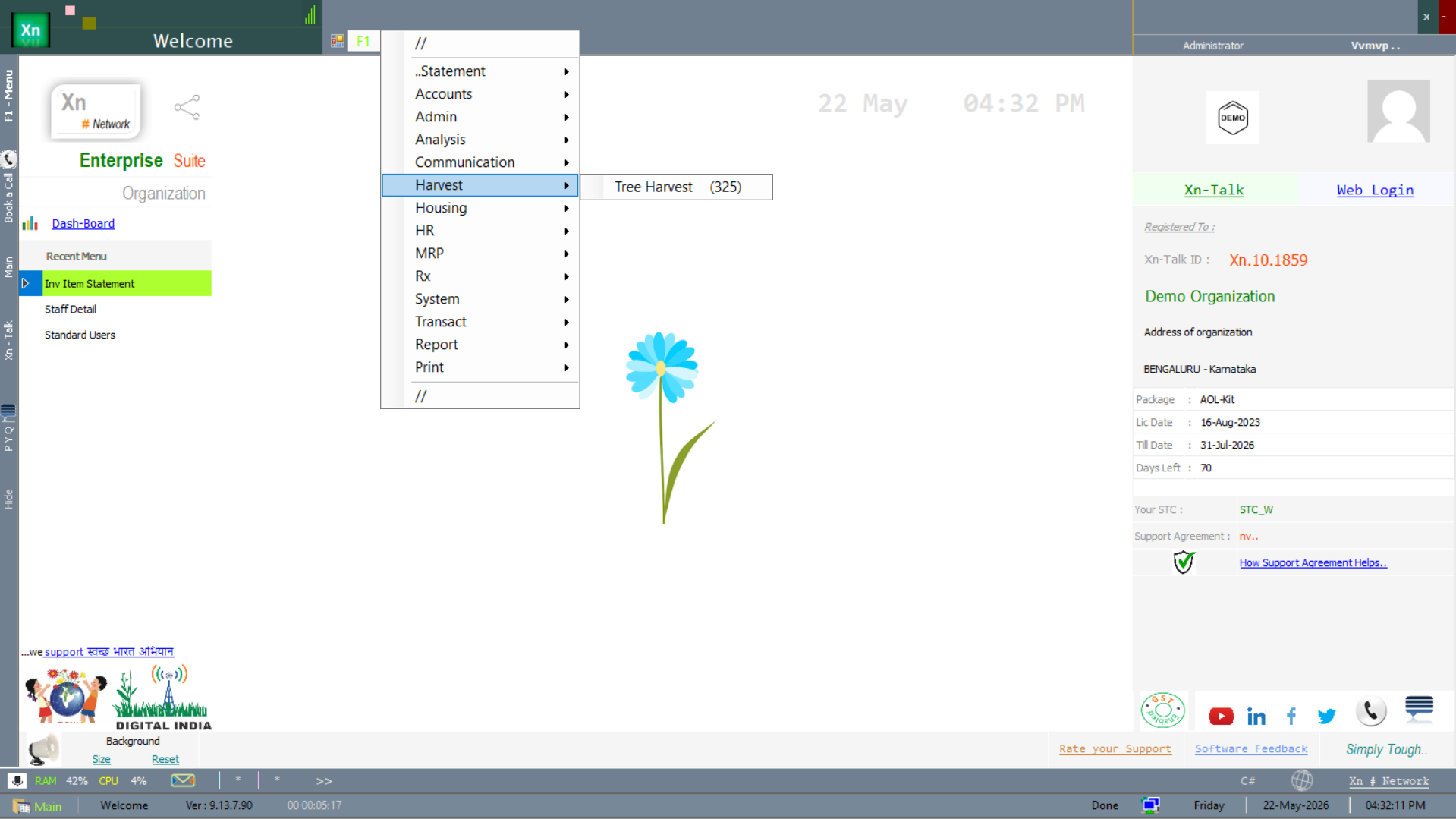
Harvest screens live under the Harvest branch of the Welcome screen, with a live record-count badge (325 tree-harvest records in the screenshot).
Plantation masters
Three masters define the physical plantation — what crops you grow, how the land is divided, and how each section is marked for traceability.
Crop Detail
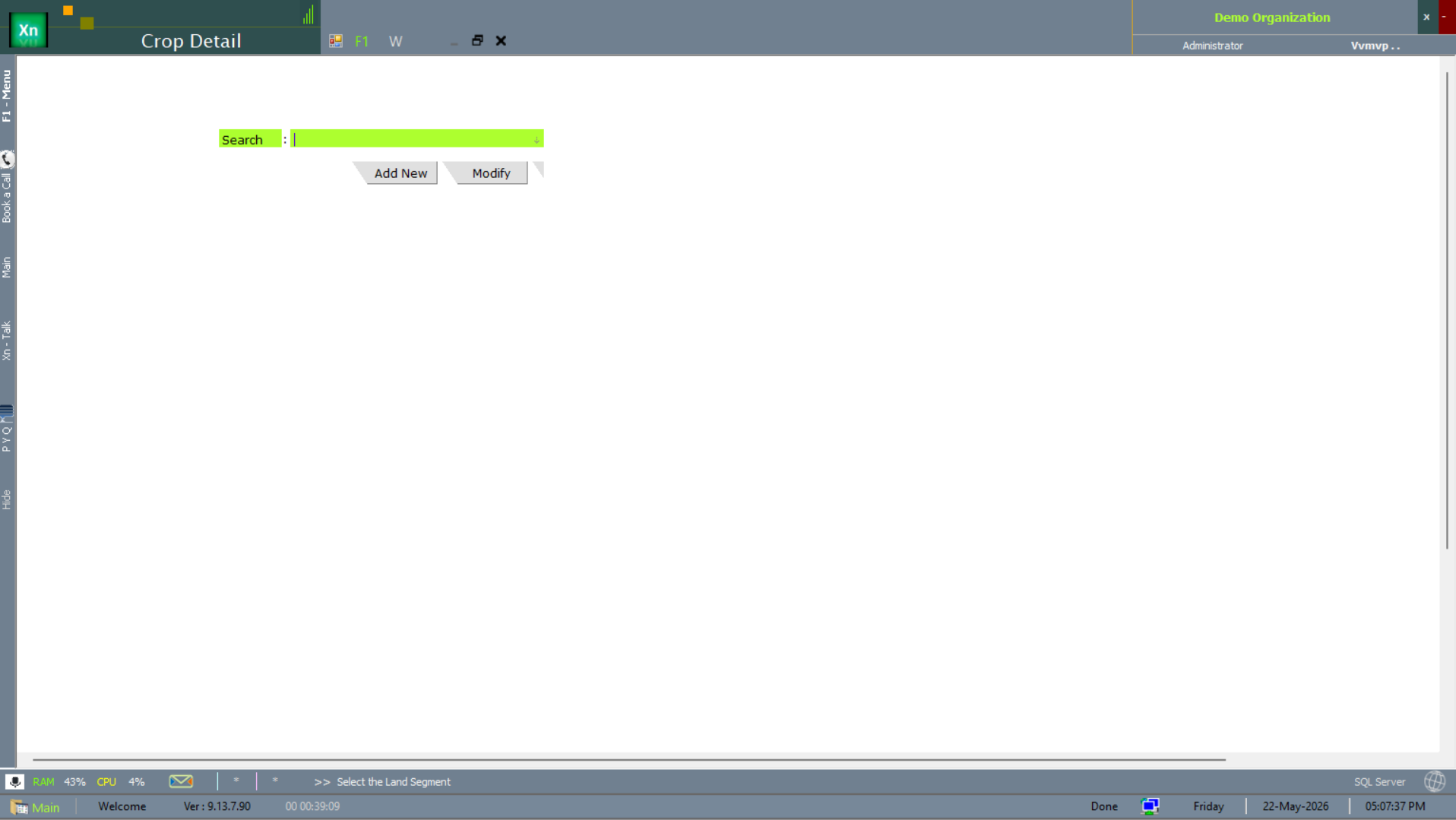
The Crop Detail master defines every crop the plantation handles — species, planting season, expected yield. Referenced by Land Segment and the harvest-entry screens.
Land Segment
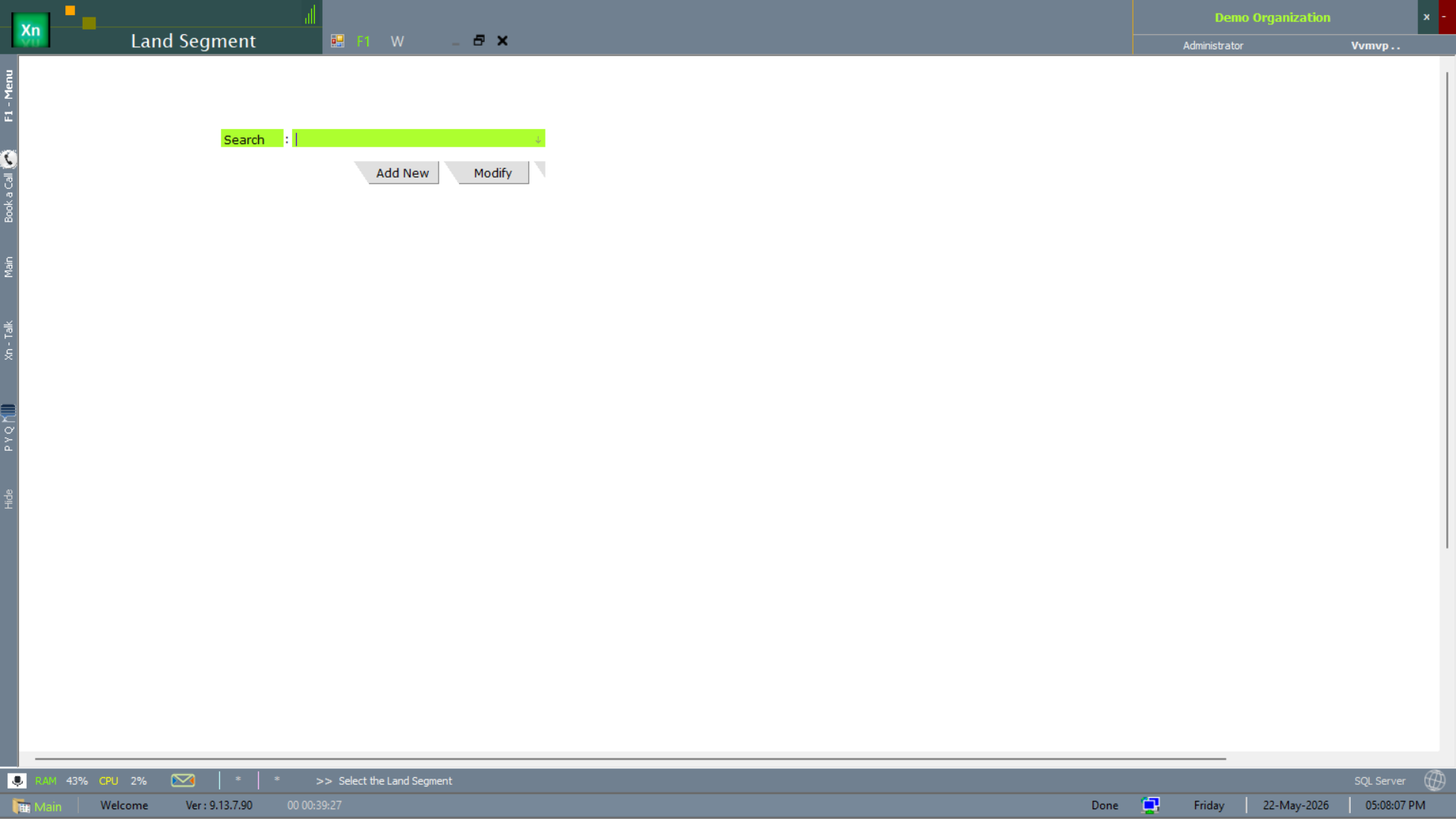
The Land Segment master records every patch / block / field of the estate — with area, crop and the manager assigned. The unit of accountability for harvest yield reporting.
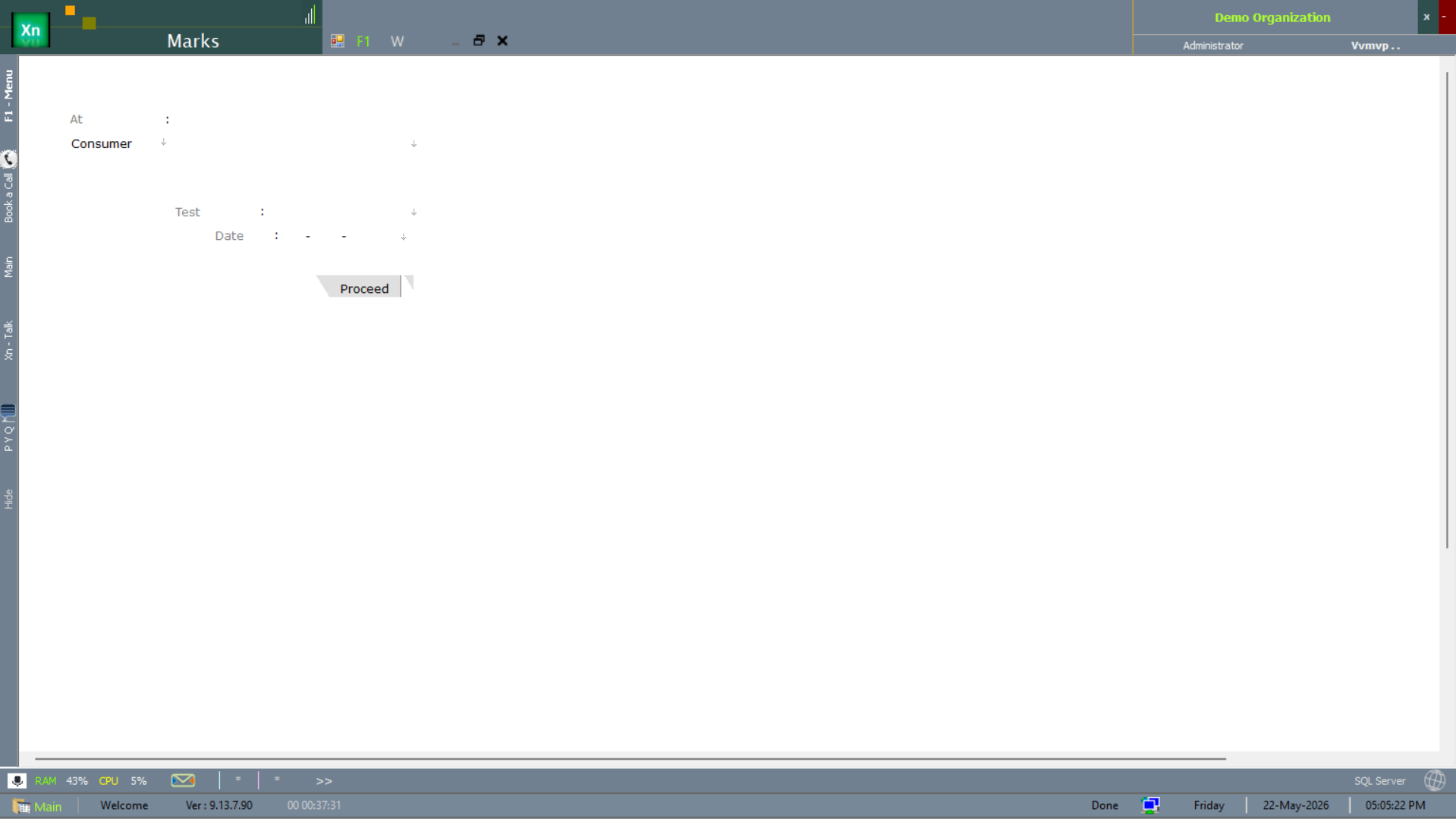
Marks (traceability)
The Marks entry captures the physical mark / tag applied to each batch leaving the field — the link between a harvest entry and the originating land segment for traceability and regulator audits.
Harvest screens
Four operational screens cover the lifecycle from planning through actual harvest to the management reports.
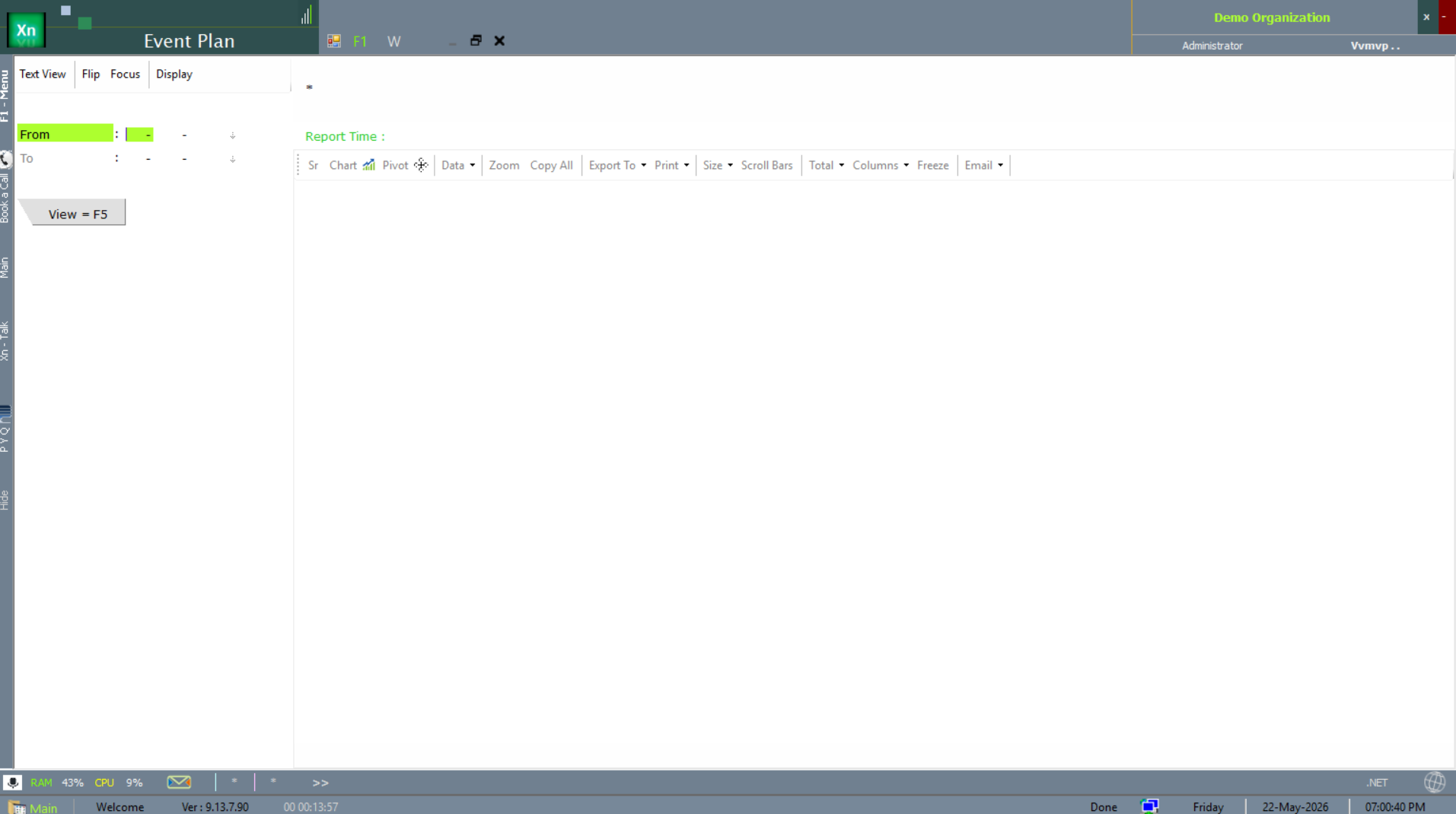
Event Plan
The Event Plan screen schedules planned harvest events — date, land segment, crew assignment. The basis for the next-day operational list.
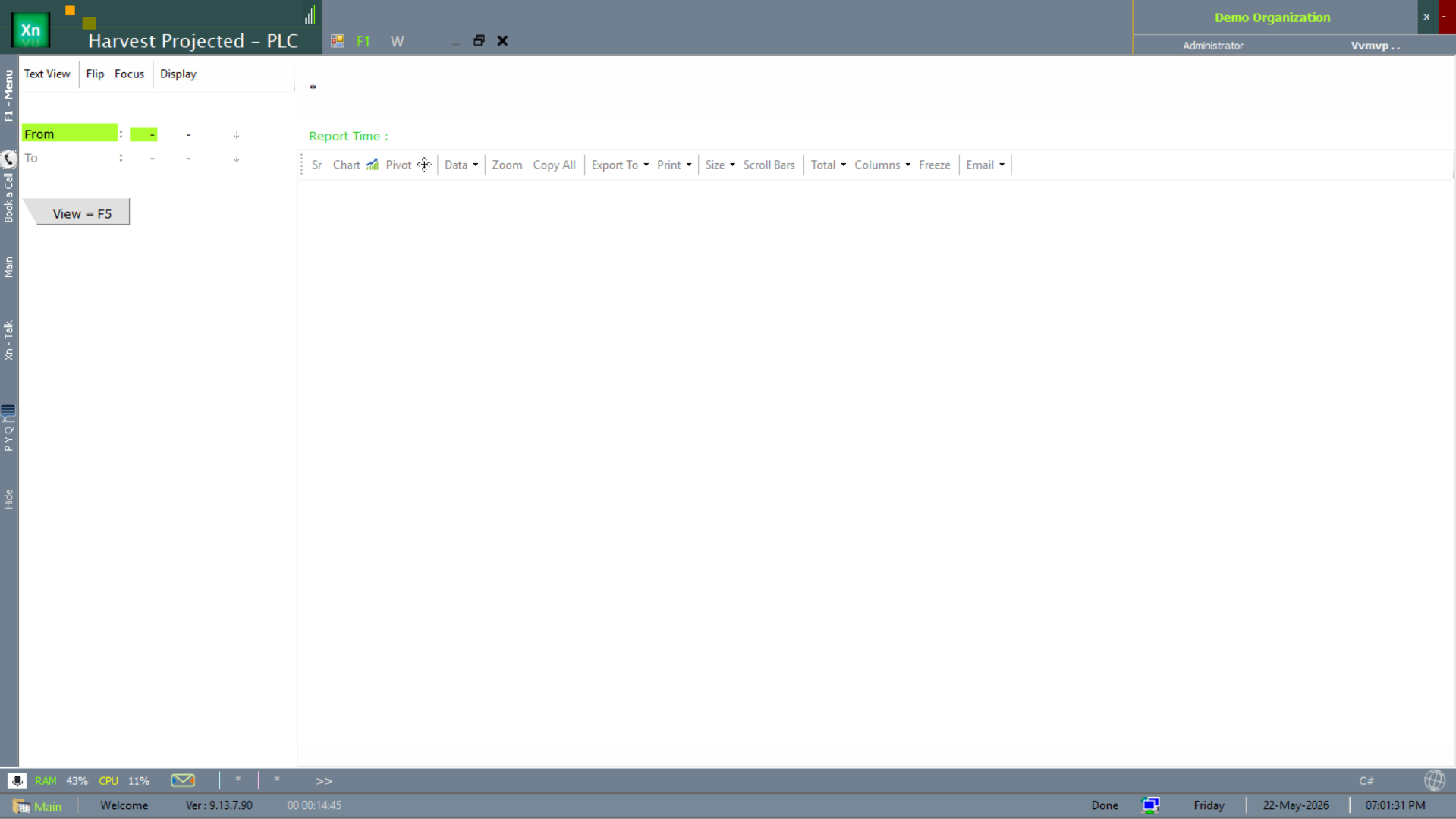
Harvest Projected (PLC)
The Harvest Projected - PLC report forecasts upcoming harvest volumes per Product Line Category — the input to processing and pack-house capacity planning.
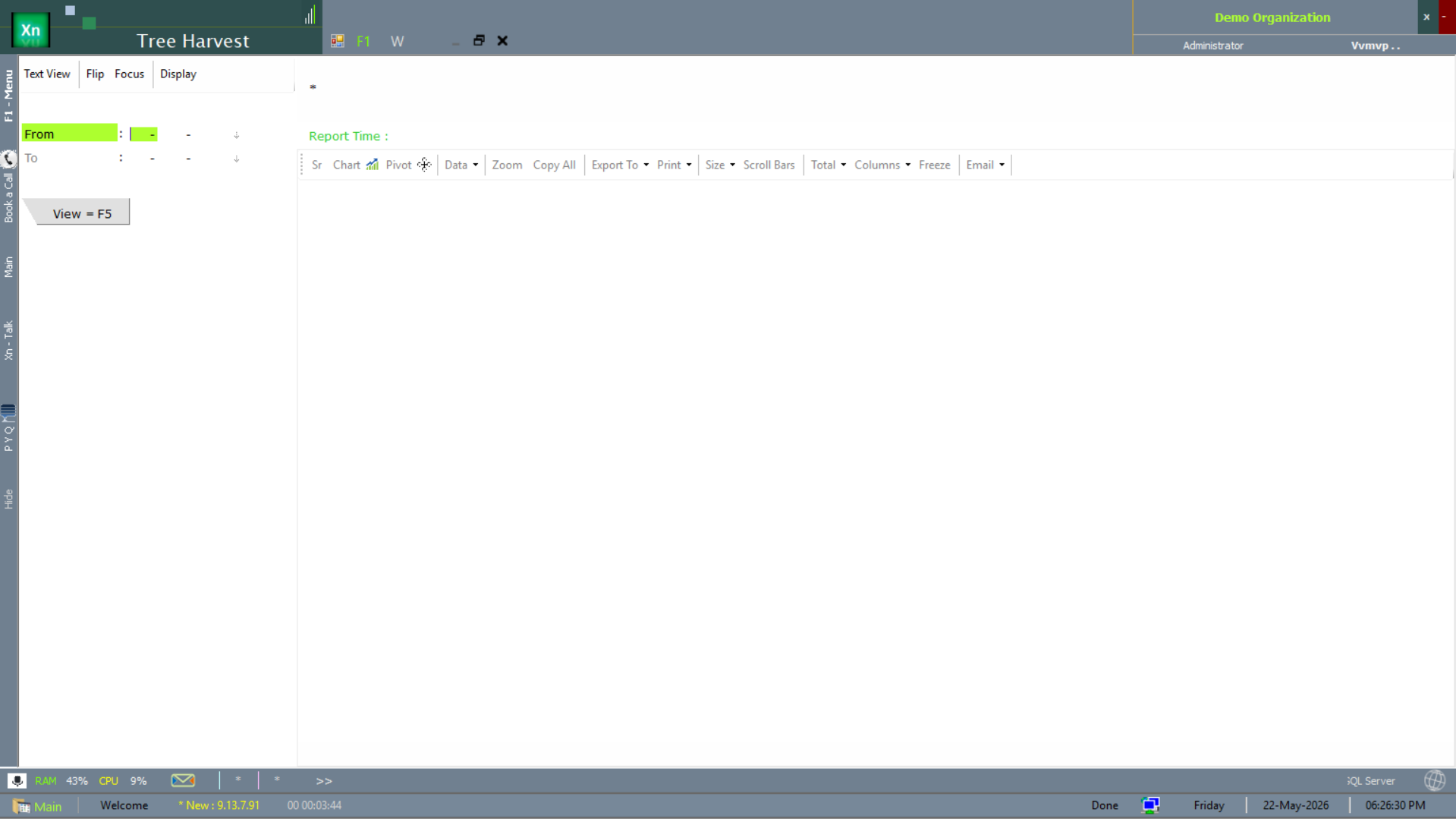
Tree Harvest
The Tree Harvest screen is the daily entry for tree-crop installations — per-tree (or per-row) harvest capture for crops where the unit of yield is granular.
Harvest — Internal / In-House
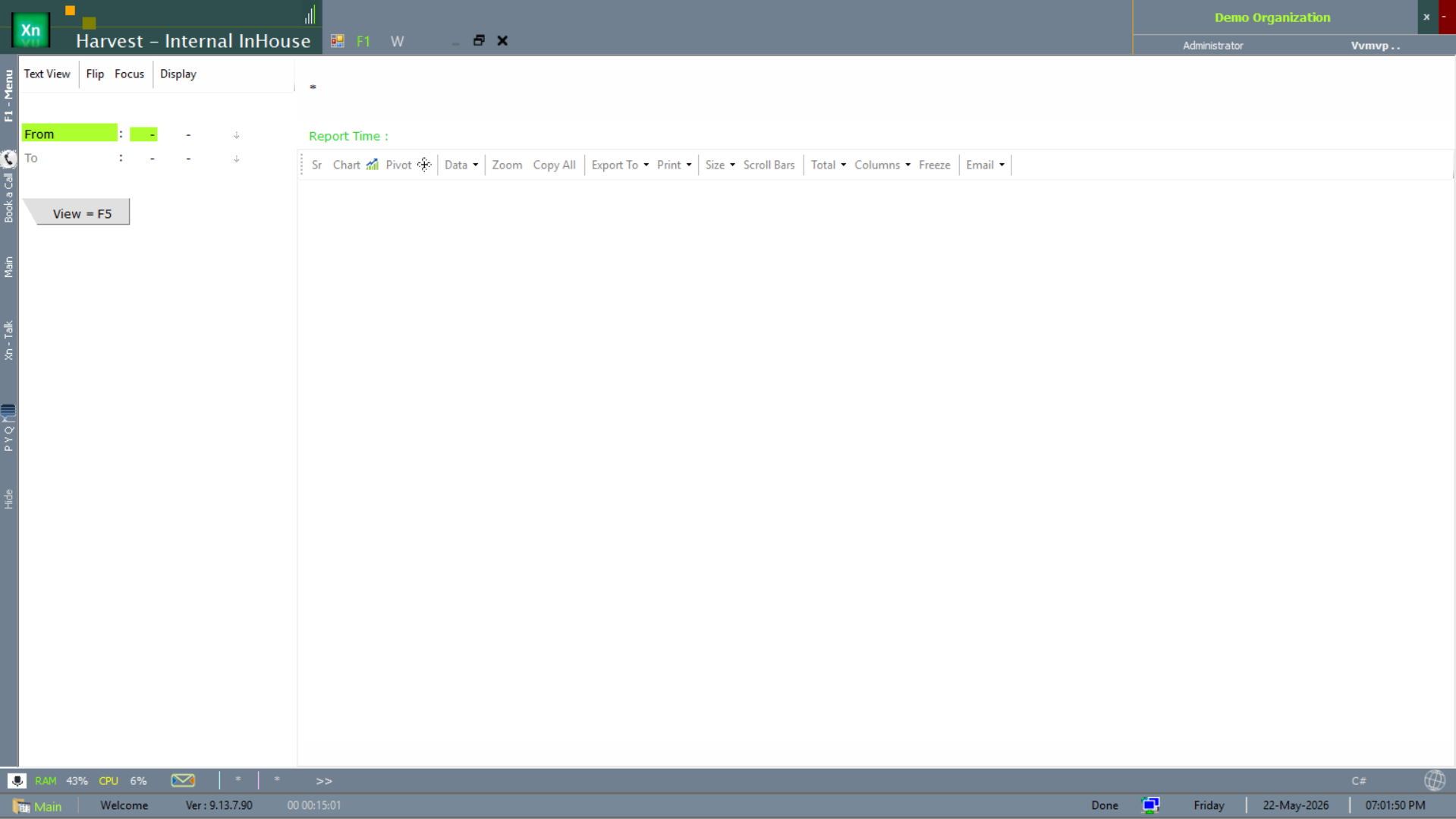
The Harvest - Internal InHouse report covers the in-house processing-yard view — what was received at the yard from the fields, regardless of the field-side capture method.
Harvest — On-The-Spot (OTS)
The Harvest - OTS report tracks on-the-spot grower orders — growers who sell directly at the collection centre without a pre-booked plan. Captures the ad-hoc supply side.