Transactions
Invoices, returns, quotations and challans.
Overview
The Transactions area holds the documents that change ownership of goods — sales invoices, purchase invoices and their reversals, plus the supporting documents (quotations, challans, credit / debit notes). Every save flows to Inventory (quantity), Accounts (ledger) and Tax (GST reports) in one atomic post.
Transactions menu
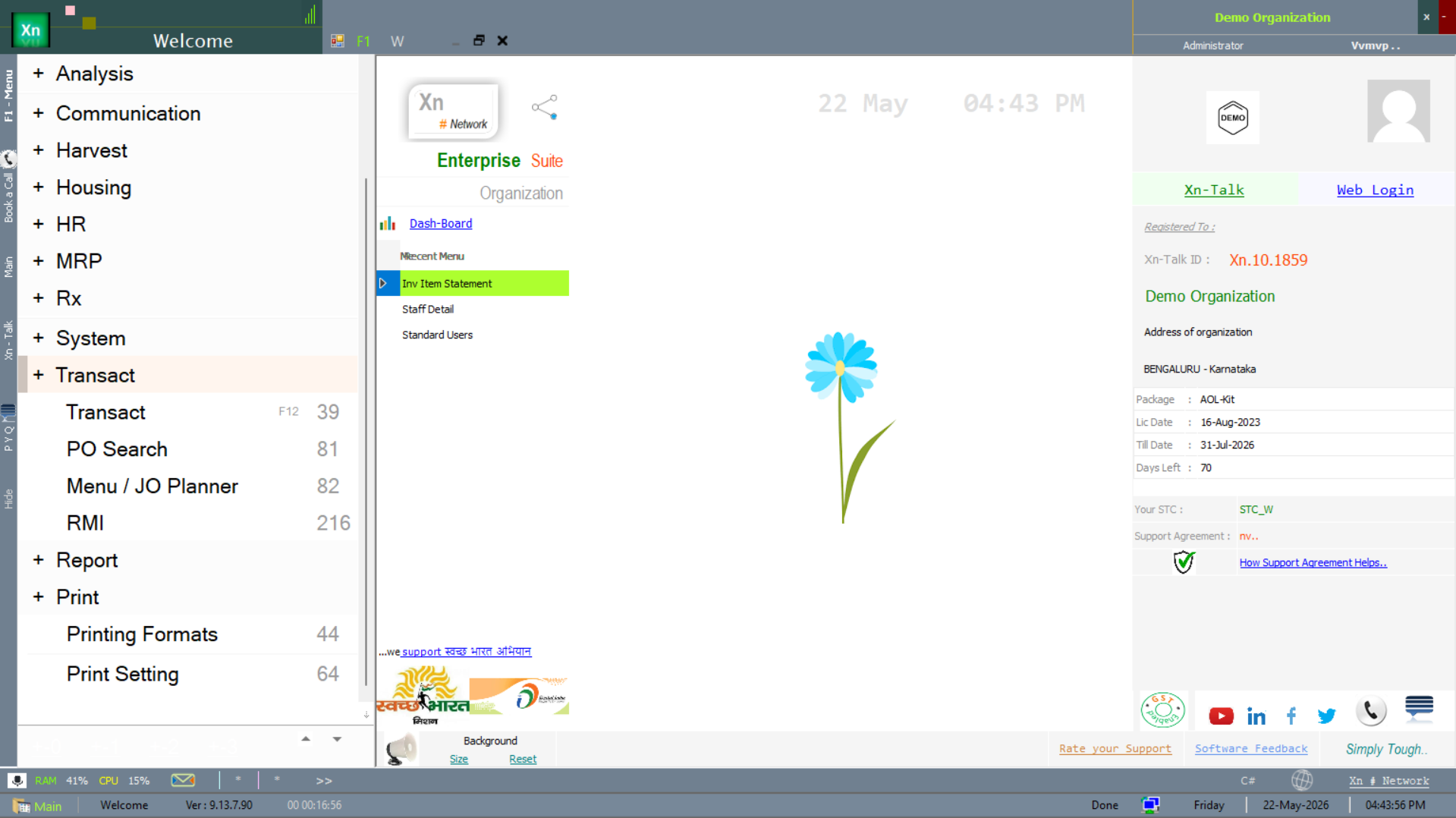
All sale-side and purchase-side documents are reached from the Transactions branch of the Welcome screen. The submenu tree below shows the full set — primary documents at the top, supporting documents and the transaction-side reports underneath.
Sales Invoice
The counter / POS invoice. Picks rate from the customer's rate standard and tax from the item's tax structure (overridable per line). Save options include "Save & Print" for the counter and "Save & New" for bulk billing. Above the e-invoice threshold the IRN and QR code are fetched at save time and printed on the invoice.
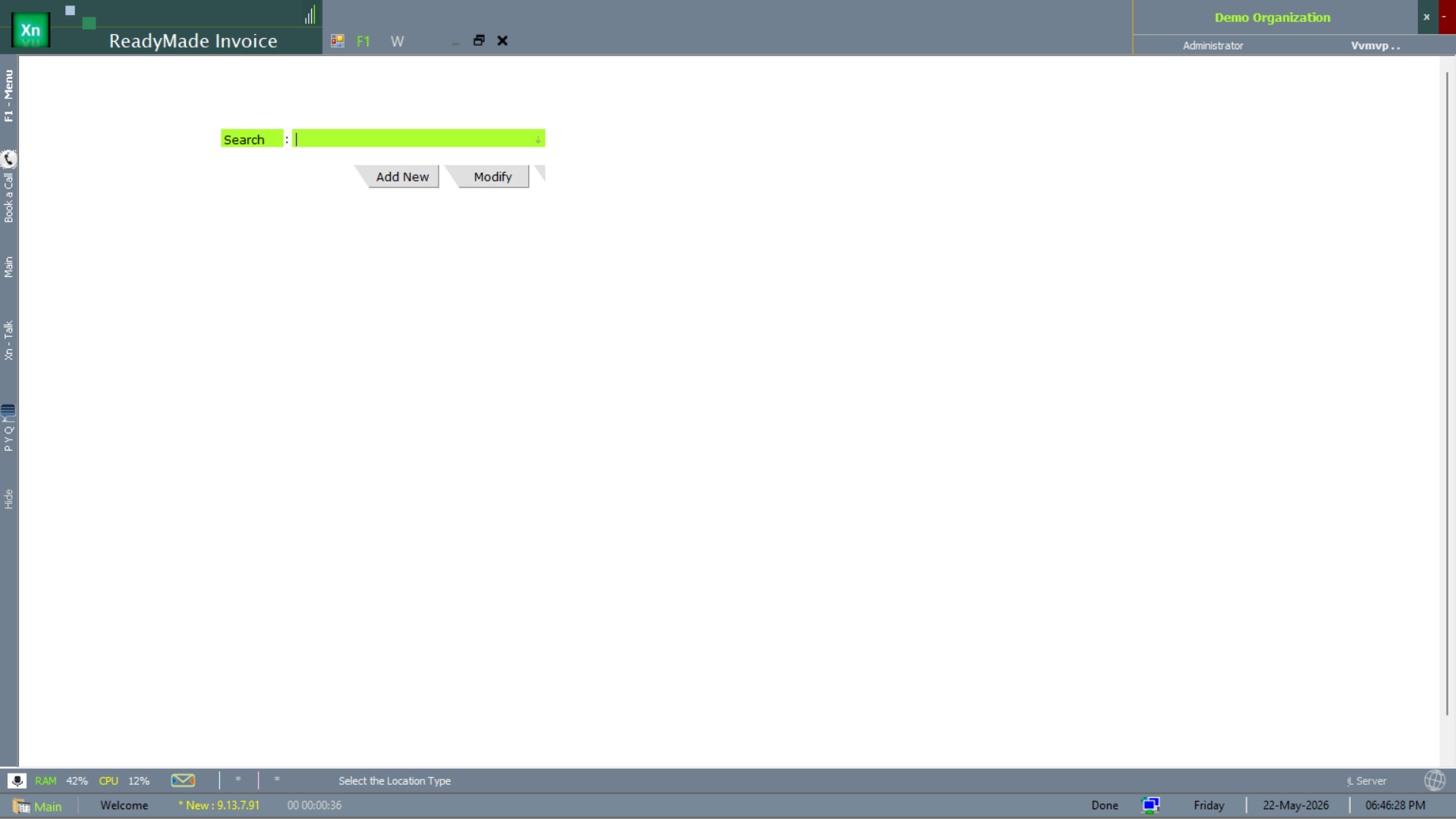
ReadyMade Invoice
The ReadyMade Invoice screen is the apparel/garments-specific variant of the sales invoice — carries size, colour and style attributes inline so the cashier doesn't have to drill down. The rest of the post (stock, ledger, tax) is identical to the standard Sales Invoice.
Sales Return
Reverses a sales invoice fully or partially — you reference the original invoice number and the system pulls the lines. Auto-creates a credit note for value + tax and posts a stock-in entry at original cost. If the goods are not coming back use a Credit Note instead.
Quotation
Pre-sales quote with a validity period. Convert to a Sales Order or Sales Invoice in one click when the customer accepts. The Quotation Register shows pending quotes due for follow-up with their age in days.
Delivery Challan
Goods despatched without an invoice — for job-work, replacement under warranty, or sale-or-return. Quantity leaves stock but no receivable is posted; conversion to a Sales Invoice closes the challan and creates the receivable.
Gate Pass
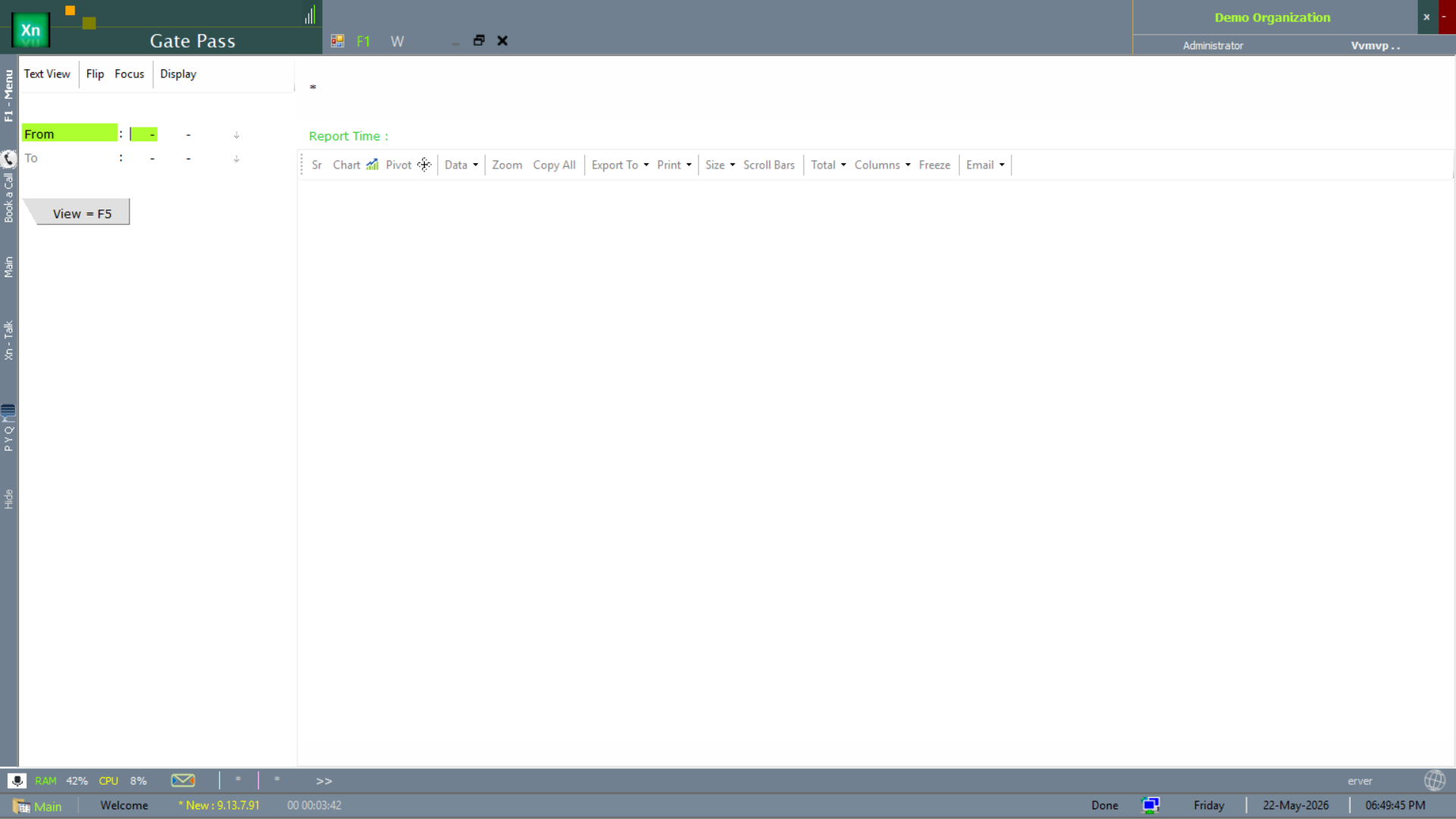
The Gate Pass records goods physically leaving the premises — against a Delivery Challan, an invoice, or as "returnable" for job-work. Used by security at the gate to match what is on the truck to what was authorised. The screen drives a date-range filter and exports via the standard Report Time toolbar.
Purchase Invoice
Records a purchase from a supplier when no separate GRN is used (typical for services, freight, expenses). Posts to inventory if it is a stock item and to the supplier's payable ledger either way. The matching GRN-then-Invoice flow is preferred for stock items because it separates physical receipt from price approval.
Purchase Return
Goods returned to a supplier referencing the original purchase. Auto-creates a debit note that reduces the supplier's payable by value + tax. Quantity leaves stock immediately on save.
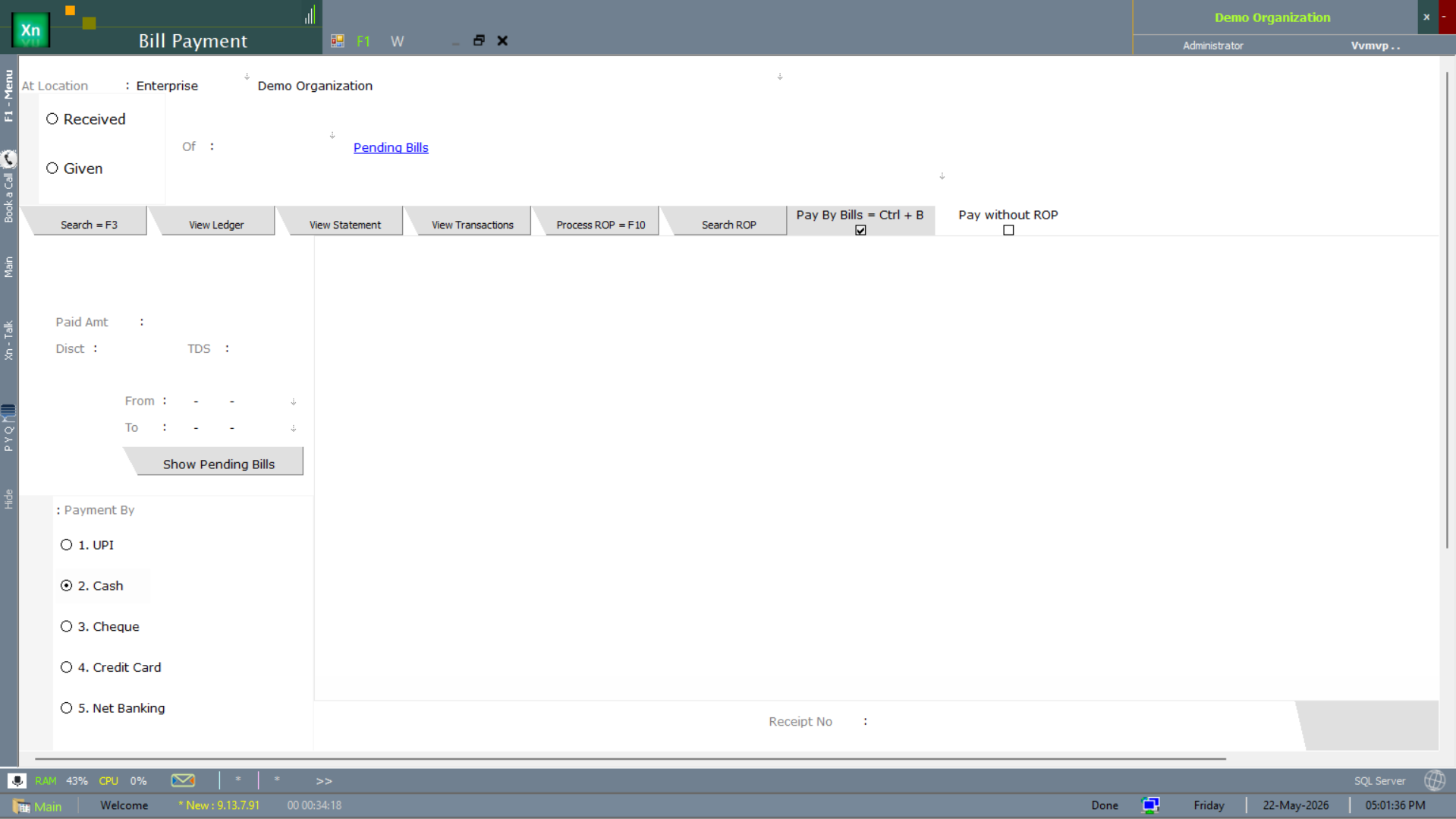
Bill Payment
The Bill Payment screen settles outstanding purchase invoices — pick the supplier, tick the bills to pay, choose the payment method, and the system posts a Payment Voucher in Accounts and updates the supplier's open-bill list in one action.
Credit Note
Manual credit issued to a customer for value-only adjustments — price correction, goodwill discount, late-delivery compensation. Does not change stock; reduces the customer's receivable and reverses tax pro rata.
Debit Note
Manual debit raised on a supplier — penalty for short receipt, contract-breach charge, freight recovery. Increases the supplier's payable in your books and is reportable in GSTR-1 under the CDNR section.
Transaction-side reports
The screens below summarise the documents above. They don't post anything — they answer the "show me what happened" questions that auditors, owners and operations ask daily.
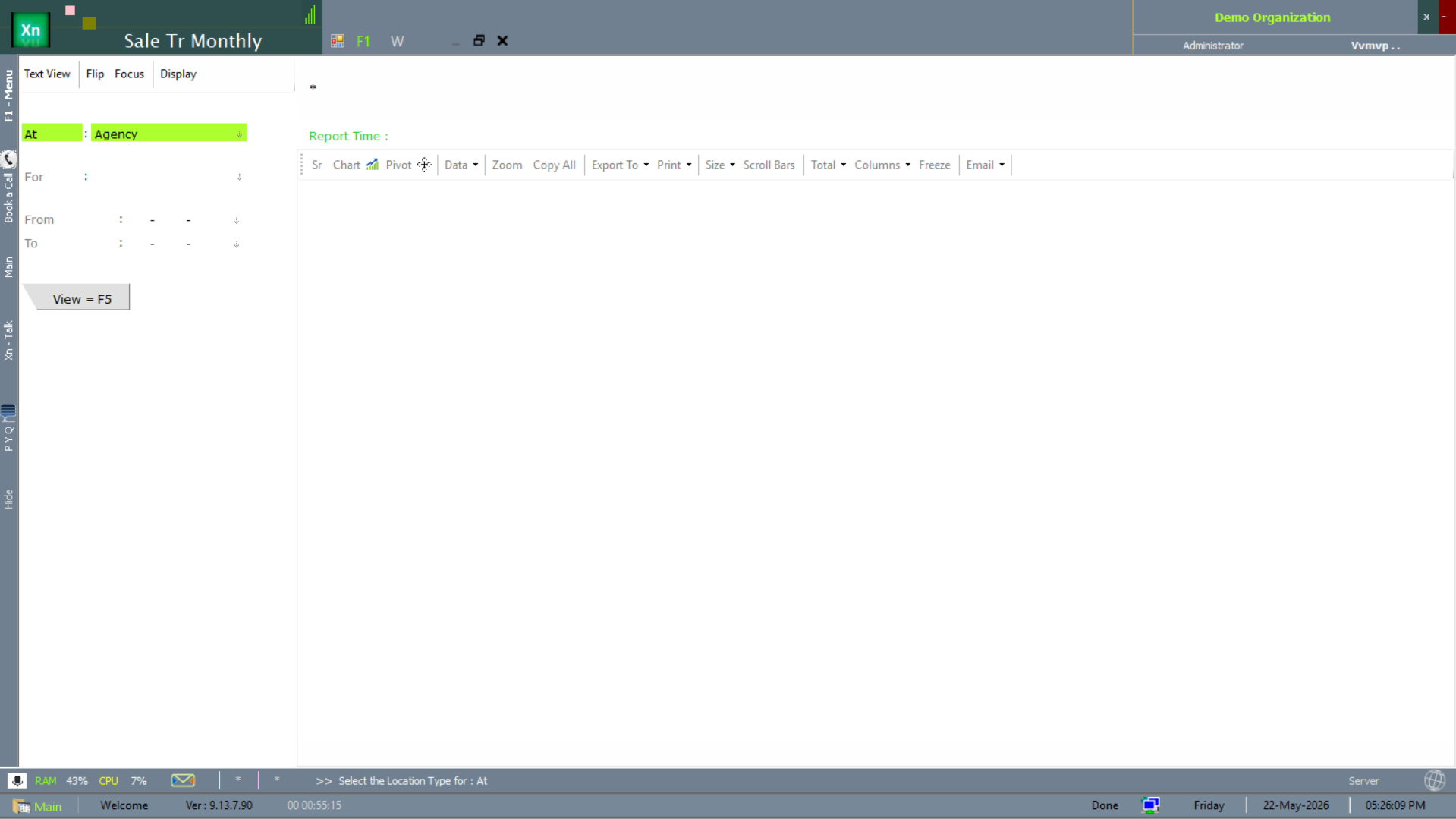
Sale Transaction (monthly)
The Sale Tr Monthly report rolls every sales document up to a per-month total. Use it as the executive summary feed — one row per month, drillable to the constituent invoices.
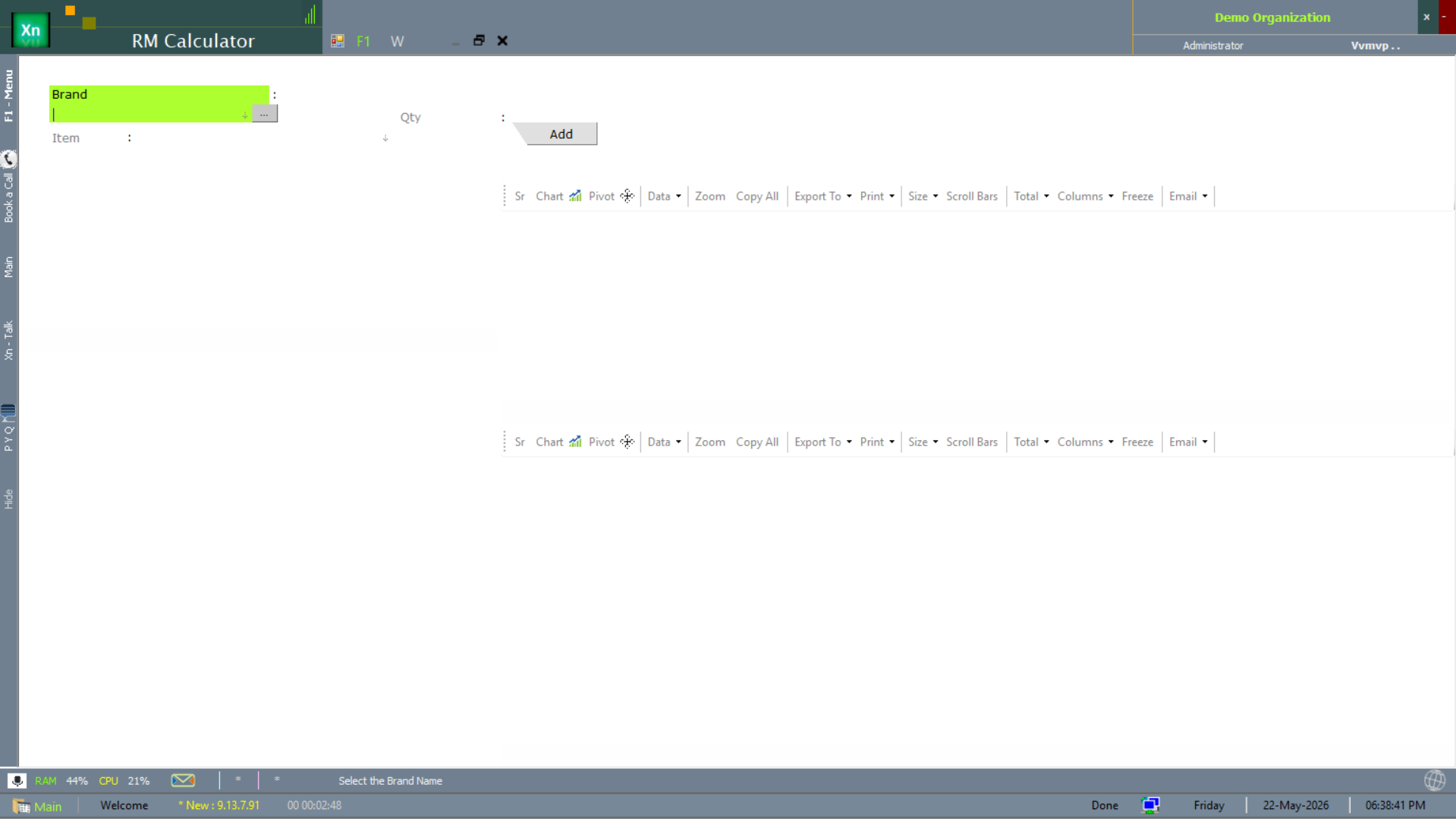
Raw Material (RM) Calculator — transactions side
The RM Calculator also appears in the Transactions menu so the front-counter operator can size a manufacturing requirement without leaving the sales flow. Functionally identical to the planning-side version under MRP → RM Calculator.
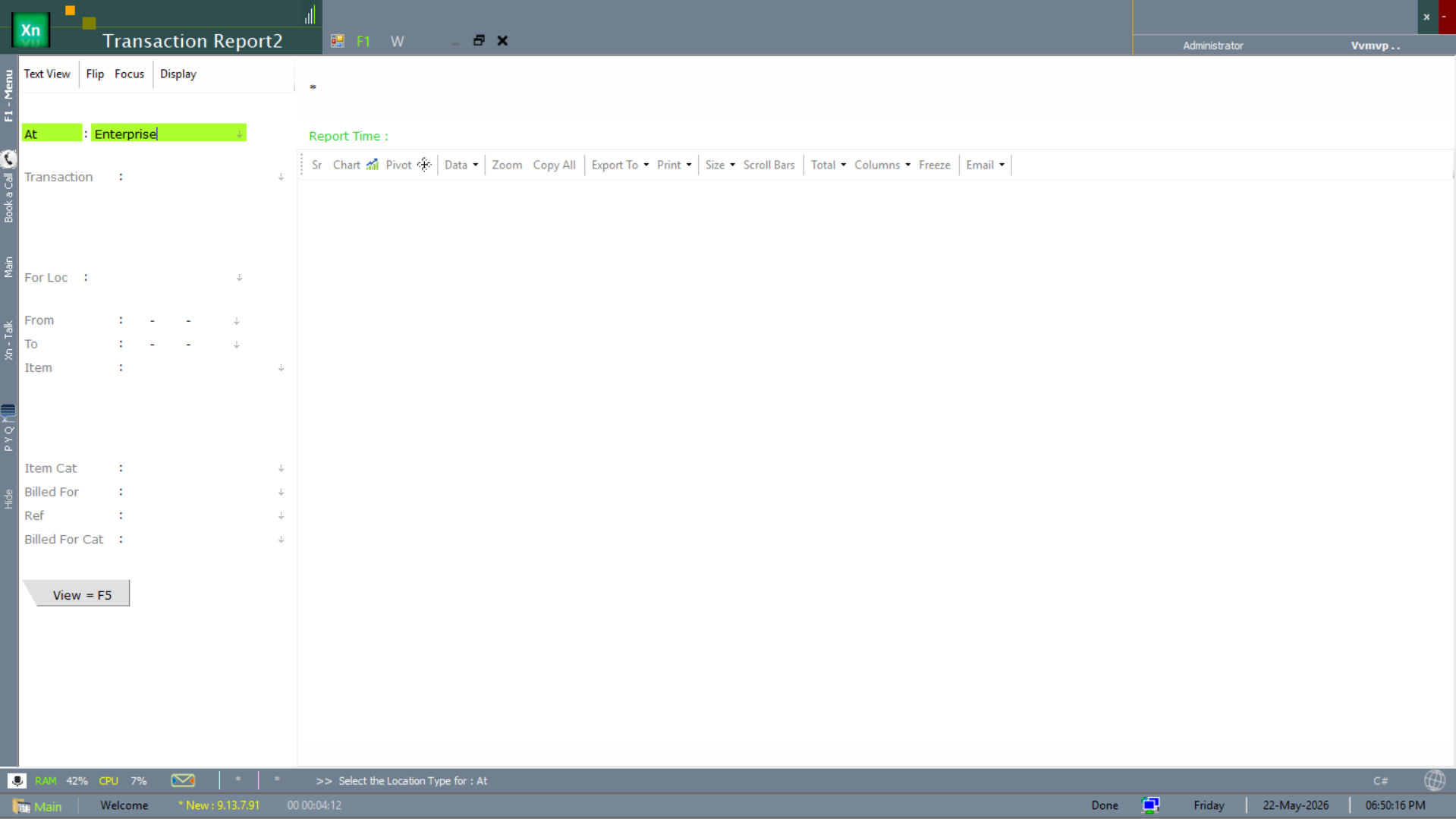
Transaction Report 2
A multi-filter transaction report — filterable by transaction type, location, item and billing dimension. Use this when none of the canned reports has the exact filter set you need.
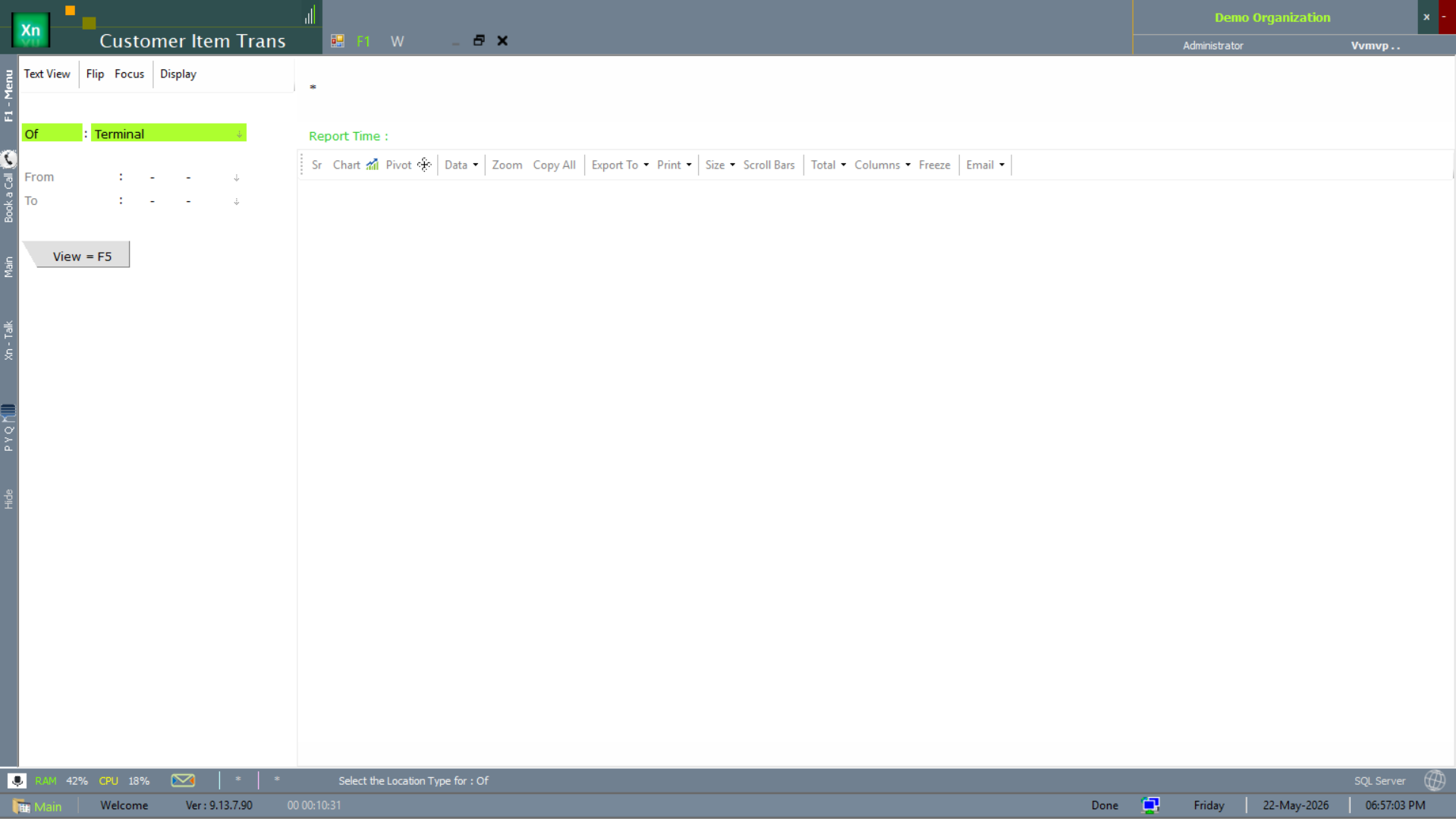
Customer Item Transaction
The Customer Item Trans report cross-tabs customers against items — quantities and values per customer per item over a period. Drives upsell / cross-sell analysis and recall scope. Scoped by terminal attribute.
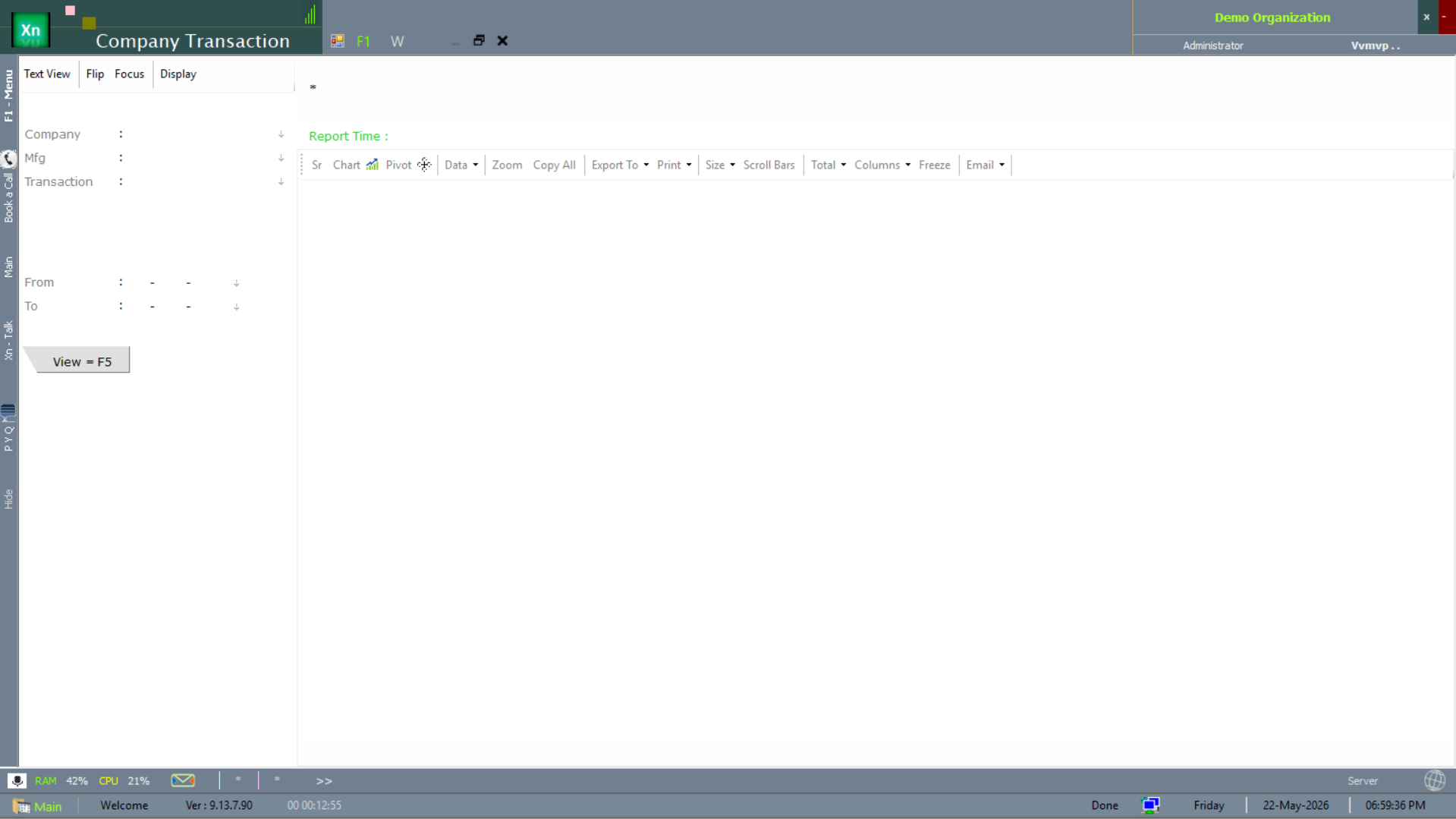
Company Transaction
The Company Transaction report rolls every document up to the company / location dimension. Used by the group accountant for inter-company reconciliation and consolidated reporting.
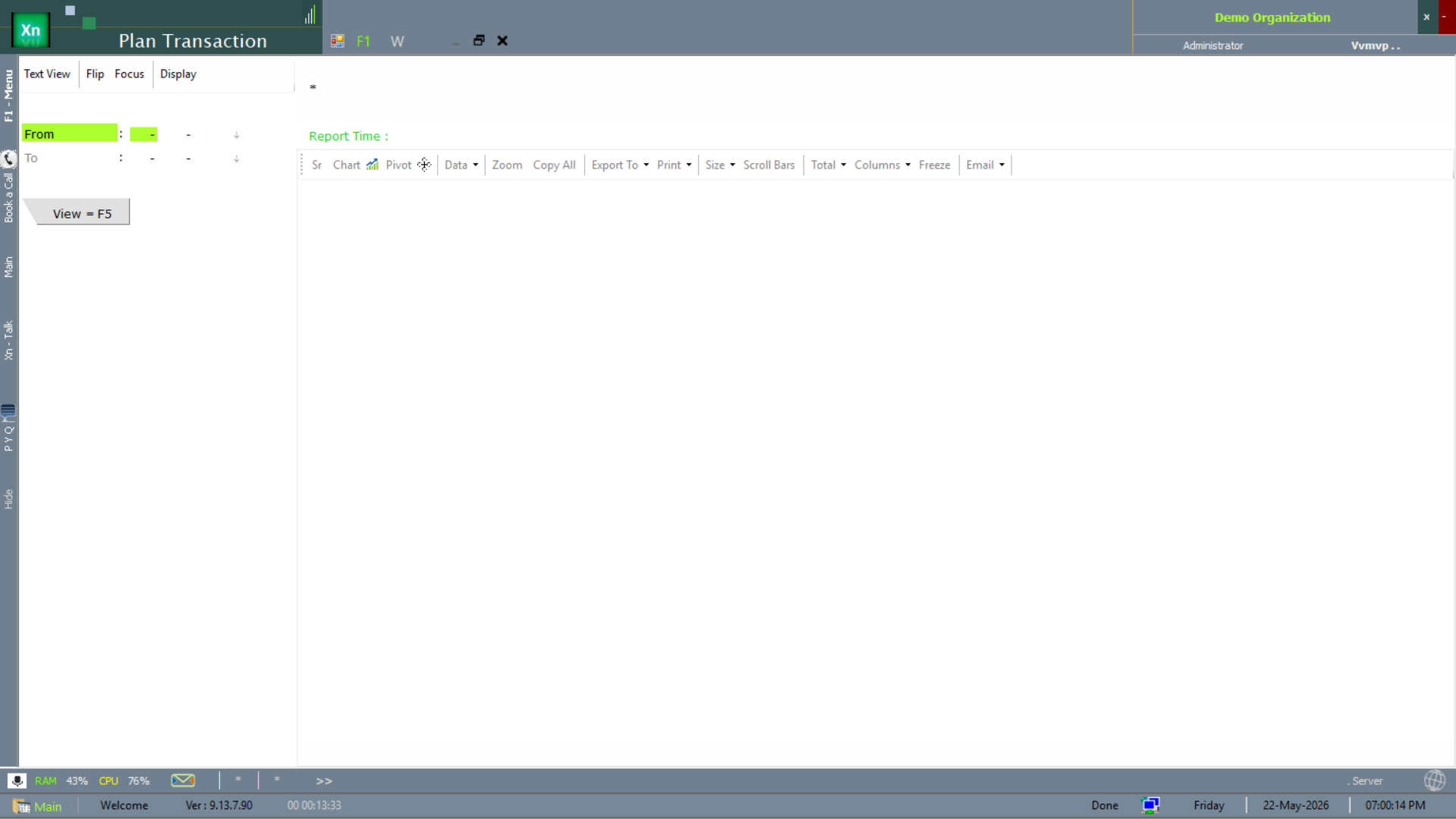
Plan Transaction
The Plan Transaction report measures actual transactions against the planning targets defined in MRP. The variance per item / day is the input to the next planning round.