Statements
Documents that change stock quantities — receipts, issues, transfers and adjustments — and the read-only reports that summarise them.
Overview
The Statements area is where every stock-moving document lives. The first half of this page covers the entry vouchers — GRN, MIS, transfers, adjustments — that actually change stock; the second half covers the read-only statement reports that summarise them. Whatever entry voucher you open, the rule is the same: when the document is saved, stock changes and an accounting entry is posted; nothing changes stock by any other route.
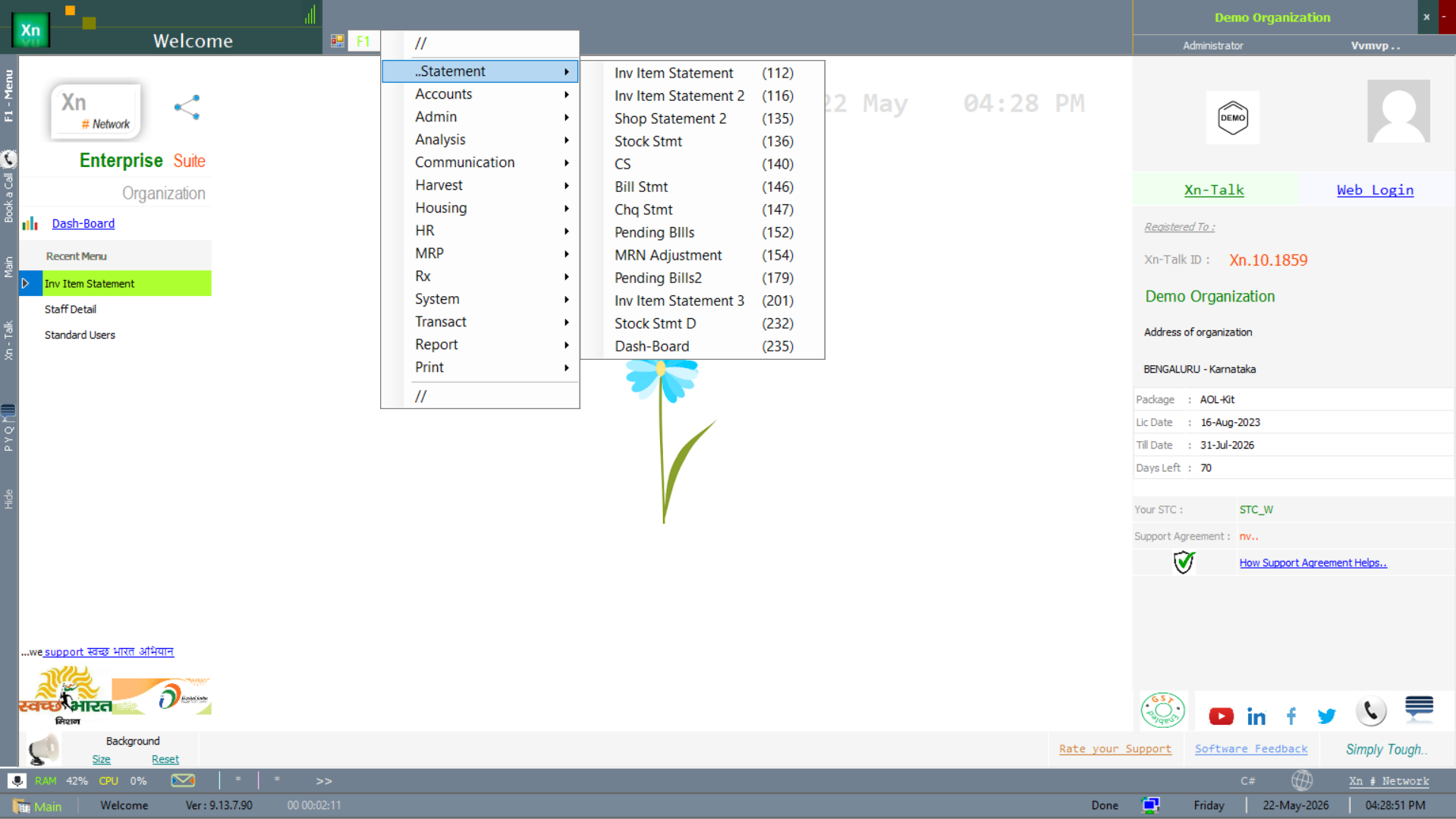
Statement menu
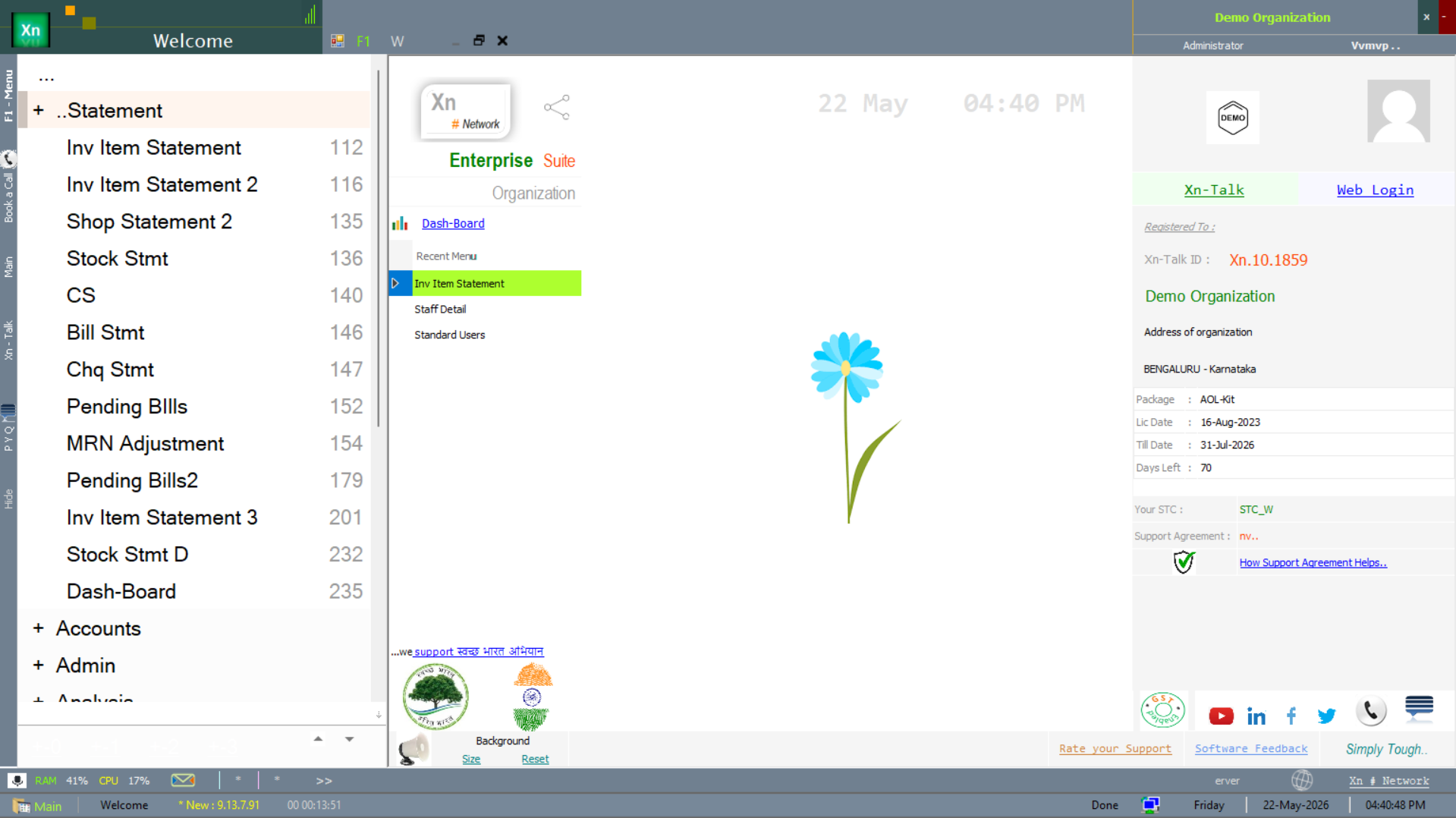
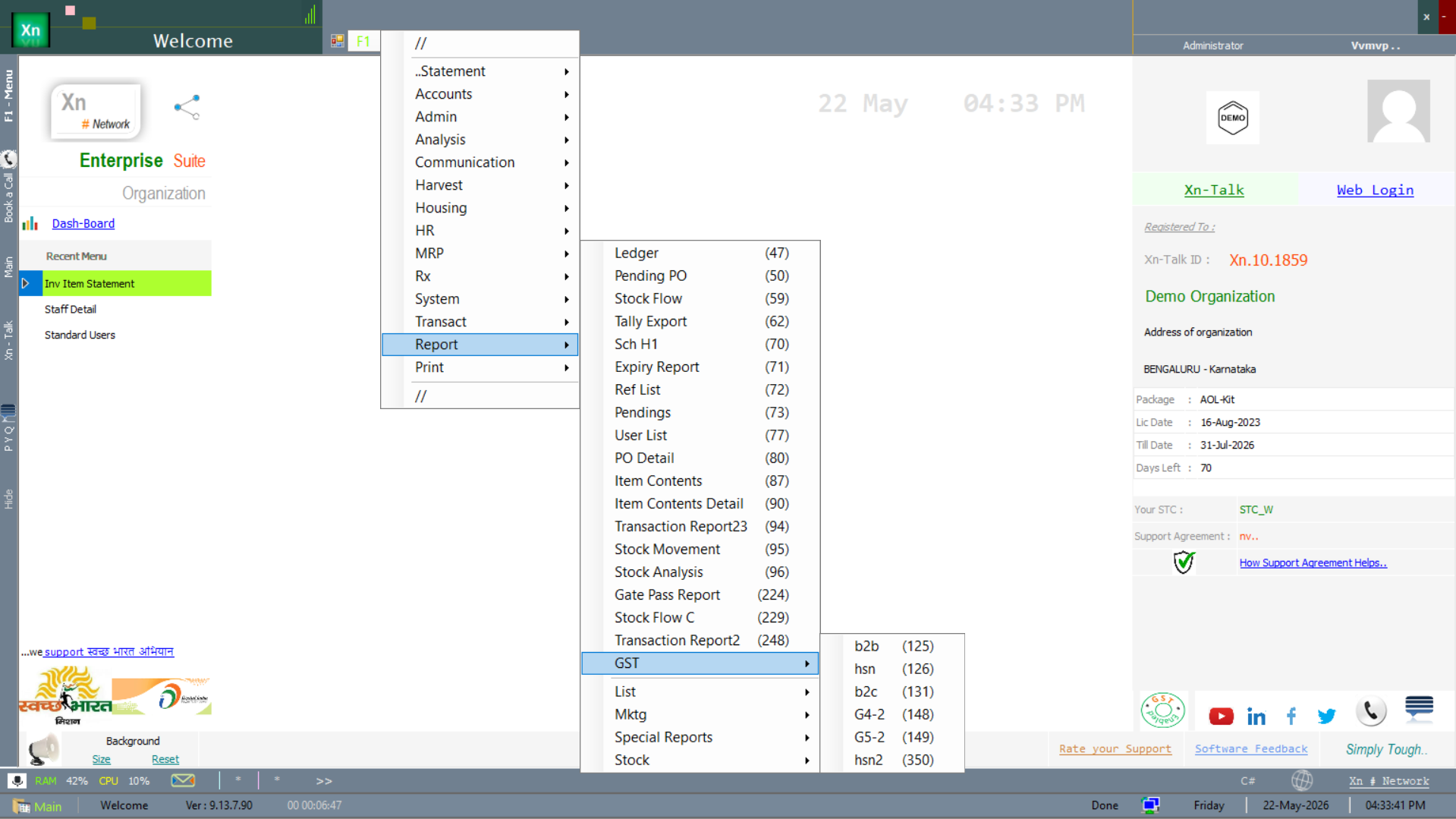
Both the entry vouchers and the report views are reached from the Statement branch of the Welcome screen. Hover the menu to see the full list of statement types — the entry vouchers (GRN, MIS, transfers, adjustments) and the read-only views (Inv Item Statement, Shop Statement, Stock Stmt, Bill Stmt, Docket Stmt, Pending Bills, Stock Level).
Entry vouchers
The vouchers below are the screens that actually post a stock movement. Each is a separate screen but they share the same look: header at the top, line grid in the middle, totals and save buttons at the bottom.
Goods Receipt Note (GRN)
Records receipt of stock from a supplier, typically against an open Purchase Order. Picking the PO auto-populates lines; you key the actual received quantity and any batch / expiry / MRP details. Saving the GRN increases stock at the receiving location, posts the supplier-payable into Accounts & Finance, and records the GST input credit. A common pitfall is posting the GRN to the wrong location — double-check the location chip at the top before saving.
Stock Transfer Out
Moves stock from your current location to another location of the same company. The system marks the quantity "in-transit" — it no longer shows at the source, but it does not yet show at the destination until the matching Stock Transfer In is acknowledged. Use the in-transit report at the end of the day to make sure nothing is stuck. The voucher carries its own series, typically STO/YY-YY/NNNN.
Stock Transfer In
Acknowledges receipt of an in-transit transfer at the destination location. Search by Transfer Out number or by date range to pull pending transfers. The screen lets the receiver record short / damaged quantities; any difference triggers a variance entry that the source location can investigate.
Material Issue Slip (MIS)
Issues stock to an internal department or to a job. Most issues are against a Material Requisition Slip (MRS); free-form issues are allowed but require authorisation. The MIS decreases stock at the issuing location and posts a consumption expense to the department's cost centre.
Material Requisition Slip (MRS)
Internal request from a department to stores. The requester selects items and quantities; the storekeeper sees pending MRS in a queue and converts them to Material Issue Slips. MRS supports priority flags (Normal / Urgent / Critical) which the queue sorts by automatically.
Stock Adjustment
Manual correction of stock, used after a physical count or to write off found stock. Every adjustment requires a reason code and an approver if the value exceeds the per-user threshold set in Access Setting. The posting hits a "Stock Adjustment" ledger so auditors can review the activity in one place.
Damage / Expiry Write-Off
Removes spoiled or expired stock from the books. Unlike Stock Adjustment, this voucher always posts to the dedicated "Damages" P&L account so the loss is visible separately at year-end. For pharma / food installations the Expiry Alert report feeds this screen — one click marks an expiring batch as written off.
Batch Creation
Manually creates a batch (number + expiry + MRP) for an item that is batched but did not arrive through GRN — for example opening stock, samples, or returns from a customer with no original batch. Once created, the batch is available in every downstream document's batch picker.
Opening Stock Entry
One-time entry of starting stock at go-live, item by item and batch by batch. Allowed only inside the company's opening period; after the first transaction in a financial year the screen is locked. Posting flows to the Opening Stock ledger and to the Stock Adjustment ledger contra.
Stock Conversion
Converts one item or UOM to another — for example breaking a 1L bottle into 4 × 250ml, or repackaging a bulk SKU into retail packs. The screen takes a source item / quantity and a target item / quantity; the cost of the source flows into the target so margin is preserved.
Production Receipt
Records finished goods received from production against a Manufacturing Plan (MPL). Quantity increases the FG location; the BOM-derived raw material cost is rolled up into the FG cost. Pair this voucher with Consumption Entry for the same MPL to keep WIP balanced.
Consumption Entry
Records raw-material consumption against a production order. Pulls suggested quantities from the BOM and lets the operator adjust for actual usage. Any positive or negative variance compared to BOM is reported separately in the BOM Variance report.
Statement reports
The reports below are the read-only views of the same statement data — they don't post anything, they just summarise. Every one of them carries the same toolbar (View = F5, Text View / Flip / Focus / Display, Sr / Chart / Pivot / Data / Zoom / Copy All / Export To / Print / Size / Total / Columns / Freeze / Email) so the controls behave the same way wherever you are.
Inventory Item Statement
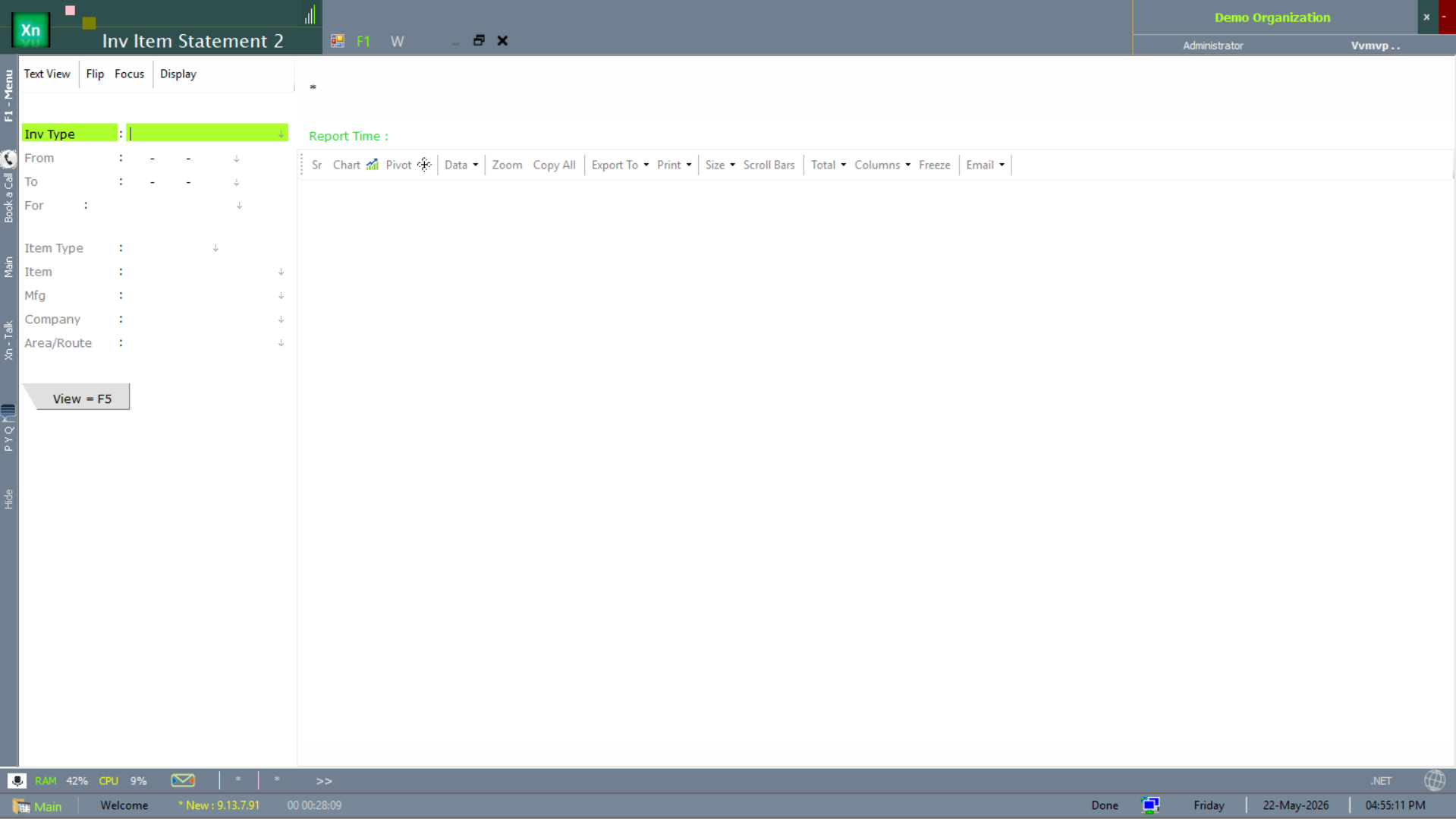
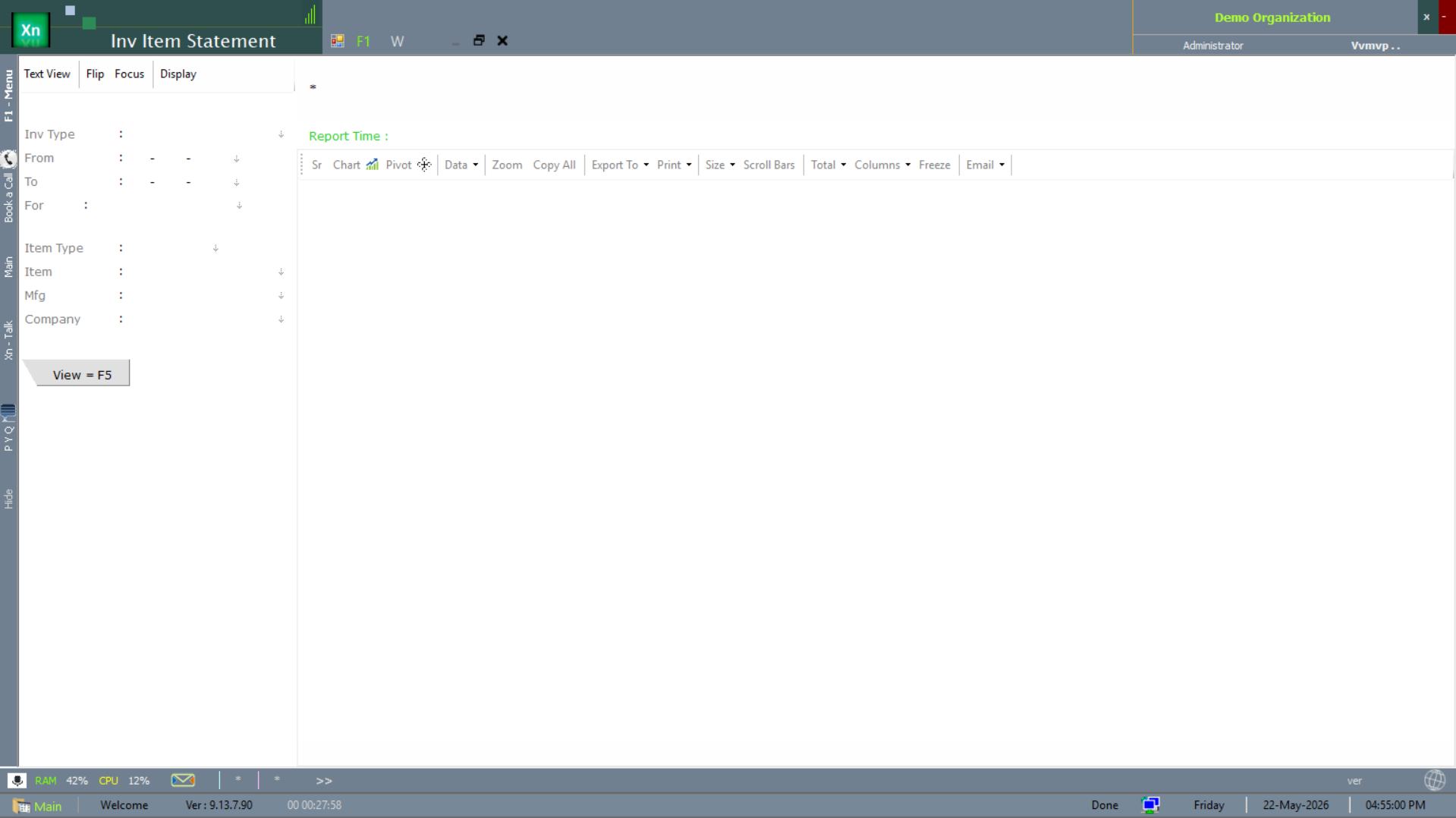
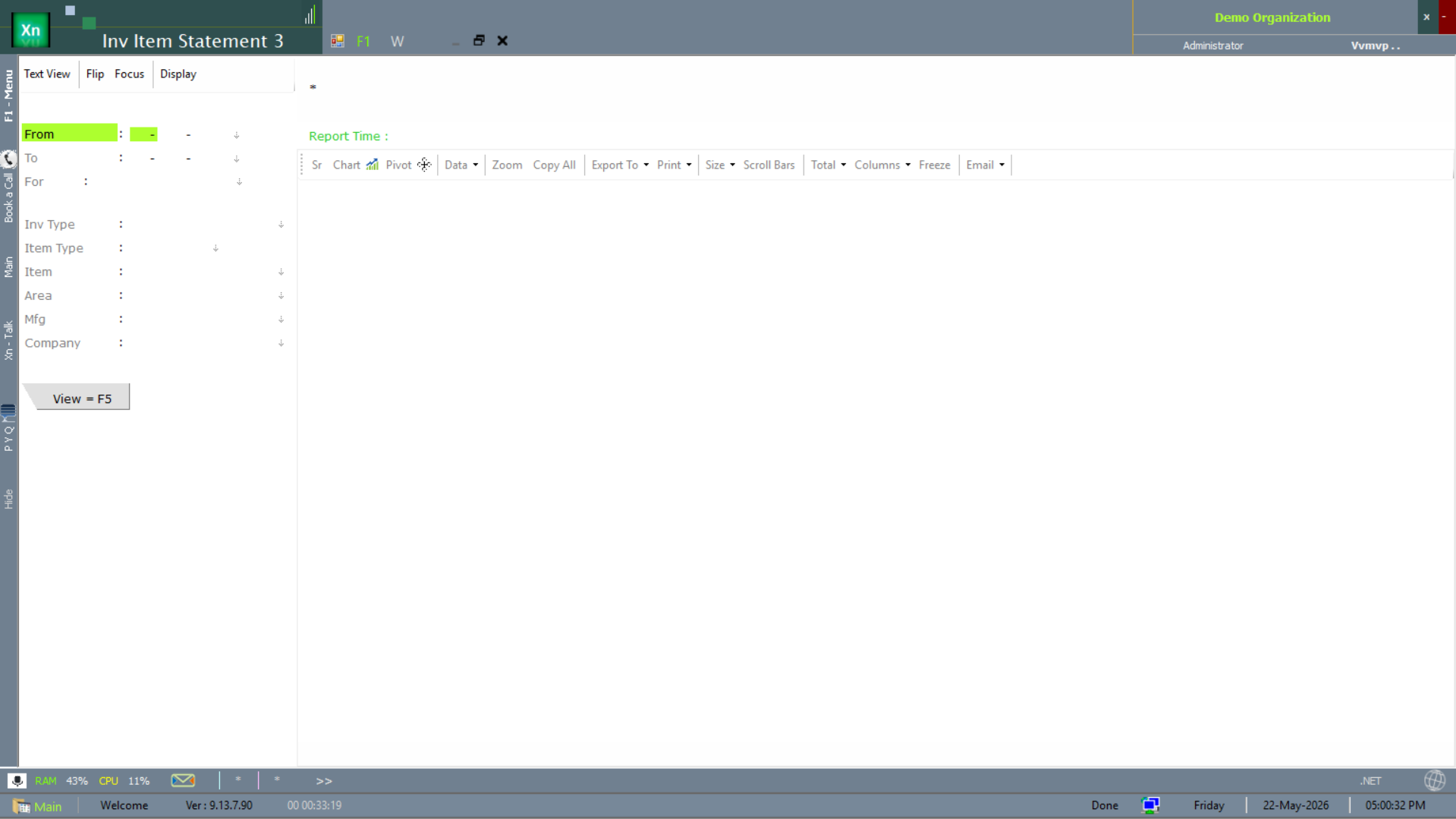
The Inv Item Statement report is the answer to "show me every movement of this item over this period". Filter by Inv Type (the statement category) and a date range, then View = F5.
Shop Statement
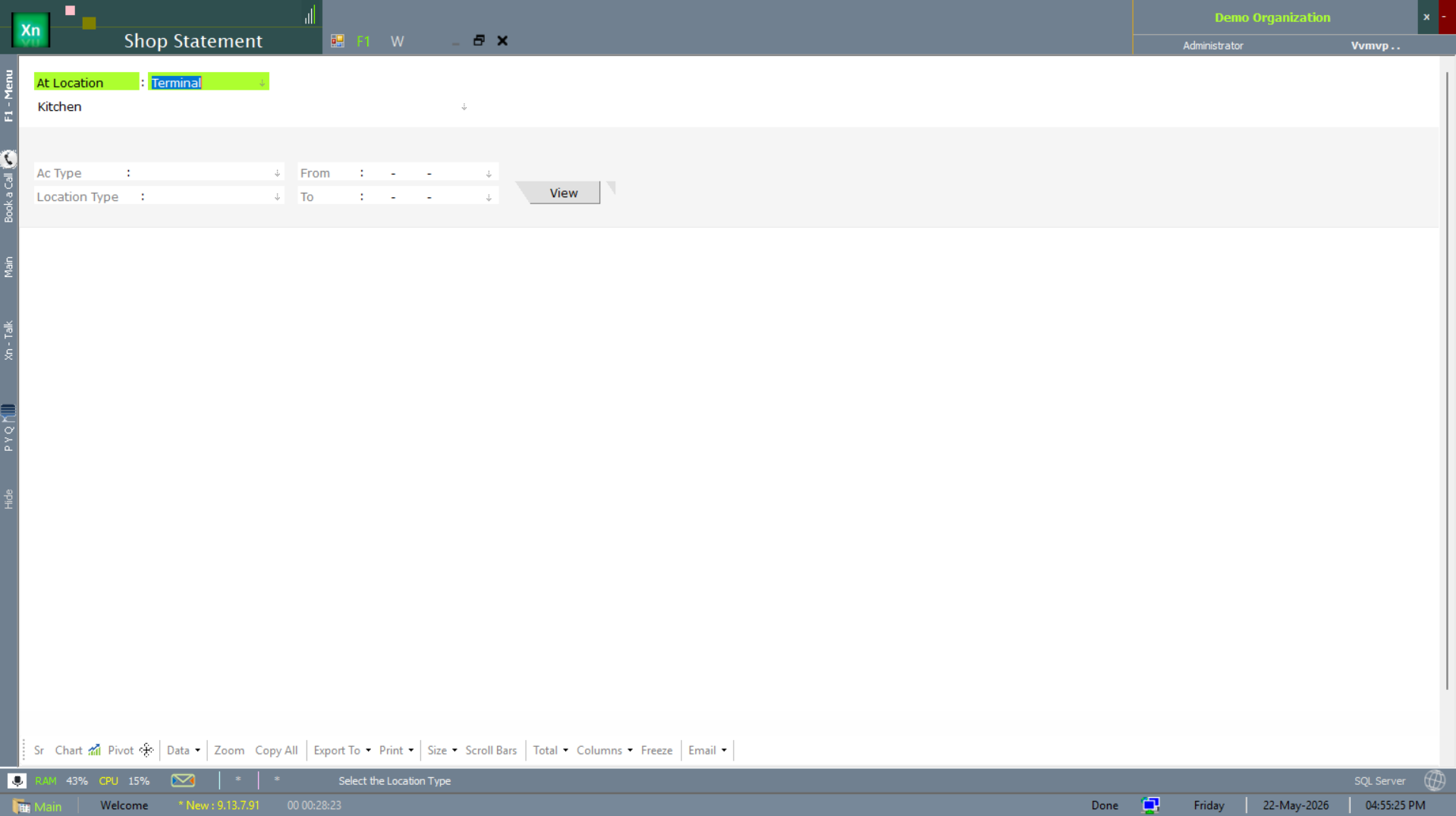
The Shop Statement is the consolidated view of all sales-side movements for a chosen outlet — bills, returns, vouchers, settlements. Each outlet appears as its own tab; pick the format (Kitchen, Counter, etc.) before generating.
Stock Statement
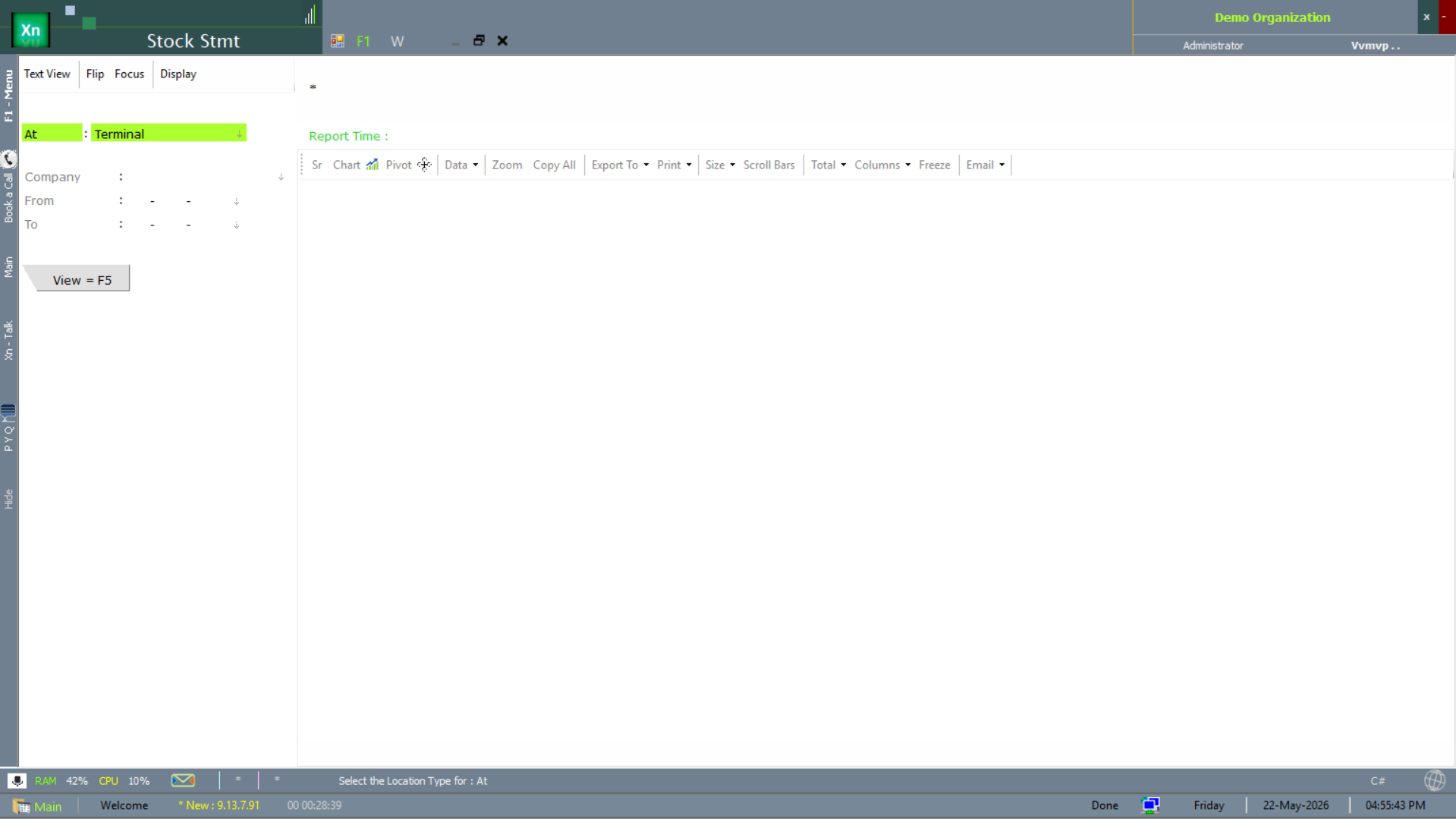
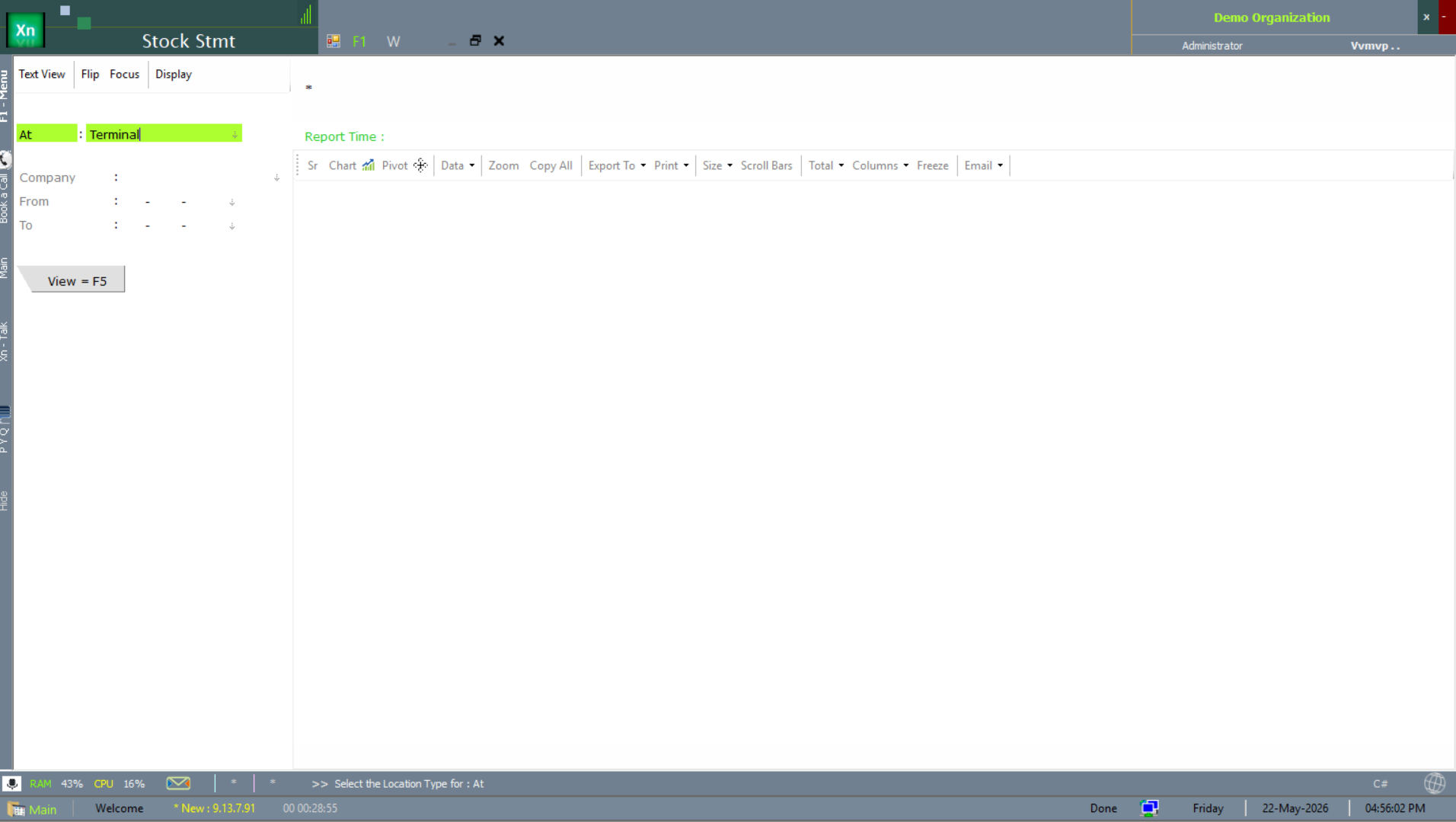
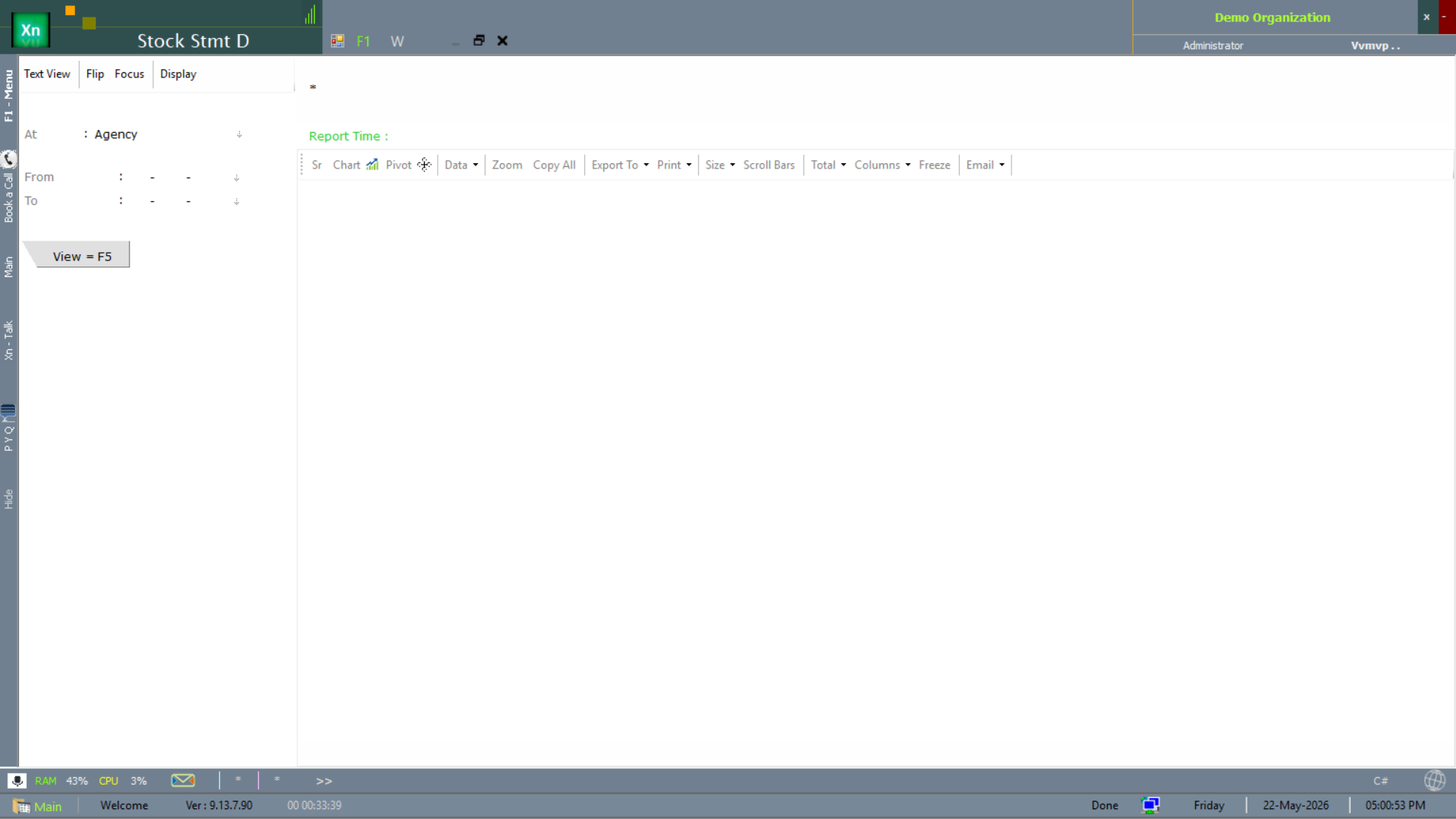
The Stock Stmt family is the multi-item stock summary as on a chosen date. Two location variants ship: the standard one is location-scoped, the "D" variant is date-range-scoped for "movement during" rather than "position as on".
Counter Sales (CS) statement
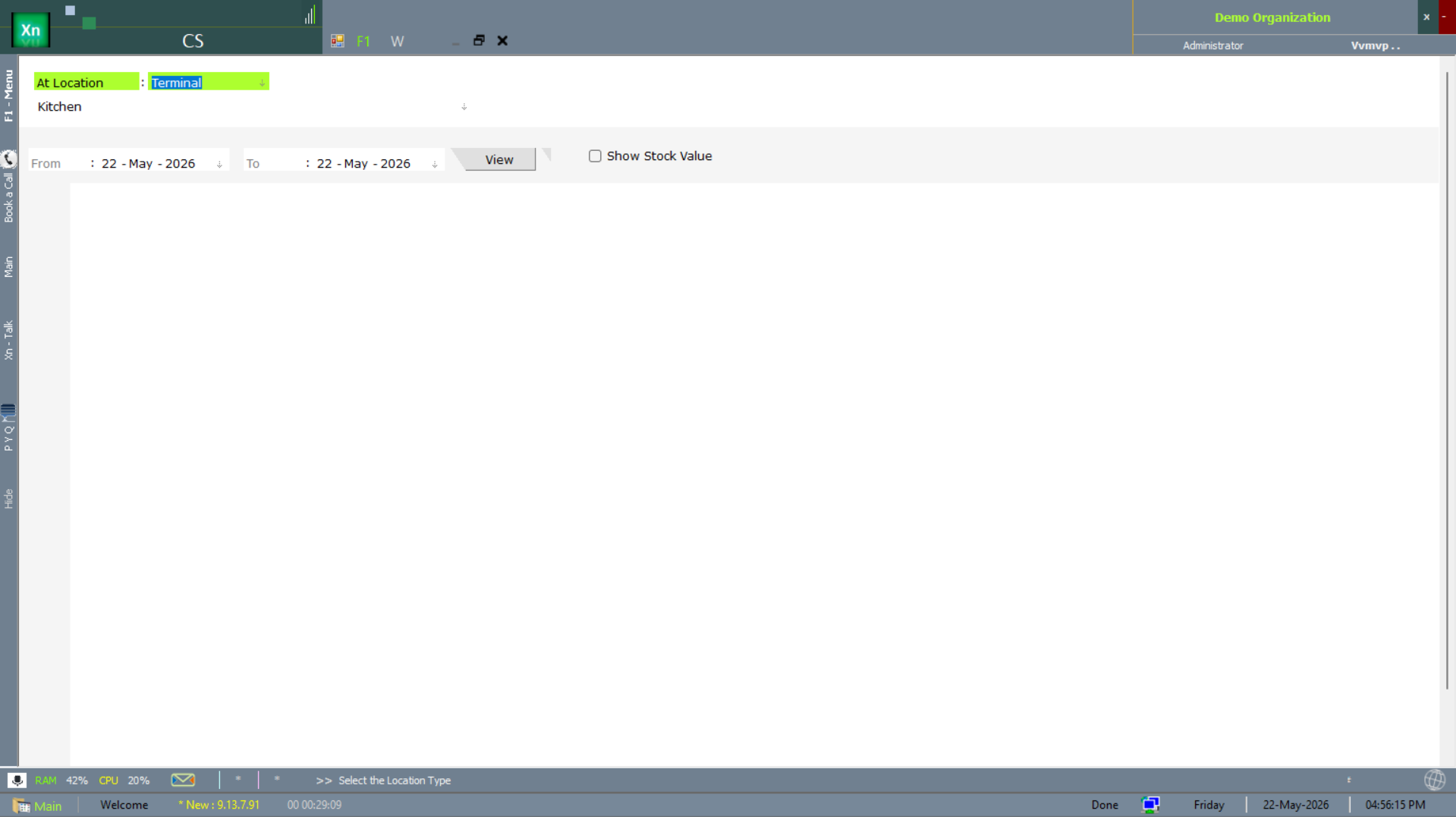
CS is the per-counter sales-statement view. Pick the outlet from the tab strip, then drill rows for the source bill. Pair it with the Bill Statement for a full counter-cash-up reconciliation.
Bill Statement
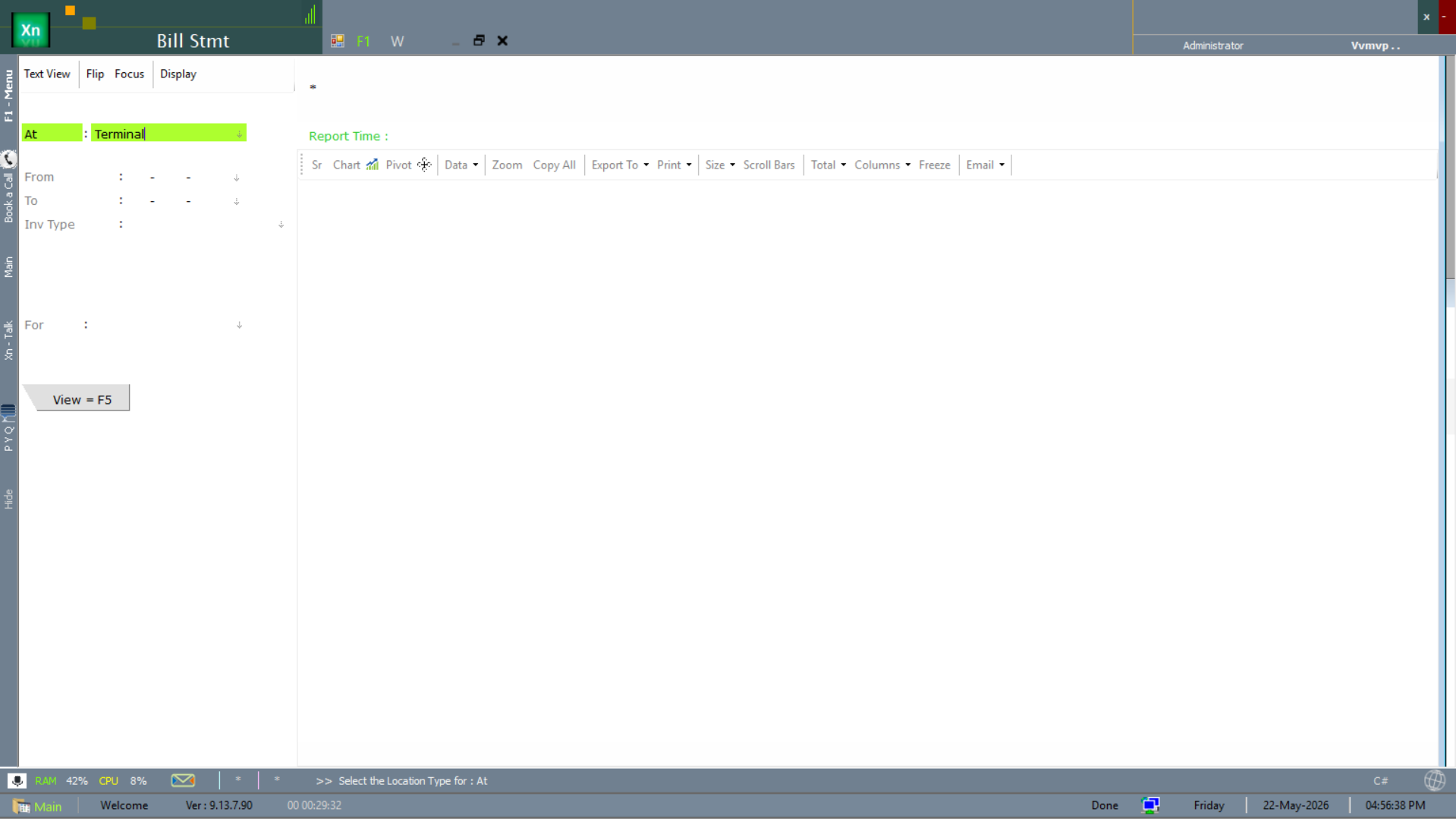
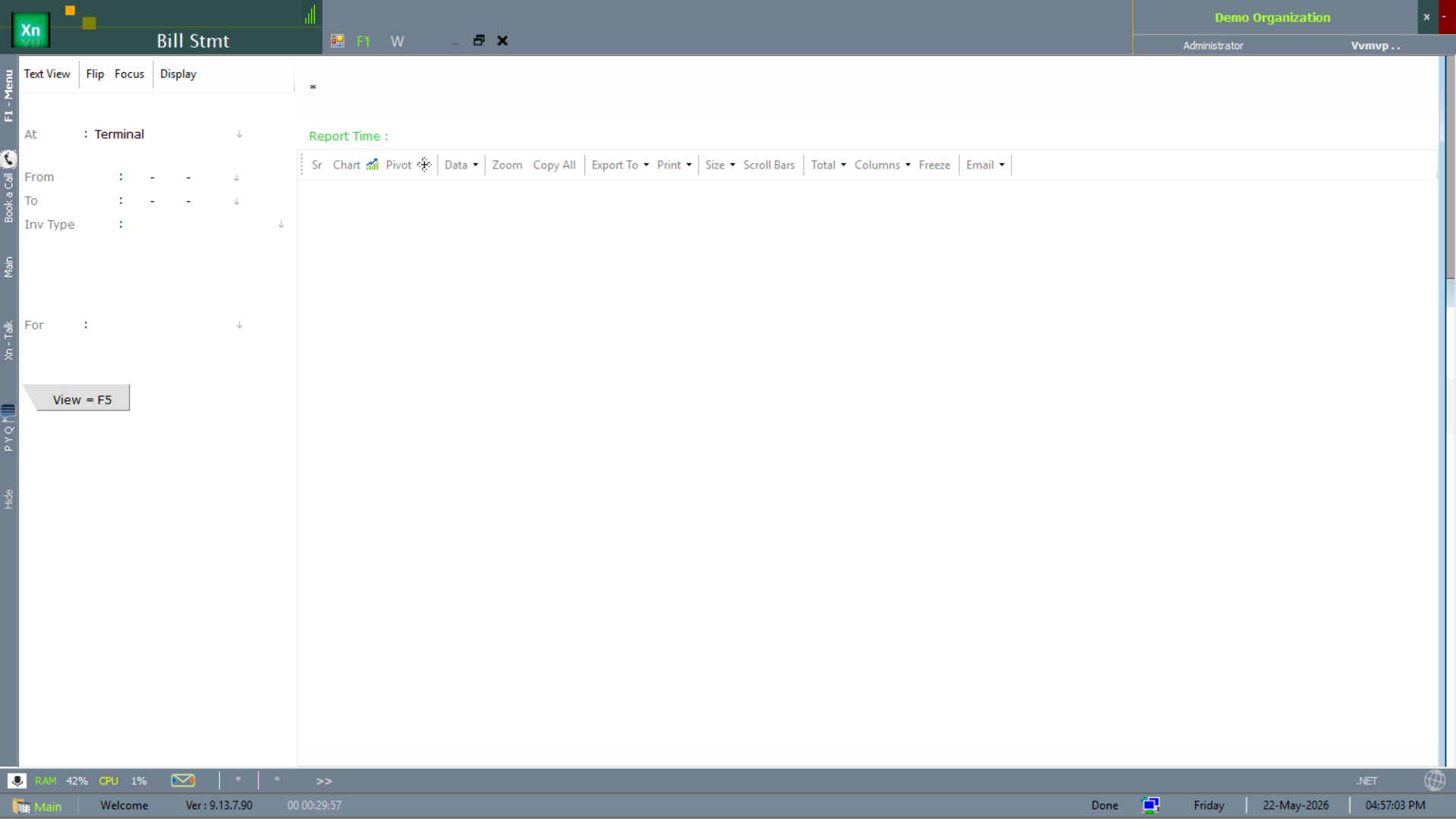
The Bill Stmt lists every bill issued in a period — the bill-side counterpart of the Stock Statement. Tabs across the top switch the display style (date list, customer list, value bands).
Docket Statement
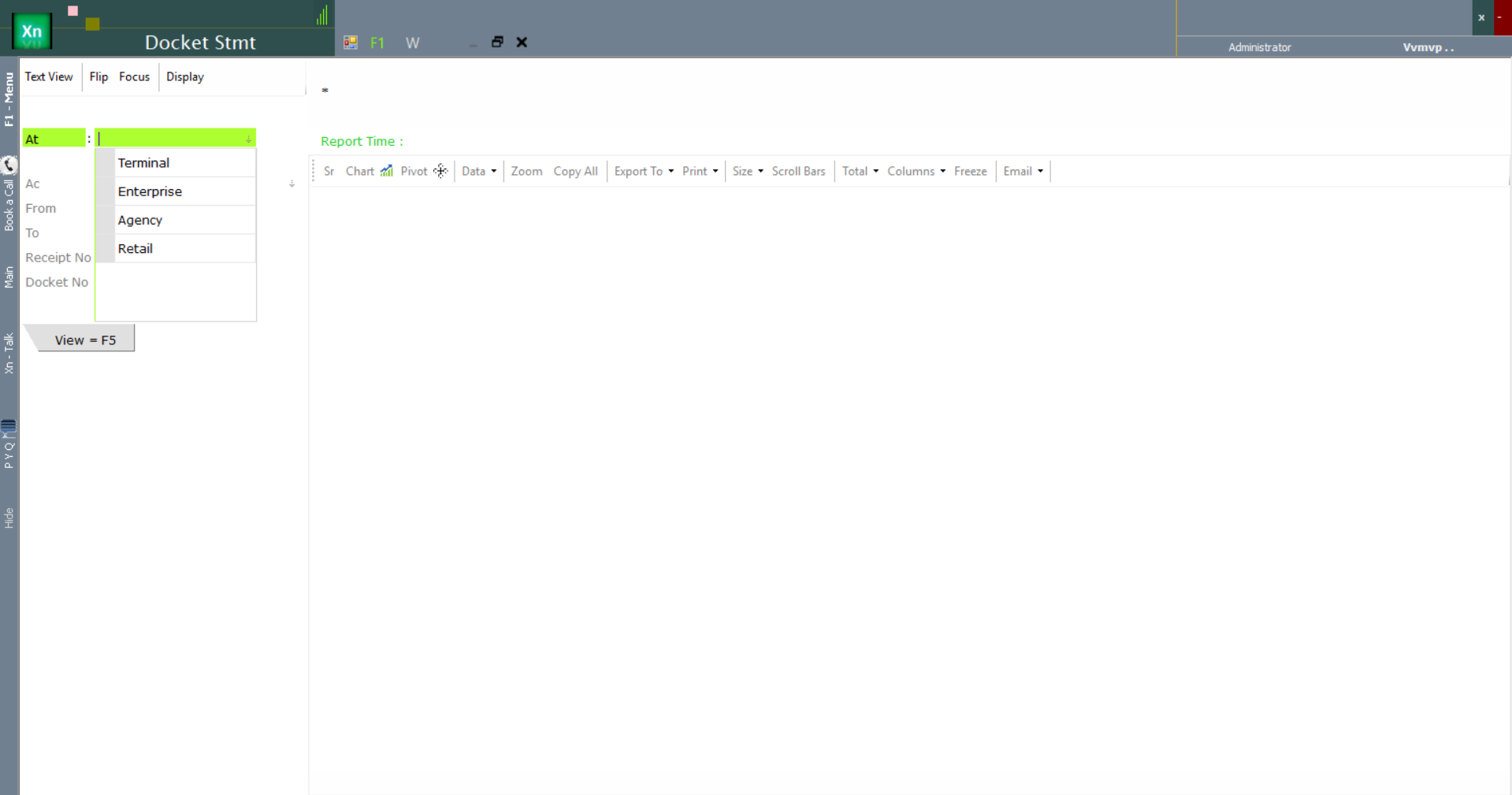
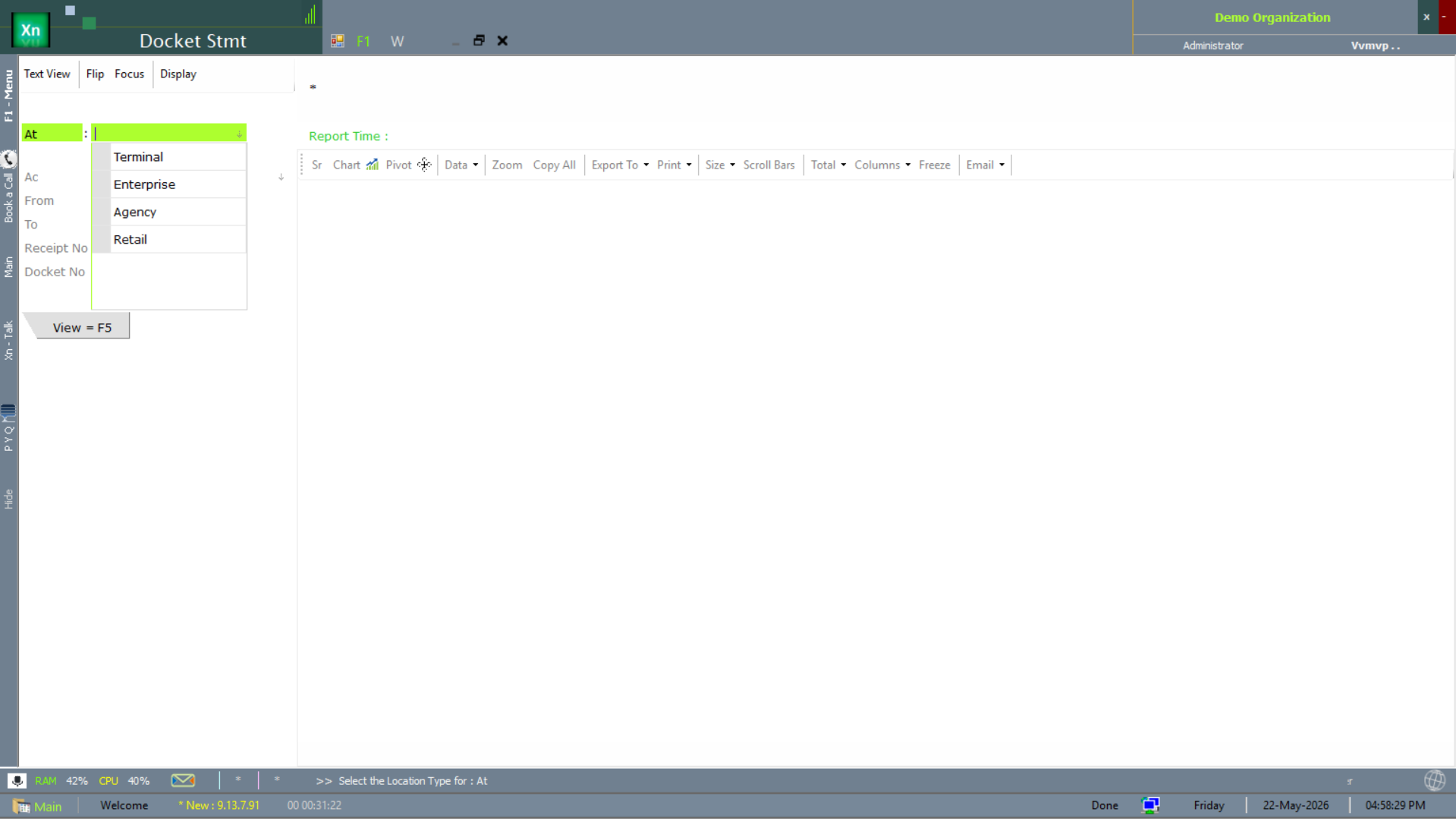
The Docket Stmt tracks every docket (delivery note / dispatch slip) over a period. The At dropdown scopes to a location type — Terminal, Enterprise, Agency or Retail — so you can isolate a single distribution channel.
Pending Bills
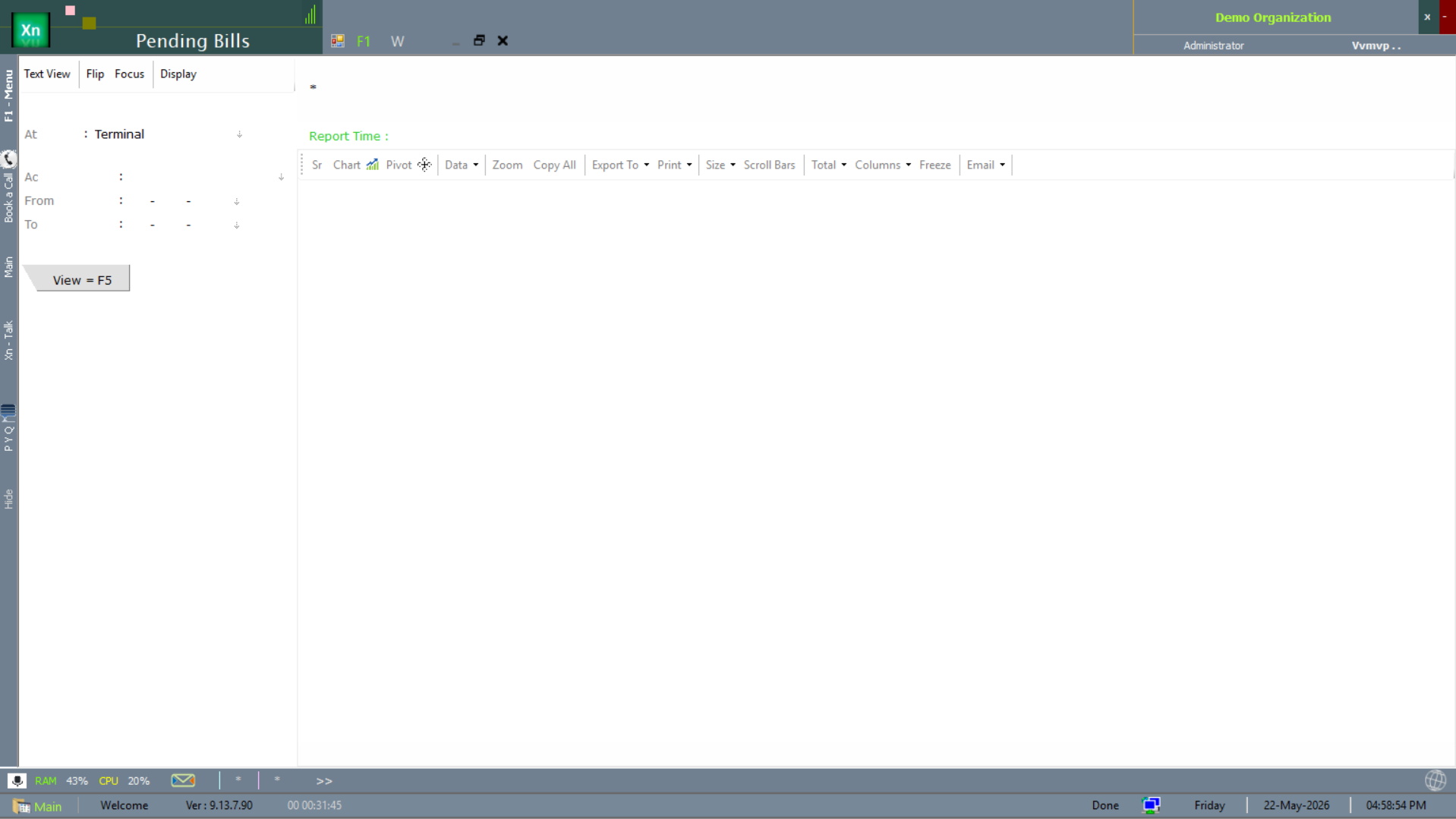
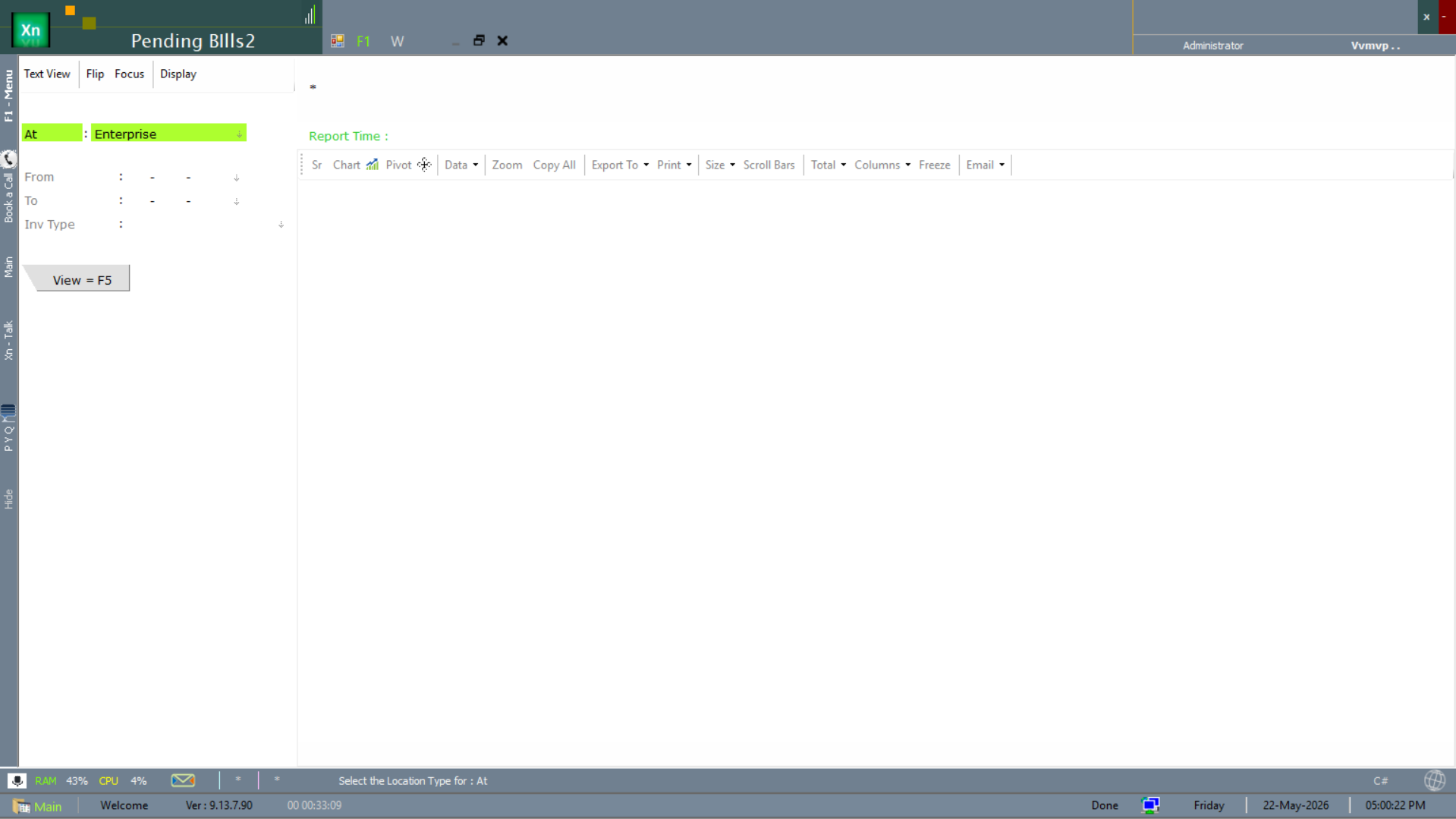
The Pending Bills report is the unsettled-bill list for a chosen location — the basis for follow-up calls and customer statements. The "2" variant scopes by Enterprise instead of branch for the consolidated view.
Stock Level
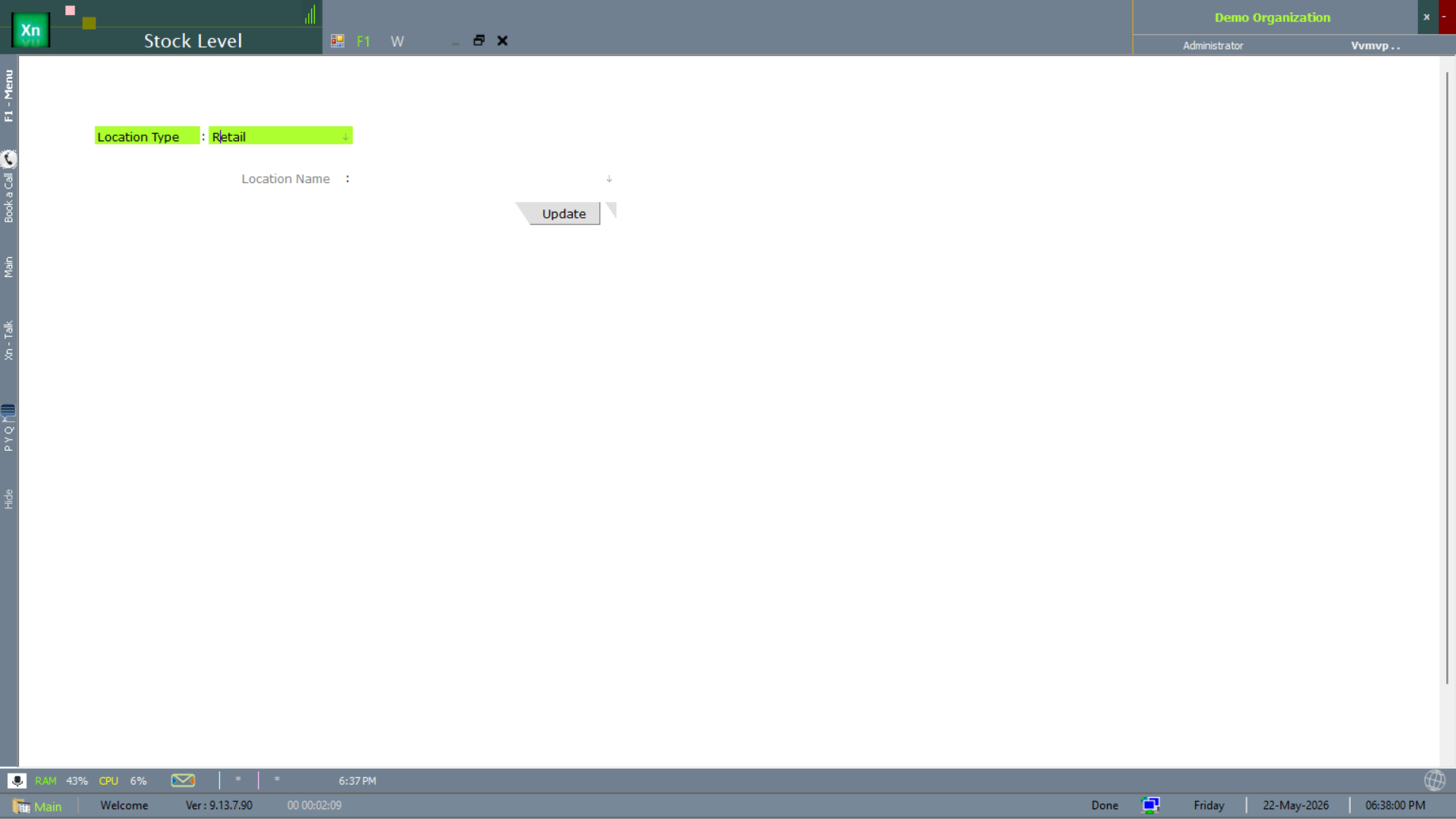
The Stock Level filter form drives an on-hand stock view by location — lighter-weight than the full Stock Statement when you only need quantities, not values.
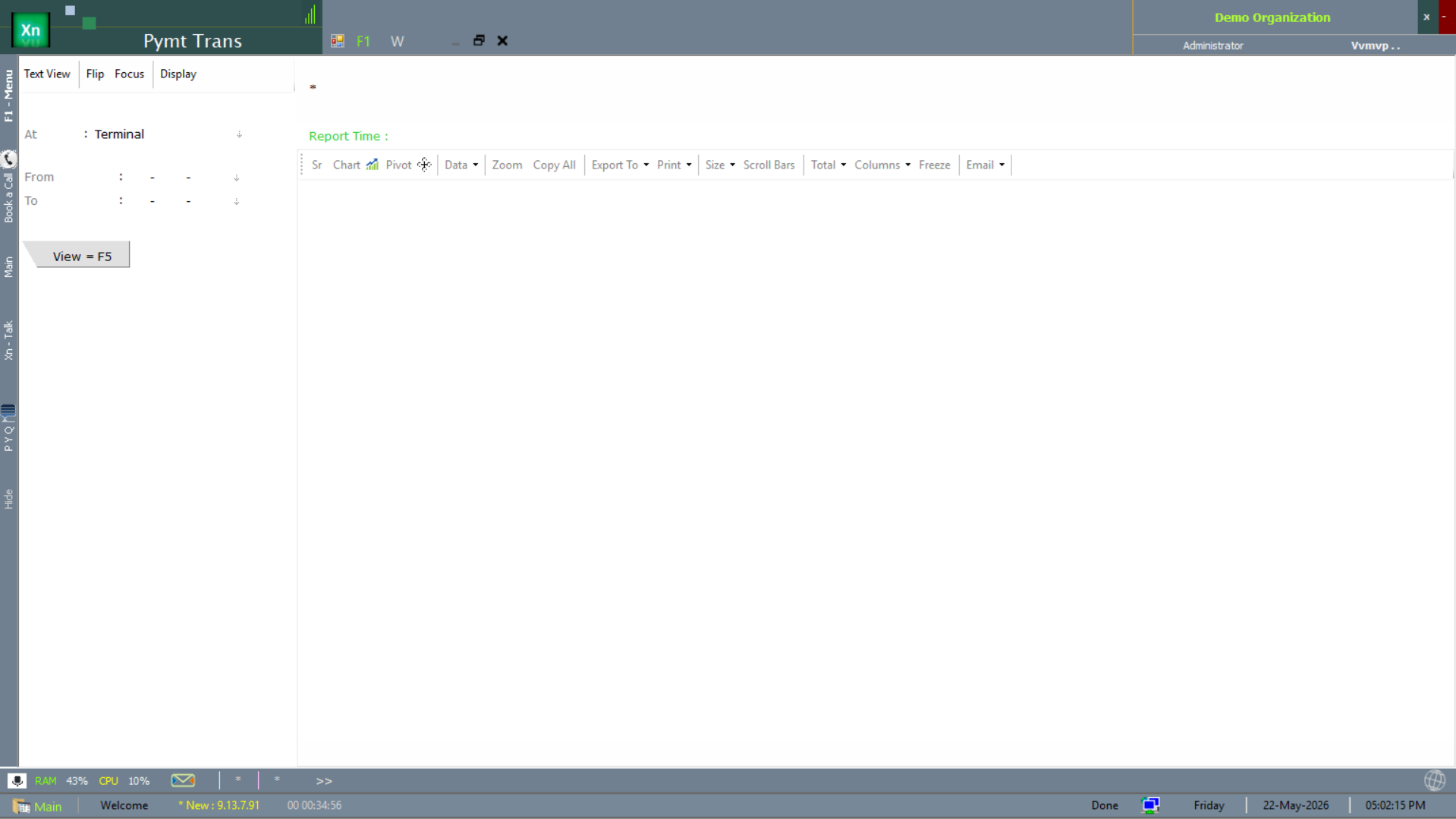
Payment Transactions
The Pymt Trans report lists every payment-side transaction (receipts and payments) over a period, filterable by terminal and date. It overlaps with the Accounts & Finance area but lives in the Statement menu because most retail users reach it from here.