Xn-Talk (Messaging)
The built-in messaging system: inbox, network talk and internal talk.
Internal messaging
Xn-Talk is the built-in chat system. It runs over your LAN for internal-only conversations, and over the internet for messages to / from XN support. You do not need a separate account — your Xn-Talk-ID (registered at first login) is the address.
Inbox
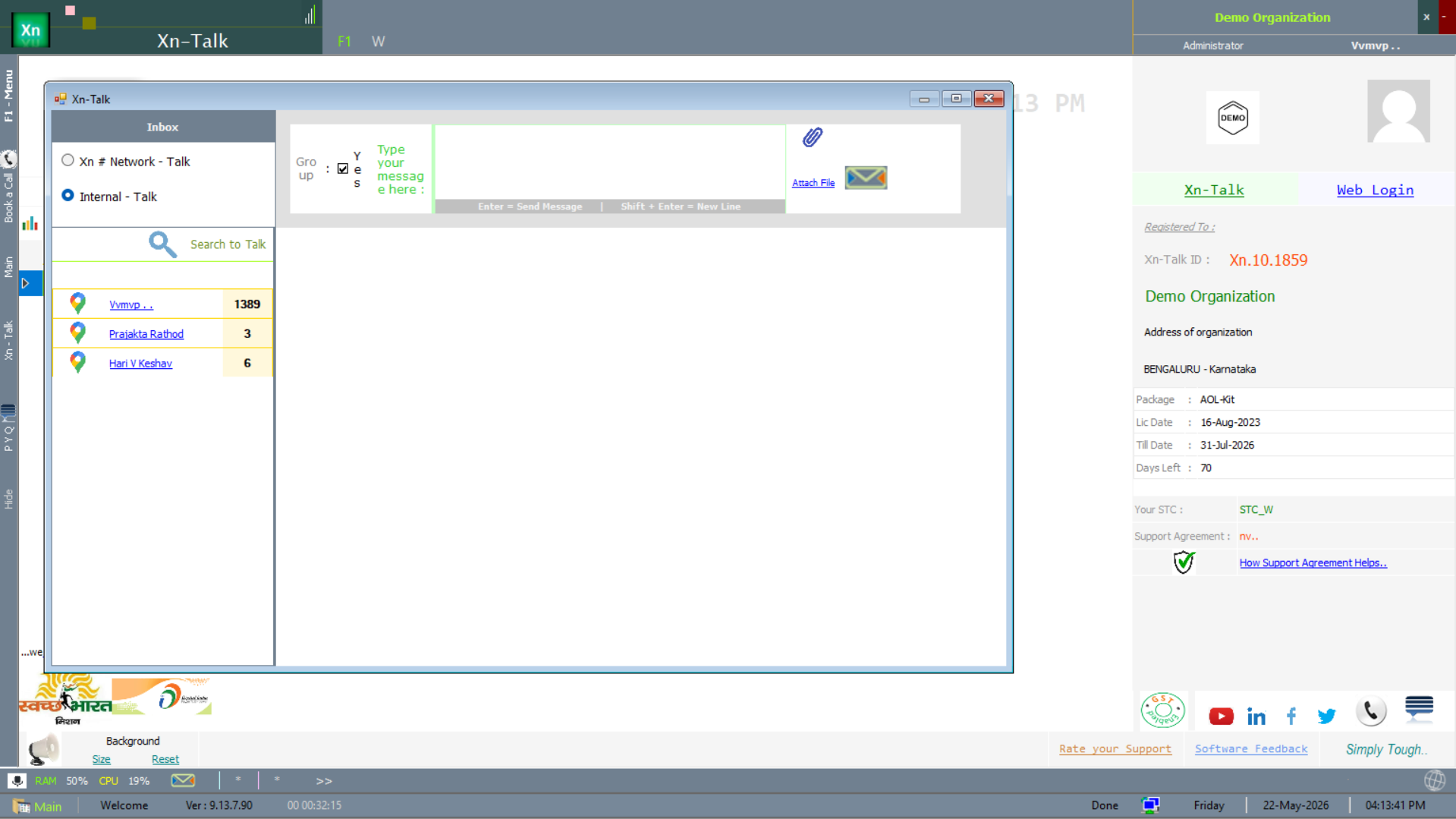
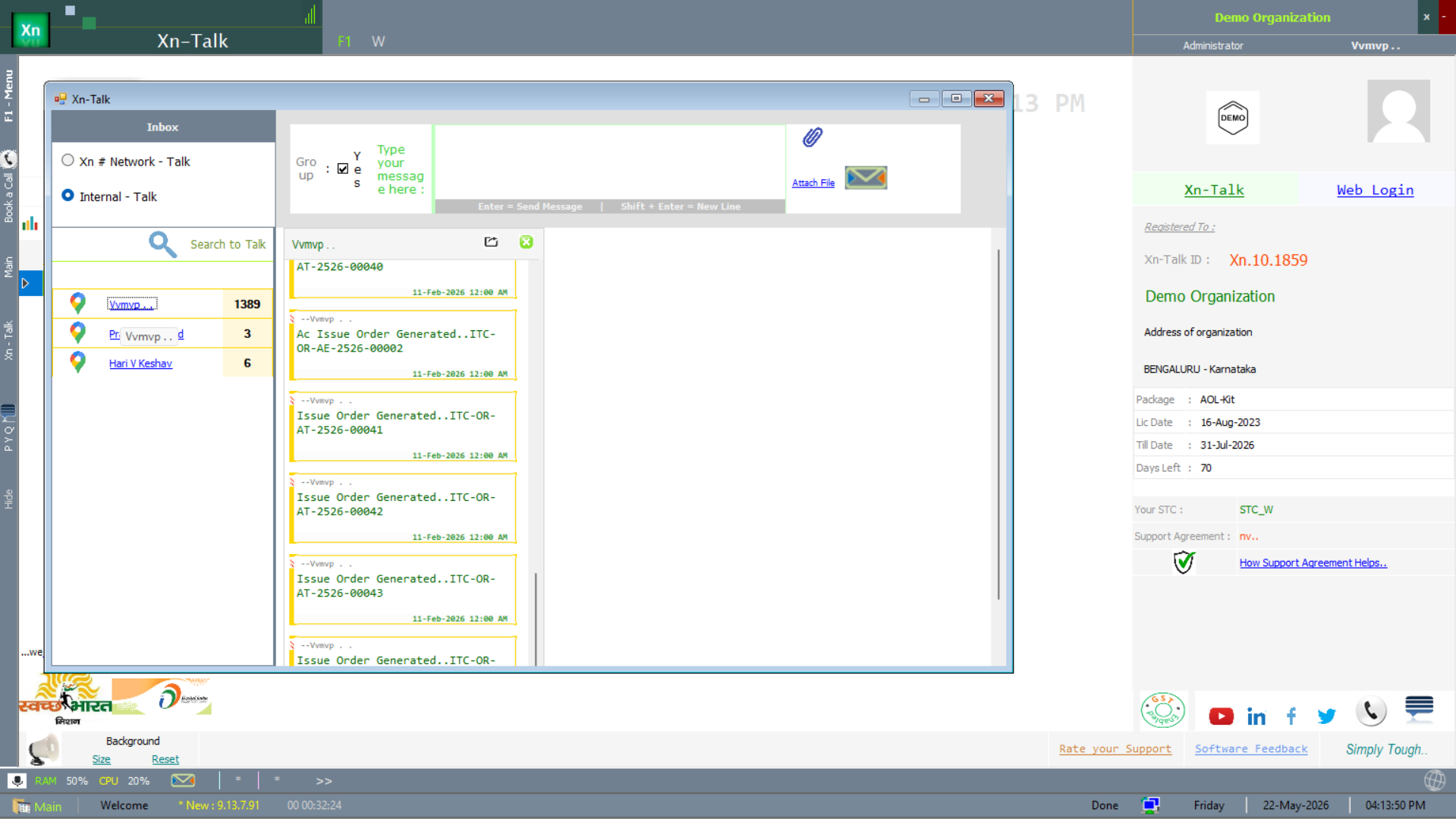
The Inbox lists every conversation in chronological order, unread on top. Click a thread to open it in the centre pane. The top bar shows a badge with the unread count from anywhere in the application.
- Right-click a thread for Mark as read, Pin or Delete.
- The search bar at the top filters threads by sender or subject.
Xn # Network - Talk
Messages travelling over the internet — primarily announcements from XN, support replies, and broadcasts. Use this channel to reach support engineers when phone lines are busy.
Internal - Talk
LAN-only messages between users of your own installation. Useful for shop-floor coordination (for example: counter staff asking the warehouse to bring stock) without picking up a phone.
Xn-Talk in use
The screens below show Xn-Talk in real use — the conversation list and a thread carrying issue-order discussion.