Tax Setup
Tax structures, tax accounts and HSN / SAC codes.
Overview
Tax Setup is where GST is configured. Define the named tax structures, map them to ledgers, and assign HSN / SAC codes to items. Every invoice picks tax from here.
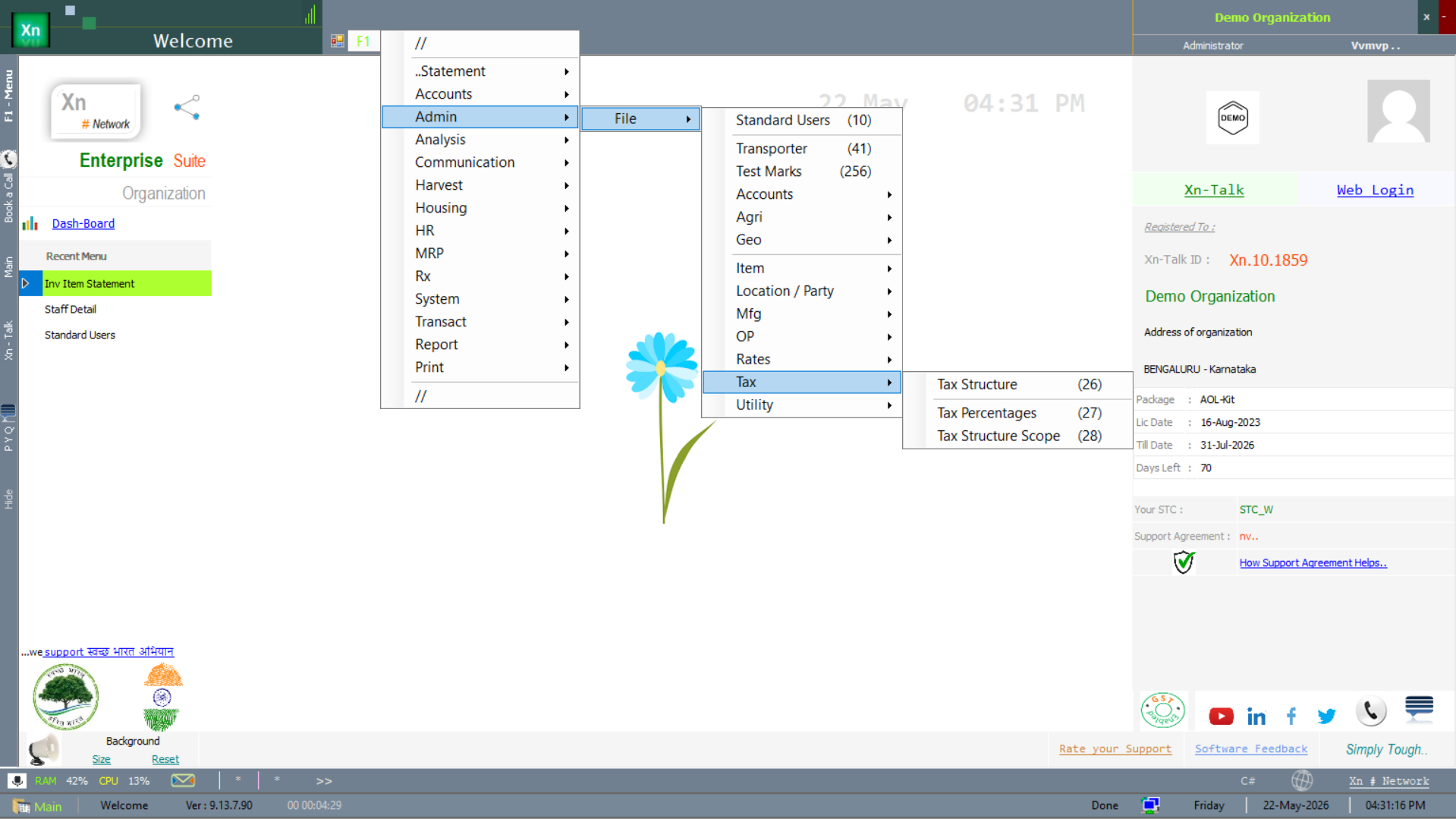
Tax Setup menu
Tax-related masters live under the tax-configuration branch of the setup menu.
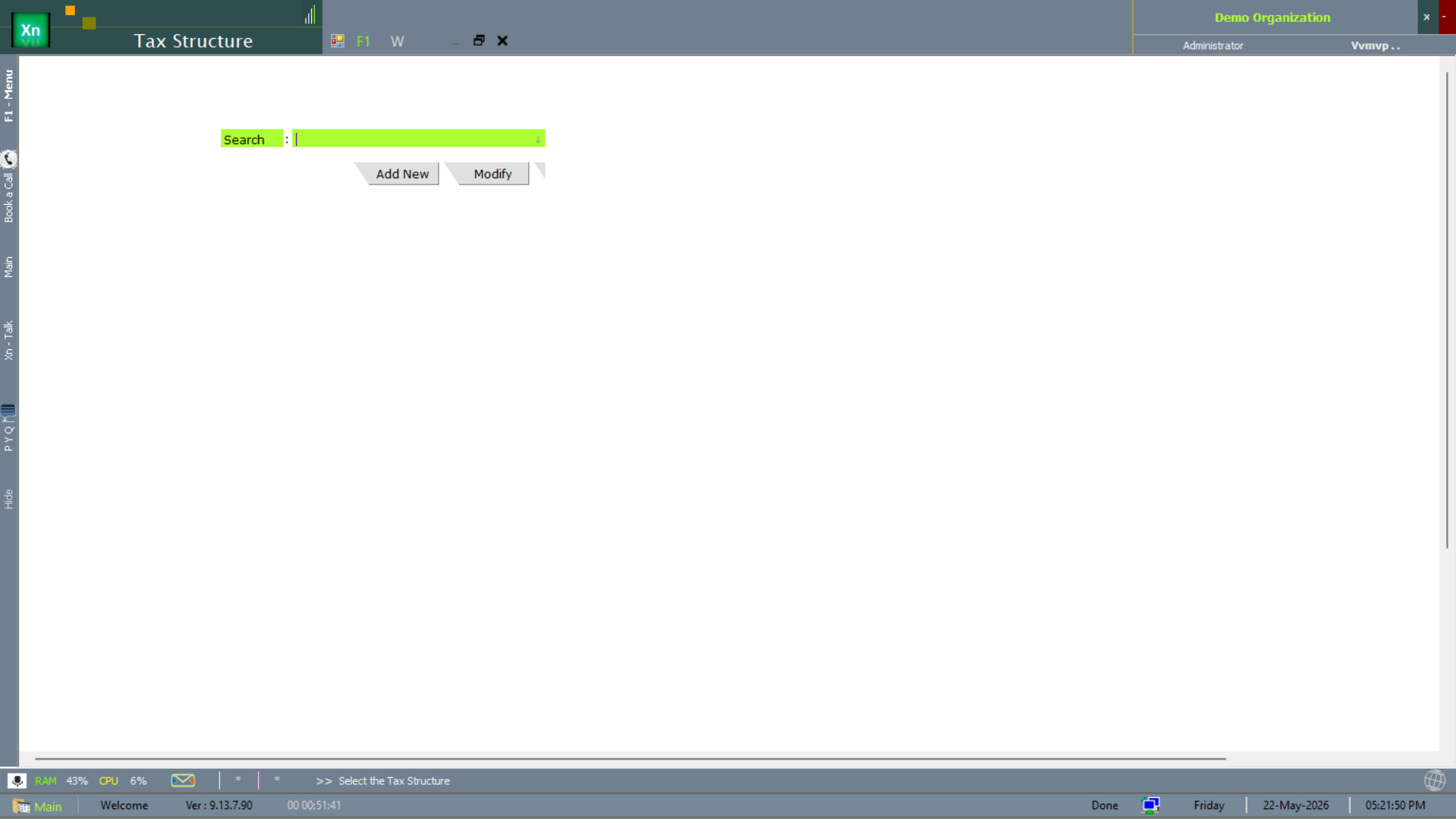
Tax Structure
Named combinations of CGST + SGST + IGST + cess (GST 0%, 5%, 12%, 18%, 28% are seeded). New structures are added when the rate slabs change.
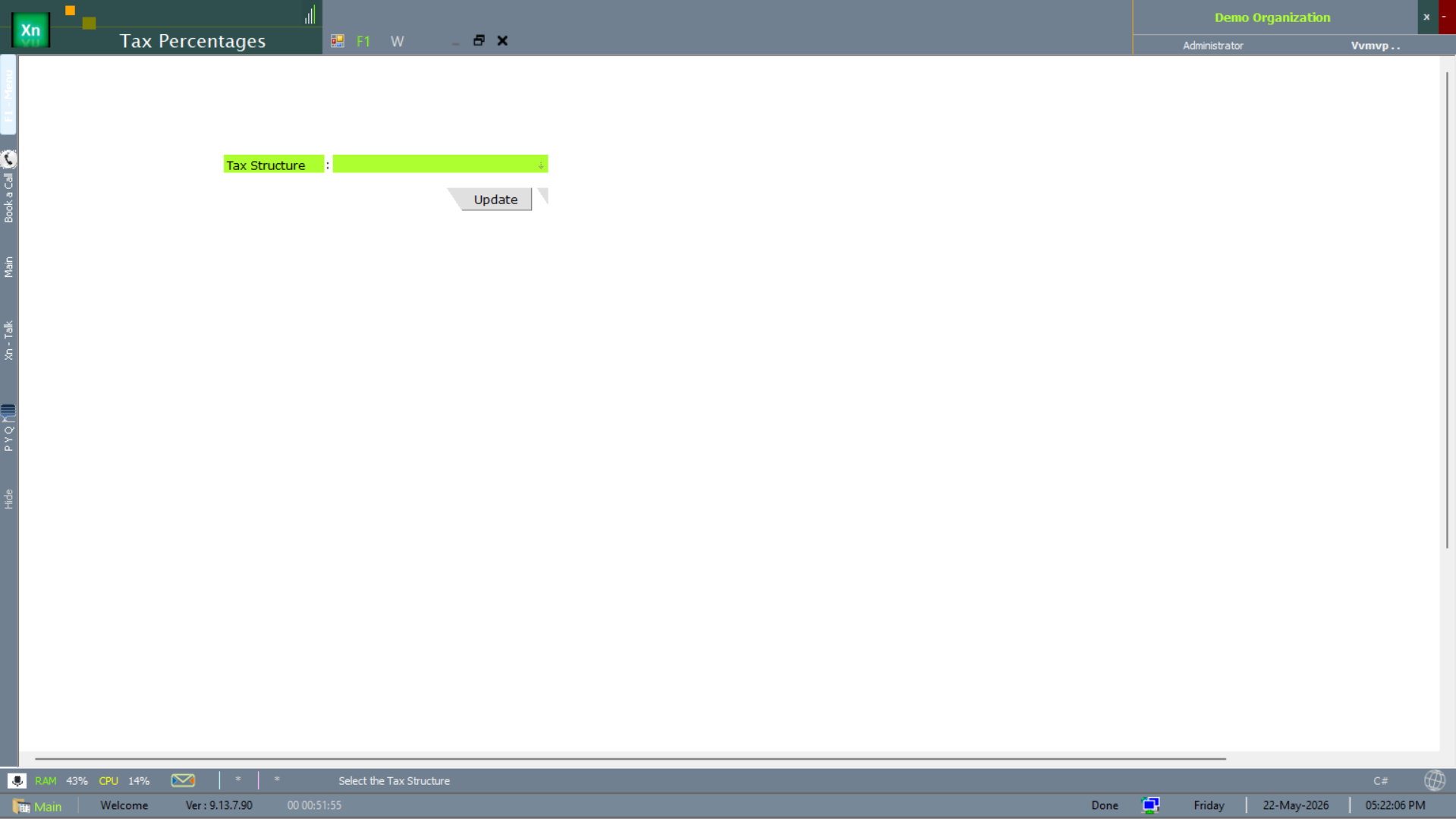
Tax Percentages
The Tax Percentages screen records the actual rate values per component for each tax structure — the numbers that get multiplied at invoice time. Effective-date stamped so a rate-slab change preserves history.
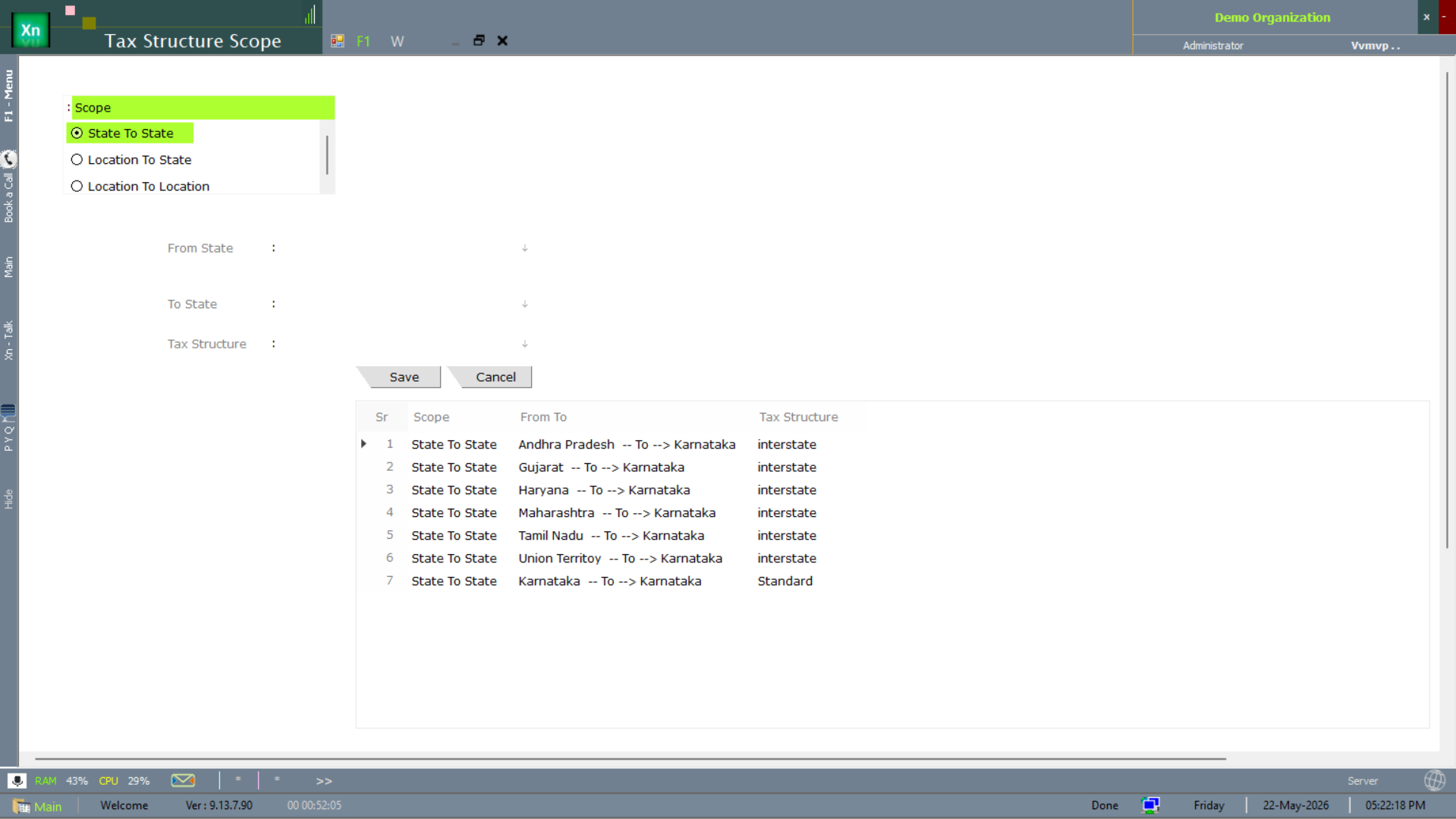
Tax Structure Scope
The Tax Structure Scope screen drives the inter-state matrix — which tax structure applies when shipping from State A to State B. Critical for installations selling across state lines under GST.
Tax Account Link
Maps each component (CGST / SGST / IGST / cess) to the payable ledger it should post to. Done once per structure; thereafter every invoice posts to the right ledger automatically.
HSN / SAC
Product (HSN) and service (SAC) classification with the default tax structure for that code. Items inherit the tax structure of their HSN unless an override is set on the item itself.