Rates Setup
Rate standards, price lists and discount slabs.
Overview
Rates Setup controls every price the application prints — selling price, purchase price, scheme discounts and promotional rates. All of it is effective-date driven so price history is preserved.
Rates Setup menu
Rate-related masters live under the rate-configuration branch of the setup menu — standards, settings and the per-item rate detail screens.
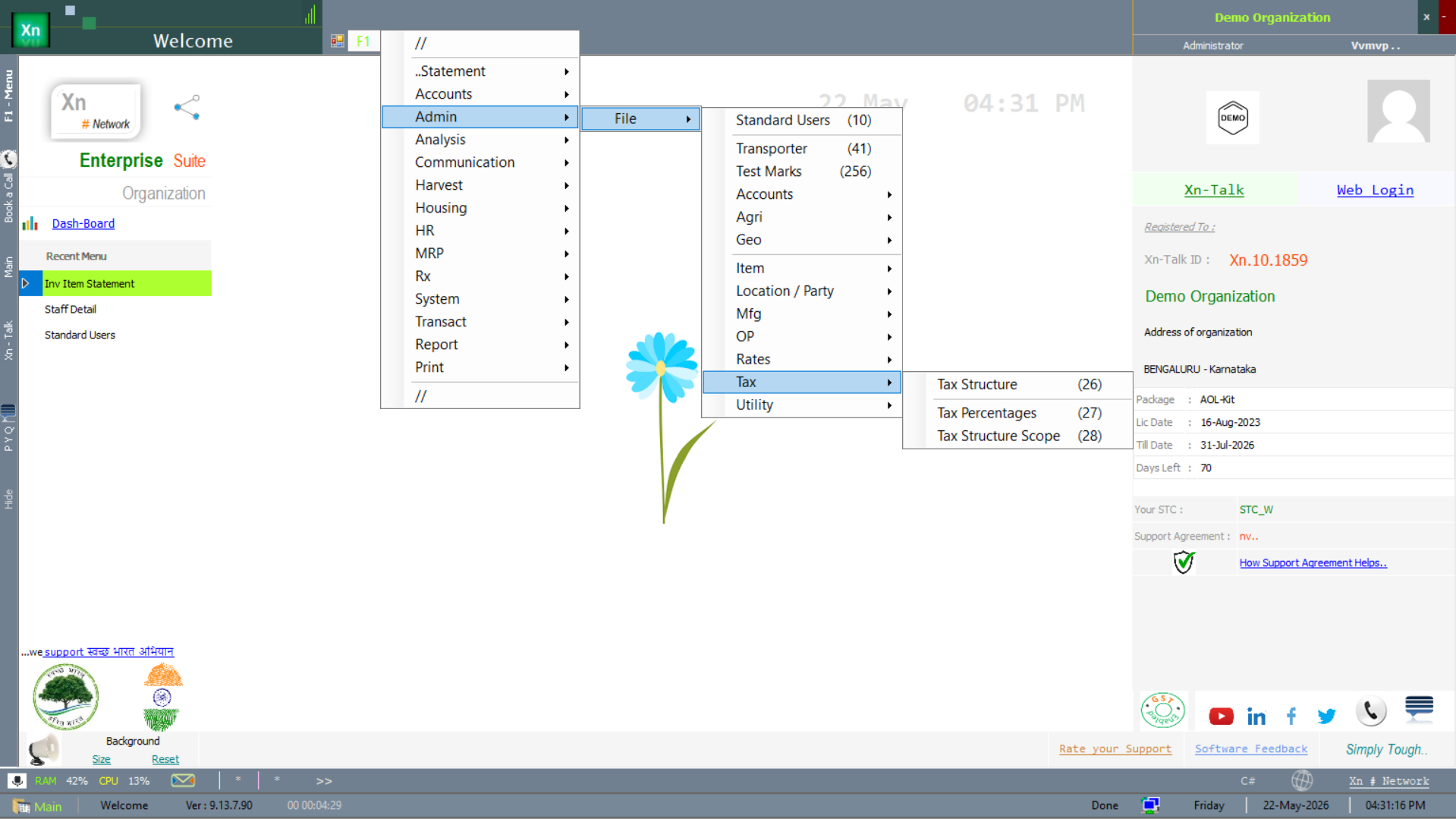
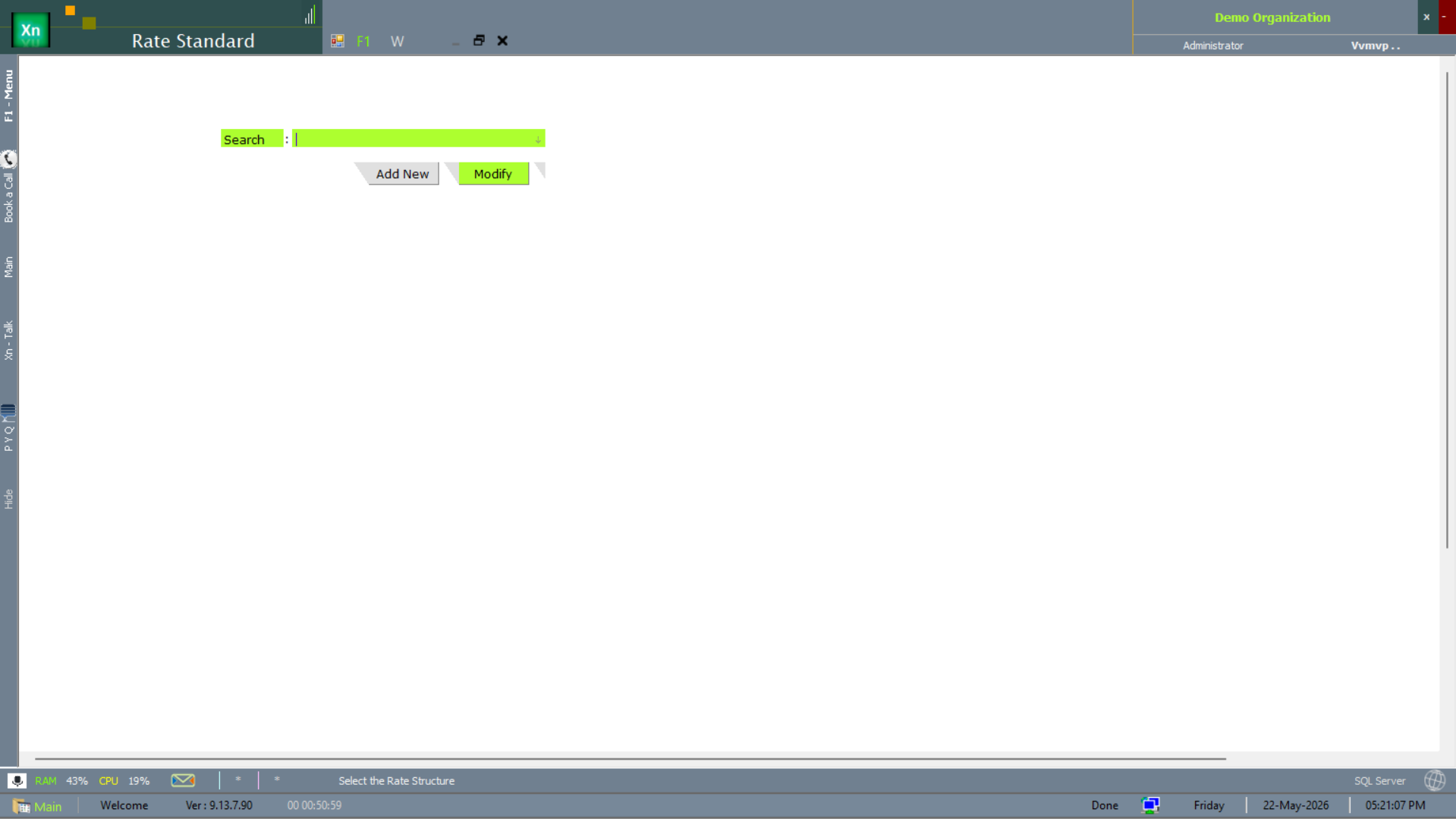
Rate Standard
Named price book (Retail / Wholesale / Distributor / Export) that customer ledgers pick as their default. The Sales Invoice screen looks up rates from the customer's standard automatically.
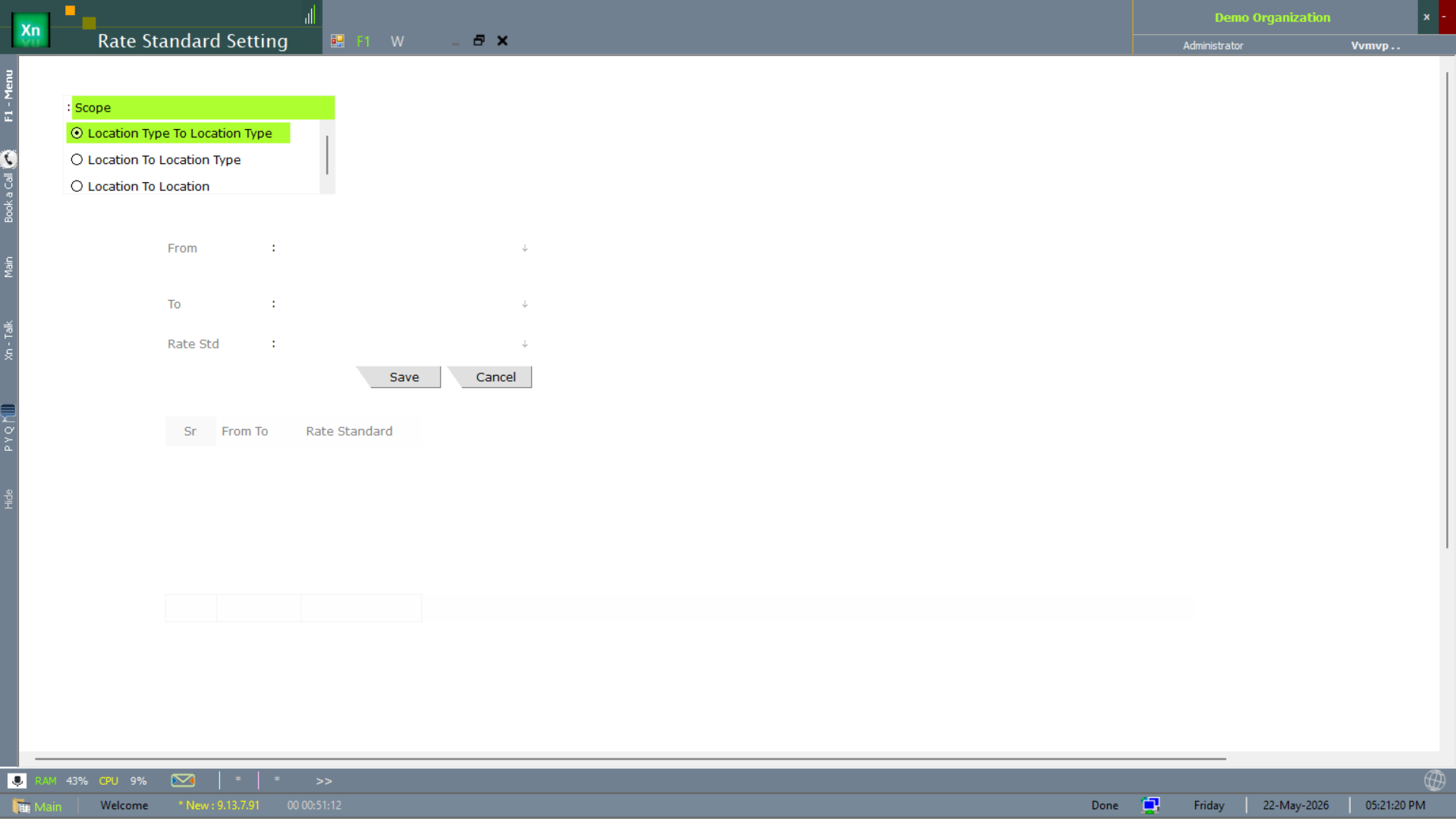
Rate Standard Setting
The Rate Standard Setting screen drives the per-standard tuning — effective-date windows, rounding rules and default tax handling. Shown with the table of Sr / From-To / Rate Standard rows.
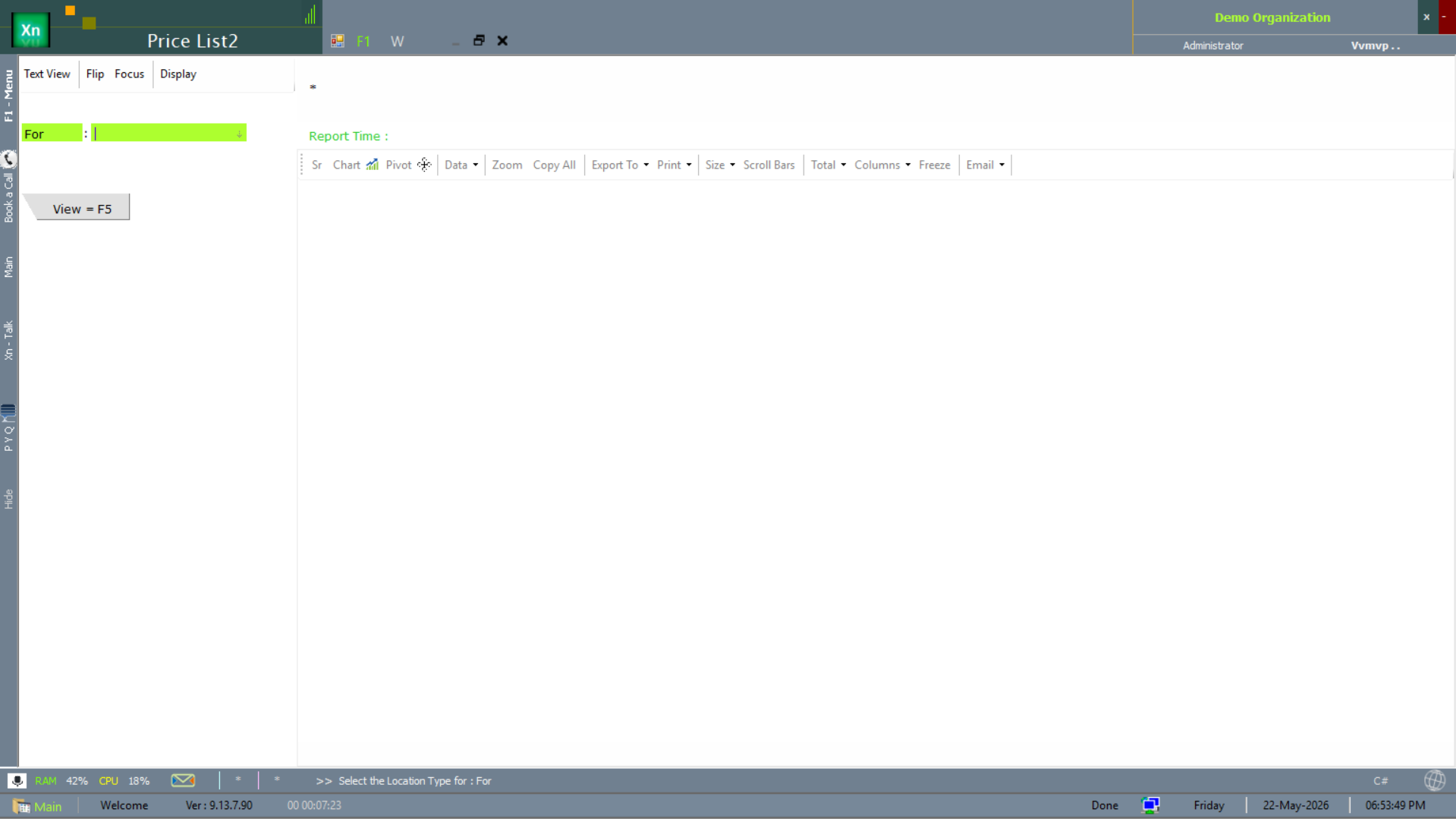
Price List
Item-wise prices within a rate standard, effective-date stamped. Bulk import from Excel is supported for re-pricing exercises. Two Price-List report variants are documented under Reports → Lists — this section is the setup screen.
Rate Detail
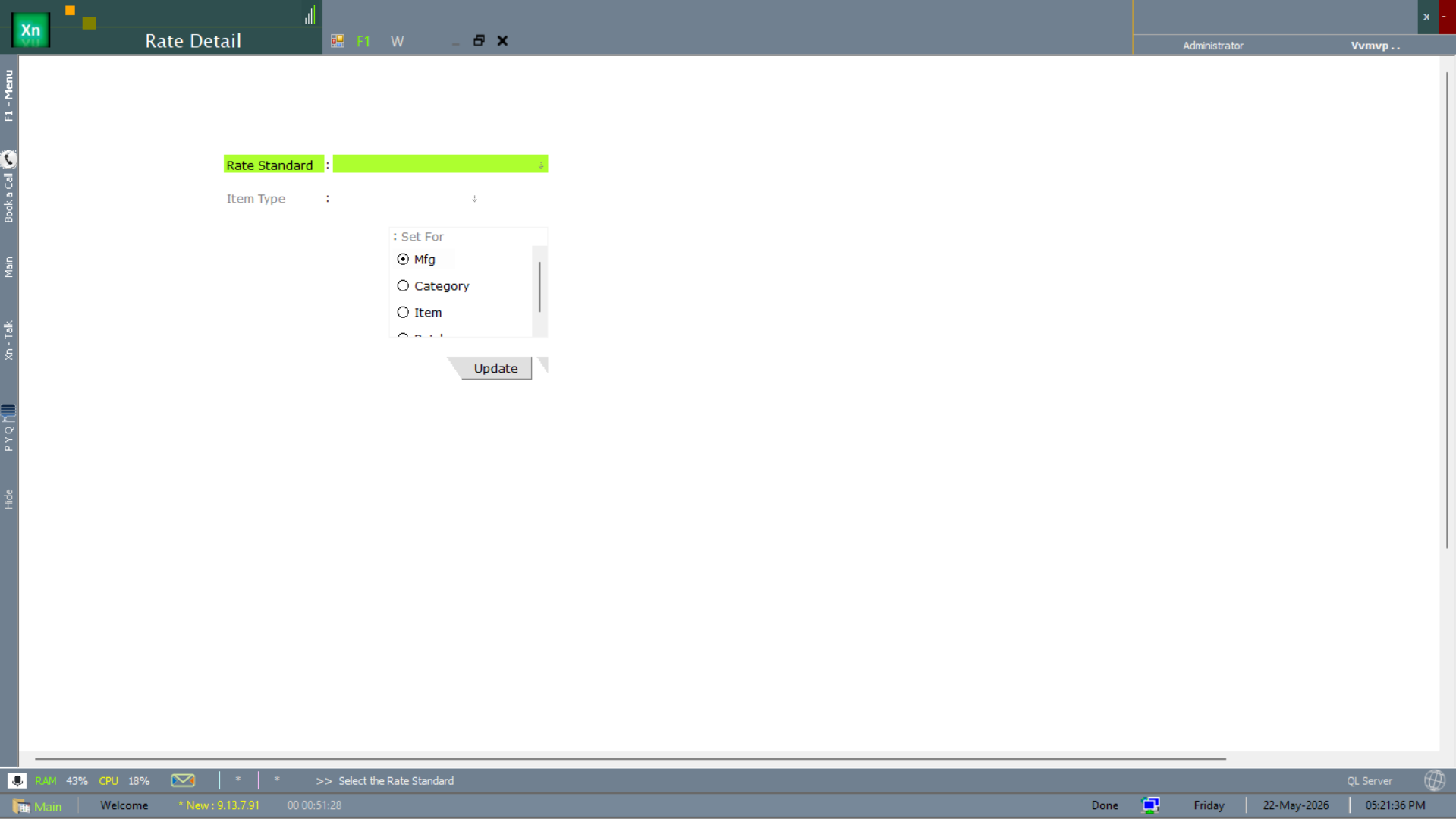
The Rate Detail screen is the per-item-or-group rate entry — the Set For radio chooses the scope (Mfg / Category / Item) and the rest of the form applies the rate to every record matching that scope.
Discount Slab
Quantity-based or value-based discount tiers — e.g. 5% above 10 units, 10% above 50 units. The invoice picks the right slab automatically based on the line quantity.
Scheme
Time-bound promotional offers (buy-N-get-M, % off, fixed amount off, gift-with-purchase) with eligibility filters by customer group, item category and channel.