General Reports
Day book, trial balance, debtor / creditor ageing and other standard financial reports.
Overview
General Reports is the day-to-day reporting suite for the accounts team. Most reports take date-range and ledger filters; all support print, PDF export, and Excel export. Where a column is drillable, click-through opens the underlying voucher for context. Several screens overlap with the master ones on the Accounts page (Cash Book, Trial Balance, Ledger) — the screens are identical; only the menu path differs.
Day Book
All vouchers for a date or date range, in entry order, with type, party, narration and amount. The accounts team typically prints this at end of day before running Day Closure so the day's activity is on paper for the audit file.
Cash Book
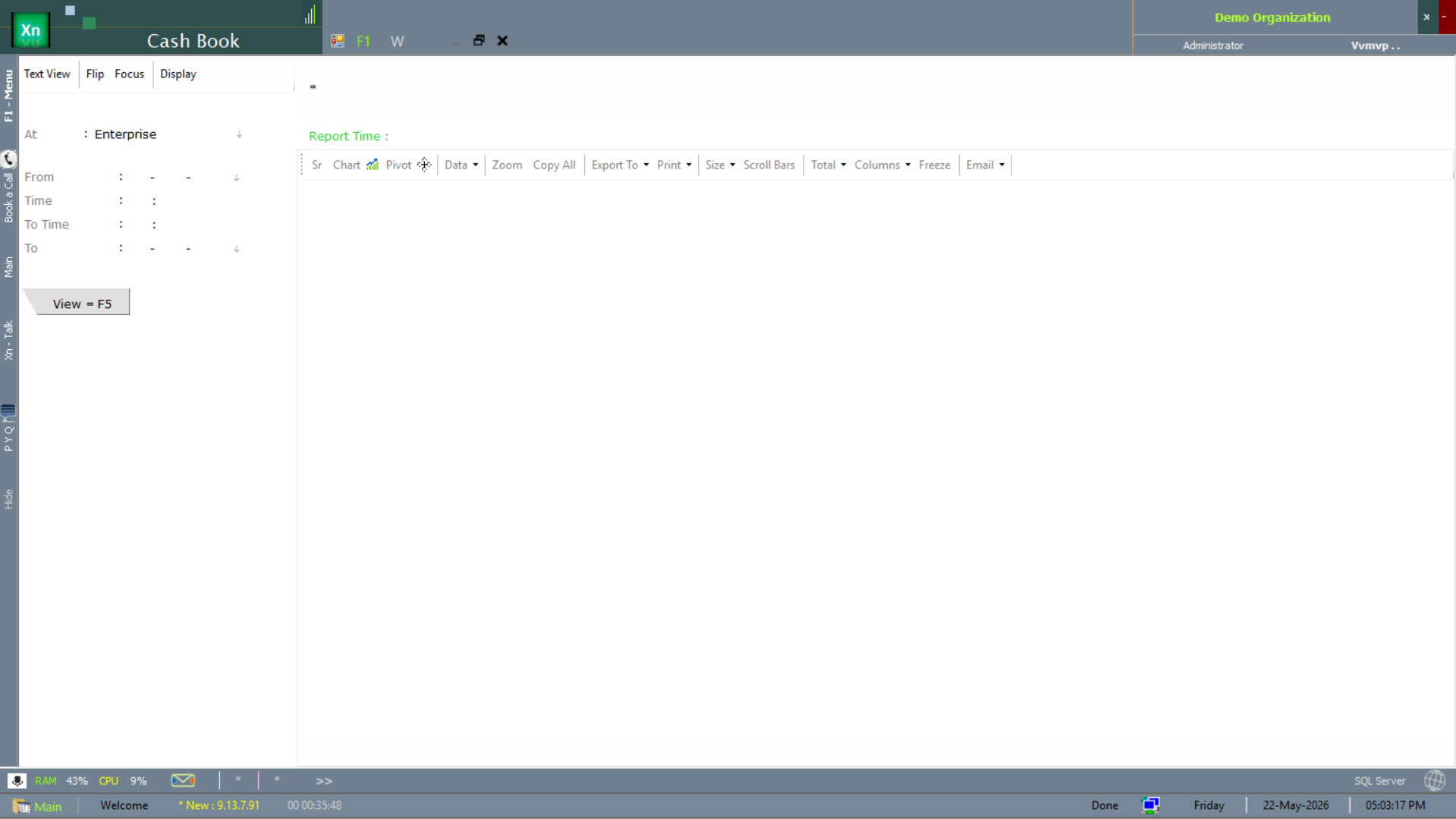
Cash account ledger for a date range, with opening balance, receipts, payments and closing balance. Cash variance — book versus physical — is signed off against this report every evening. Two scope variants are documented on the Accounts page → Cash Book section.
Bank Book
Bank account ledger for a date range, one per bank account. Use alongside Bank Reconciliation to clear cheques and identify uncredited deposits.
Ledger Account
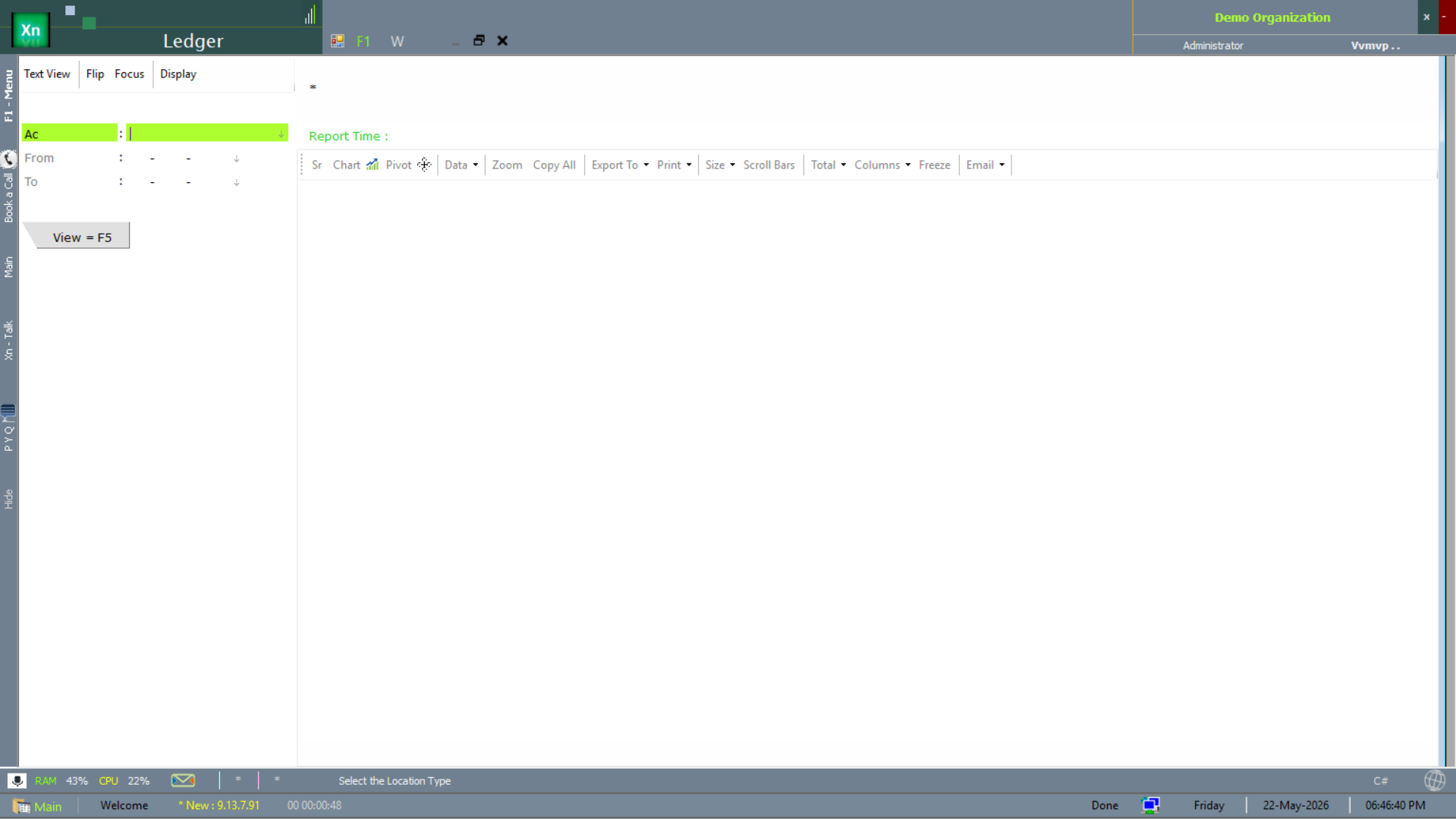
Full ledger of any account — debits, credits, running balance. Click any row to open the source voucher. The export carries the same drill-down references for follow-up in Excel.
Trial Balance
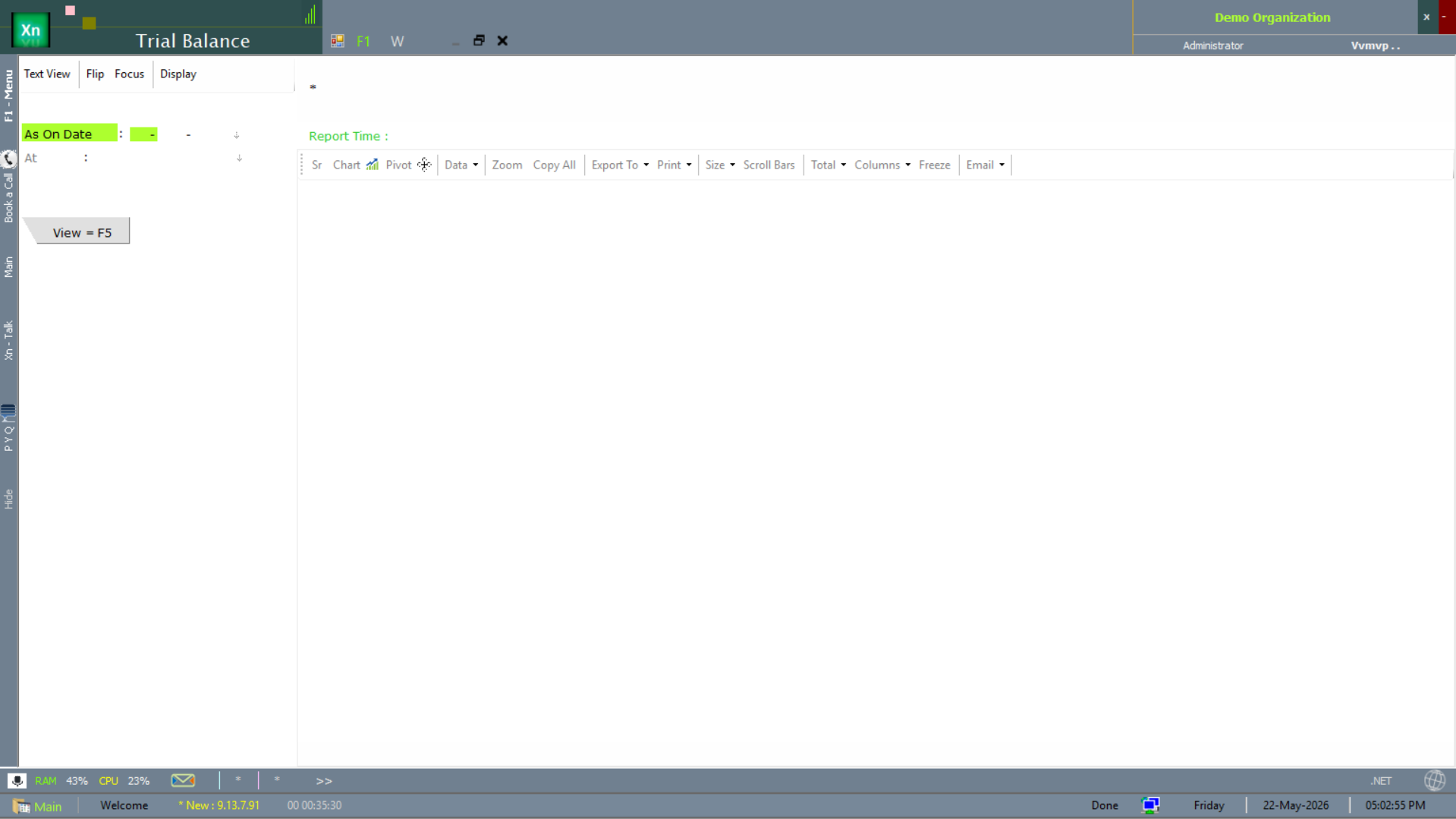
Closing balances of every ledger grouped by category. The standard month-end report; total of debits must equal total of credits, and if it does not, the system shows the imbalance immediately so you can post the missing entry.
Group Summary
Trial balance rolled up one level — useful for management who do not want the detail of every ledger but do want every group on a single screen.
Debtors Ageing
Customer-wise outstanding split into buckets (0-30, 31-60, 61-90, 91-180, > 180 days). The 60+ buckets are your follow-up list; the 180+ bucket is the candidate set for write-off or legal action.
Creditors Ageing
Supplier-wise outstanding split into the same buckets. Useful for cash-flow planning and for spotting suppliers you have over-paid (negative balances).
Outstanding Statement
Per-party statement of unpaid invoices — printable, PDF, or emailable directly from the screen. Common workflow: filter ageing 60+, select all, send statements in one batch.
Receipts & Payments
Cash-basis summary showing how money actually moved in and out for a period. Distinct from P&L which is on accrual basis — the two will not match, and that is by design.
Cost Centre Report
Income and expense grouped by cost centre (department, branch, project, or any other dimension you have configured). The basis for departmental P&L reviews.
Ratio Analysis
Standard financial ratios — current ratio, quick ratio, debtor days, creditor days, inventory days, gross-margin percent, net-margin percent. Useful for owners and for bank statements.