Geo Setup
Country, state, district and city masters.
Overview
Geo Setup feeds the address pickers throughout the application — customer addresses, supplier addresses, branch addresses, staff addresses. Comes pre-seeded with India down to district level; add cities as you onboard customers there.
Country
Country list with currency code, time zone and default tax behaviour. India is the seeded default for new installations.
State
States within a country. For India each state carries its GST state code so the GSTIN logic (intra-state vs inter-state tax split) works on every invoice.
District
Districts within states. Used in address autocompletion and in regional reporting.
City
Cities used in customer / supplier addresses. The picker supports inline create so an operator never gets stuck on a missing city.
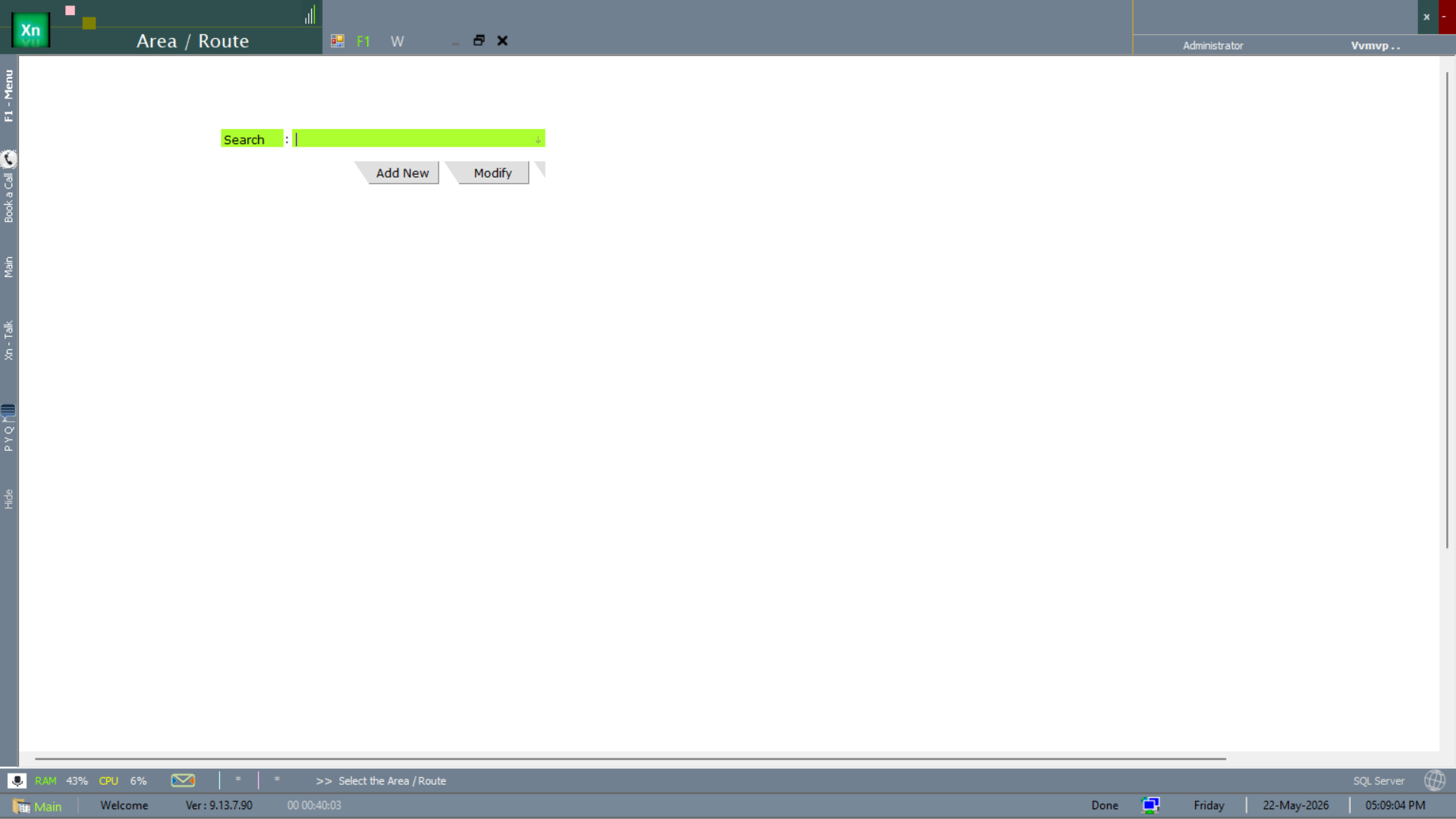
Area / Route
The finest level of the geography hierarchy — the localities and delivery routes within a city. Areas group customers for beat / van-sales planning, so the salesman or delivery vehicle can be assigned a route and the day's drops sequenced along it. Each area rolls up to a city (and therefore to a district and state), which keeps the regional sales and outstanding reports consistent all the way down to street level.