Rx
Prescription entry, appointment scheduling, tele-consult and investigations.
Overview
The Rx area covers the clinical workflow: doctors recording prescriptions and ordering investigations, and front-desk staff scheduling appointments. Output flows into pharmacy (for medicine dispensing), into diagnostics (for tests), and into IPD / OPD billing (for charges).
Prescription Entry
Doctor records the diagnosis (ICD-10), medicines (generic and brand picker), dosage instructions, tests and follow-up date for one patient visit. Saves as both a structured record (for analytics) and a printable prescription (for the patient and pharmacy).
Appointment Scheduler
Calendar view per doctor or department with configurable slot length. Books, reschedules and cancels appointments; SMS / email reminders fire automatically at the configured intervals. Walk-ins can be added to the next available slot in one click.
Tele-Consultation
Video / phone consultation flow. The appointment carries a join-link sent to the patient by SMS / email; the doctor opens the same link to start the consult. Prescription Entry from inside a tele-consult is identical to face-to-face except the slip is delivered electronically.
Investigation Order
Lab / imaging tests ordered against a patient visit. Posts to the diagnostics work-list, where the technician records results; results flow back into the patient record and feed the next prescription. Standard test panels can be ordered as a single click.
Rx menu
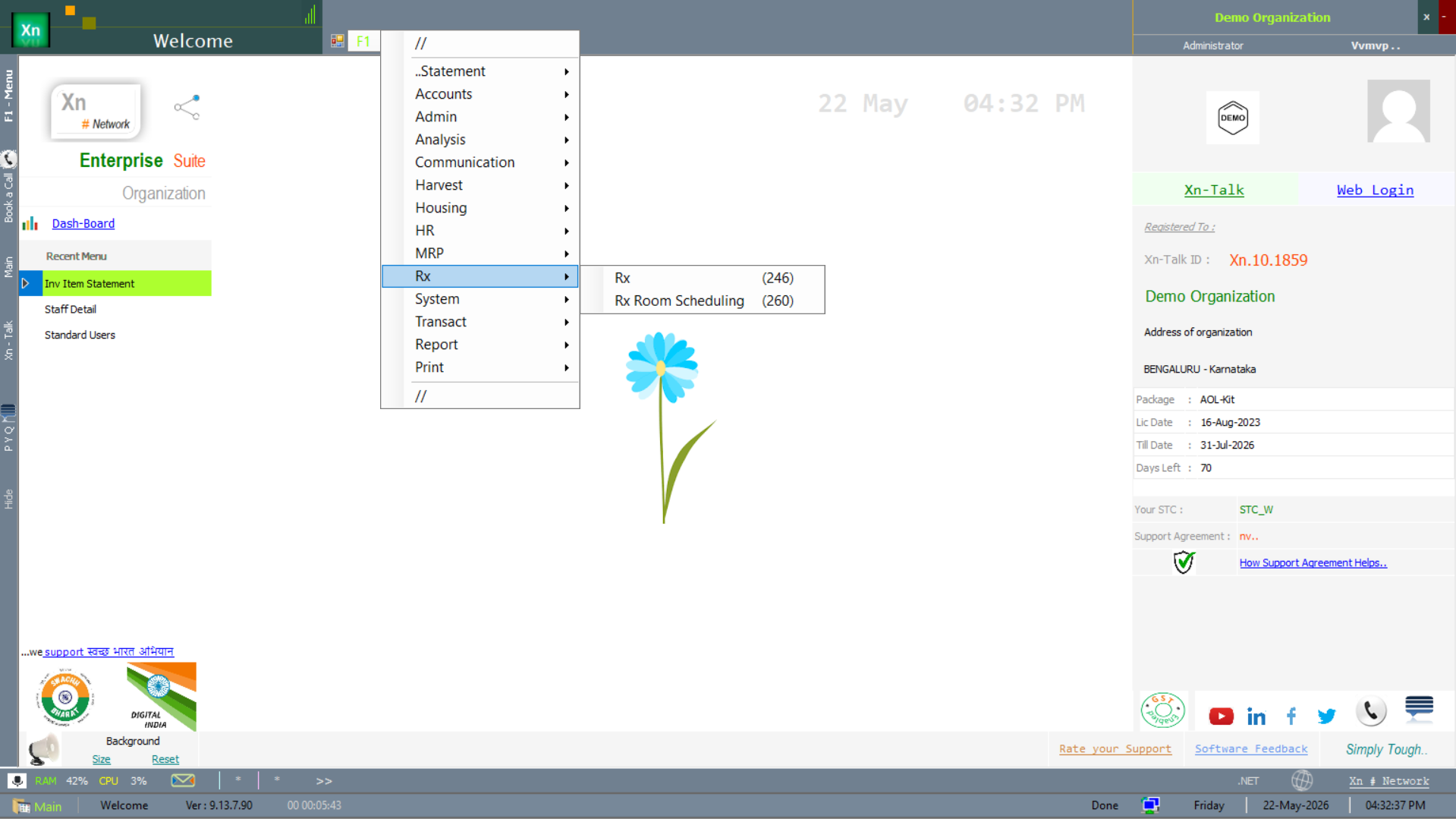
Rx screens live under the Rx branch of the Welcome screen, with a live room-scheduling record-count badge.
Rx prescription screen
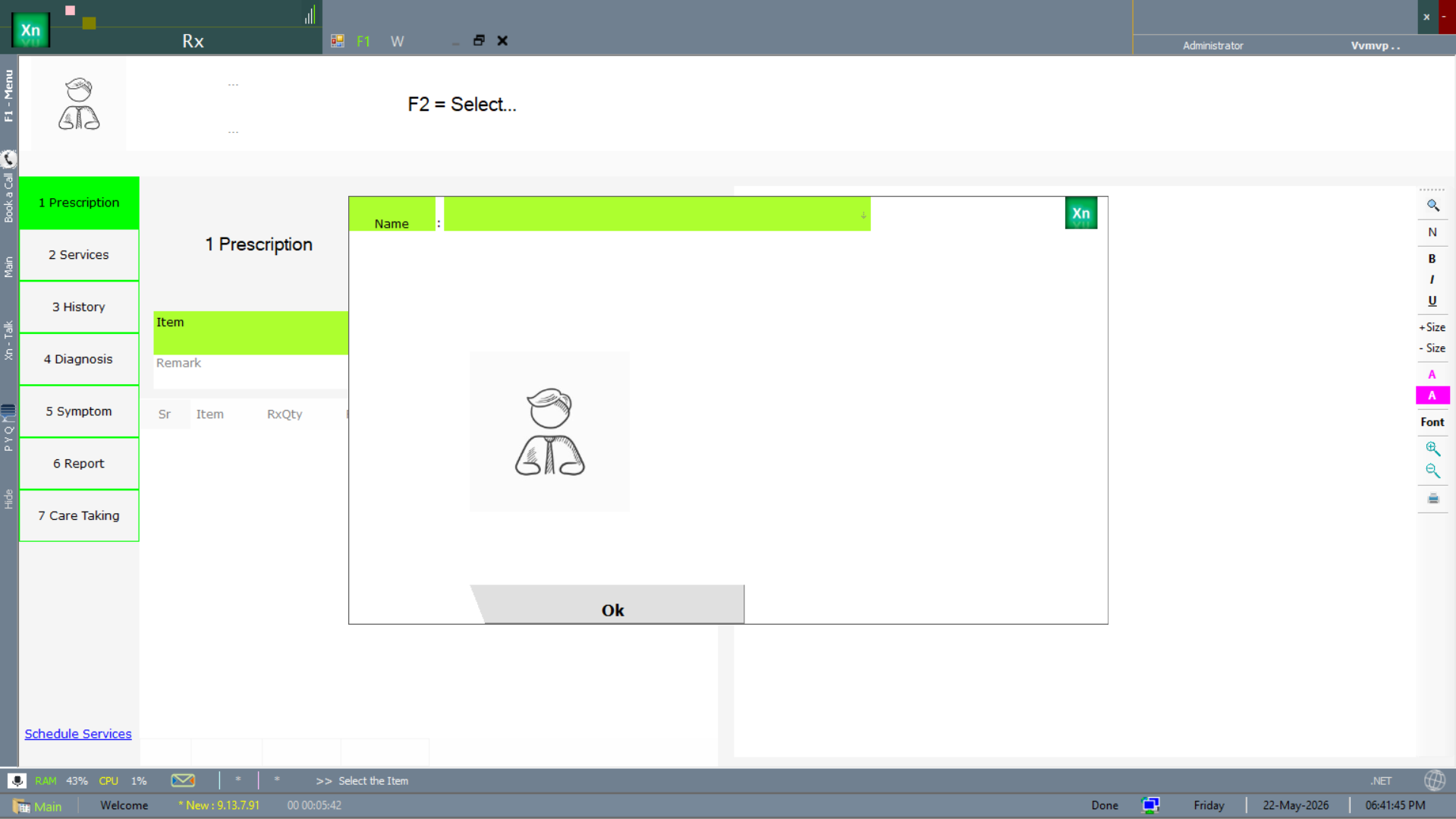
The main Rx screen is the doctor's prescription dialog — with the left-side navigation menu and the keyboard shortcuts strip (F2 = Select). Records diagnosis, medicines, tests and follow-up in one form.
Rx Services / Room Scheduling
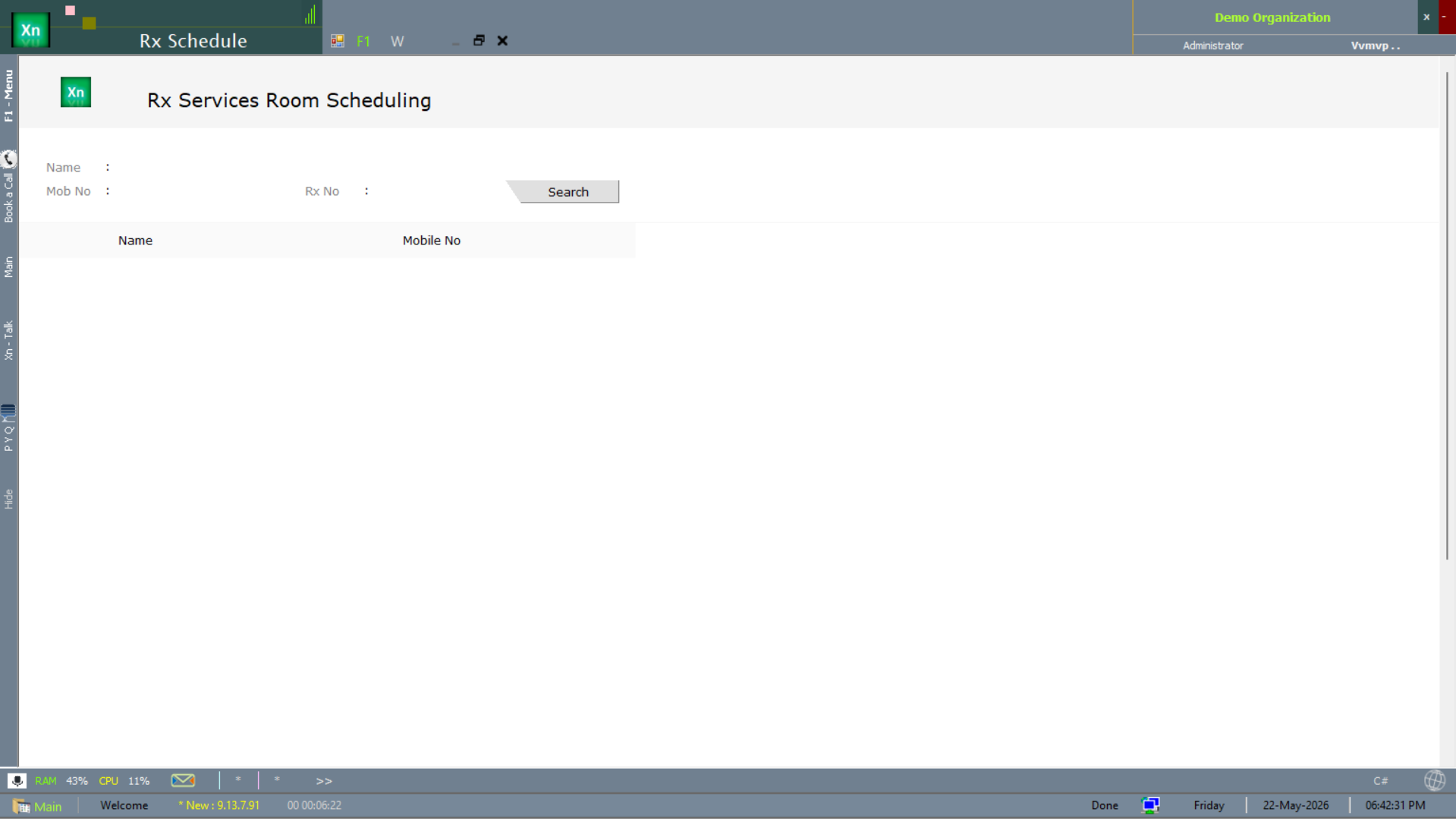
The Rx Schedule screen drives Rx services room scheduling — books a room for procedures, investigations or tele-consult sessions tied to a patient. Patient-search fields are in the header so the booking is always patient-attached.