Location / Party Setup
Branches, warehouses, customers and suppliers.
Overview
Location / Party Setup is where you tell the system about your own structure (branches and warehouses) and about the parties you trade with (customers and suppliers). Both feed every transaction screen as picker masters. This page also covers the supporting geographic masters (city, state, region, area / route) that addresses and routing reference.
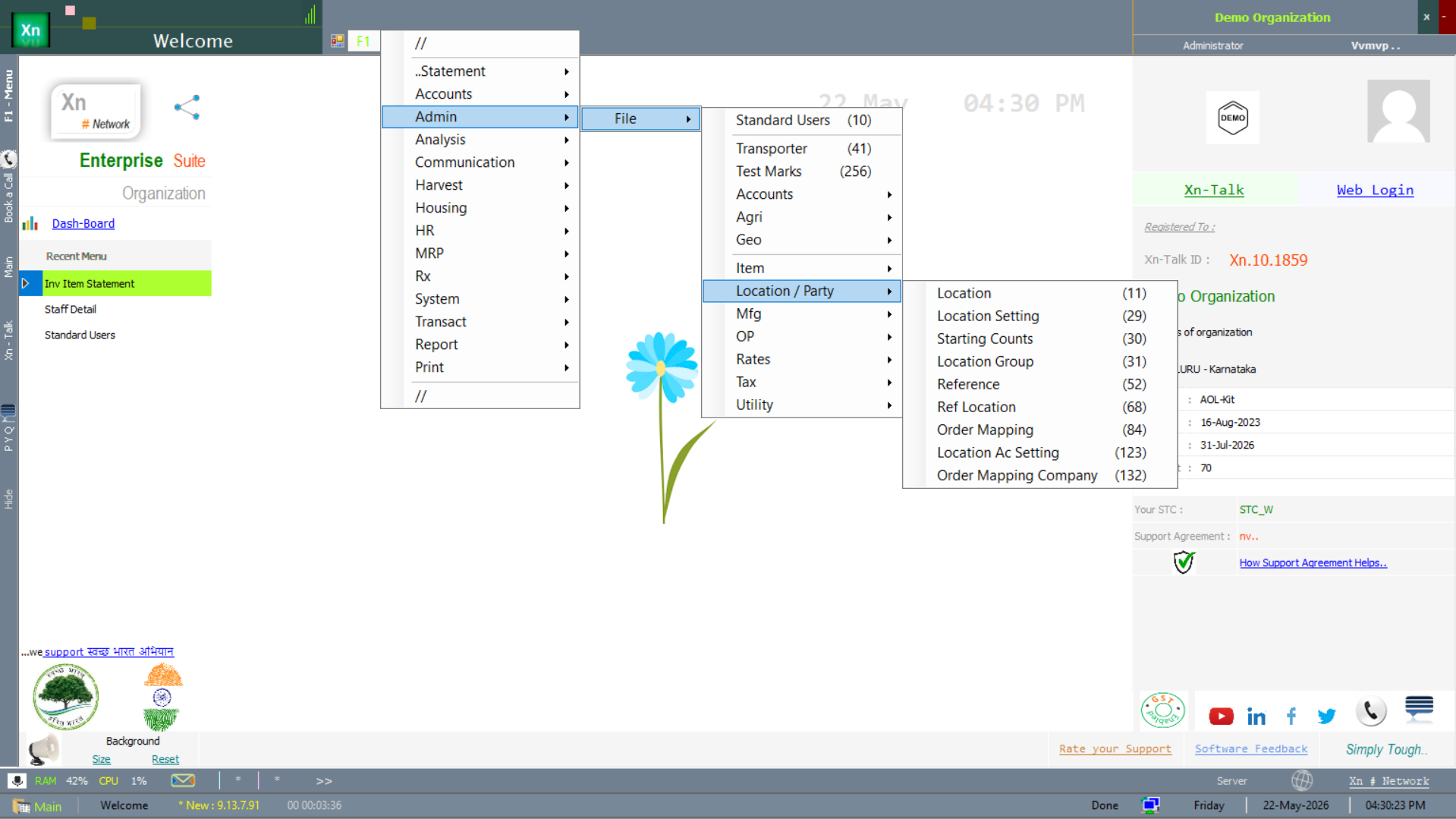
Location / Party Setup menu
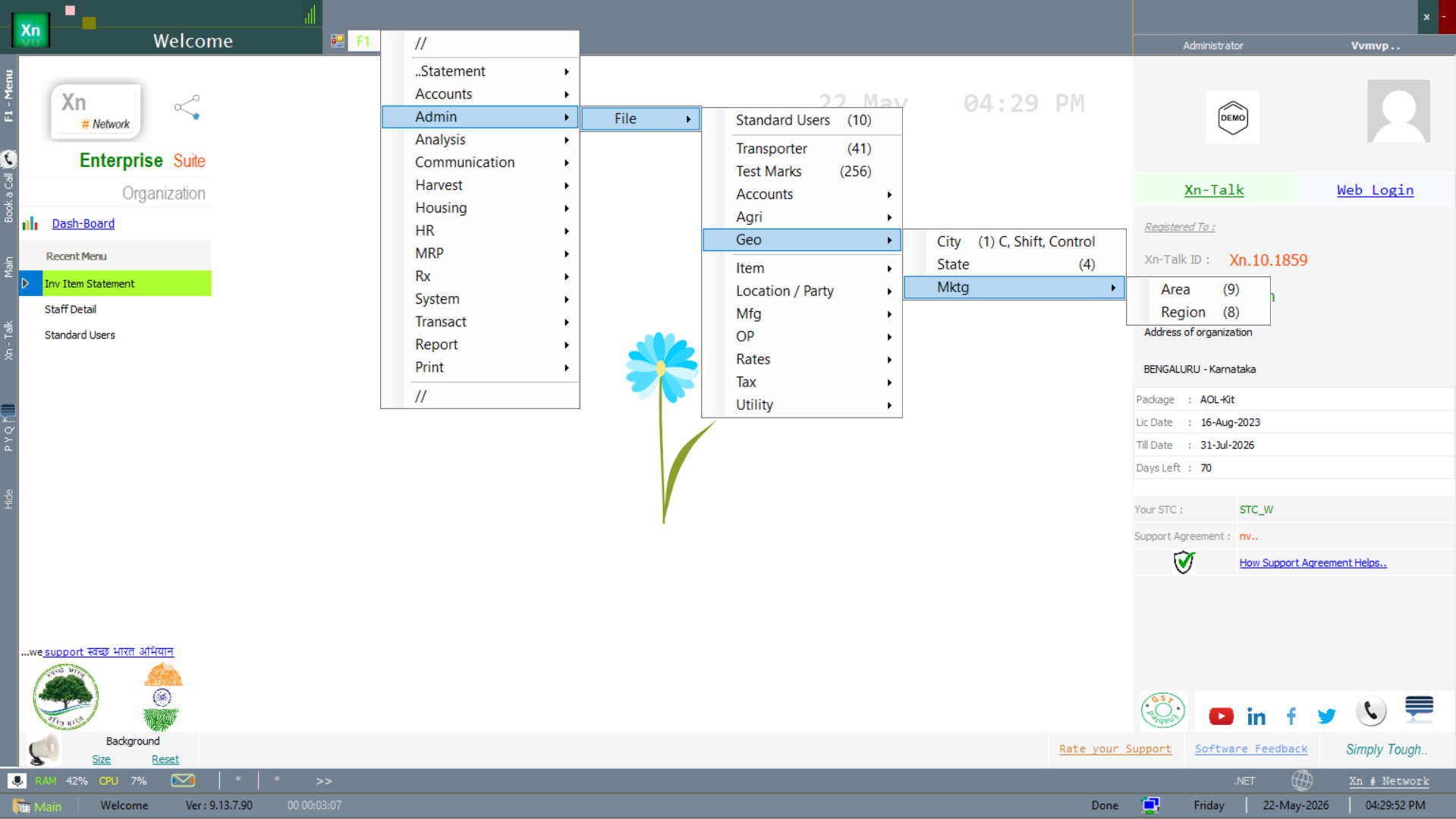
The masters below sit under the location and party branches of the setup menu — one for your own structure, one for the parties you trade with, and a geographic branch the two share.
Location Master
Branches, counters and warehouses with their addresses, GSTIN and operating attributes. Each location has its own opening stock, its own voucher series and (optionally) its own chart-of-accounts extension.
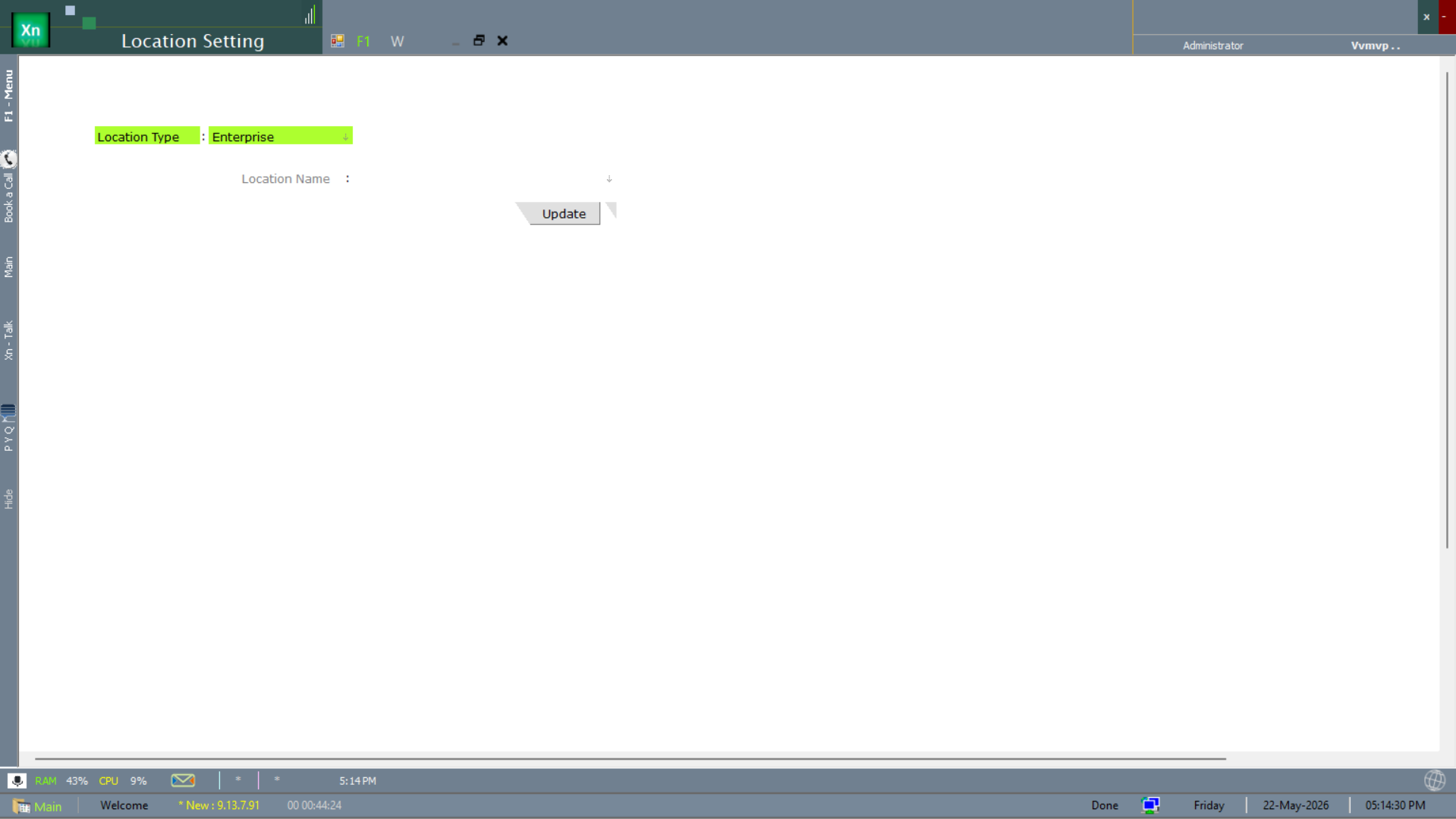
Location Setting
The Location Setting screen drives the per-location switches — voucher series, default tax structure, opening date and the long list of behavioural flags. Edited rarely, mostly at go-live.
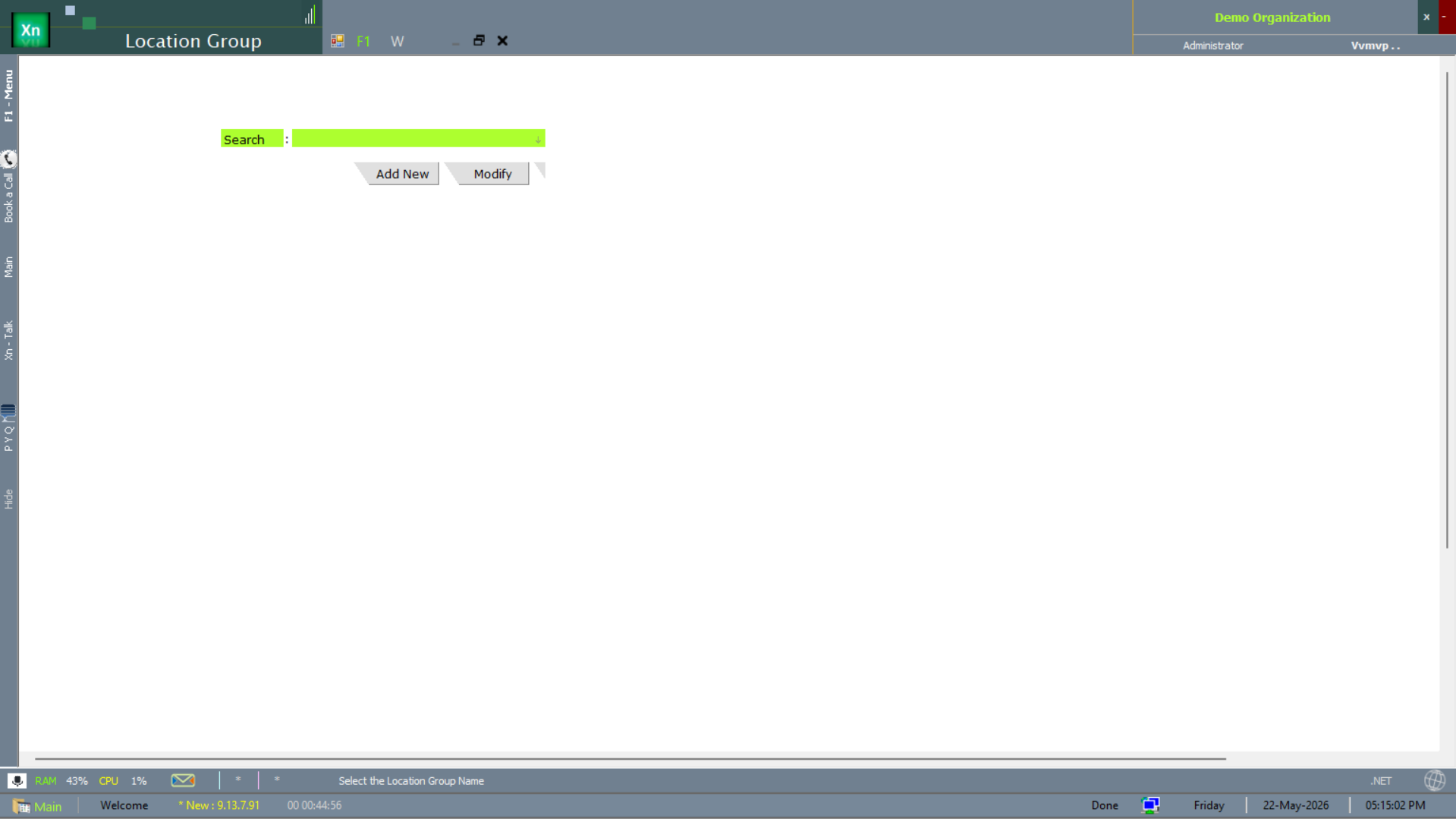
Location Group
The Location Group master groups locations for consolidated reporting and shared price-list assignment — for example, all metro stores in one group, all tier-2 in another.
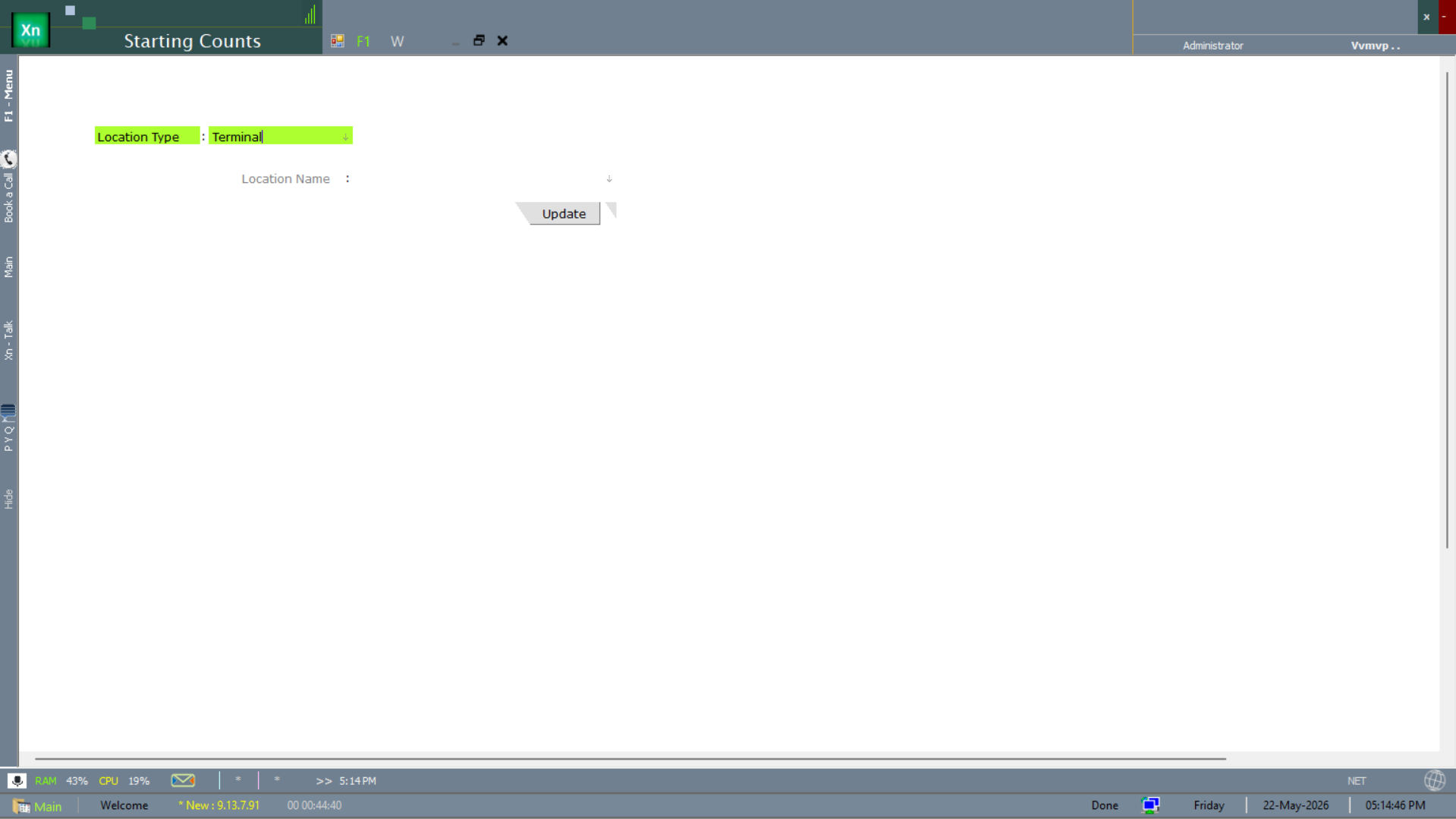
Starting Counts
The Starting Counts screen records the per-location opening number for every voucher series — the first invoice number, the first GRN number, etc. Set once at go-live; do not edit later or duplicate numbers will appear.
Customer Master
Customers with billing / shipping address, GSTIN, default rate standard, credit limit, payment terms and salesman tag. Credit-limit breach blocks new invoices unless an authorised user overrides.
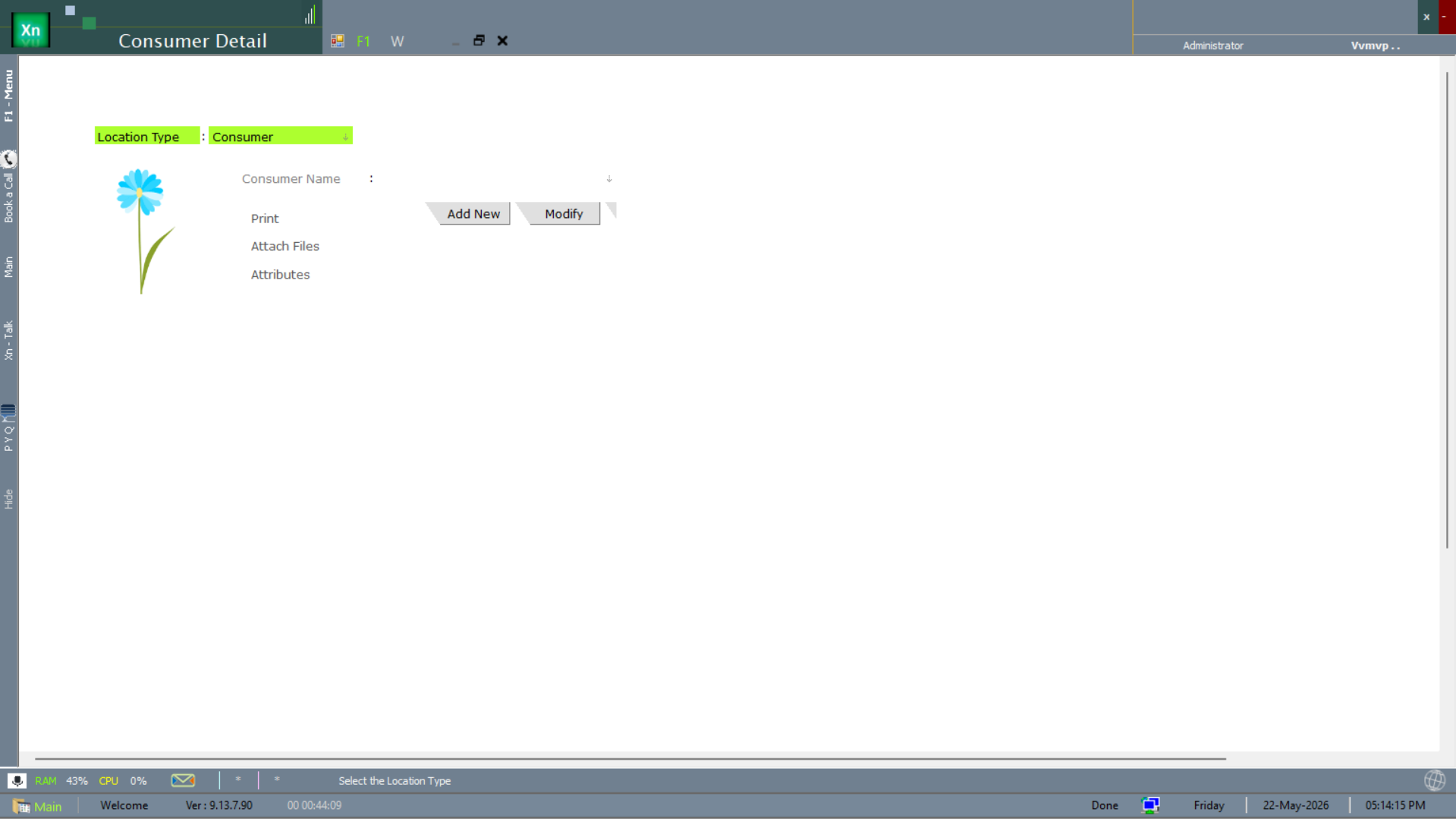
Consumer Detail
The Consumer Detail screen is the full per-customer record — with the attached-file repository for KYC documents and the per-customer attribute strip. The print action produces the customer card.
Supplier Master
Suppliers with payment terms, GSTIN, default tax structure, lead time and quality rating. The Supplier Performance report under Special Reports rolls this up.
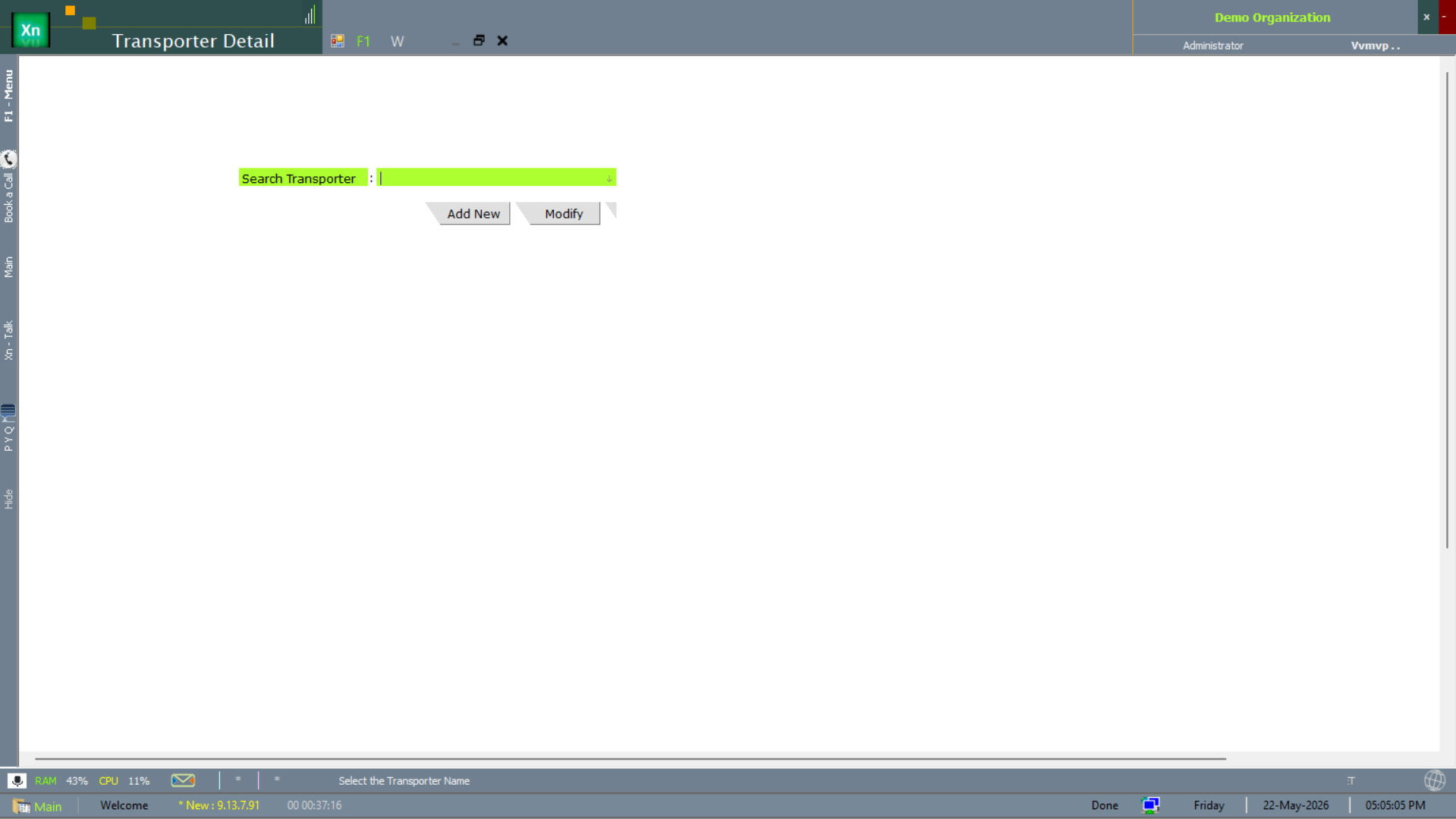
Transporter Master
The Transporter Detail screen captures every transporter you ship through — name, vehicle list, GSTIN, transporter ID. Referenced by Delivery Challan and the e-way-bill flow.
Party Groups
Group customers and suppliers by attribute (geography, salesman, segment) for reporting and for price-list assignment. Many groups per party are supported.
Geographic masters
The geographic masters below are referenced by addresses on every party and location record. Seed them once at go-live; thereafter they are pickers.
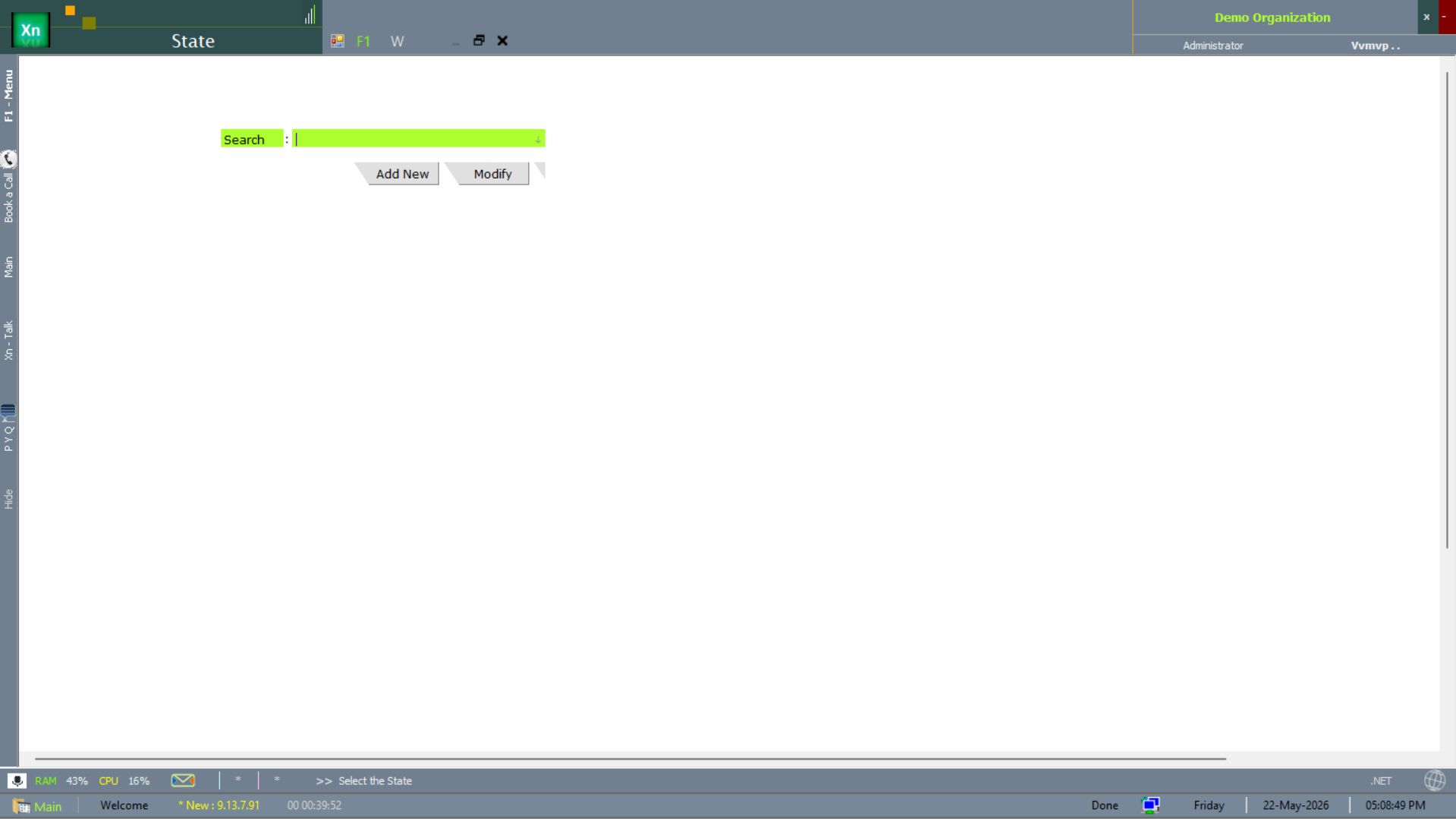
State
State is the top of the geographic tree — required for GST place-of-supply determination via Tax Structure Scope.
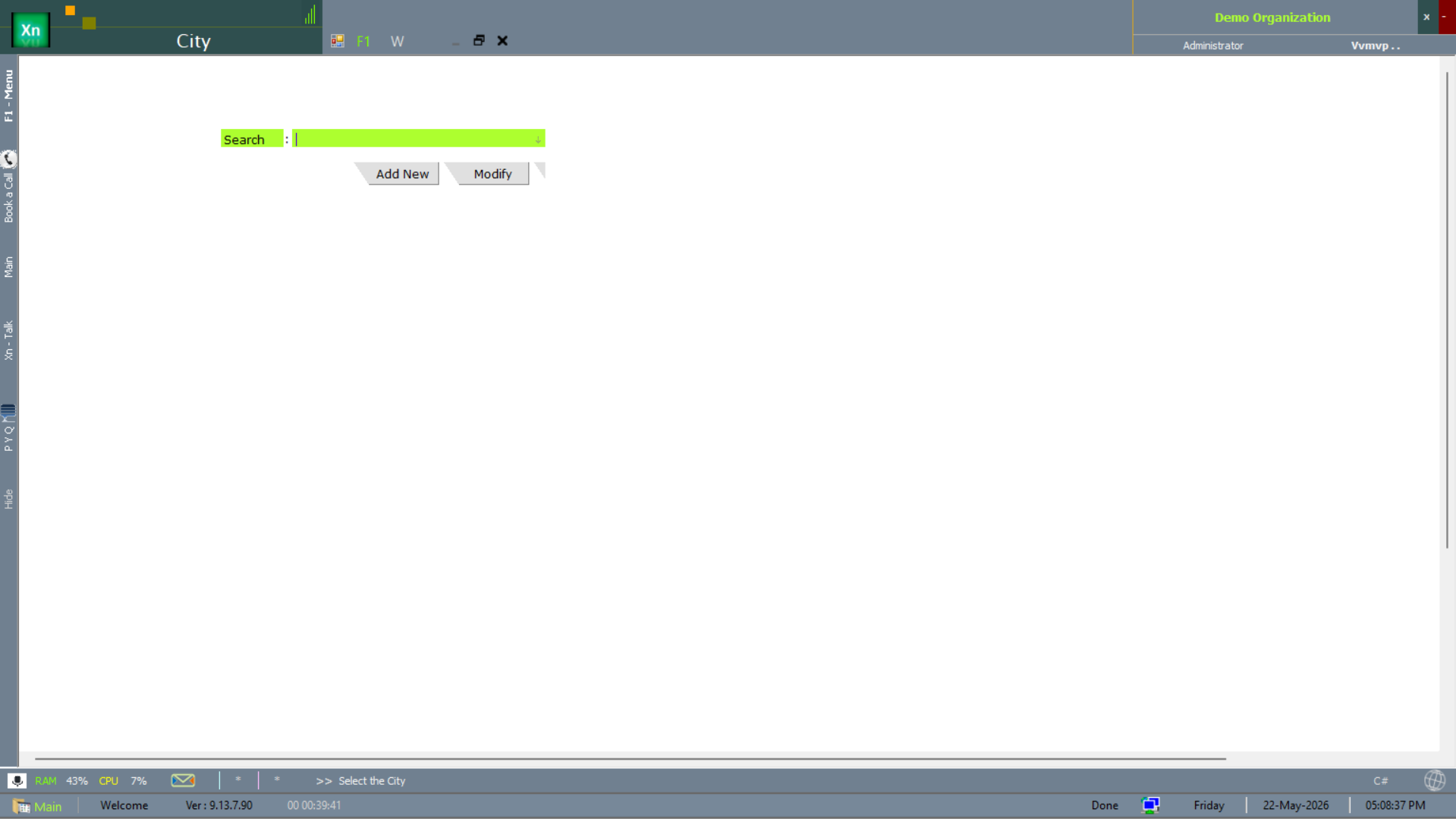
City
City sits under State — referenced by every address and by route planning.
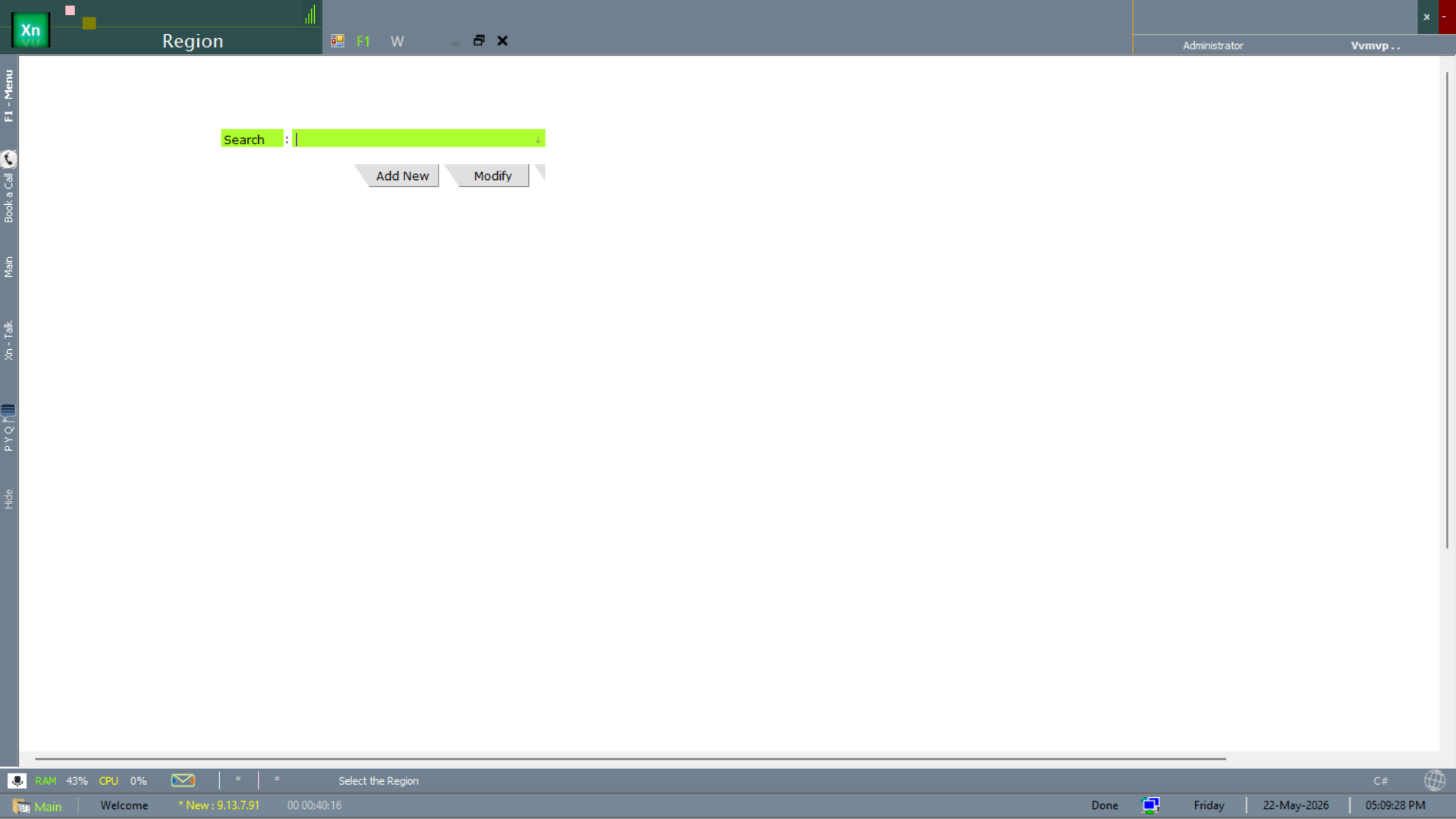
Region
Region is the marketing / management aggregation of cities — North, South, West, East, etc. Used for regional reporting.
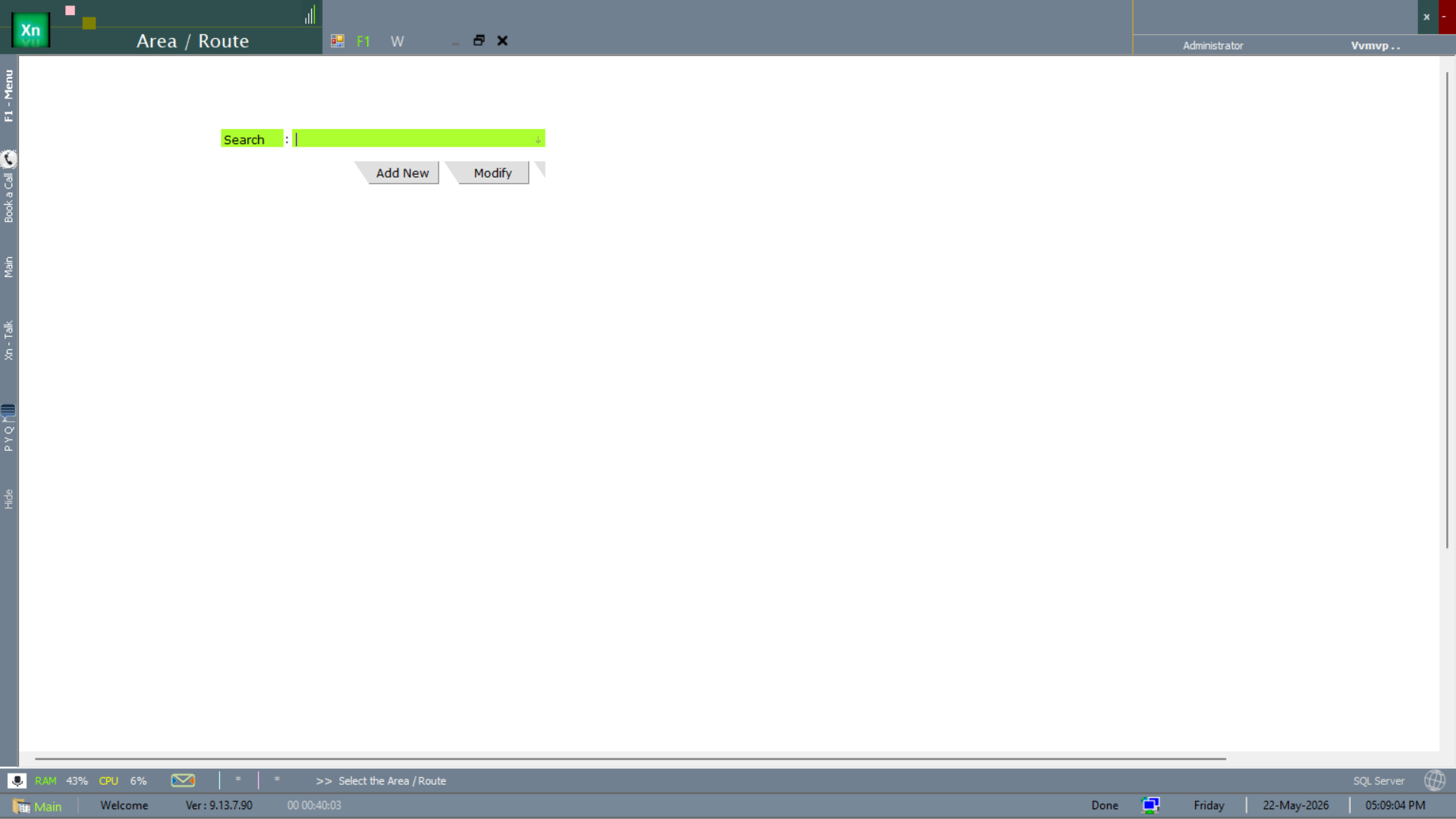
Area / Route
The Area / Route master is the salesman / delivery beat — the named patch a representative covers. Used by route planning and by per-route sales reporting.
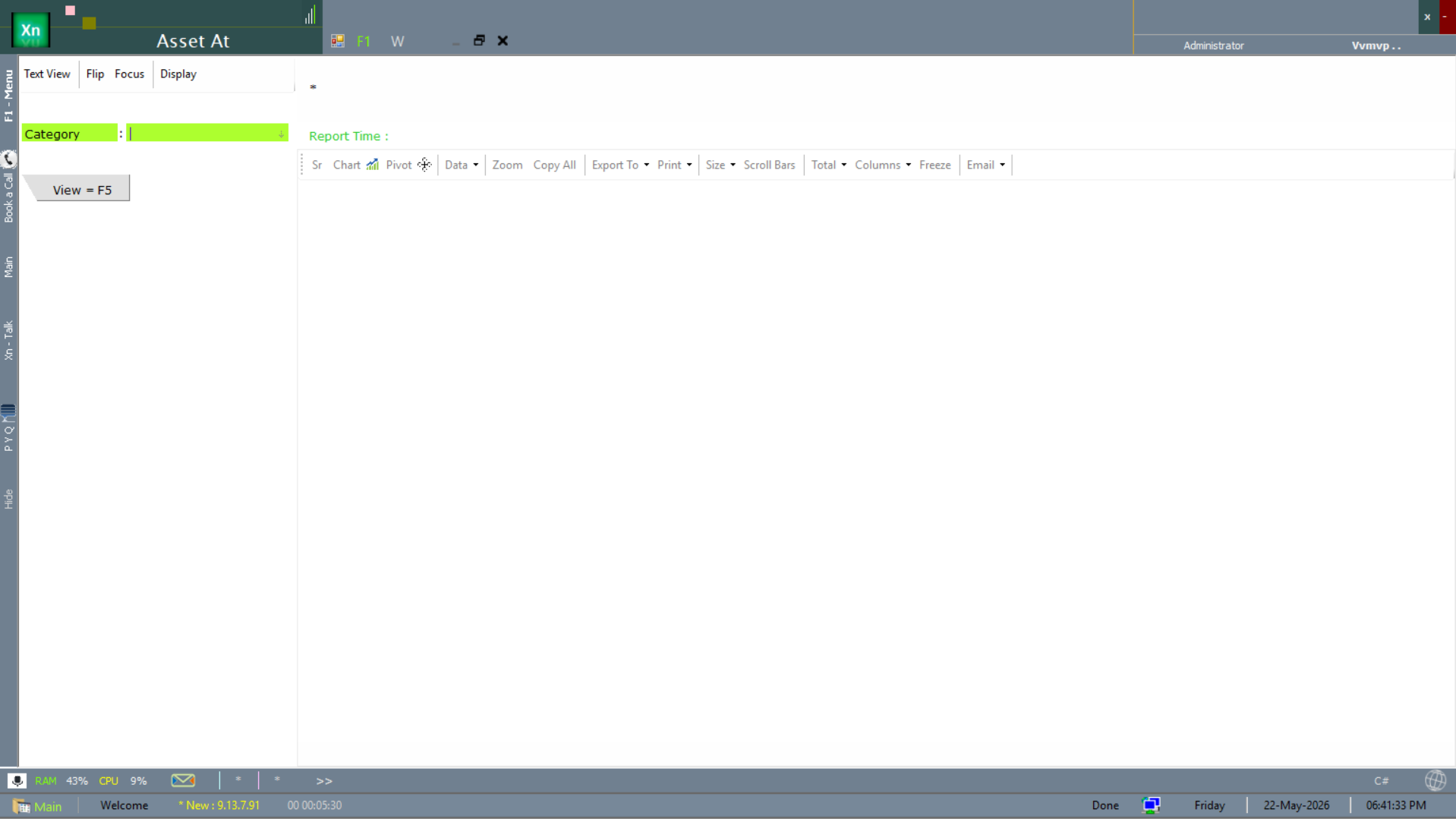
Asset At (asset register)
The Asset At screen is the fixed-asset register view filtered by category — useful for asset audit, depreciation review and movement tracking.