Housing
Hospital bed and room occupancy management.
Overview
The Housing area is for hospital installations. Bed Occupancy is the live floor map — the screen most front-desk staff keep open all day. Behind it are the bed master (what beds exist), the admit / discharge / transfer workflow, and the automatic charge engine that bills bed days as they occur.
Bed Master
Defines every bed in the hospital — bed number, ward, room, class (General / Semi-Private / Private / ICU / NICU / Isolation), and active flag. Linked to a Daily Rate so charges post automatically once a patient is admitted.
Bed Occupancy
Live floor map showing which beds are occupied, which are free, and which are blocked for cleaning / maintenance. Colour-coded by status; click a bed to open the admit / discharge / transfer form. The screen most front-desk staff keep open all day.
Admission / Discharge / Transfer
The three actions a bed undergoes. Admission opens a stay record and starts daily-rate charging; Transfer moves a patient between beds with no break in charging; Discharge closes the stay, prepares the discharge summary, and pushes outstanding charges to IPD billing.
Bed Charges
Auto-generated daily charge per occupied bed using the bed-class rate. The night-time job posts the previous day's charges so the patient's bill is always current to yesterday. Adjustments (charity, partial waiver) are captured separately with approval.
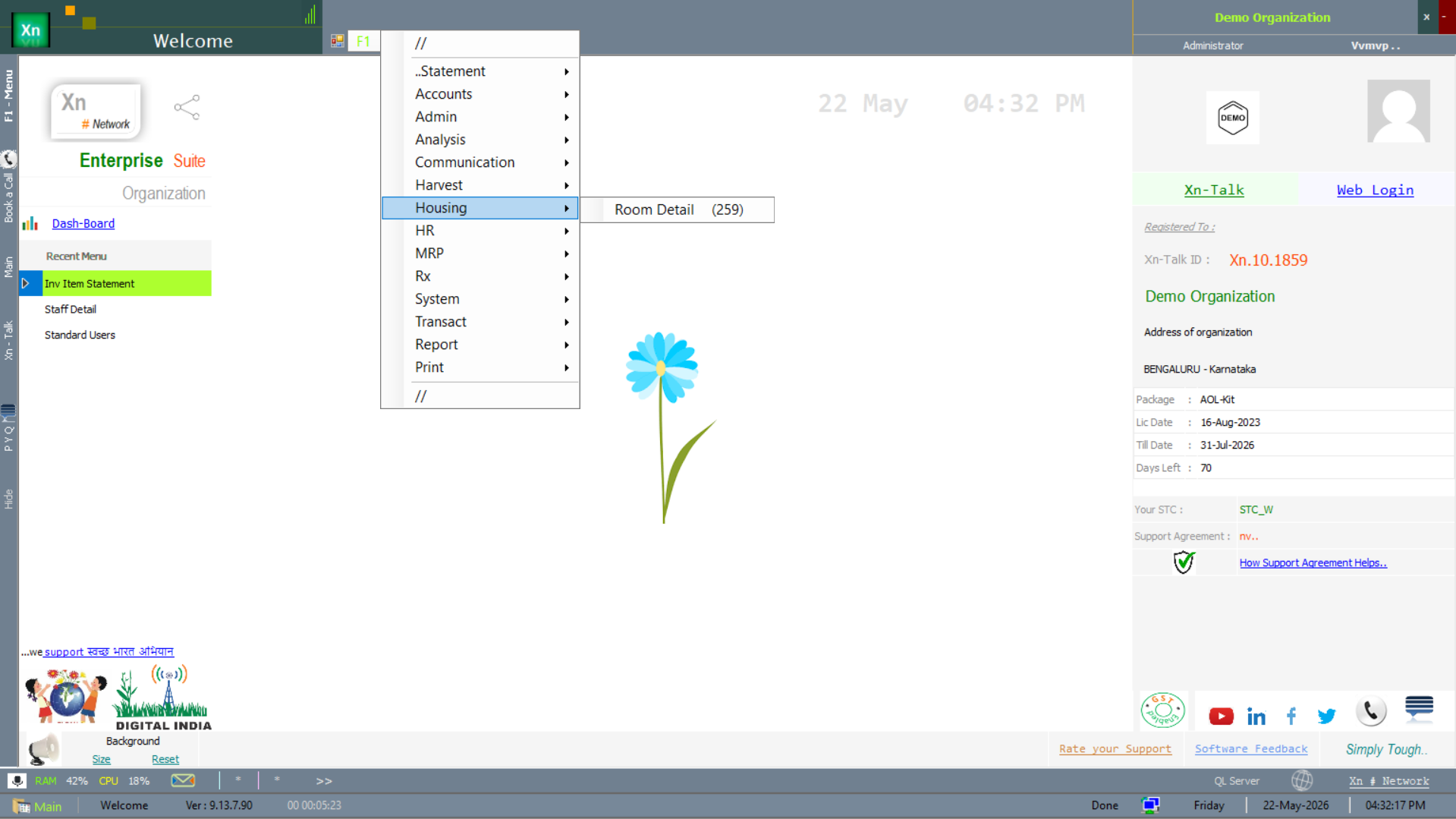
Housing menu
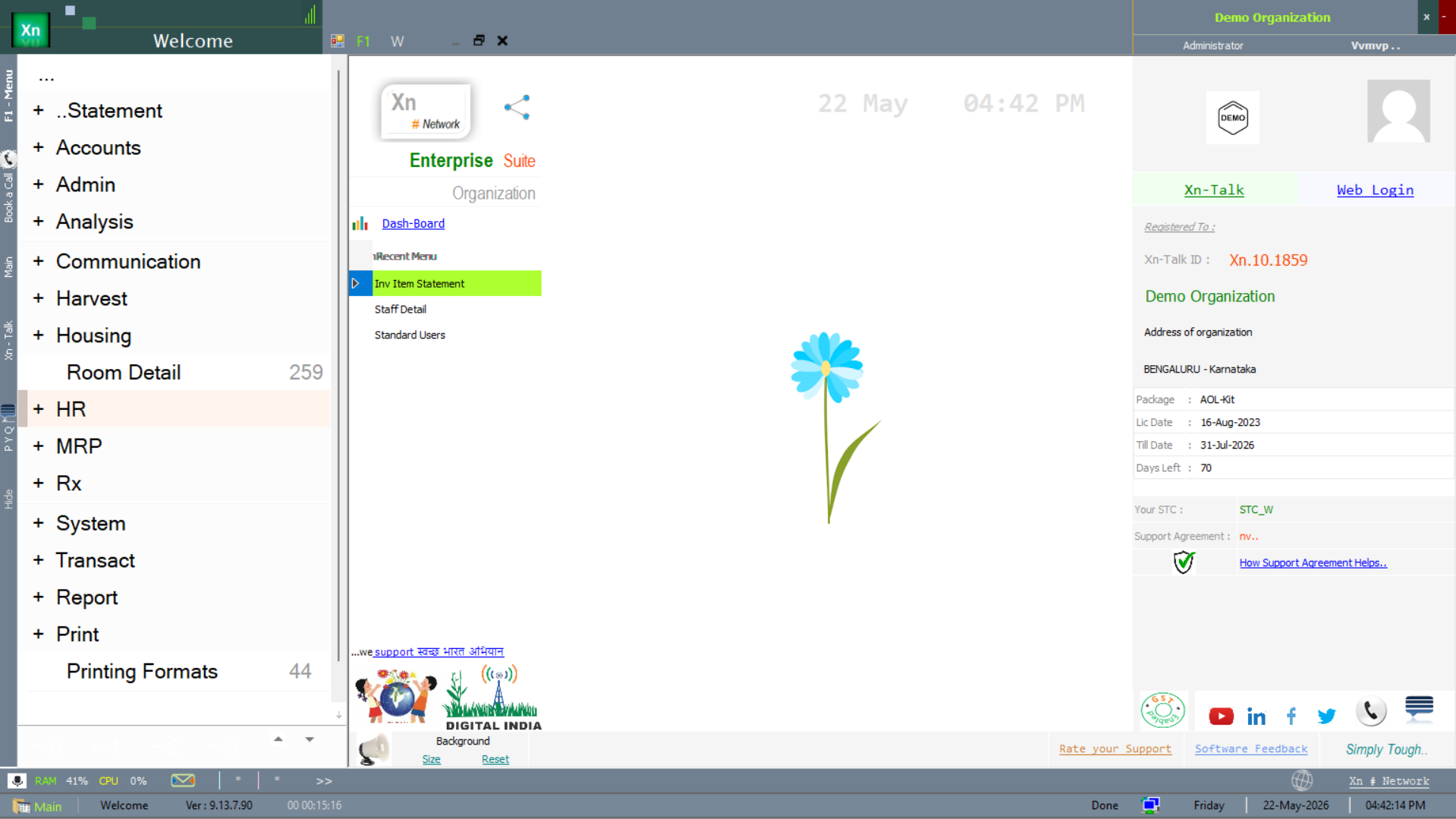
The Housing area is reached from the Housing branch of the Welcome screen. The badge next to the menu shows the current count of room records (259 in the screenshot below).
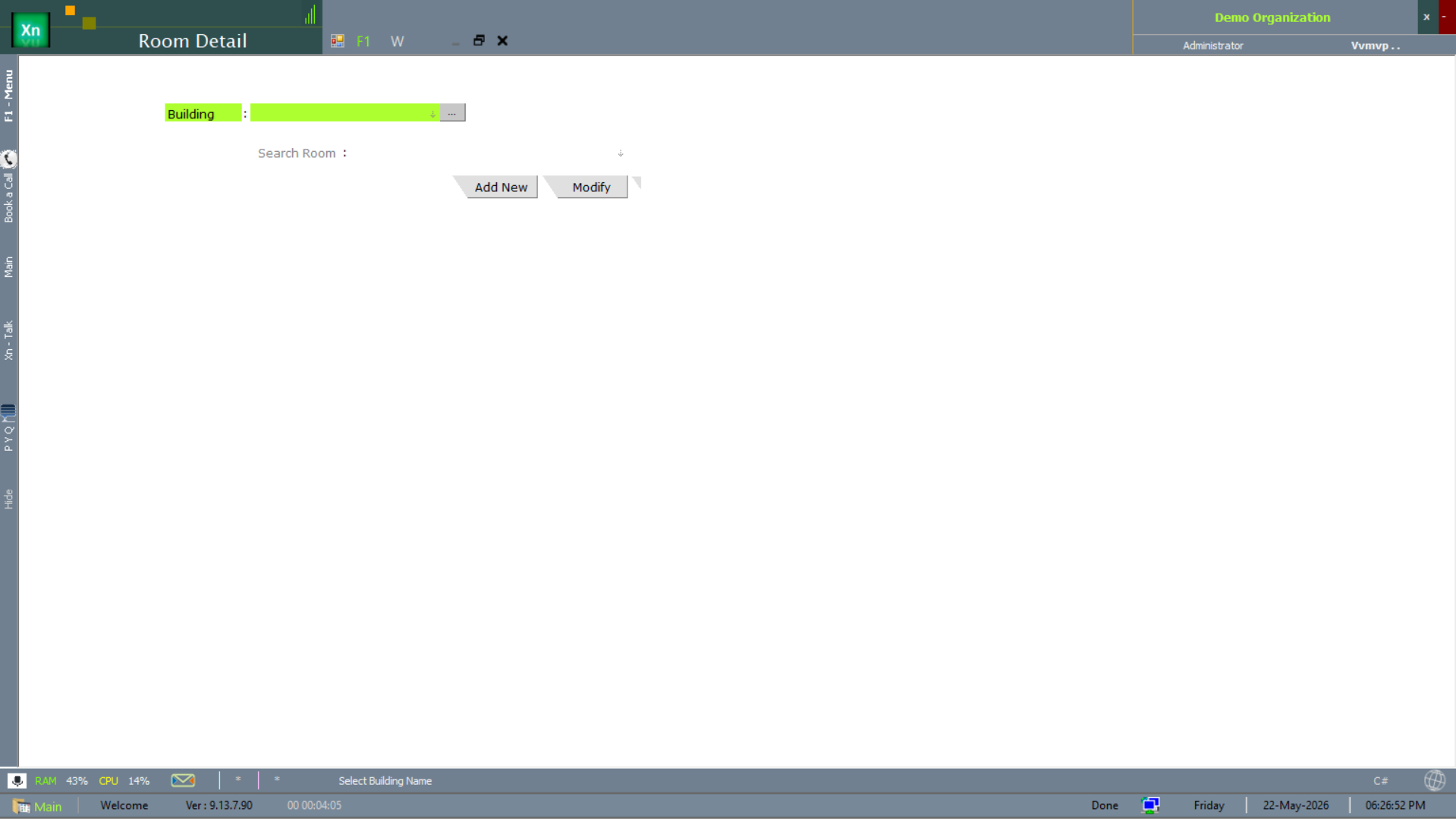
Room Detail
The Room Detail master groups beds into rooms — one room can hold one bed (private) or several (general ward). Defines the room number, type, floor and the wing it sits on; the Bed Master then references the room.