Manufacturing Setup
BOM, work centres, routing, time classes and the manufacturing-operation masters that drive shop-floor execution.
Overview
Manufacturing Setup is the configuration backbone for the production module. Define what goes into each finished good (BOM), where it is made (work centres / lines / shifts) and in what sequence (routing / operations). Once these masters are right, MRP, the planner workbench and the shop-floor execution screens all work without further per-run configuration.
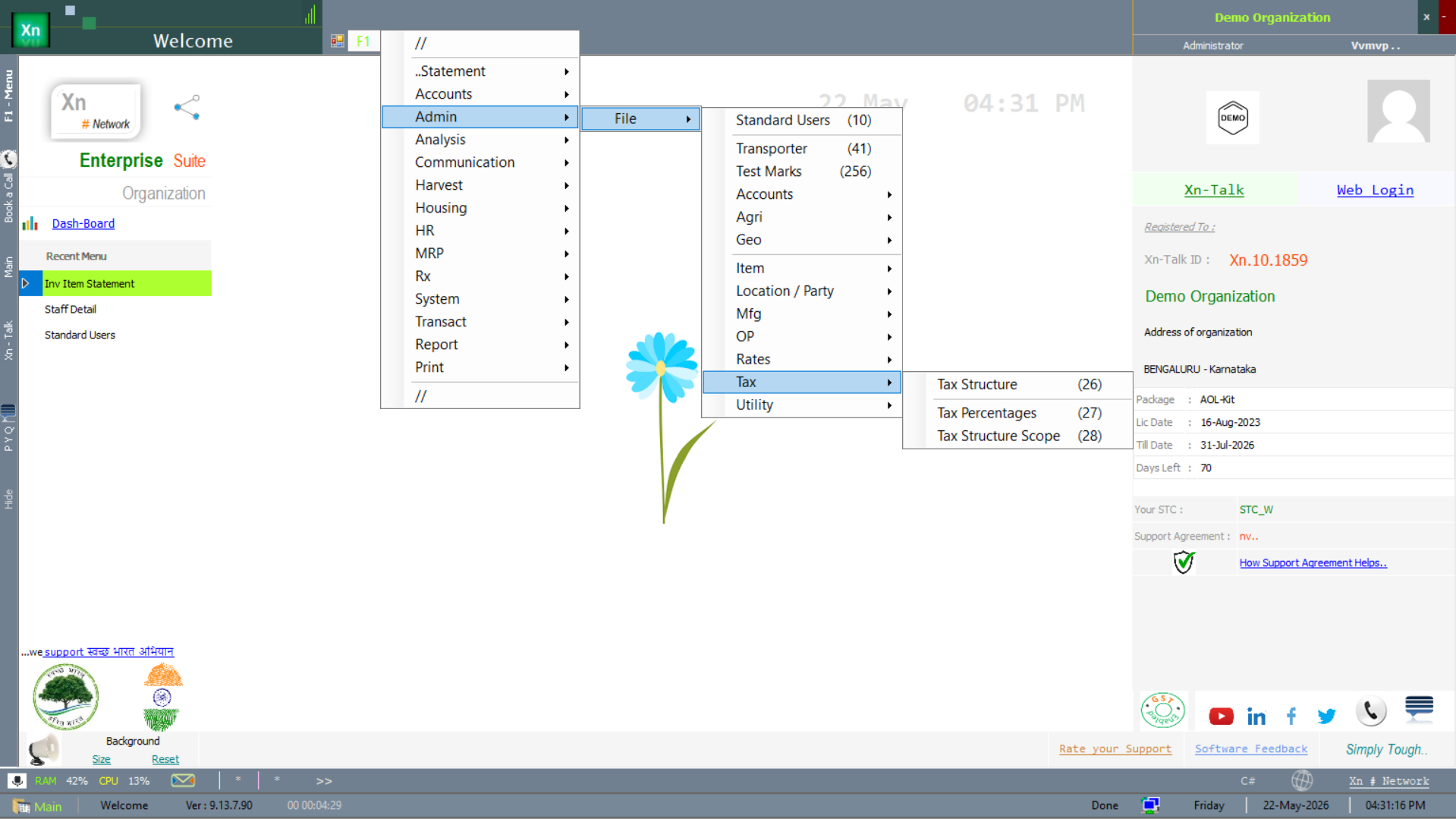
Manufacturing Setup menu
The masters below live under the manufacturing branch of the setup menu — lines, shifts, time classes and the OP (operation) hierarchy.
BOM
Bill of Materials: the raw-material and sub-assembly list per finished item with quantity per unit and scrap factor. Multi-level BOMs (a sub-assembly itself made from components) are supported and exploded automatically by MRP.
Work Centre — lines and shifts
The production resource — machine, line, cell — with capacity (hours per day), cost per hour and overhead percent. Used by routing and by capacity planning. Two related masters complete the picture: the Line master and the Shift master.
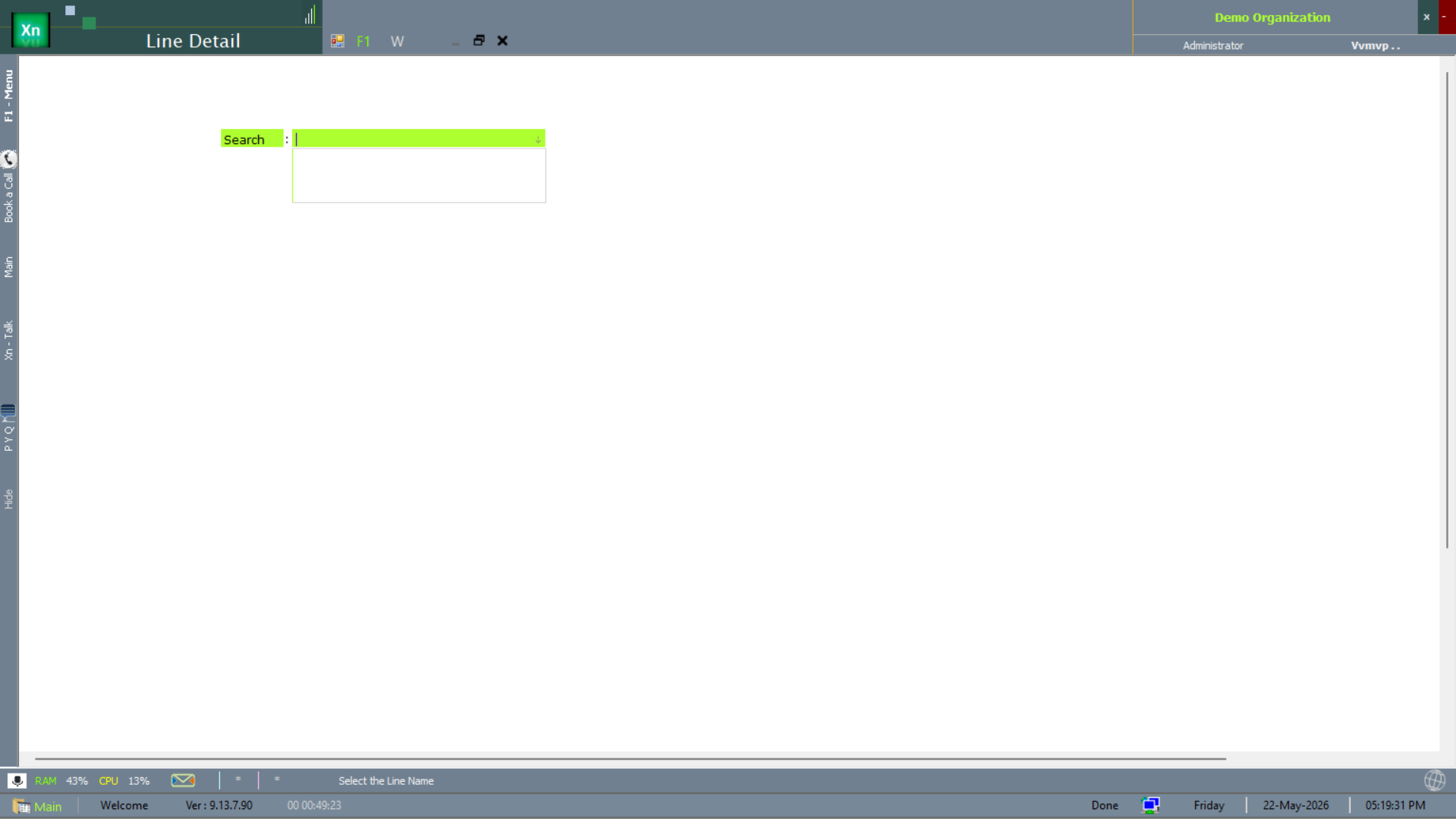
Line Detail
The Line Detail master captures each production line — name, capacity, default shift pattern. The line is the unit that MPL (Manufacturing Plan) lines reference.
Shift Detail
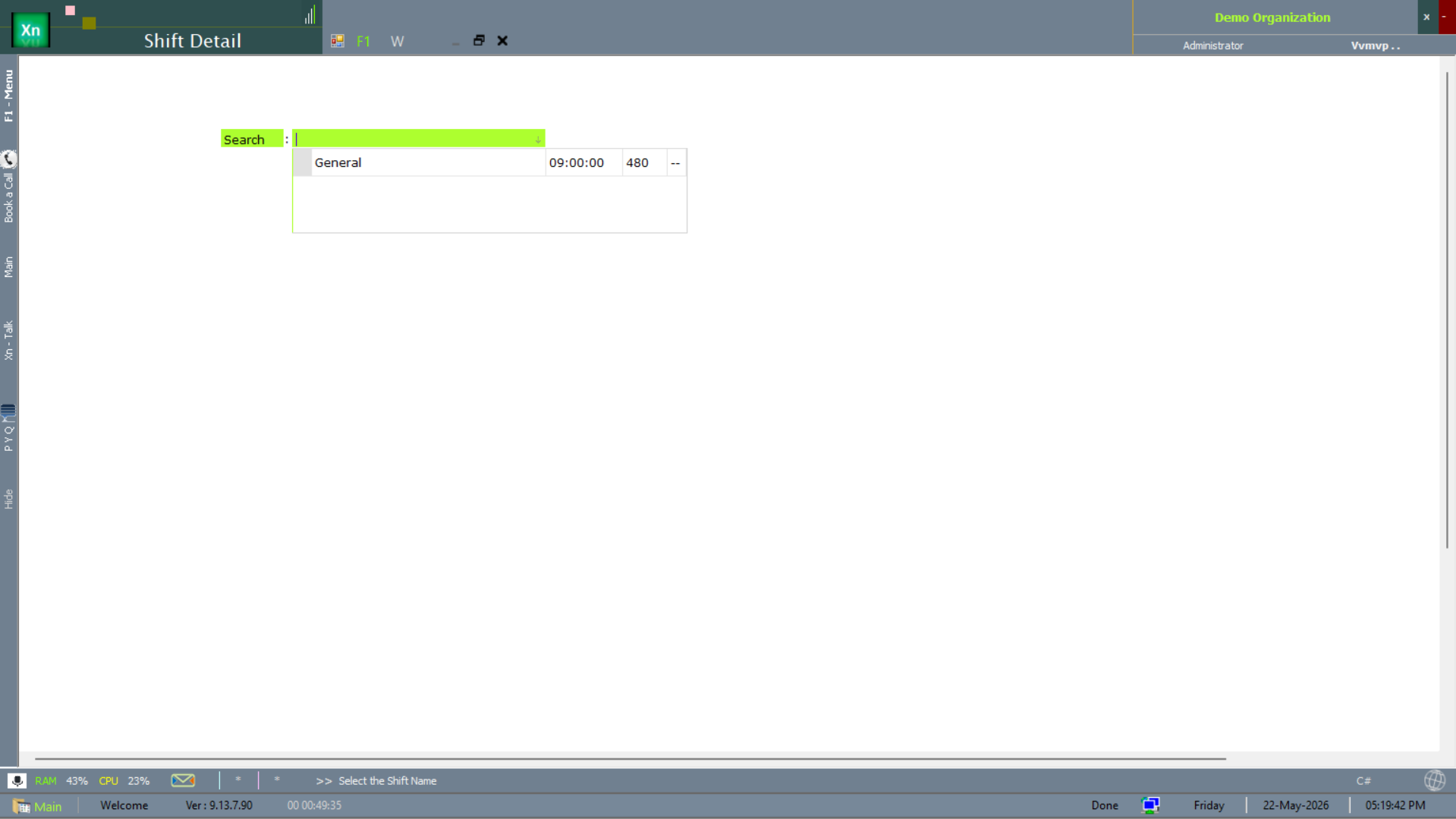
The Shift Detail master captures each shift — start time, duration (in minutes), break windows. The screenshot below shows the General shift starting at 09:00 with 480-minute duration.
Routing
Sequence of operations to make an item, with time per operation per work centre. Routing combined with BOM drives the planned cost of the finished good.
Time Class (TC)
The Time Class (TC) masters classify the various time buckets used in production timing — setup, productive, idle, breakdown. Routing entries reference a time class so the same minutes are accounted consistently across operations.
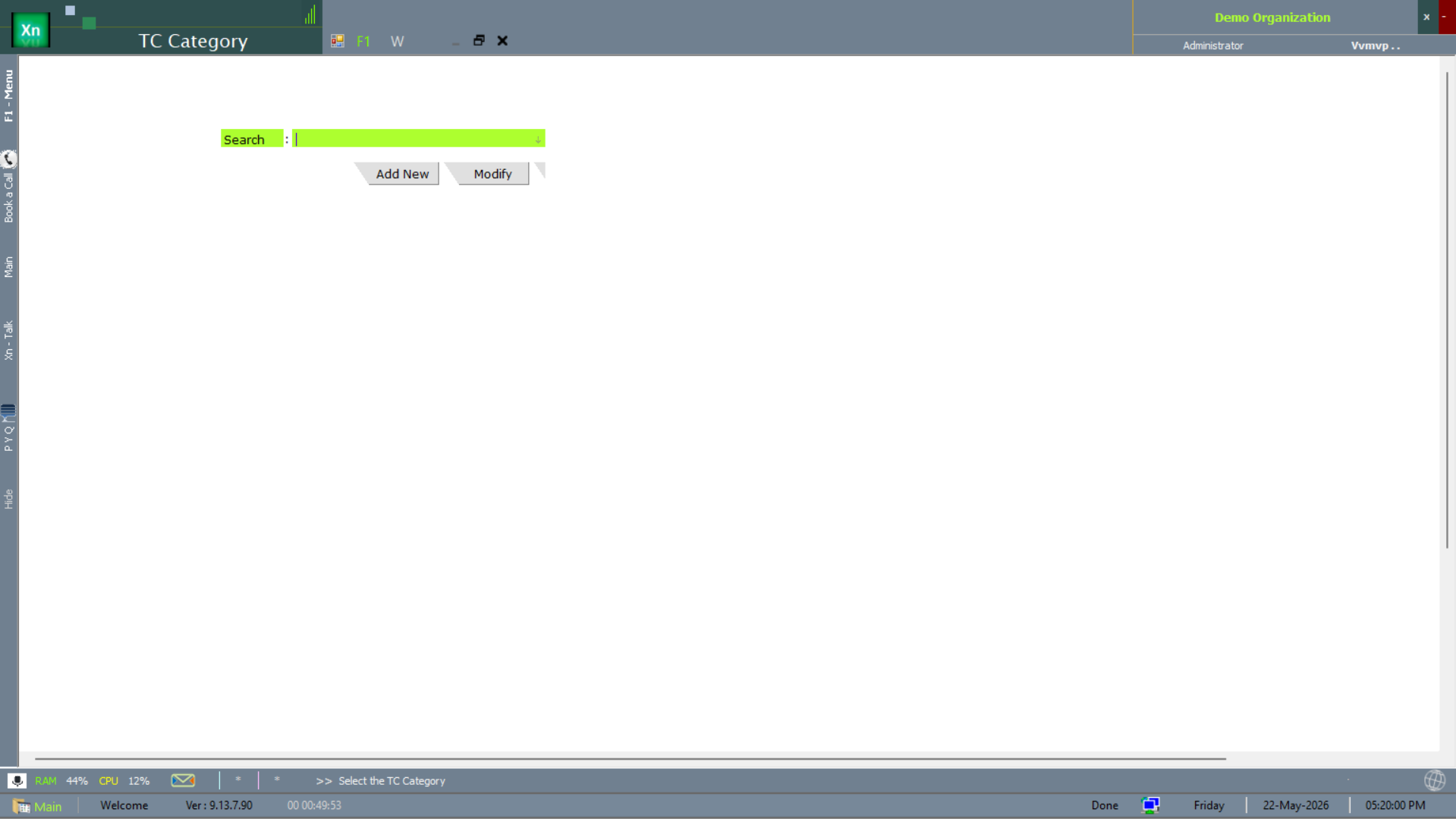
TC Category
TC Category is the top of the time-class hierarchy — a label that groups several detail entries together.
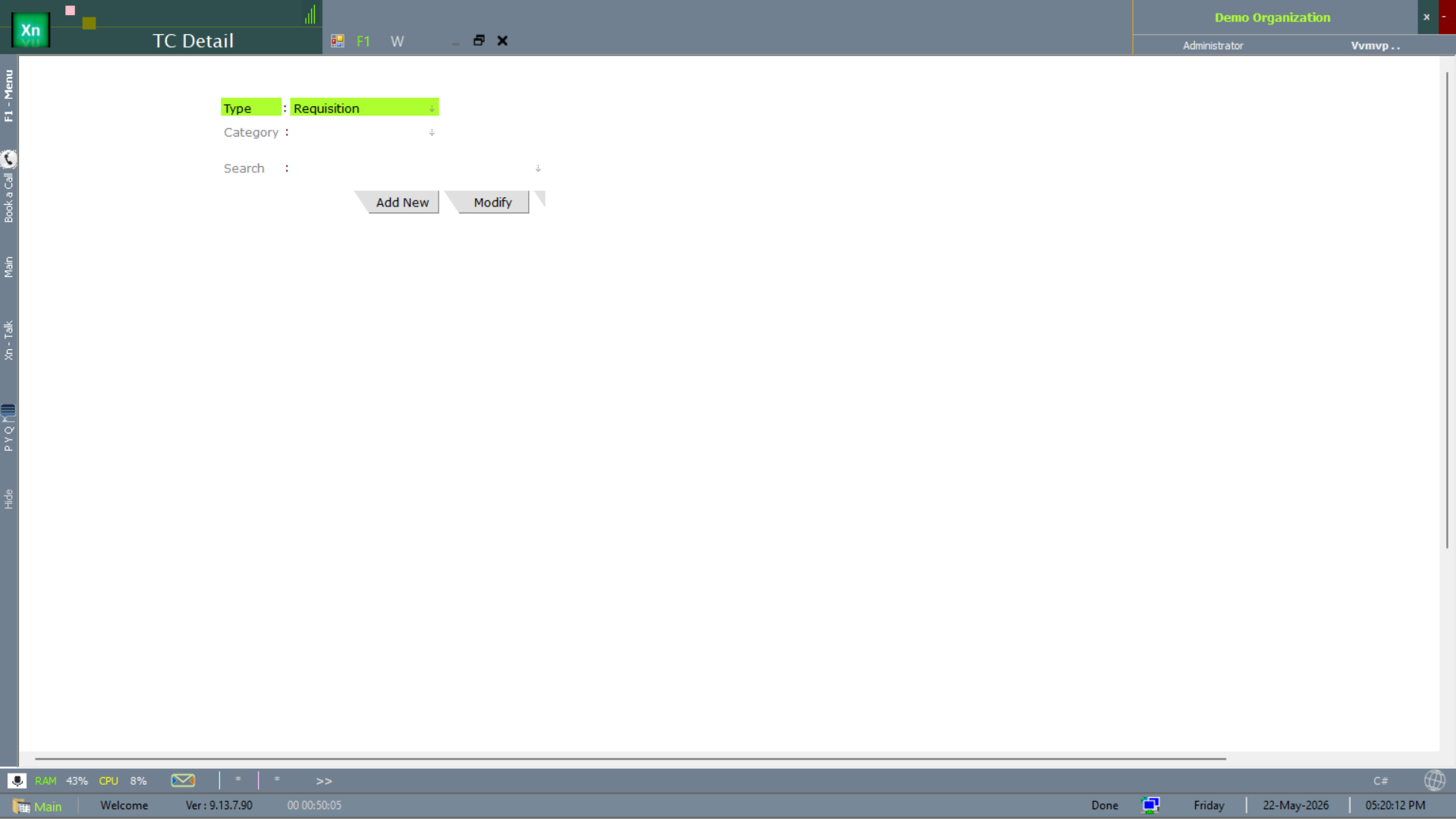
TC Detail
TC Detail is the per-entry record under a category — the actual named time bucket routing references.
Operations (OP)
The Operation masters define every manufacturing operation that can appear on a routing — turning, milling, assembly, packing — with its own time class, work-centre constraints and quality-check requirements.
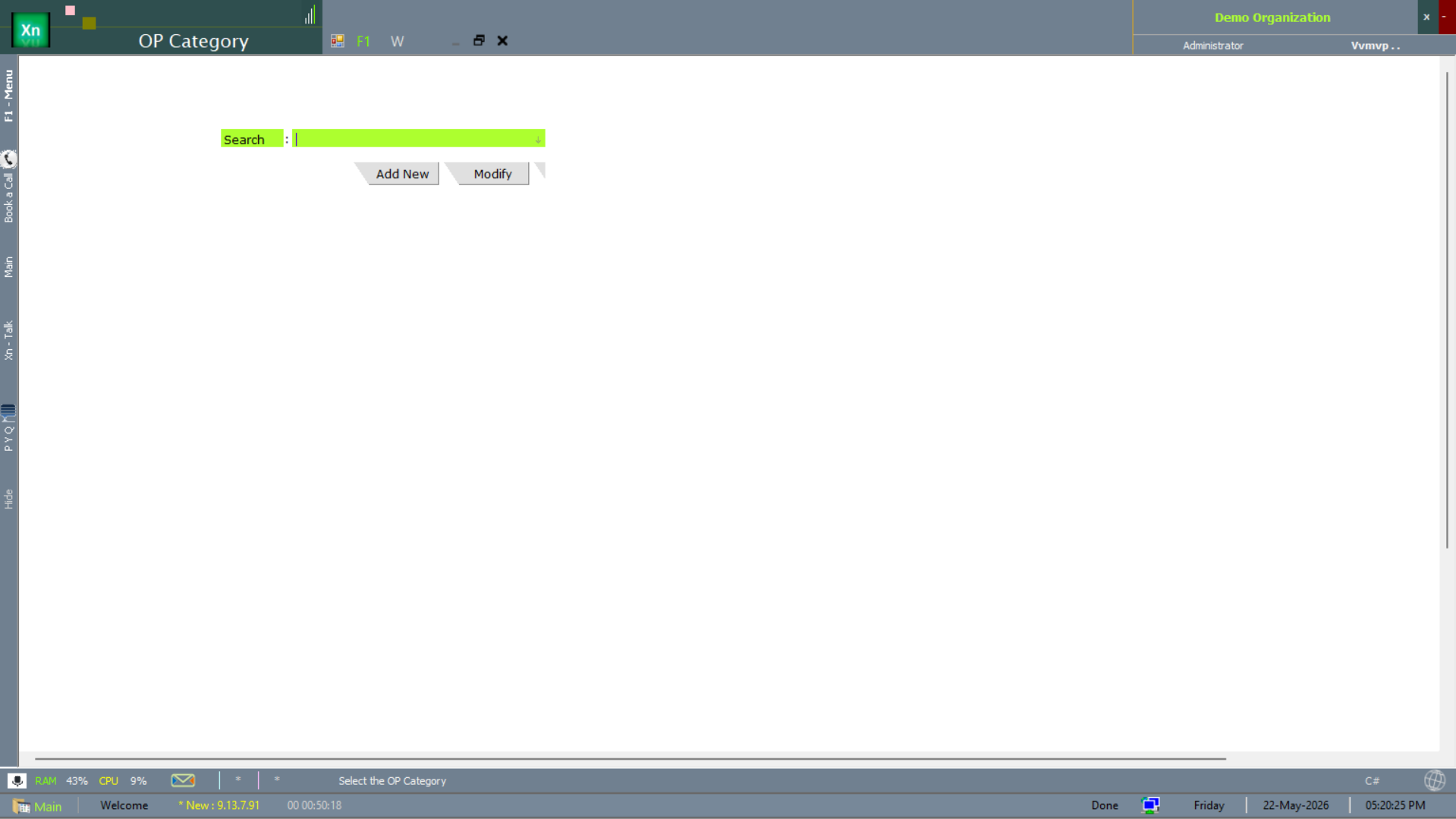
OP Category
OP Category groups operations — for example all machining operations under one category for management reporting.
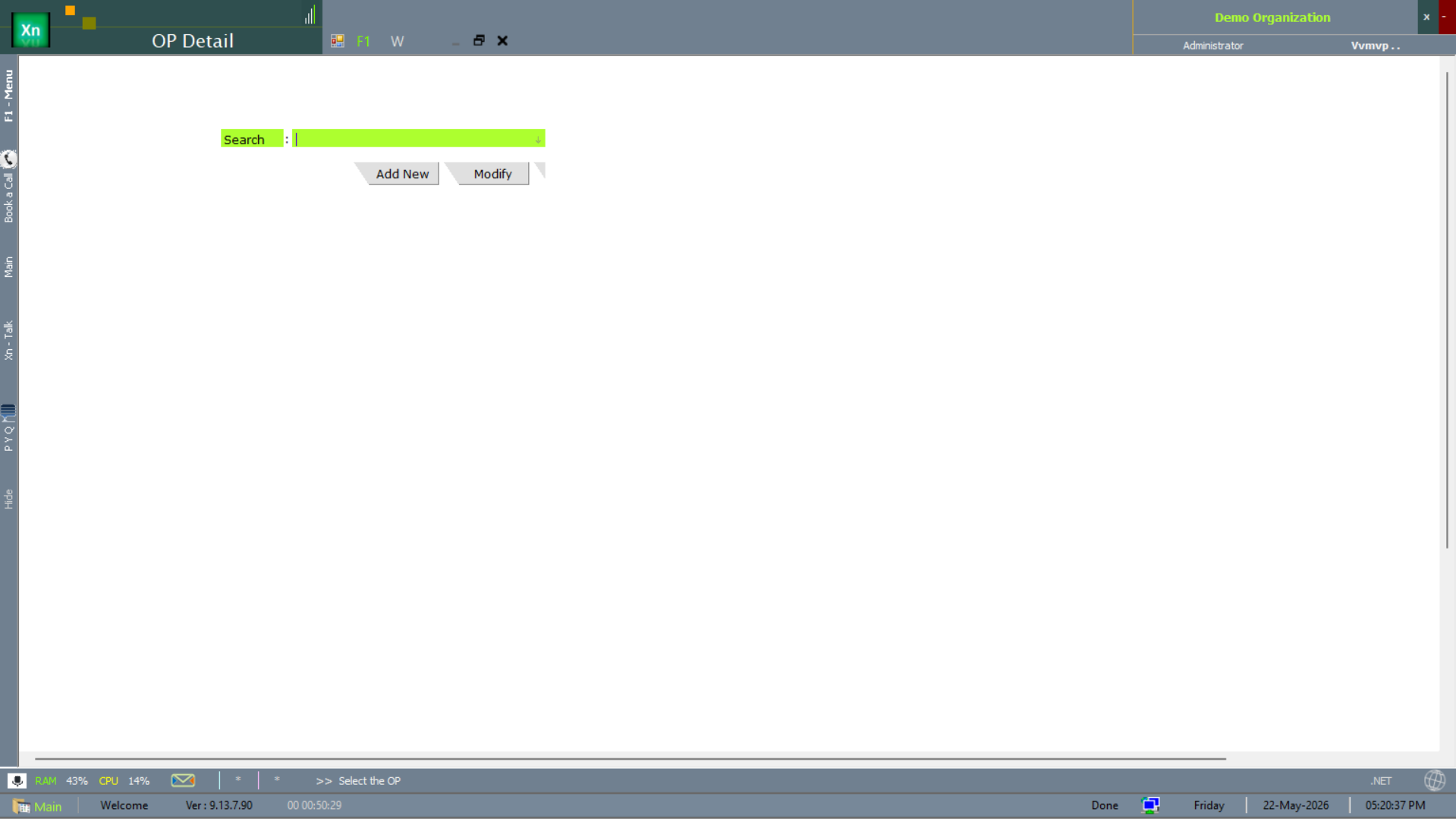
OP Detail
OP Detail is the per-operation record — name, default time class, default work centre, quality-check flag.
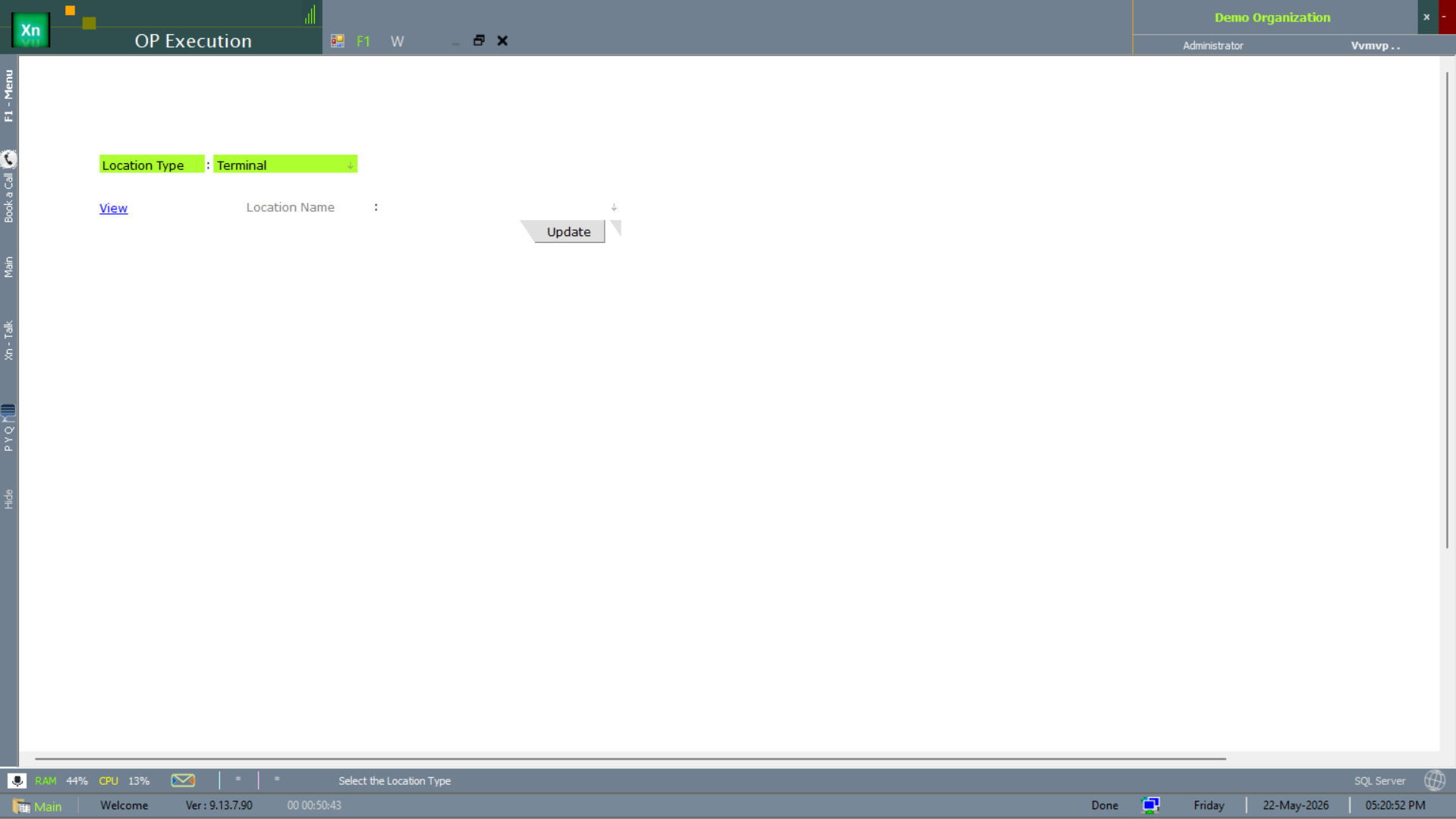
OP Execution
OP Execution is the shop-floor screen where an operator records the start and end of an operation against a Manufacturing Plan line. The screen carries View and Update actions so the supervisor can intervene without leaving the same form.