Utility
Backup, restore, reindex and housekeeping tools.
Overview
Utility is the admin housekeeping area. Most operators never see it; the admin uses it for backup, restore, index maintenance and archival. Run with care — some actions are destructive.
Backup
Manual and scheduled database backups, full or differential. See How to Take a Backup for step-by-step instructions. Schedule a nightly full backup as the minimum hygiene practice.
Restore
Restores a backup to the same or a different datacenter. Always tested on a non-production datacenter first; restoring over a live production database is destructive and final.
Reindex
Rebuilds SQL indexes after a large data import or after a long-running installation has fragmented. Significantly speeds up reports and pickers; run during off-hours.
Purge / Archive
Moves closed financial years to an archive datacenter to keep the live one fast. Archived years remain queryable in read-only mode through the archive viewer.
Reattach Database
Re-points the application to a different database file (after a restore, server move or rename). Requires admin credentials and a server restart to take effect.
Compact Logs
Trims the transaction log file after long-running batch jobs. Reclaims disk and keeps the log from growing without bound.
Master-data utilities
Two master-data screens live in the utility area for quick reference / cleanup — the UOM list and the Attributes list. Both are documented in detail under Item Setup → UOM and Item Setup → Item Attributes.
UOM list
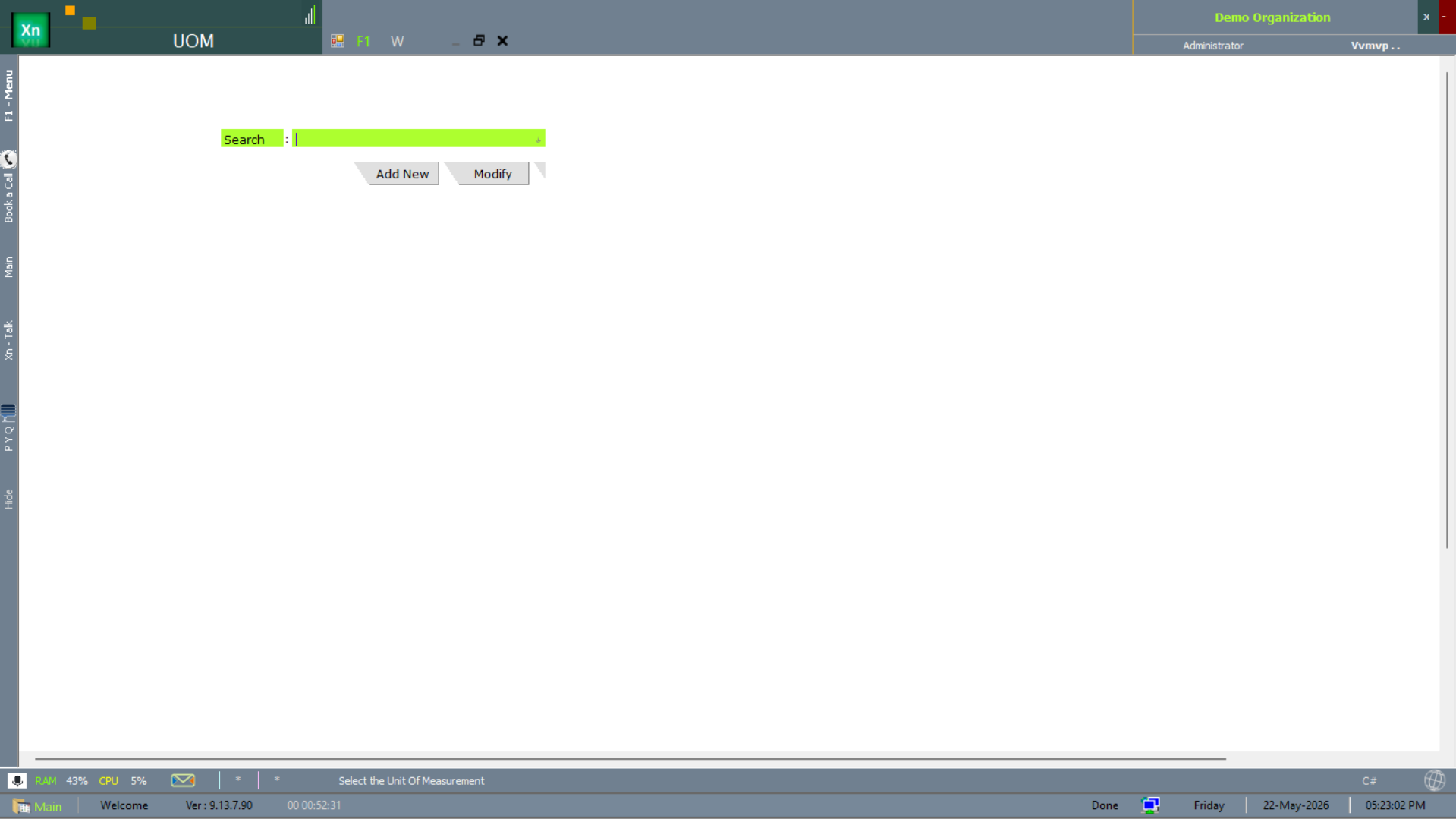
Read-only list of every Unit of Measurement defined in the system — a quick sanity check before a bulk import.
Attributes list
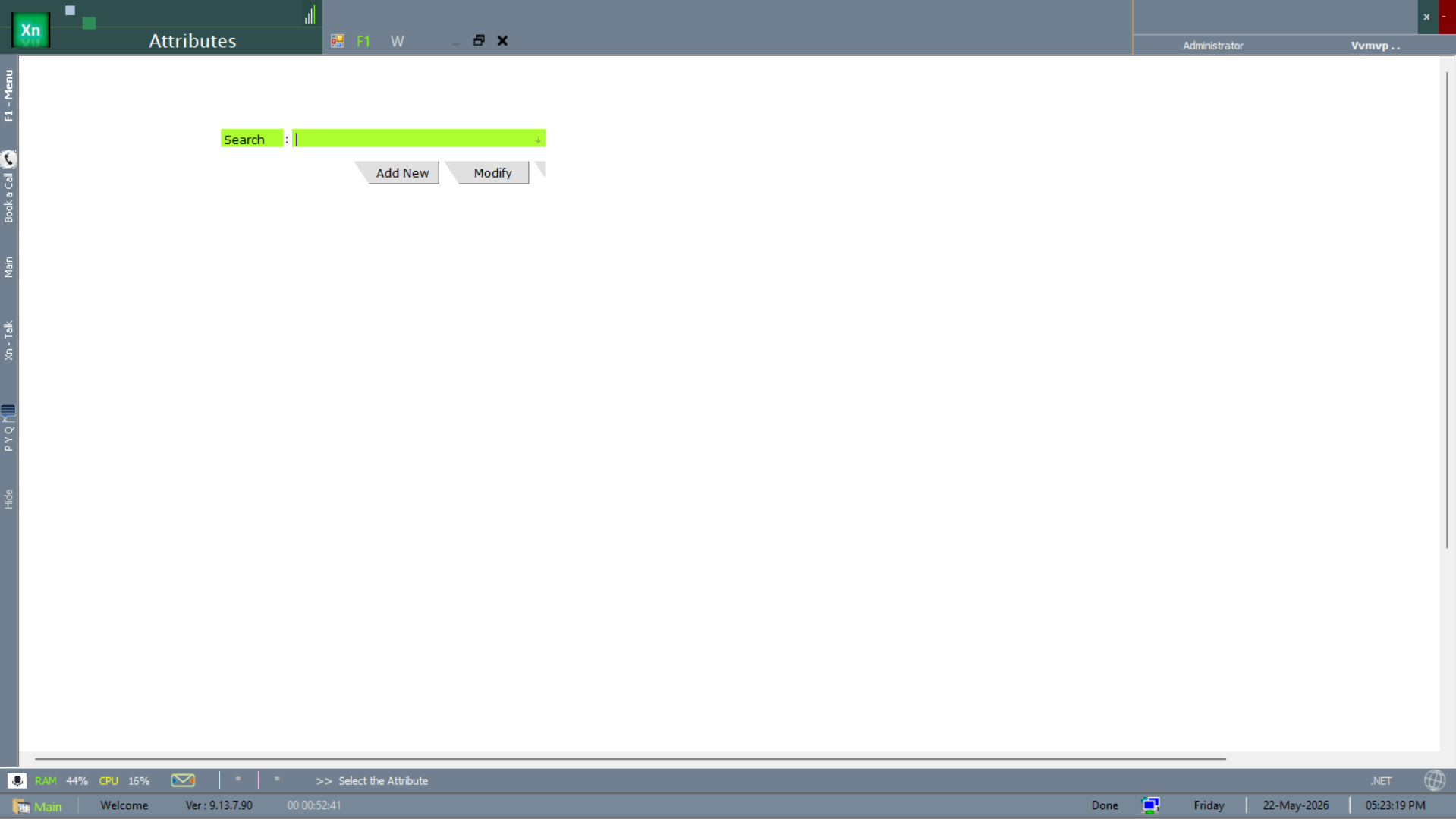
Read-only list of every Item Attribute defined — useful before adding a new attribute to avoid duplicating an existing one.