Staff Management
Staff master, attendance, leave and shift rota.
Overview
Staff Management owns the people side of HR. The Staff Detail screen is where every employee starts; attendance and leave keep their record live; the rota plans who is in tomorrow. Whatever you record here flows directly into the monthly pay cycle in Salary & Payroll.
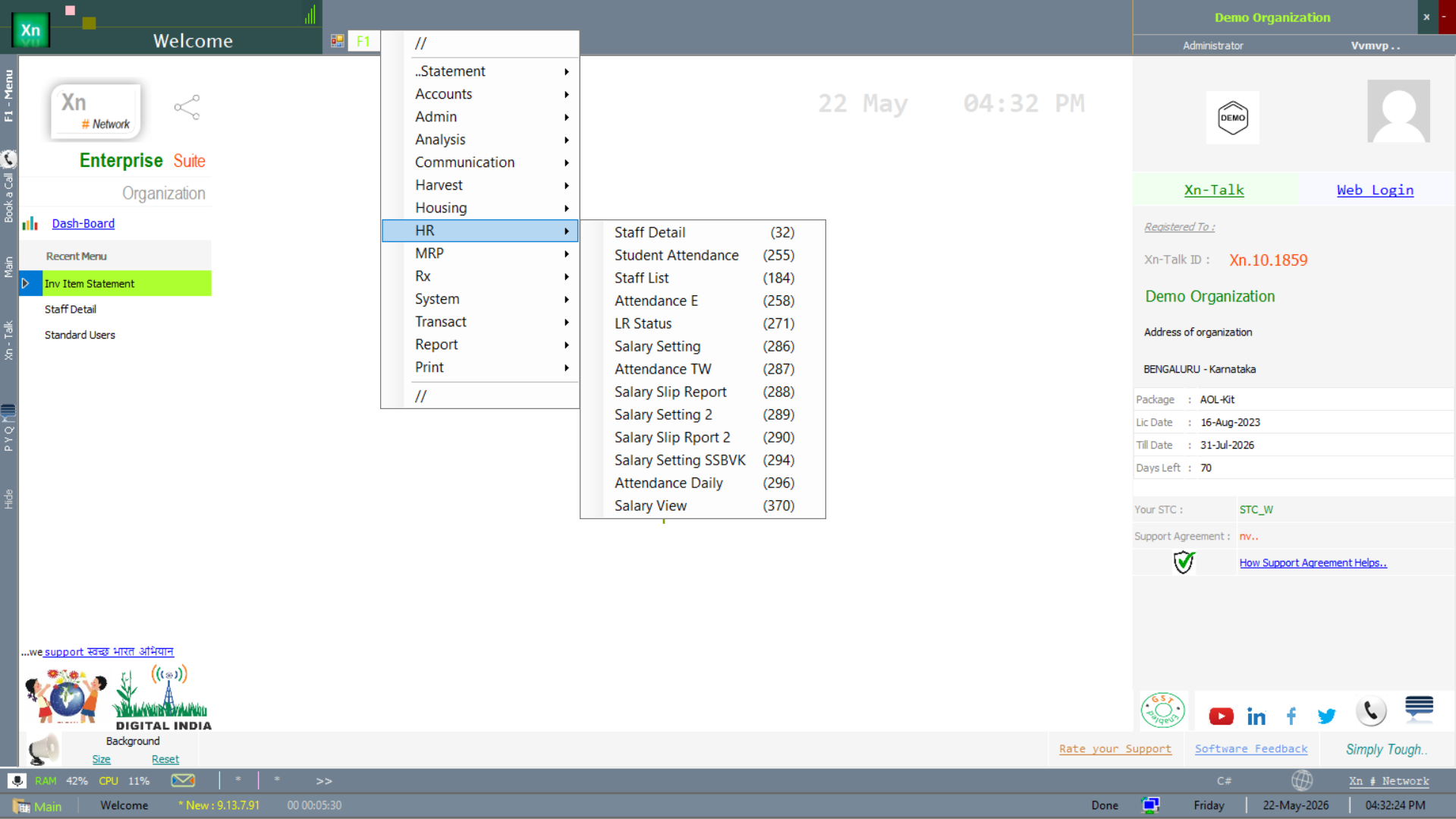
HR menu
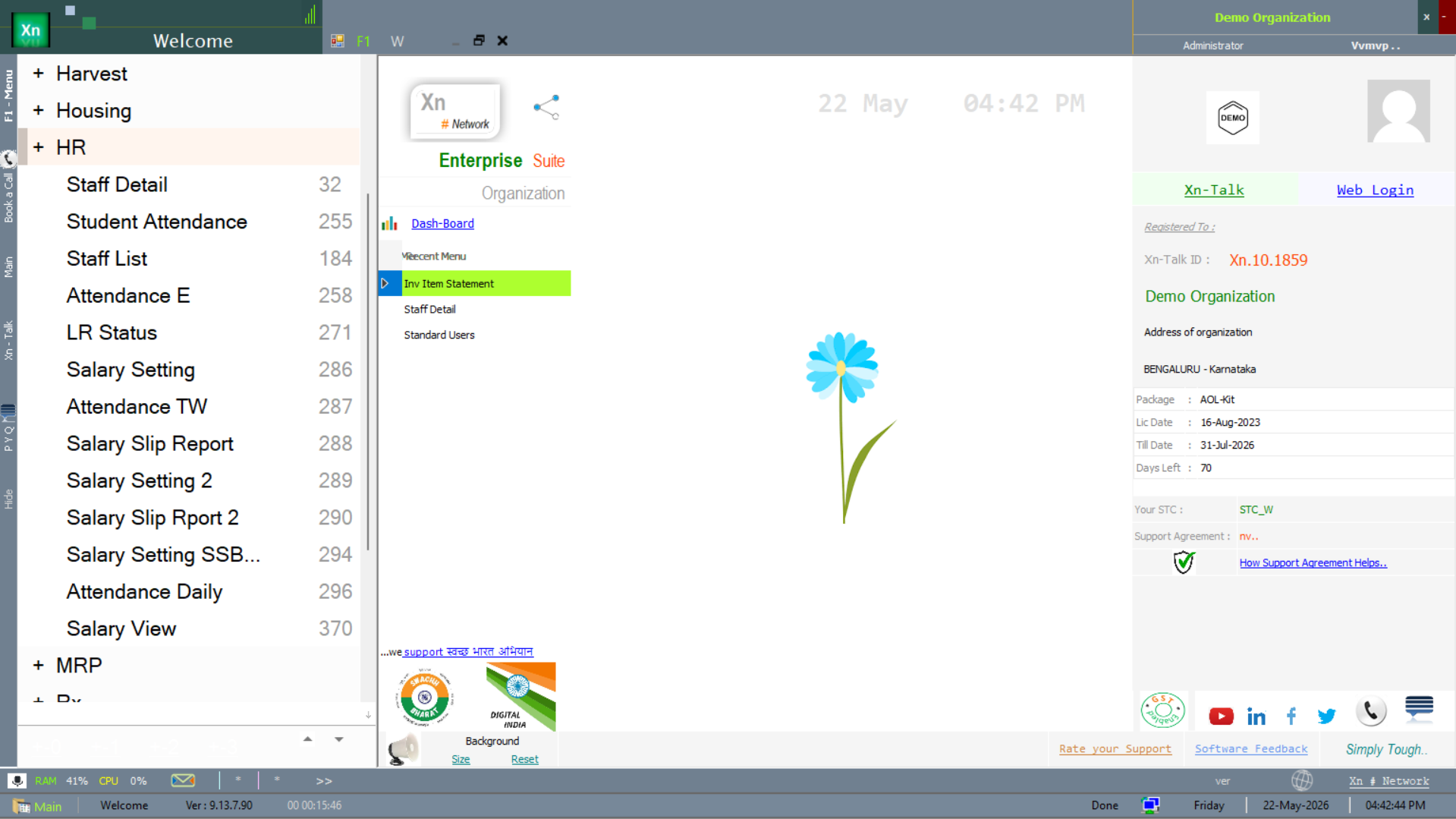
The HR module is reached from the HR branch of the Welcome screen. The submenu carries 13+ entries covering staff, attendance, leave, payroll and the staff-side reports.
Staff Detail
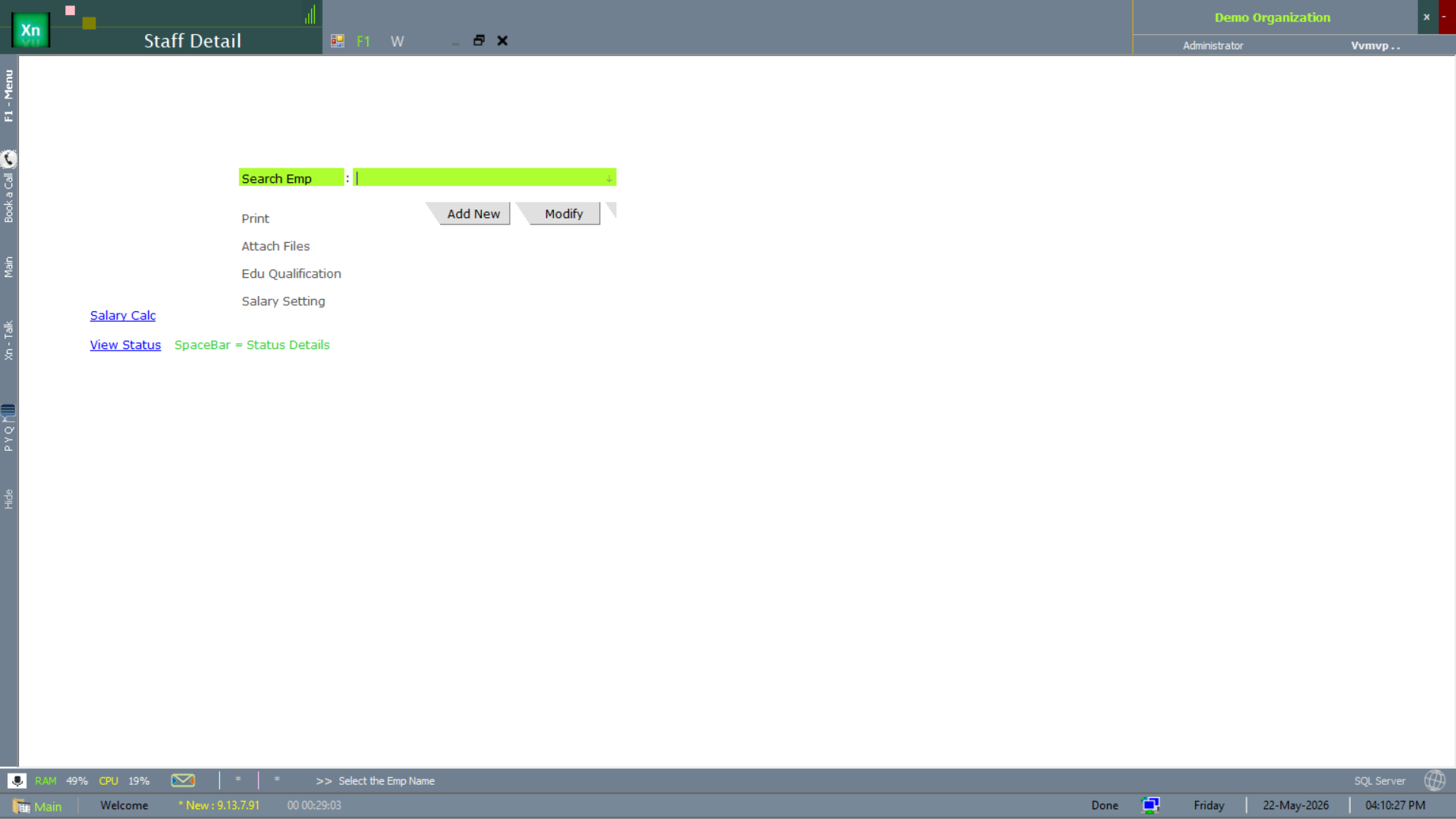
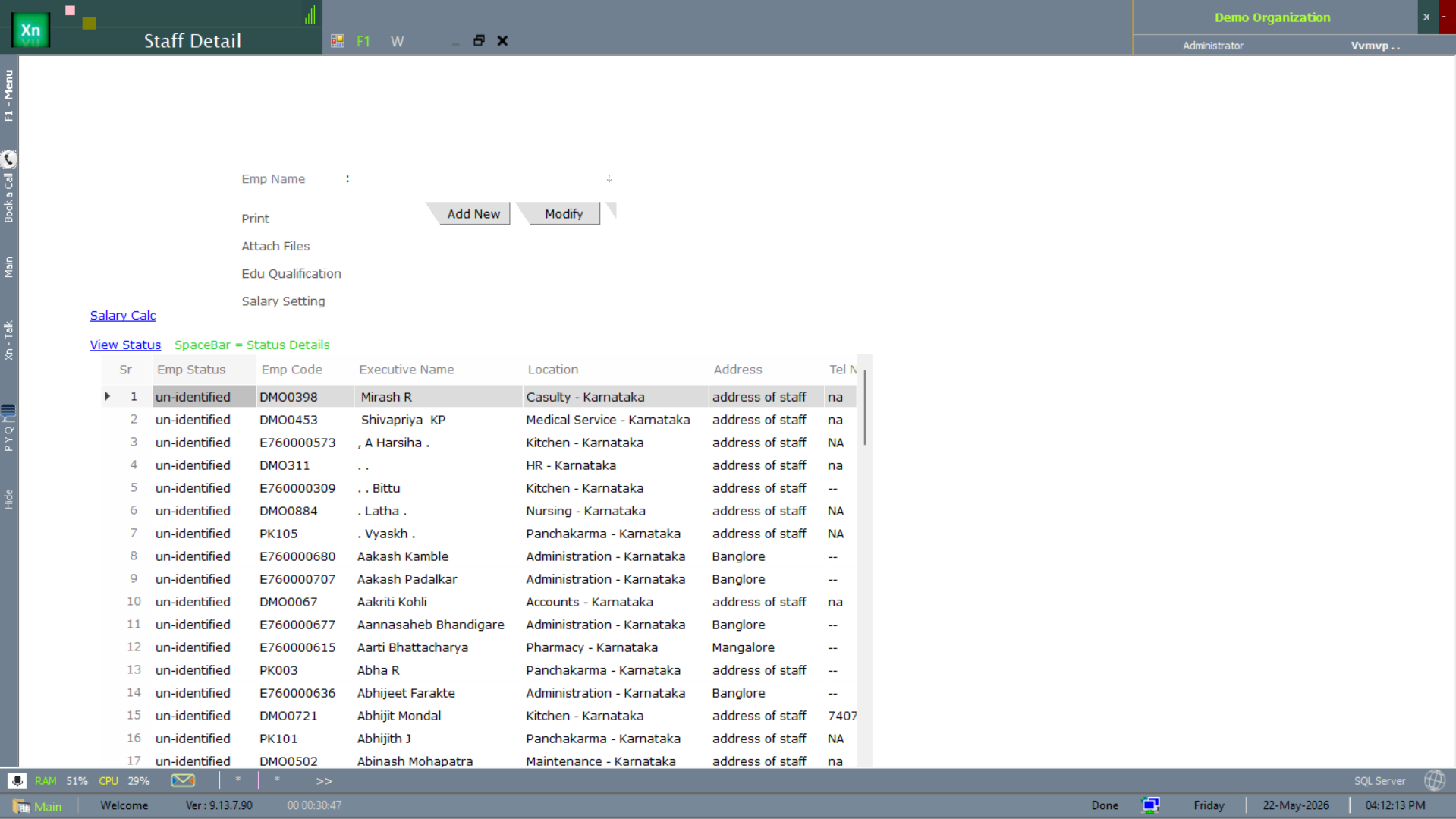
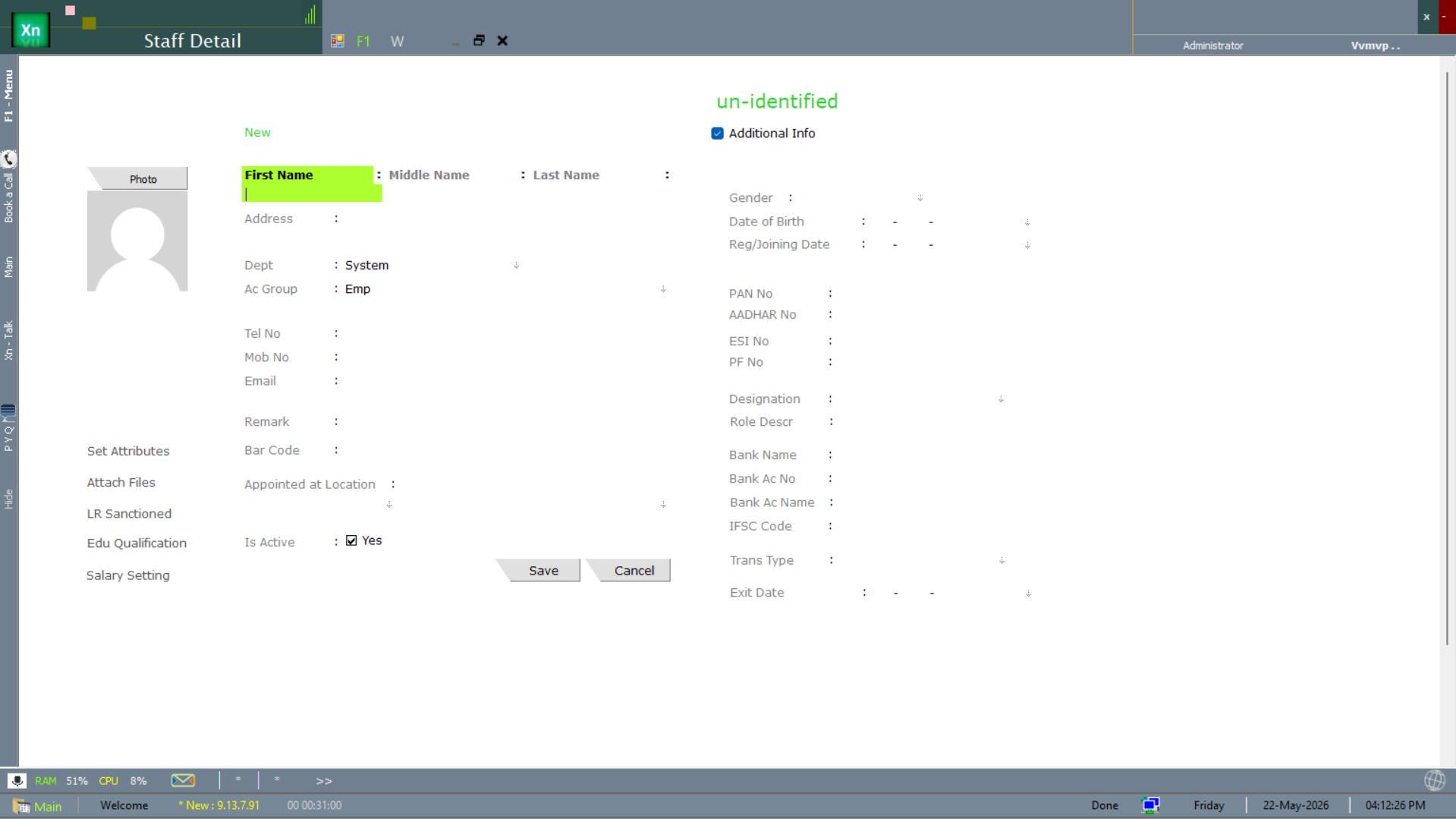
The master record for an employee. Captures personal, employment, pay, bank and document details across five tabs — each tab below is collapsible on the live screen so you can focus on the one you are editing.
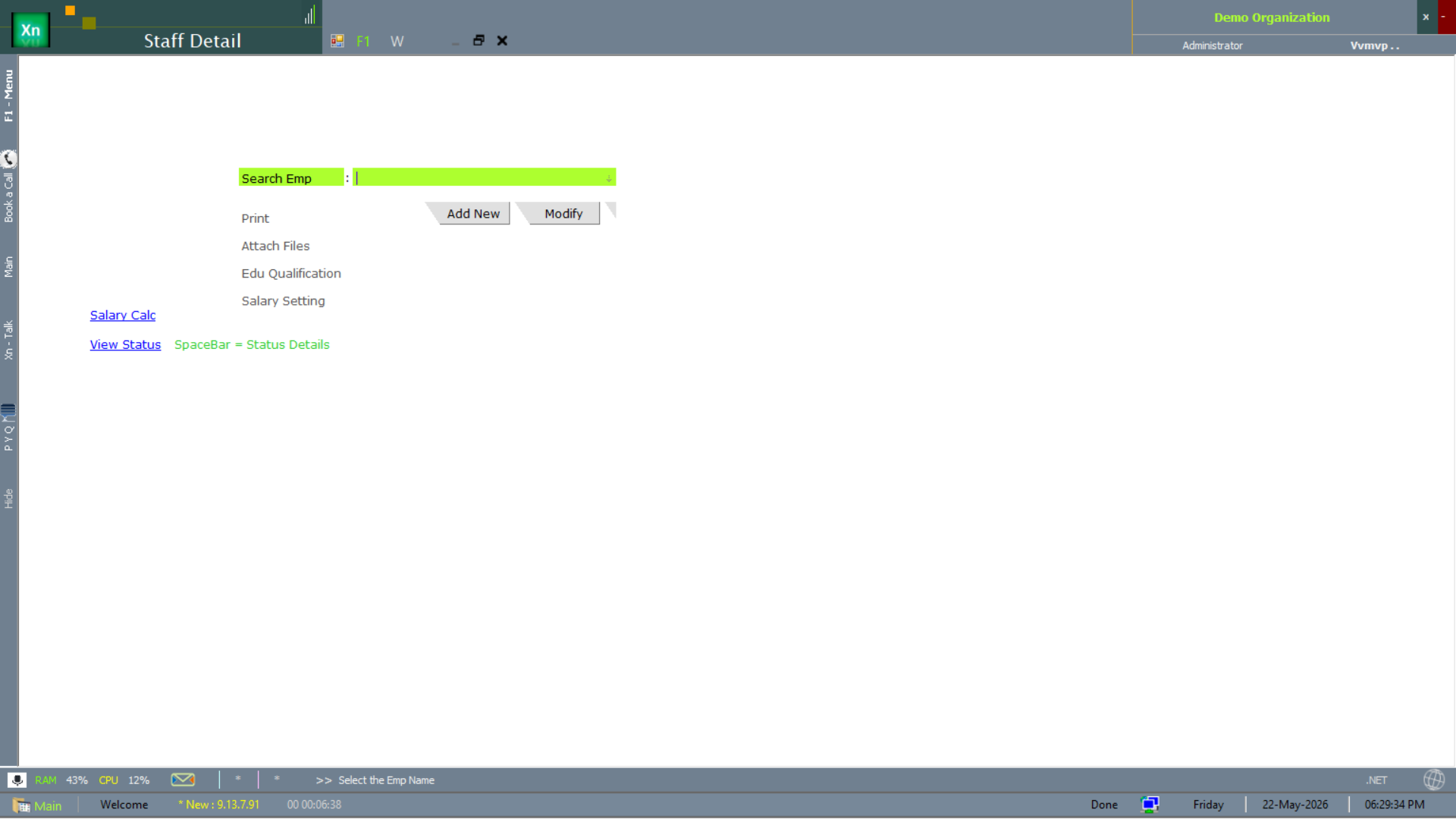
Personal tab
Name, date of birth, gender, blood group, marital status, nationality, residential and permanent addresses, emergency contact, ID numbers (Aadhaar / PAN / passport). Aadhaar and PAN are validated for format on save; PAN is mandatory if pay exceeds the TDS threshold.
Employment tab
Date of joining, department, designation, grade, reporting manager, employee type (permanent / contract / probation / intern), confirmation date, notice period, exit date if applicable. Changes to department or designation are version-tracked so the history is preserved.
Pay tab
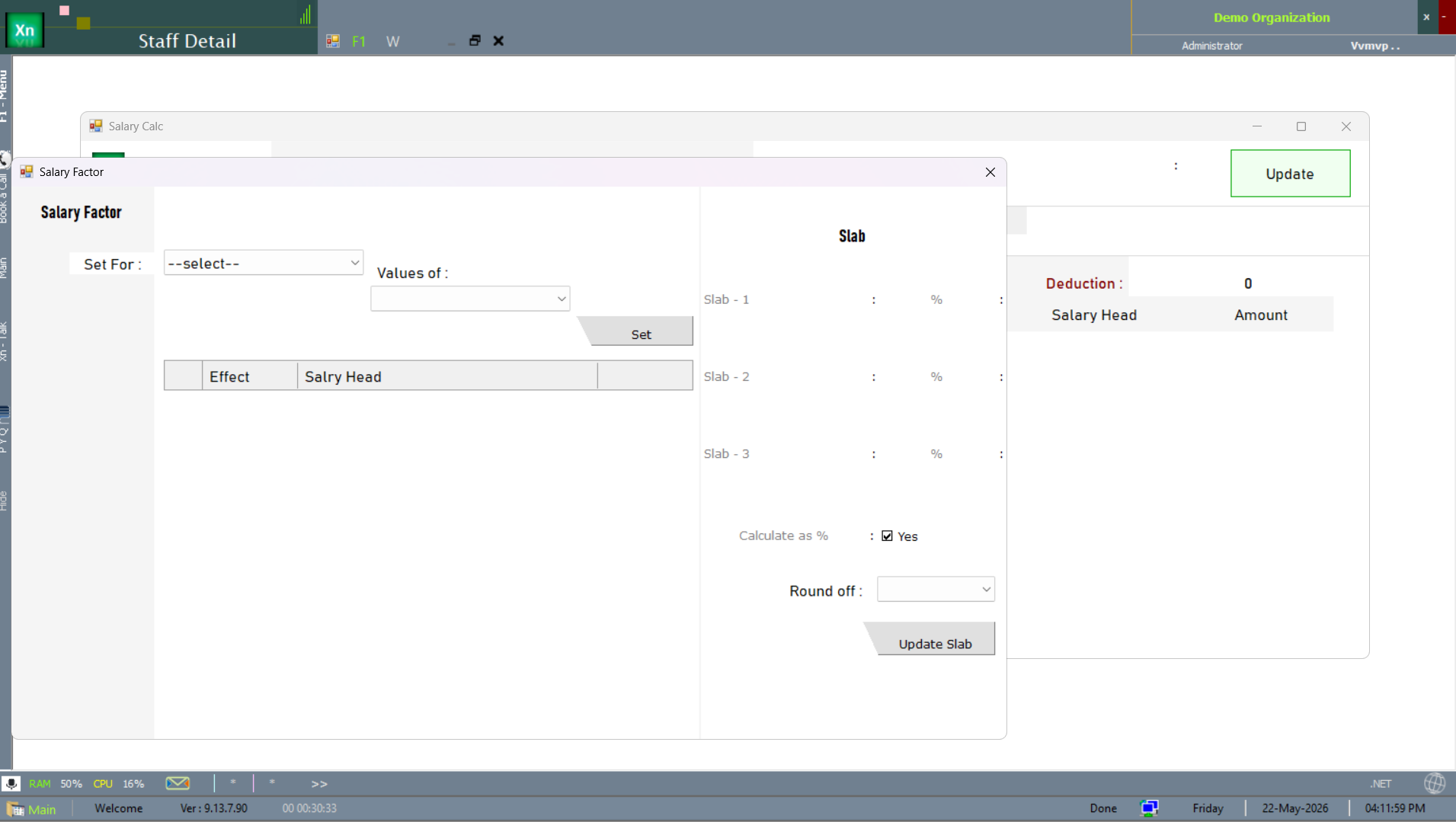
Salary structure (picked from the master), basic pay, allowance and deduction overrides, applicable TDS slab, PF / ESI eligibility flags. Effective-date stamped — mid-year pay changes do not disturb prior months.
Bank tab
Salary bank account number, IFSC, branch name. Used by the Bank Advice generator to produce the NEFT text-file in the bank's required format. A staff record without bank details cannot be paid via NEFT — the system warns at Salary Payment time.
Documents tab
Scans of ID proofs, qualification certificates, signed offer letter, contract, and any other employment documents. Each document is tagged (type, expiry, confidentiality) and stored encrypted on disk.
Staff rosters & lists
Two roster lists ship: the primary Staff List for the everyday lookup and an alternate Staff List2 for installations that have customised the roster columns. Education installations also surface a Student List in the same area.
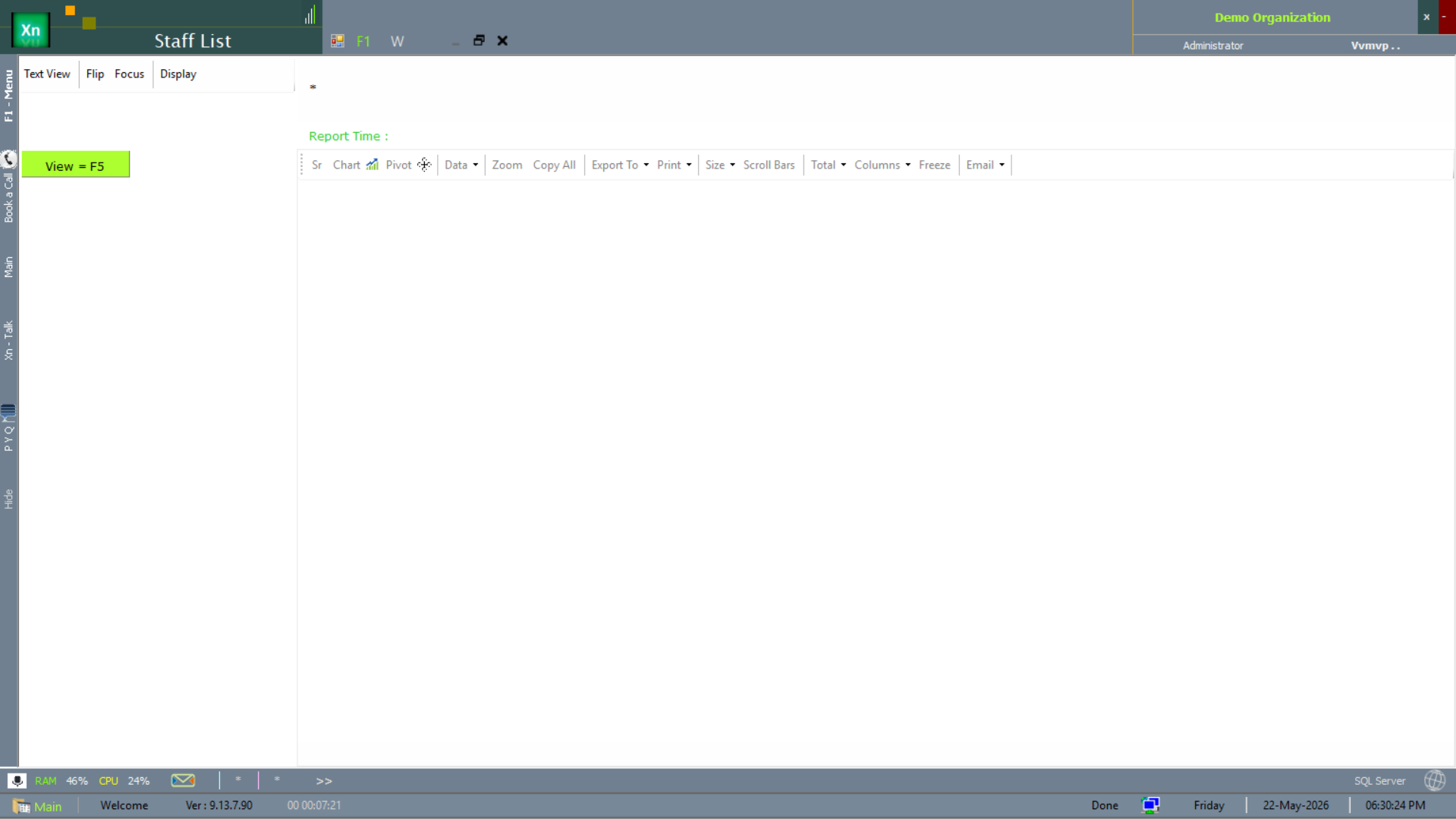
Staff List
The primary roster — one row per active employee with the export and print toolbar attached. Use this when you want a quick scrollable list with the standard column set.
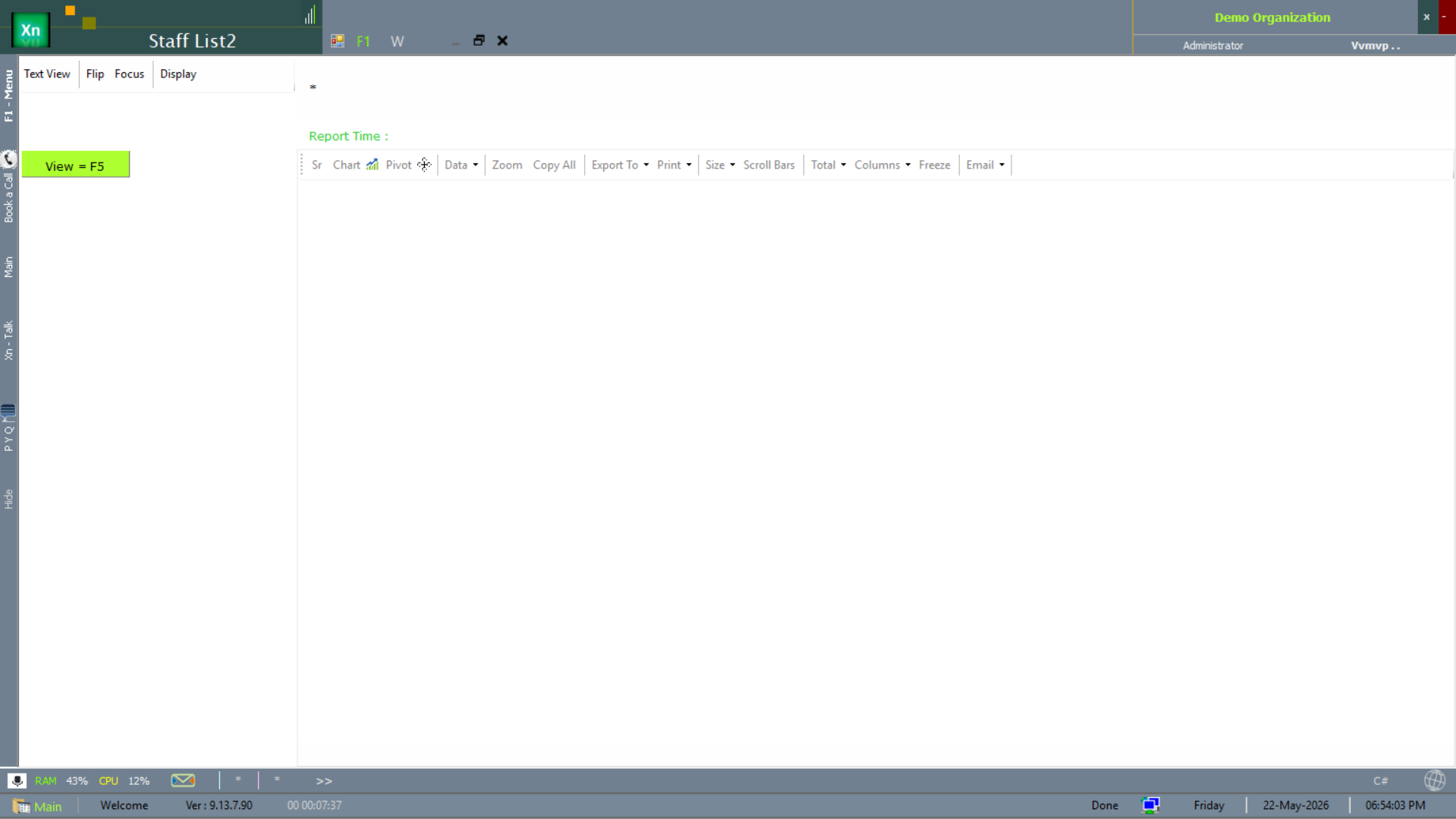
Staff List (variant 2)
Staff List2 is the customised-column variant for installations that have added their own roster fields.
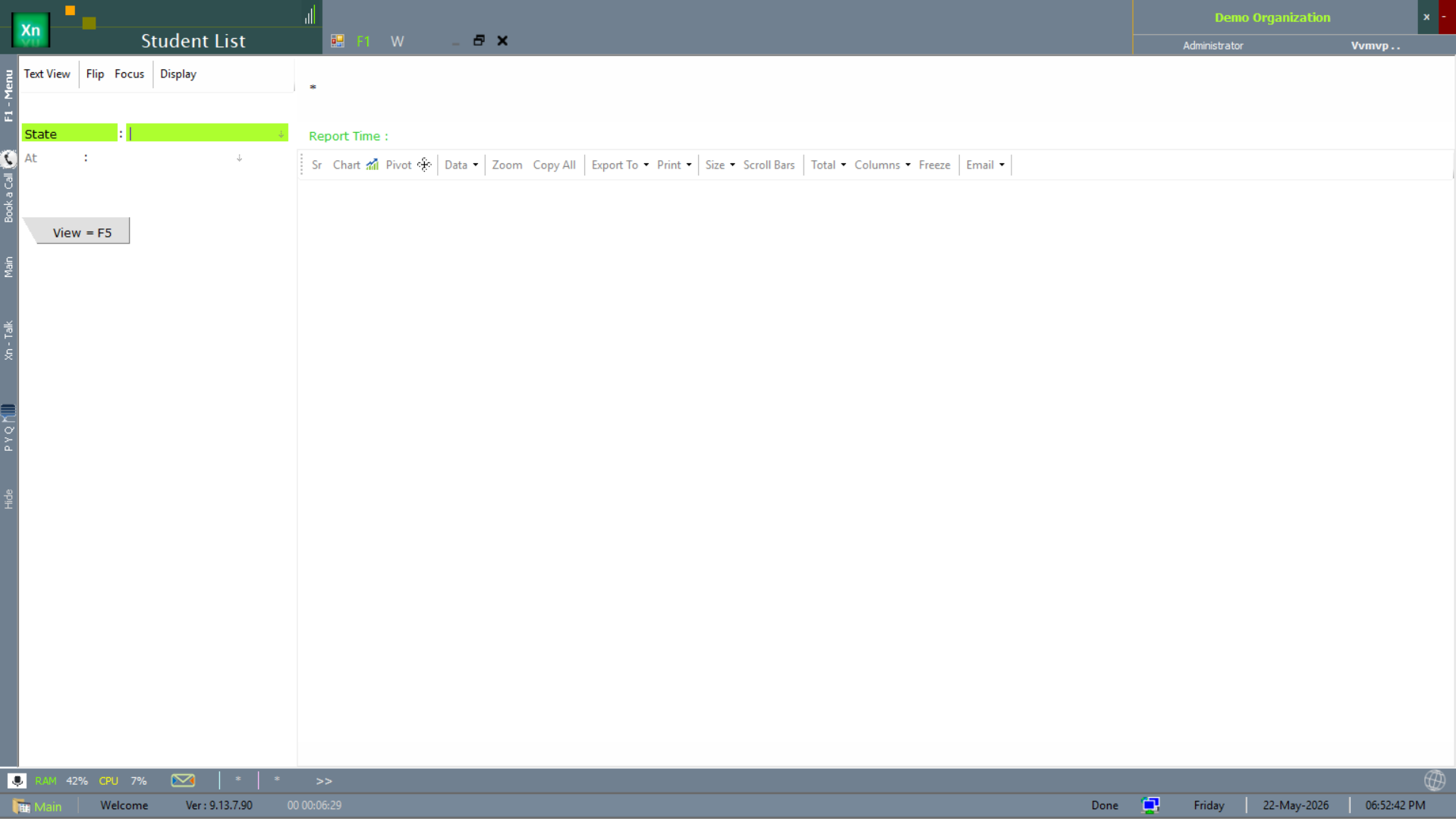
Student List (education installations)
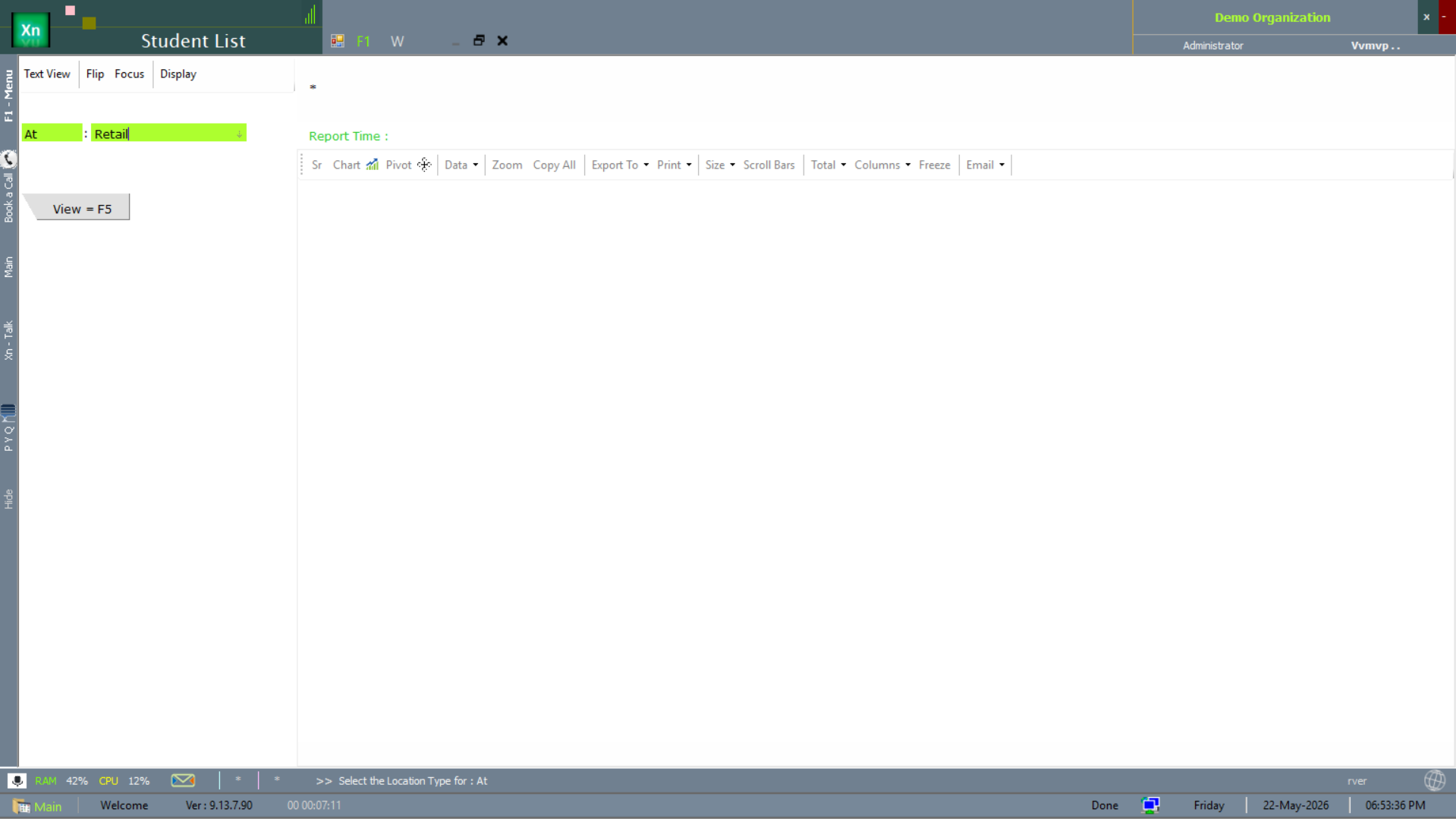
Education installations (schools / colleges) surface a Student List alongside Staff List. Two filter variants ship — by location type and by state.
Attendance Entry
Daily presence capture. Three modes: manual marking by a supervisor, biometric import (CSV or JSON push from the device), or auto-mark from the shift rota with exception override. Late, early-out and overtime windows are configurable per shift.
Attendance reports
Four scope-specific variants of the attendance report ship — pick the one that matches the cut you want.
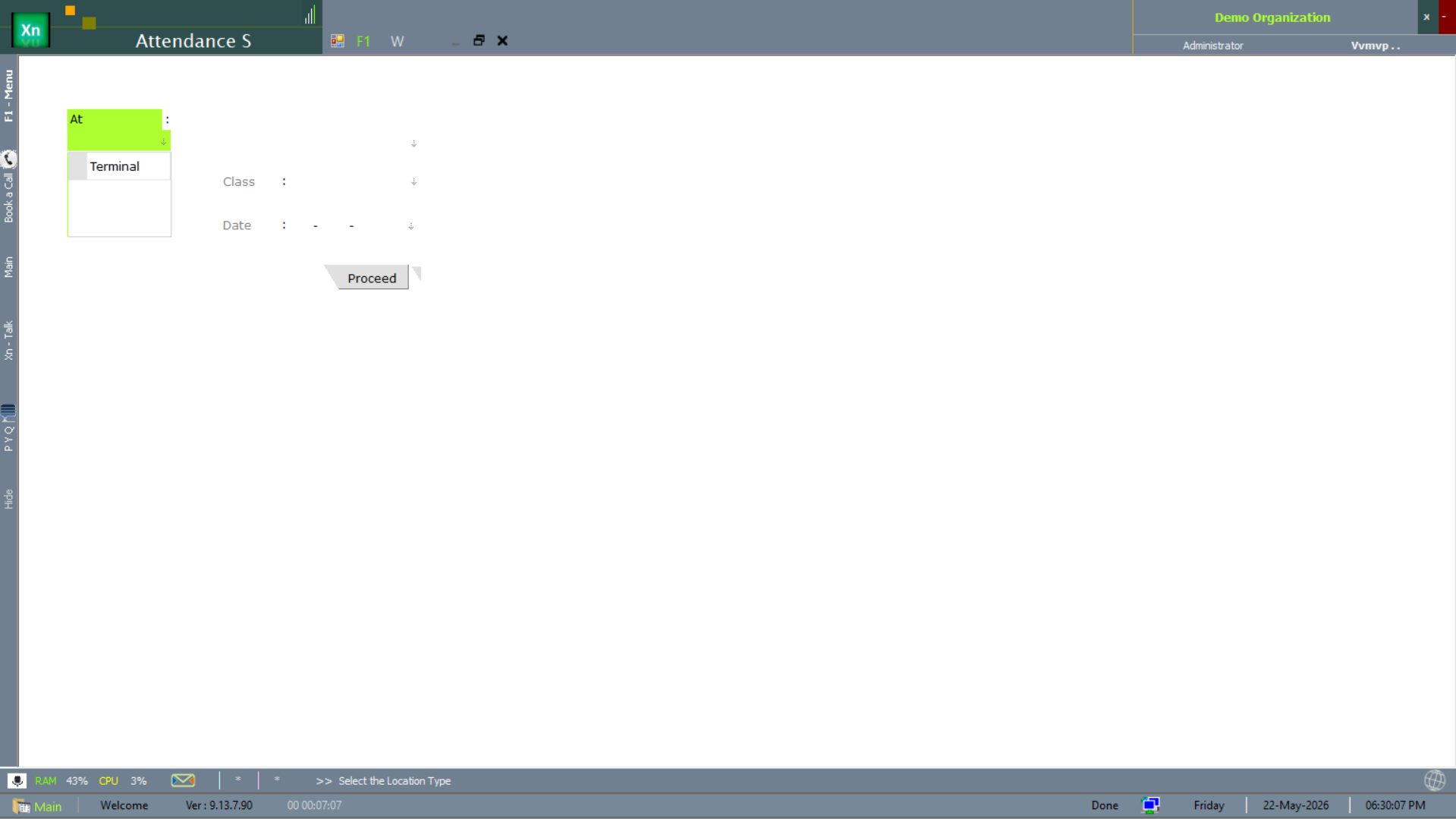
Attendance Summary (S)
Attendance S rolls attendance up to a summary view, scoped by location type via a dropdown selector.
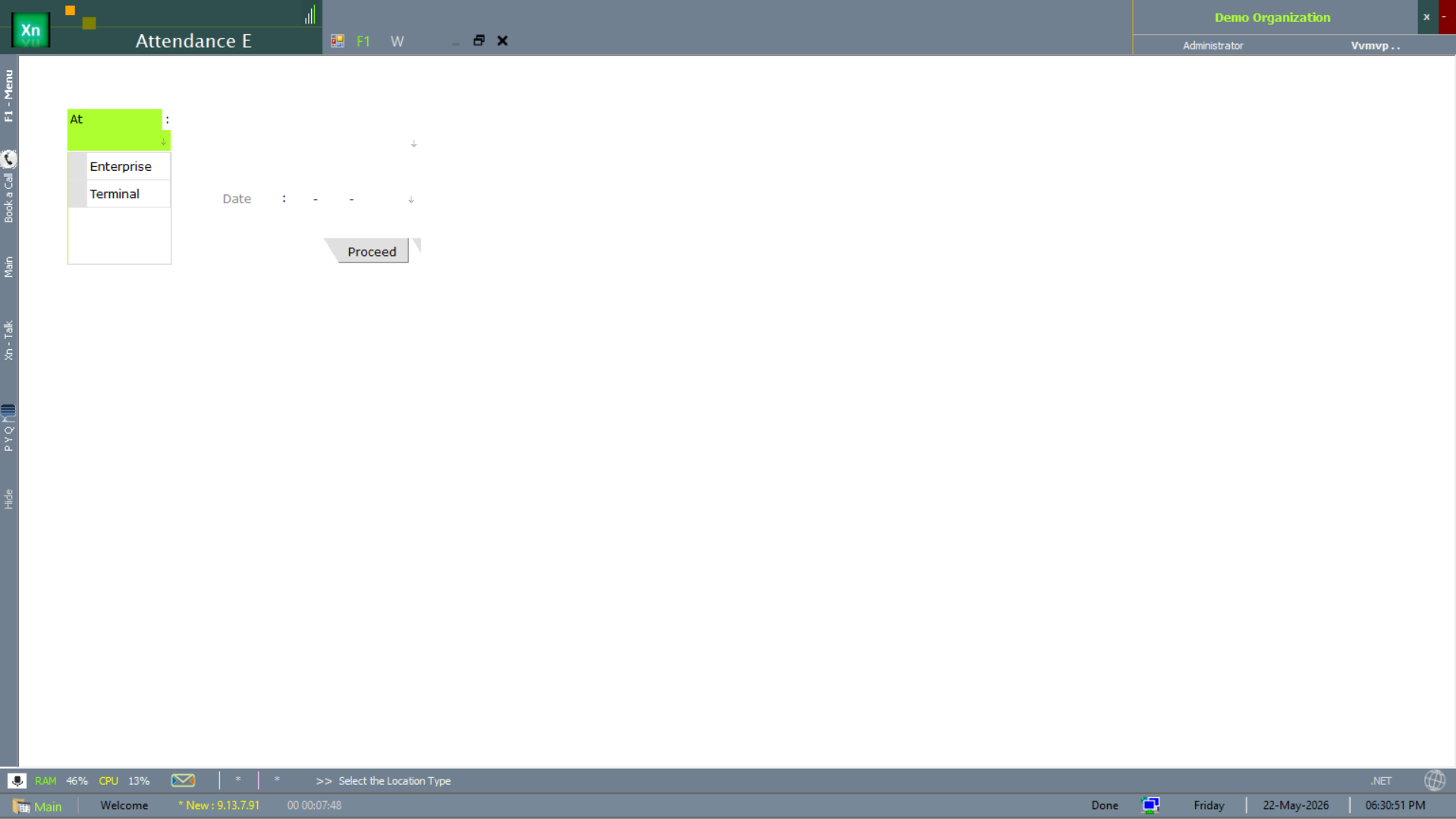
Attendance — Enterprise (E)
Attendance E is the enterprise-wide cut — all locations rolled into one organisation-level view.
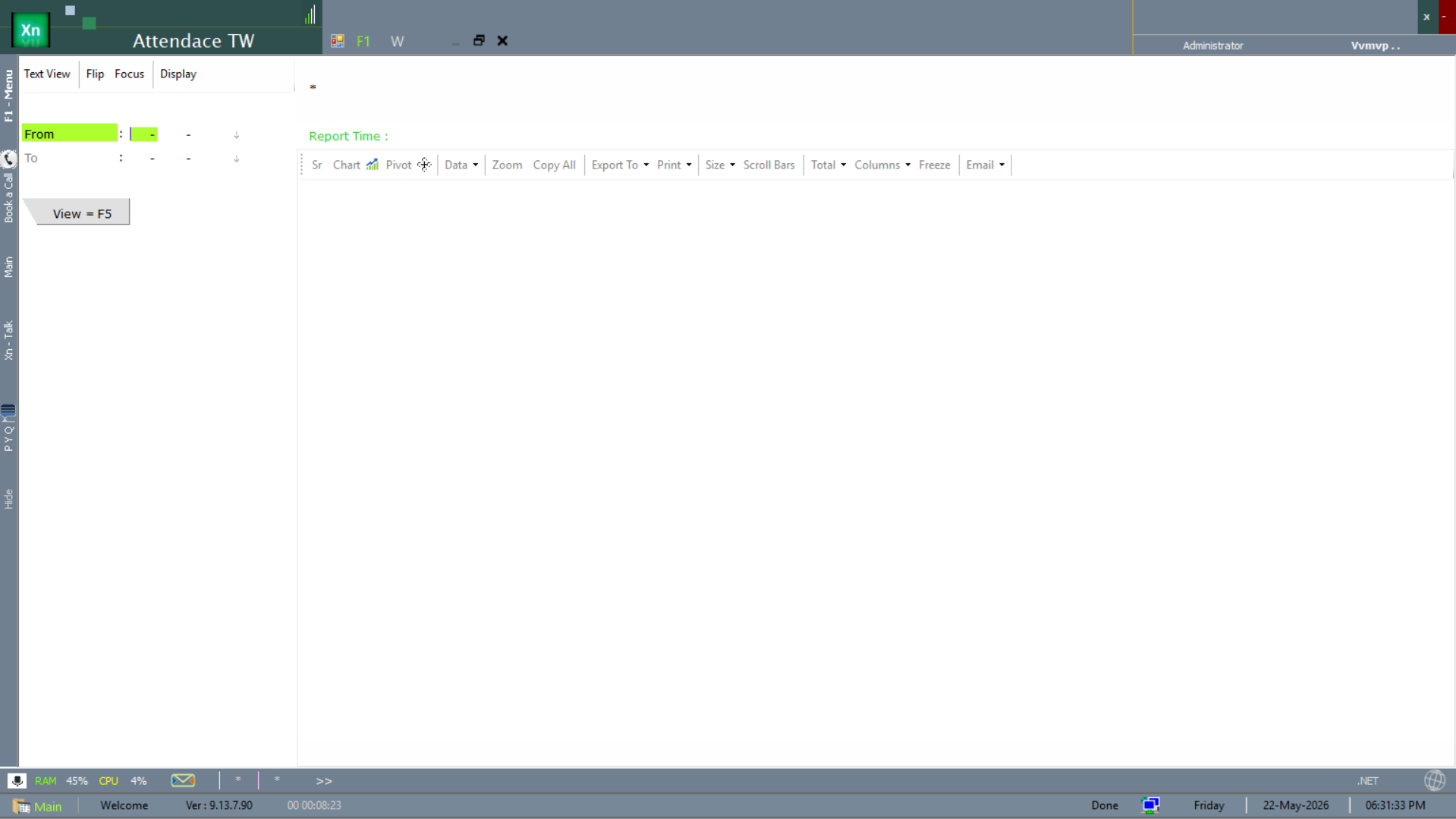
Attendance — Time-Wise (TW)
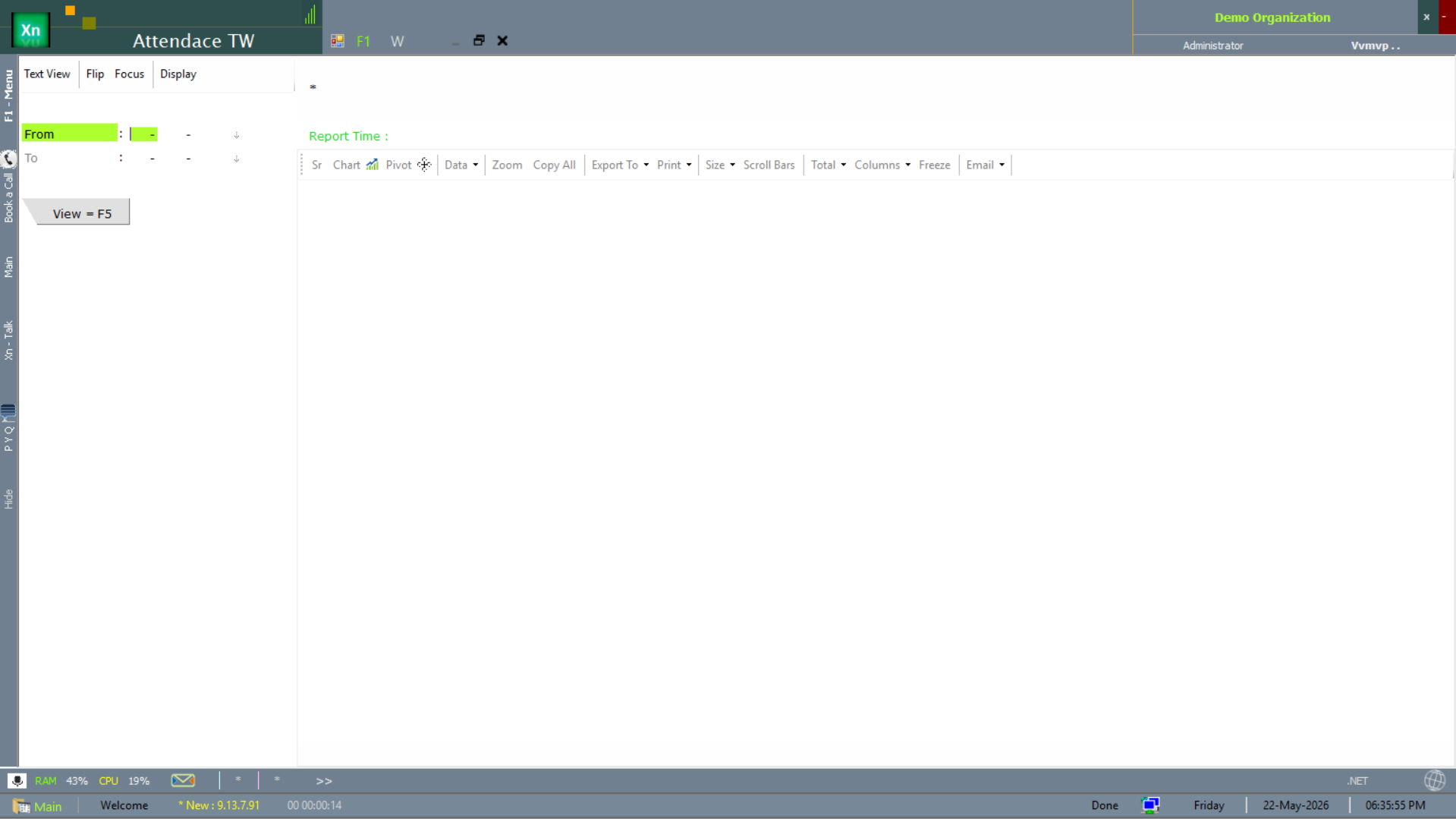
Attendance TW is the time-bucketed view — presence shown by hour / shift band rather than just present/absent. Two variants ship; both surface the same time-axis data.
Attendance Daily
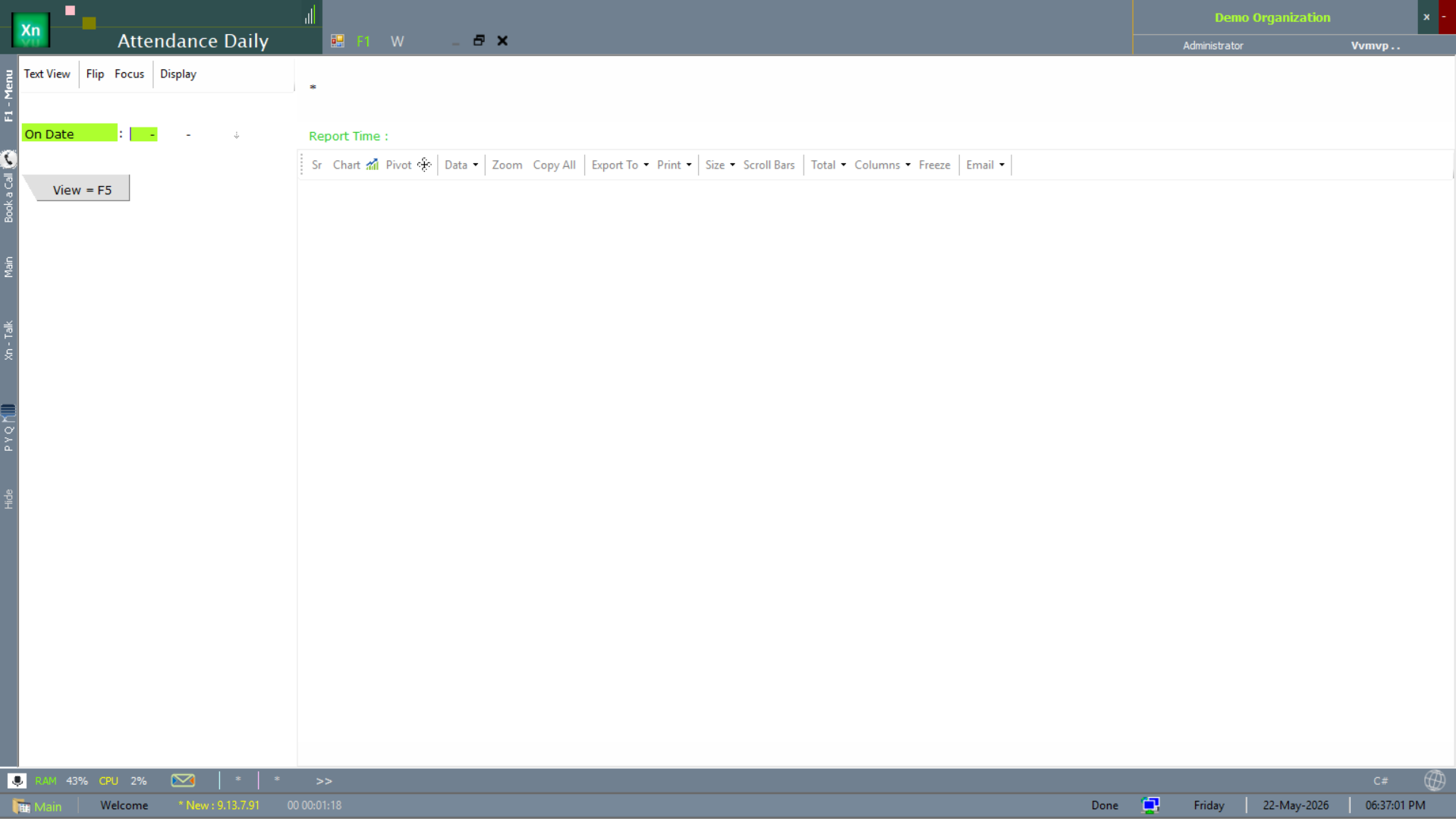
Attendance Daily is the single-day cut — the morning attendance report supervisors run before shift start.
Leave Application
Records leave requests with type (Casual / Sick / Earned / Compensatory / Loss-of-Pay), date range and reason. Saving the application applies the leave policy — balance is decremented, manager approval is routed, and the day calendar is updated. Rejected requests credit back automatically.
Shift Rota
Roster of which employee works which shift on which day, for the next planning window (typically a week or a fortnight). Drag-and-drop assignment, copy-from-previous-week, and warnings for back-to-back night shifts.
Attendance Register
Monthly grid of presence / absence for any department or branch. Codes for present (P), absent (A), leave (L), week-off (W), holiday (H) make the grid scannable. Click any cell to open the underlying attendance row.
Leave Balance
Per-employee available leave by type as on the chosen date. Carry-forward, accrual and expiry are all driven by the leave policy defined in setup, so this report is always exact — no manual reconciliation needed.