Salary & Payroll
Salary structures, monthly run, slip print and statutory reports.
Overview
The Salary & Payroll area runs the monthly pay cycle. The flow is: Salary Structure (one-time) → Attendance (daily, captured in Staff Management) → Salary Calc (monthly, four steps) → Salary Payment (bank advice / cheque / cash) → Slip Print → Statutory Reports. Posting locks the month and writes a single payroll JV into Accounts.
Salary Structure
Named template of allowances, deductions and statutory contributions linked from each employee. A typical structure has Basic, HRA, Conveyance, Special Allowance on the earnings side and PF, ESI, PT, TDS, Loan EMI on the deductions side. Effective-date versioned so a mid-year revision does not disturb prior payroll runs.
Salary Head master
Before structures, each line of the salary is defined as a Salary Head — the named earning or deduction with its formula, ledger mapping and tax flags. Add a head once here and it becomes available in every structure.
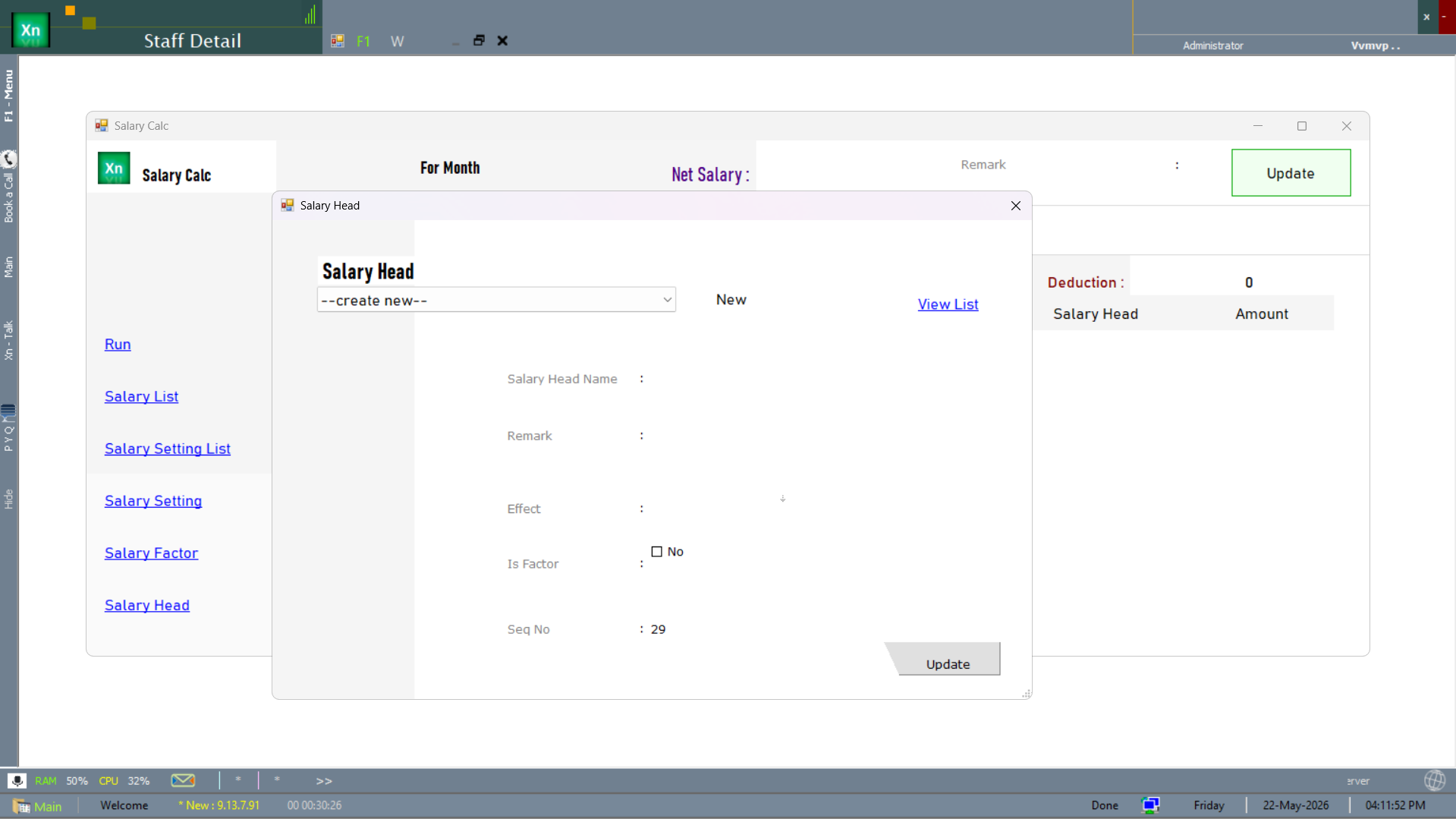
Salary Settings
Per-organisation tuning of the payroll engine — rounding rules, statutory ceilings, default ledger mappings and the date the salary period starts. Two variants are shipped: the primary settings screen plus an alternate for installations that split settings by agency.
Salary Setting
The primary settings screen — one row per organisation, edited rarely.
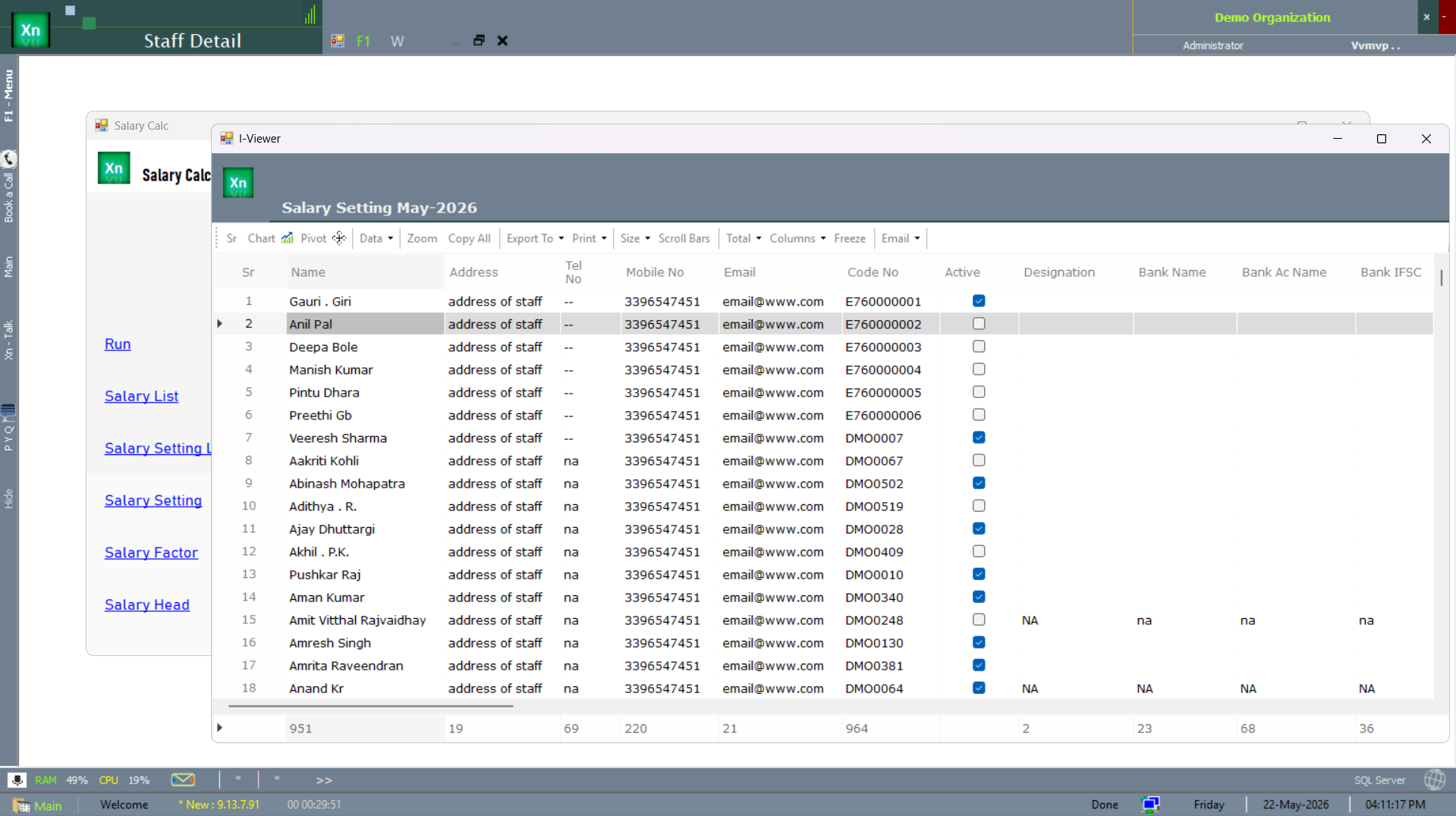
Salary Setting — by agency
The Salary Setting 2 variant splits the same tuning per agency for installations that pay through multiple agencies (common in retail-chain payroll).
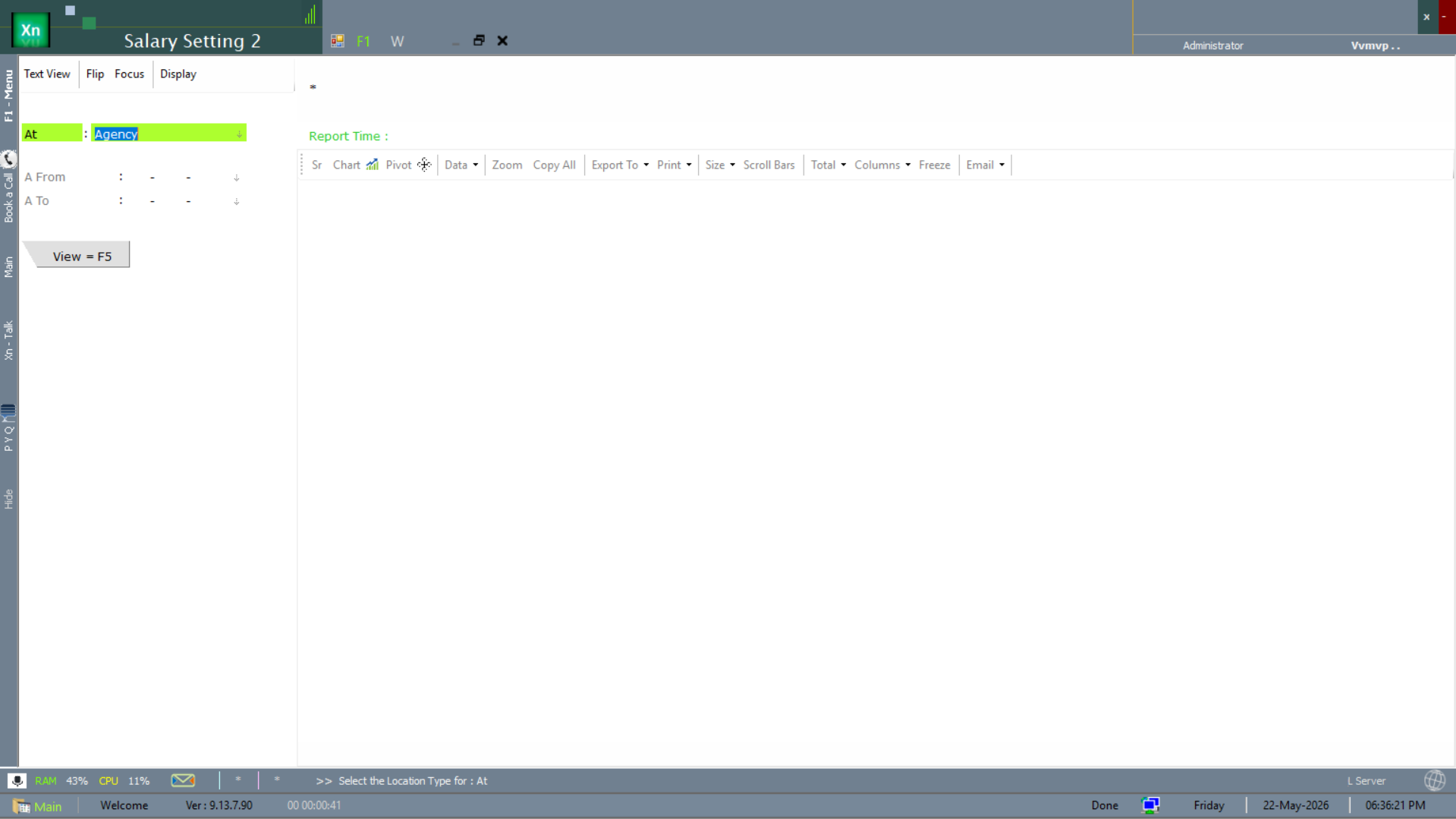
Salary Setting — date-range variant
The SSBVK variant is the date-range version of the same settings — used when a setting needs to apply only between two dates (e.g. a temporary minimum-wage override). Pick the variant only on advice from your implementation partner.
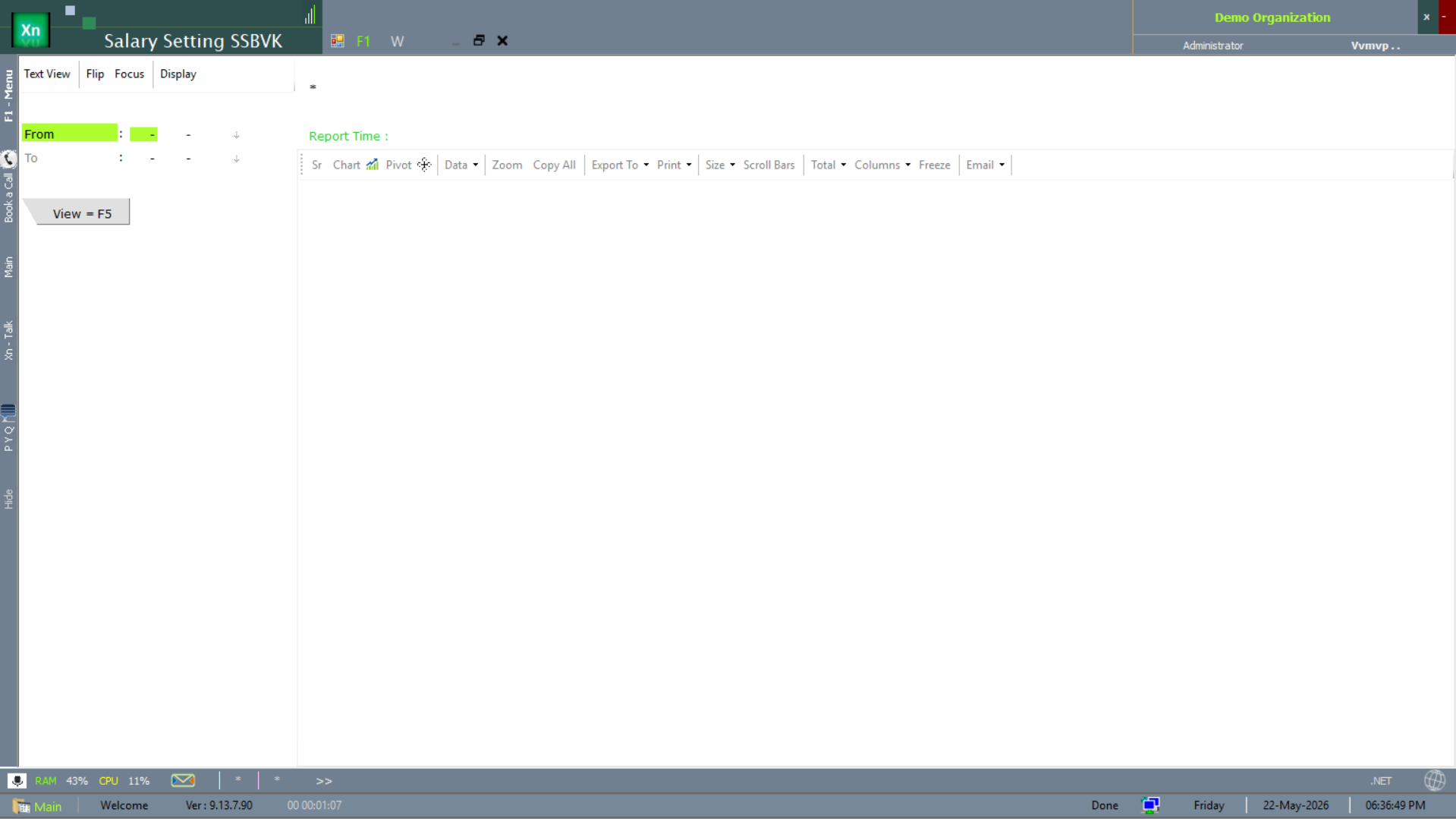
Salary Calc
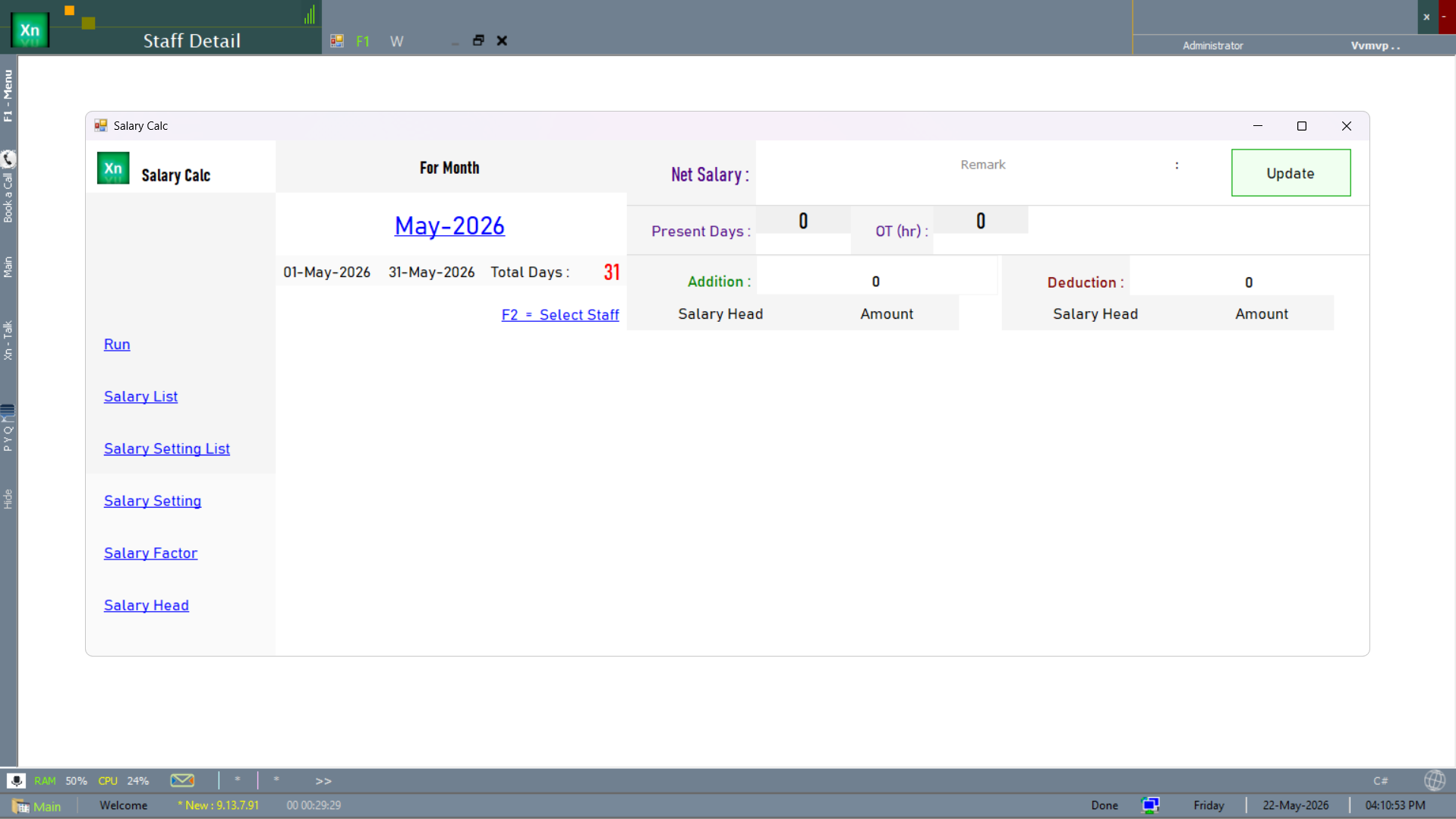
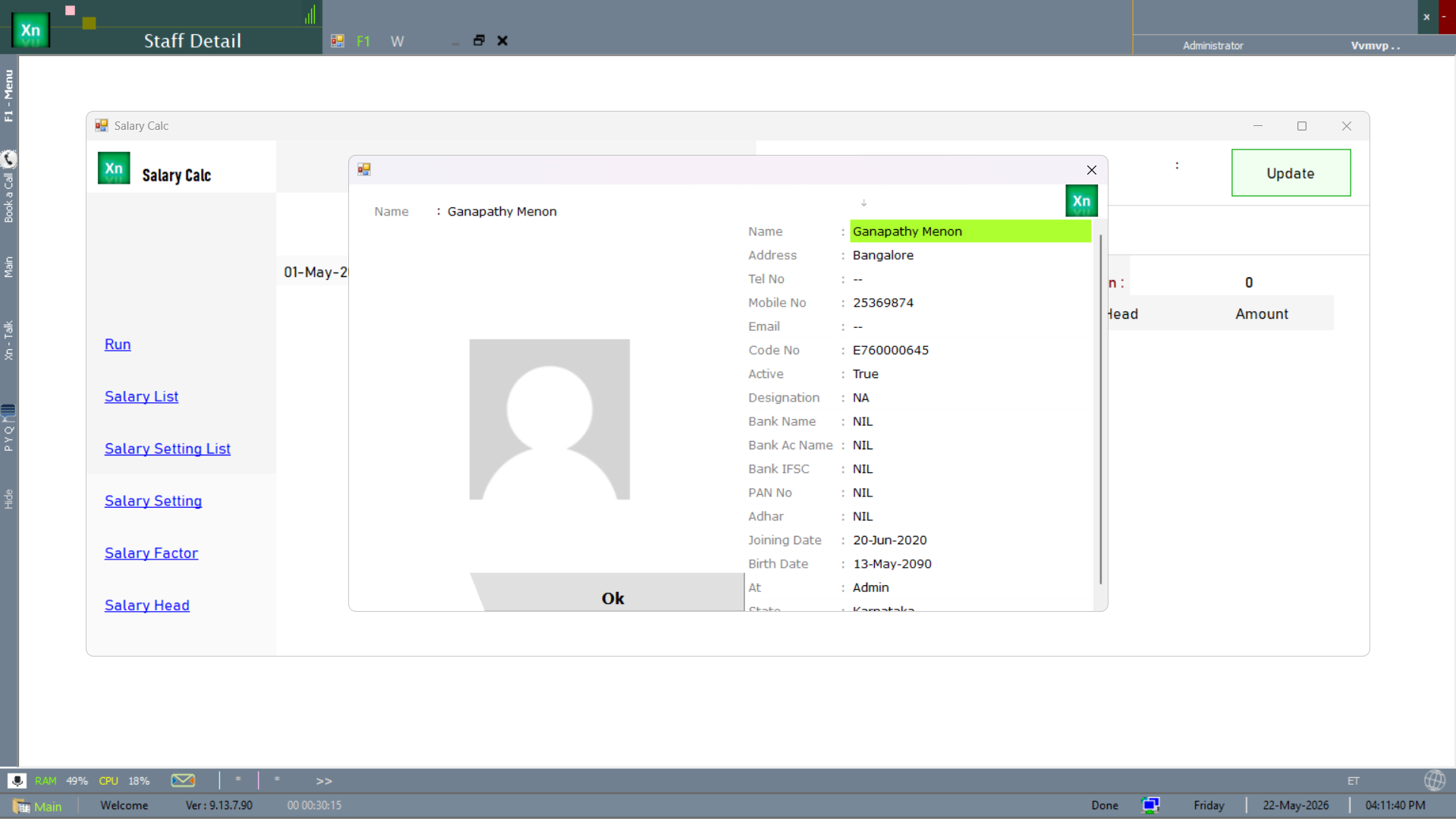
Monthly engine that computes salary from attendance and structure for every active employee in the chosen period. Runs in four steps which you walk through left-to-right; you can come back to an earlier step until you post.
Compute
Reads attendance, applies the structure, calculates statutory deductions and produces a draft register. Prorates for joiners, leavers and Loss-of-Pay days automatically.
Review
Spot-check rows — LWP days, proration percentages, statutory amounts, net pay. Sort by net-pay descending to see the highest first; sort by LWP to focus on attendance exceptions.
Adjustments
Apply one-off incentives, fines, advances, recoveries or arrears. Each adjustment carries a reason code and is shown separately on the salary slip for transparency.
Post
Writes the payroll JV into Accounts, generates the audit register, and locks the month against further changes. A posted payroll can be reversed only with admin rights.
Salary List
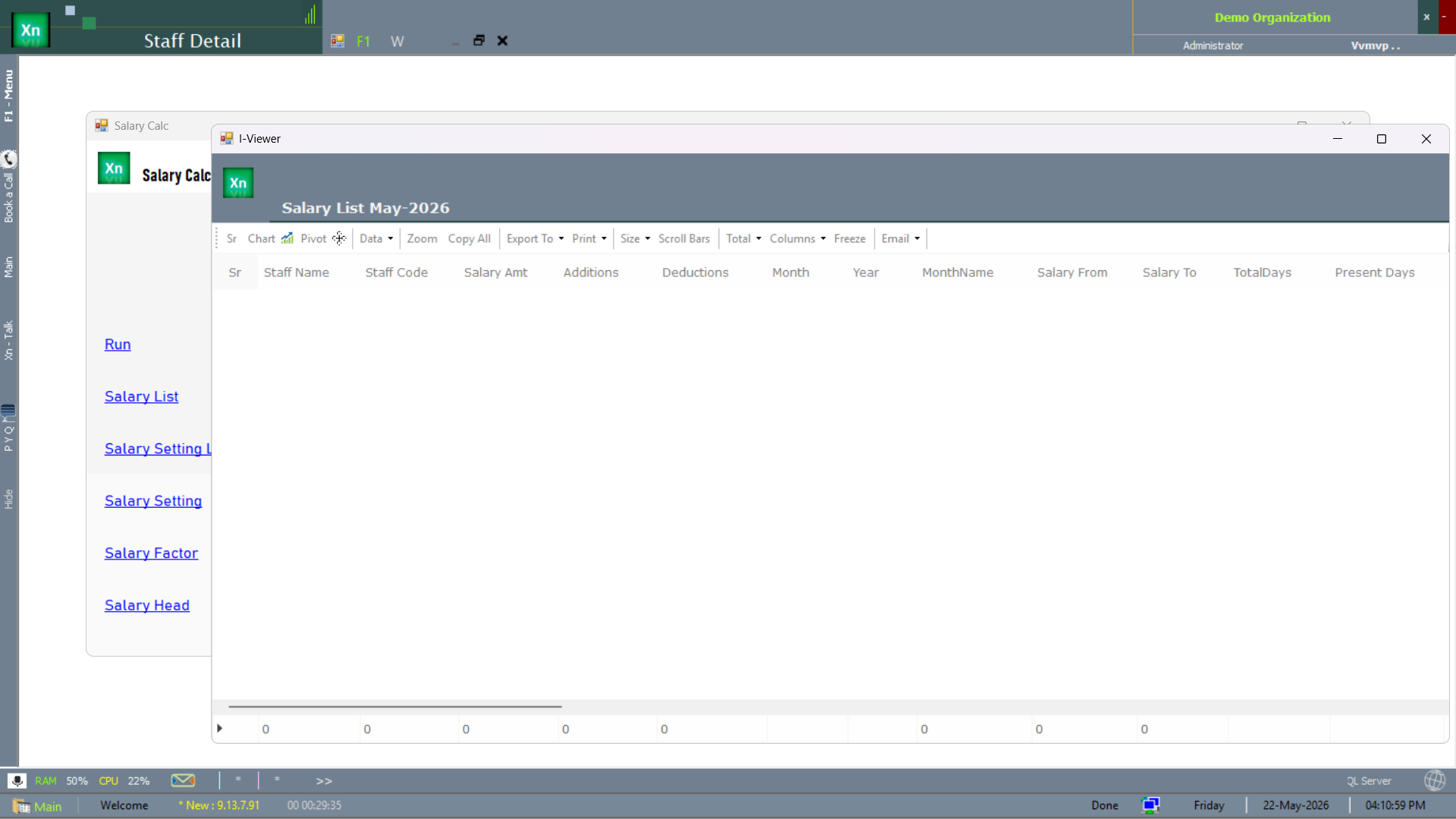
The Salary List is the employee-roster view of the computed payroll — one row per employee with net pay and quick status. Used to scan for outliers before posting and to spot zero-pay rows that signal missing attendance.
Salary Payment
Generates the bank advice file (NEFT / RTGS) in the bank's required format — HDFC, ICICI, SBI and Axis templates are built in; others are configurable. Cash payouts and cheque payouts are also supported, each with its own posting entry.
Salary Slip Print
Generates printable, PDF, and emailable salary slips for posted payroll. The slip template is editable in the same visual editor as invoices, so a logo change or layout tweak does not need code. Email batch sends one slip per employee to the address on the staff record.
Pay Slip print dialog
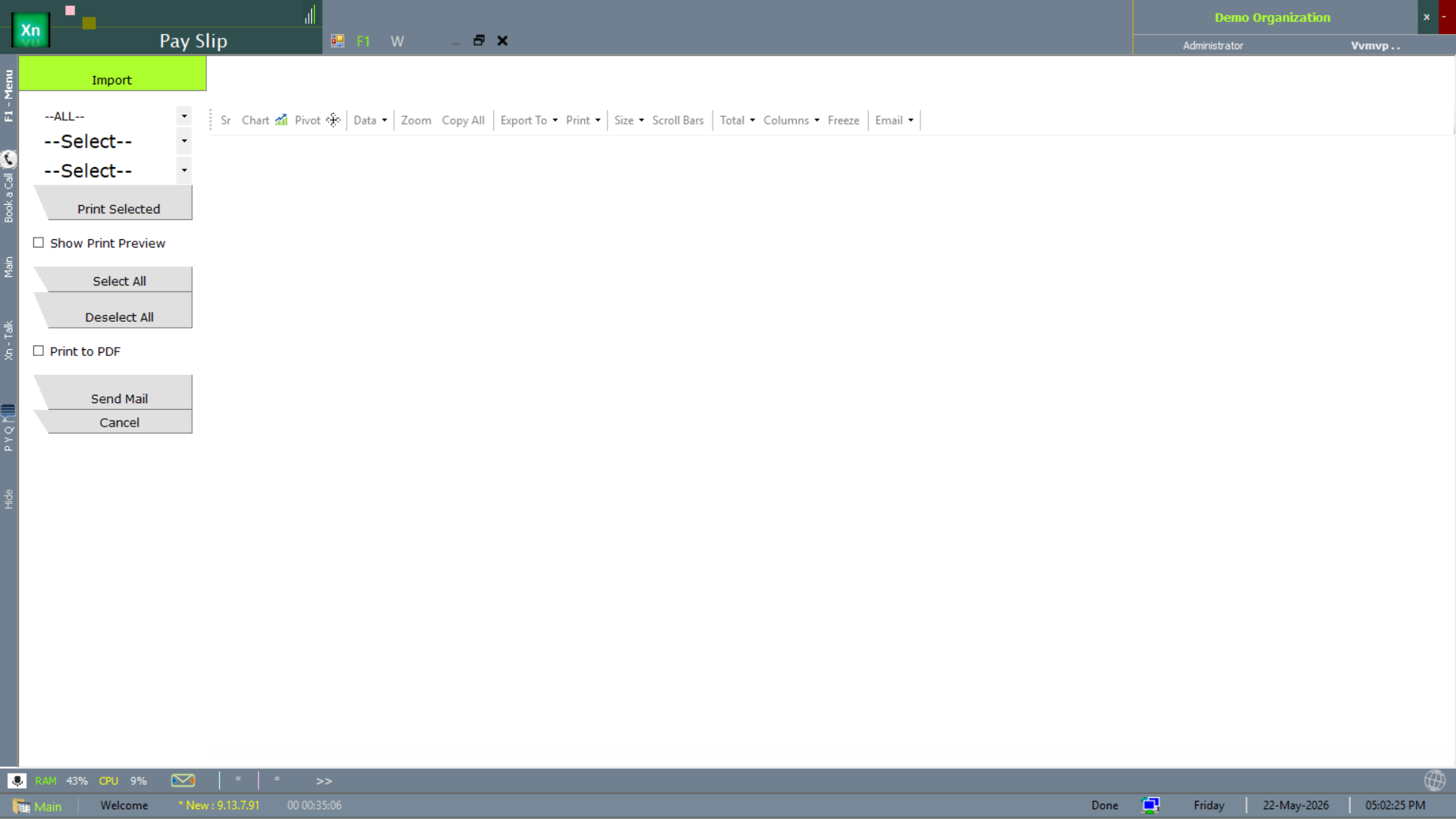
The Pay Slip print dialog drives the salary-slip output — pick the period, pick the employees, pick the channel (print / PDF / email). The email channel sends one PDF per employee to the address on file.
Salary Slip reports
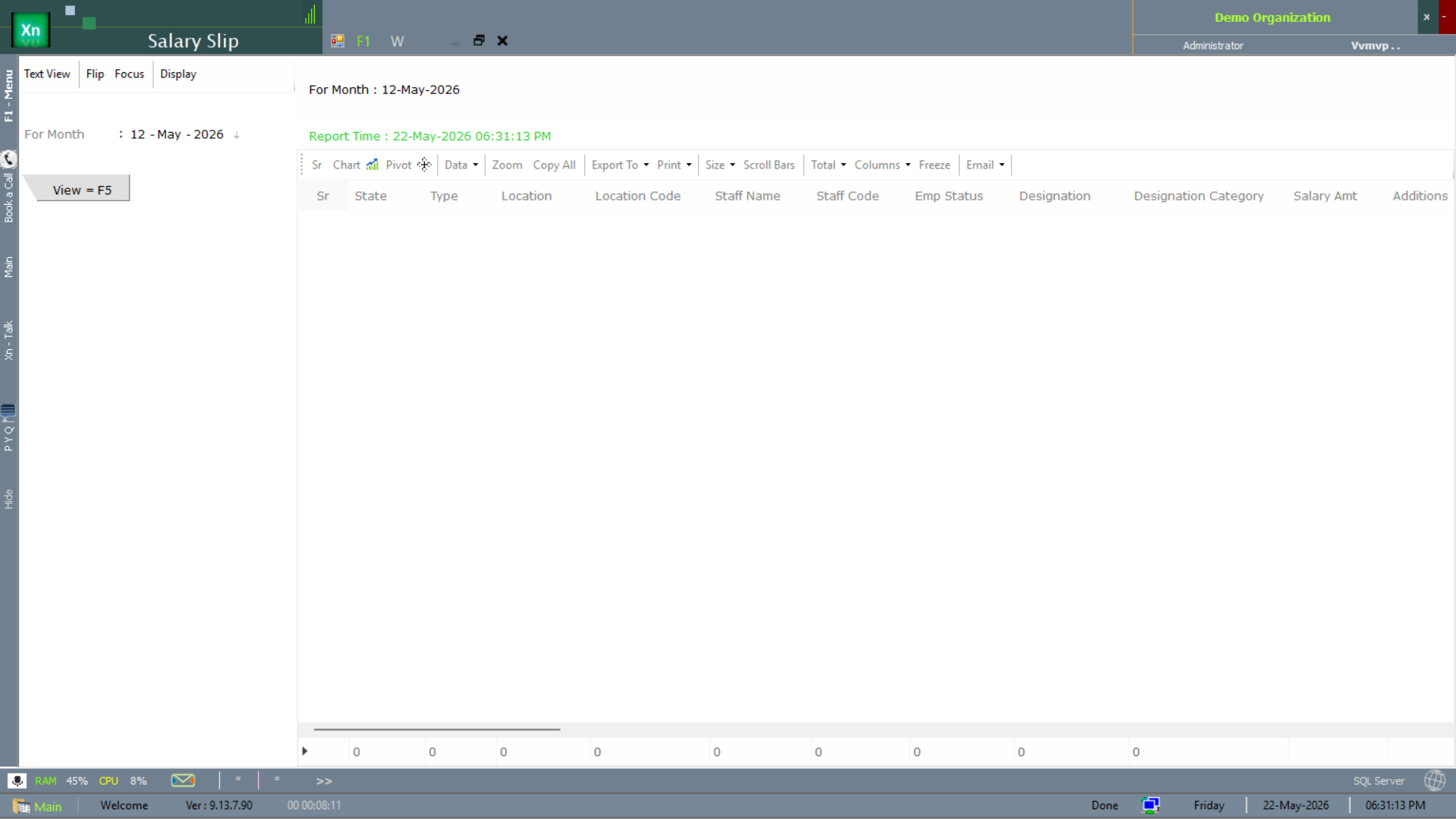
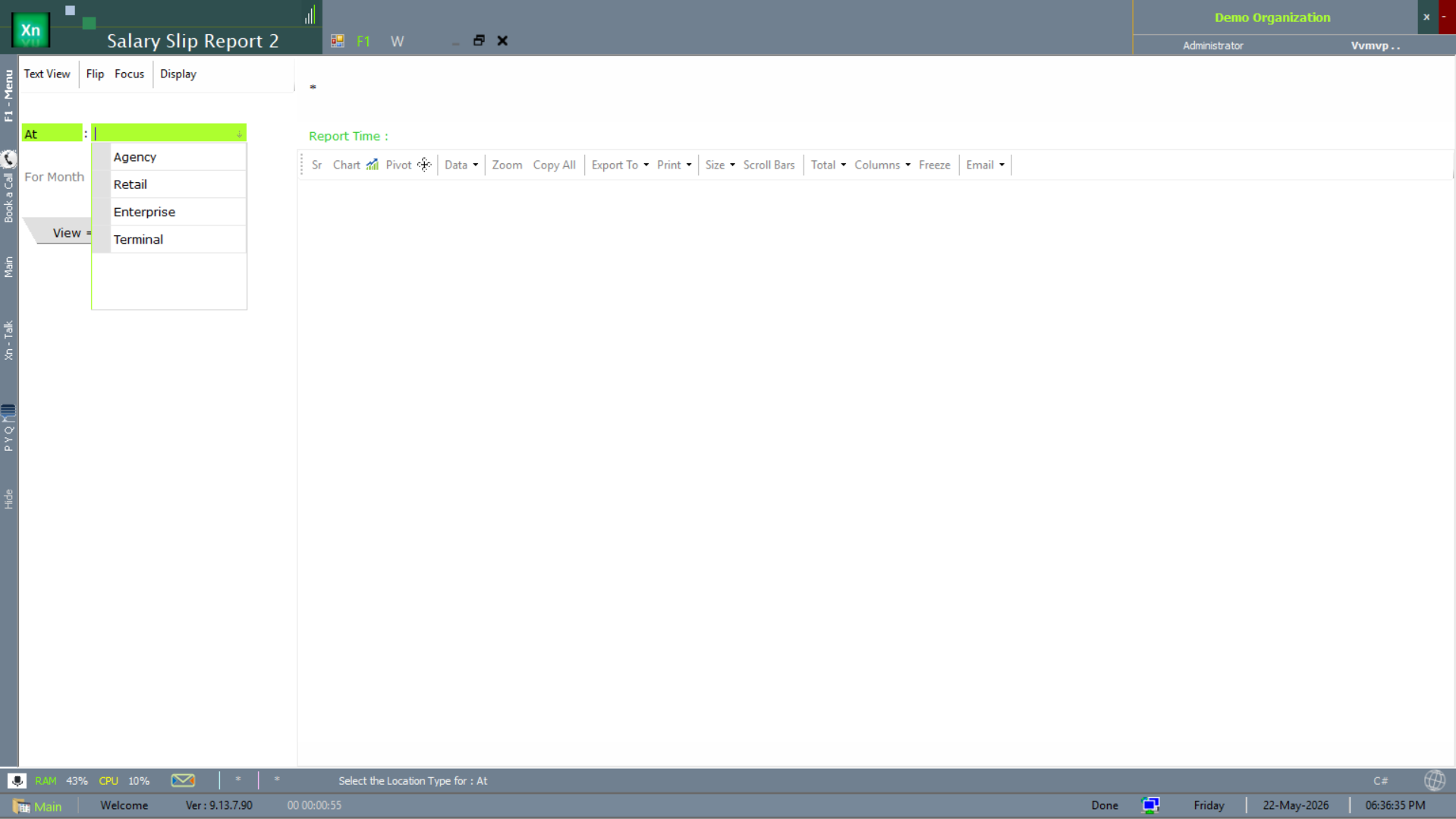
Three variants of the salary-slip report ship to match different review needs. The primary Salary Slip report is the monthly per-employee view; the second variant filters by month for back-issue lookups; the third surfaces a multi-variant view for HR-side audit.
Salary View (analytics)
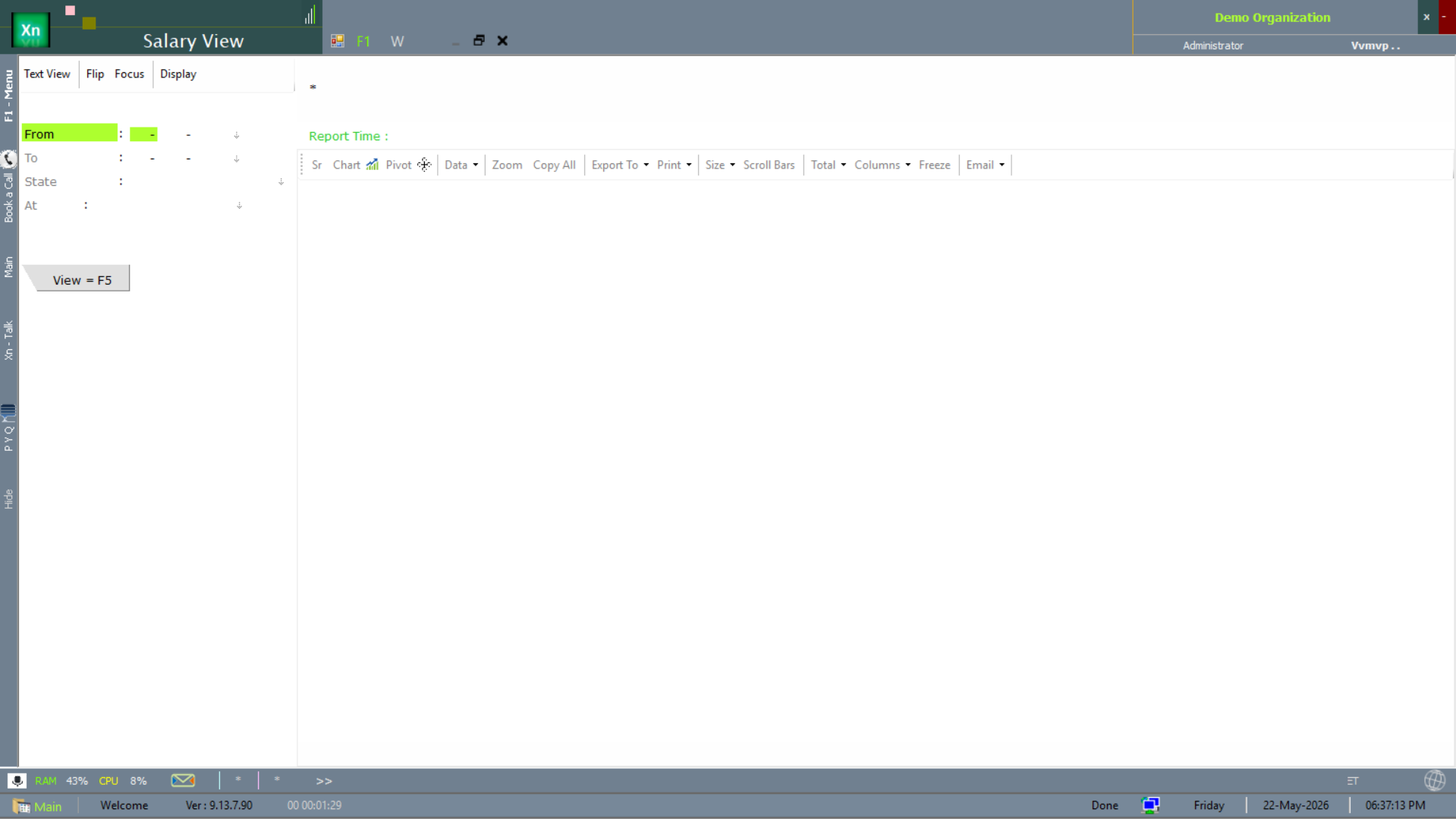
The Salary View report is the analytics cut — multi-field filtering across months, employees, locations and pay heads. Used by HR to spot trends (e.g. overtime drift, churn-cost) rather than for the monthly run itself.
Statutory Reports
PF, ESI, PT, TDS and Form-16 outputs for the period — PF ECR text file in the EPFO format, ESI return as Excel, PT challan as PDF per state, TDS as Form 24Q / 26Q schedules, and Form-16 / Part A and Part B at year-end.
Loan & Advance Tracker
Tracks loans (multi-month) and salary advances (one-time) per employee — principal, EMI, balance, recovery schedule. The Salary Calc engine reads from here to deduct EMIs automatically each month until the balance is zero.
Payroll Register
Audit grid of every posted payroll — employee, gross, deductions, net — for any period. The grid totals at the bottom must match the payroll JV in Accounts; if they ever differ the system flags it on the dashboard.